
Powerful EcoFlow stations for energy anywhere!
In cart {{totalProductsCount}} item(s)
Your cart is empty
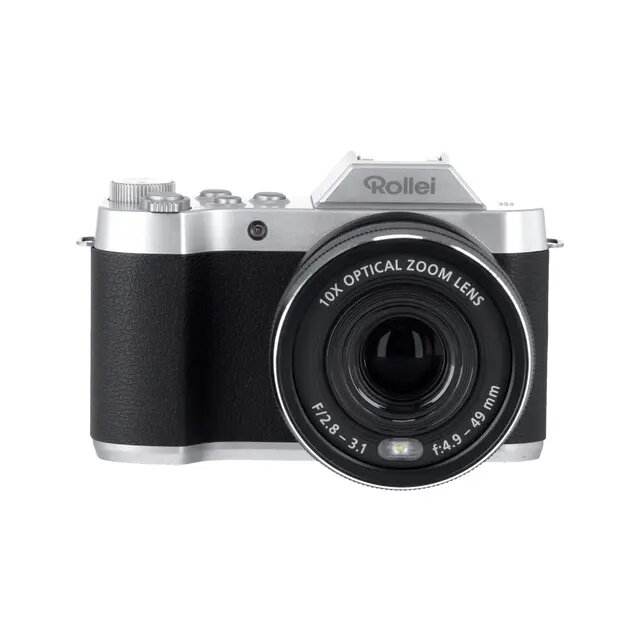
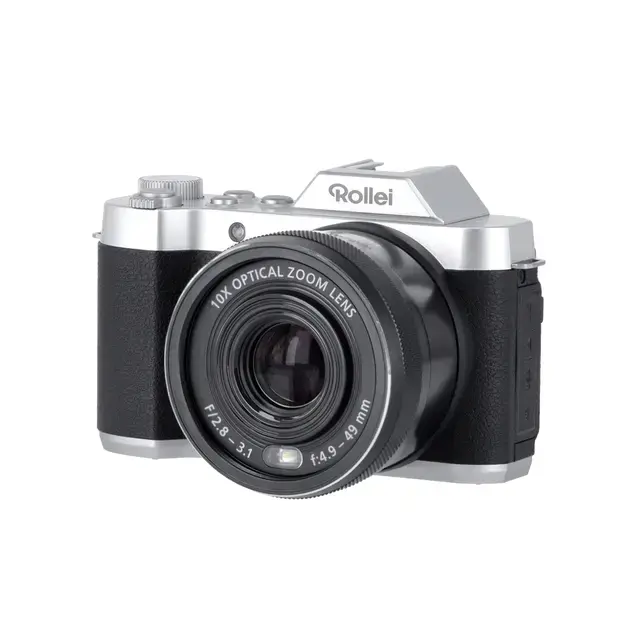
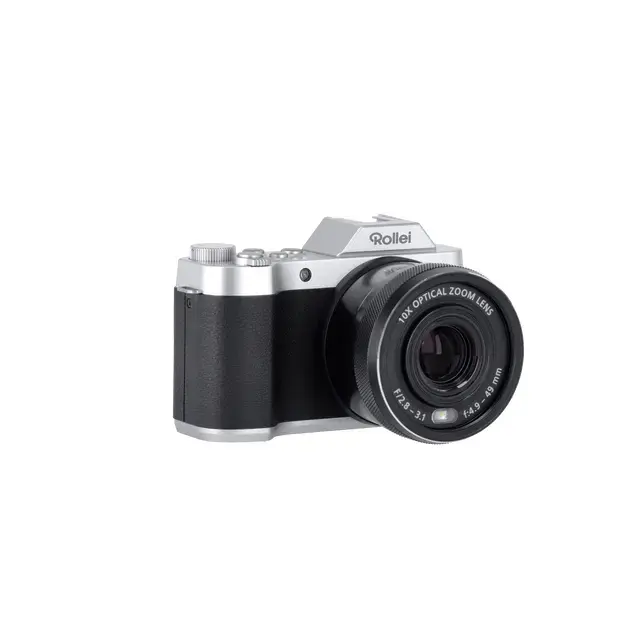
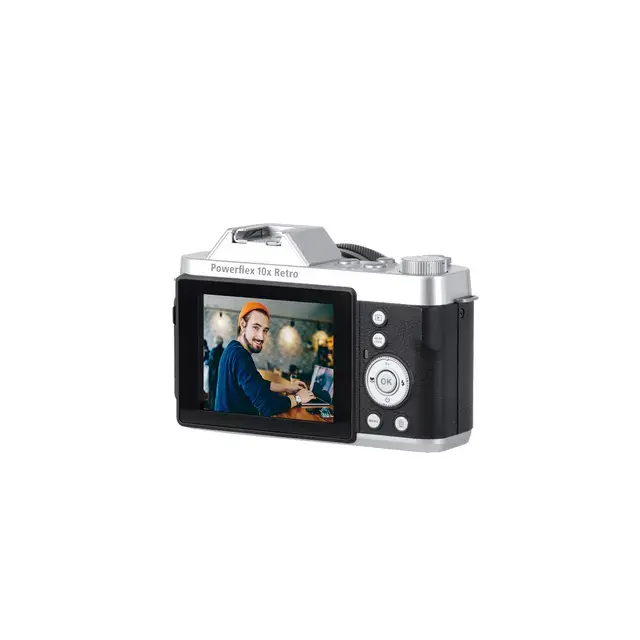
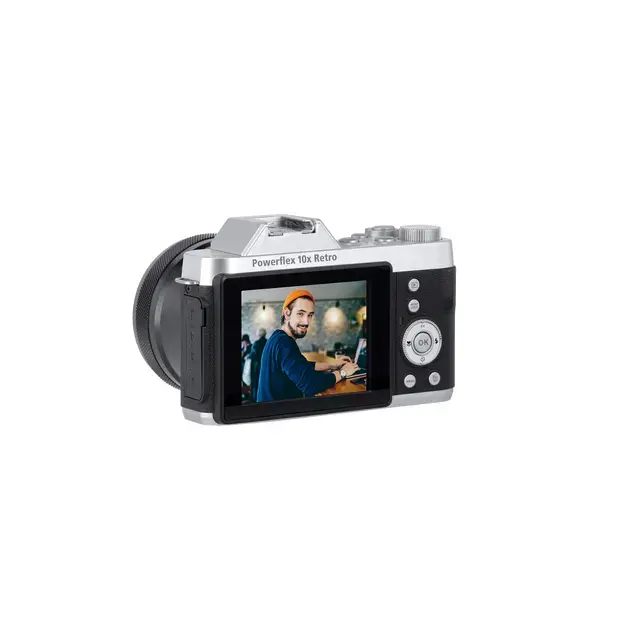
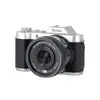
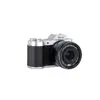
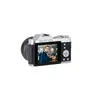
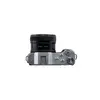
Rollei Powerflex 10x Retro MILC Camera 64 MP CMOS 4K Ultra HD Black
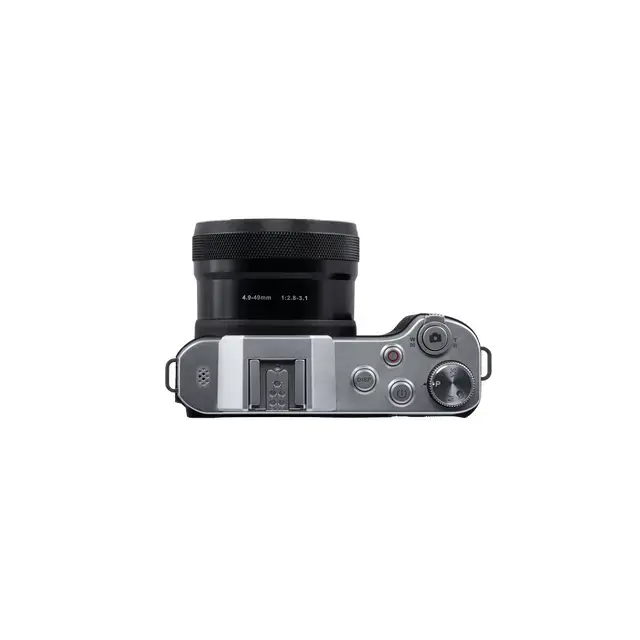
The Rollei Powerflex 10x Retro is a sophisticated MILC camera that blends a classic aesthetic with advanced digital imaging technology. Featuring a high-resolution 64 MP CMOS sensor, this camera captures images with exceptional detail at a maximum resolution of 9200 x 6900 pixels. Its compact black body houses a versatile 10x optical zoom lens with a focal length range of 4.9 to 49 mm, making it suitable for a wide variety of shooting scenarios from wide-angle landscapes to detailed close-ups.
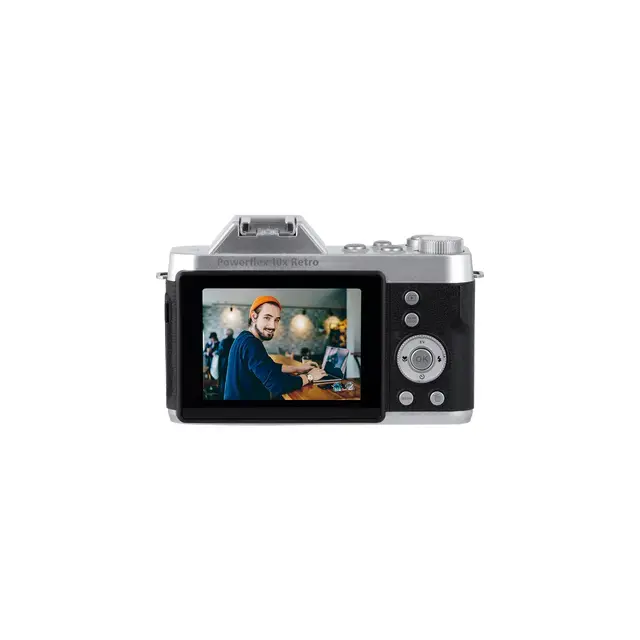
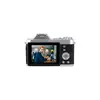
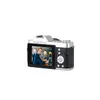
This camera offers a significant advantage for photographers who value both portability and high-end performance. The integration of a 64 MP sensor ensures that every shot retains clarity, allowing for large-format printing or extensive cropping without loss of quality. The inclusion of 4K Ultra HD video recording capabilities provides users with the tools to create professional-grade cinematic content. Furthermore, the 2.88-inch display allows for precise framing and immediate review of captured media, while the lightweight design ensures the device remains comfortable to carry during extended photography sessions.
The Rollei Powerflex 10x Retro may not be the ideal choice for professional sports or wildlife photographers who require extremely fast burst rates or specialized telephoto lenses beyond the 10x optical zoom range. Additionally, users seeking interchangeable lens systems may find the fixed lens configuration limiting for highly specific technical applications.
To begin using the camera, ensure the Lithium-Ion battery is fully charged using the provided USB Type-C connection. Insert a compatible memory card into the designated slot. Power on the device and use the 2.88-inch display to navigate the menu settings to select your preferred resolution and shooting mode. Use the zoom toggle to adjust the focal length between 4.9 mm and 49 mm to frame your subject. Press the shutter button halfway to focus, then fully to capture your image. For video, switch to the dedicated video mode and press the record button.
For optimal image quality, always use a stable surface or tripod when utilizing the full 10x optical zoom. Regularly update the camera firmware if available and keep the lens clean to maintain the clarity of the 64 MP sensor.
{{highlightedFeature.featureTitle}}:
{{getProductFeatureValueById(product, highlightedFeature.featureId)}}
{{ productComparisonGenerationError }}