
Hurry and order now – up to 50% off!
In cart {{totalProductsCount}} item(s)
Your cart is empty
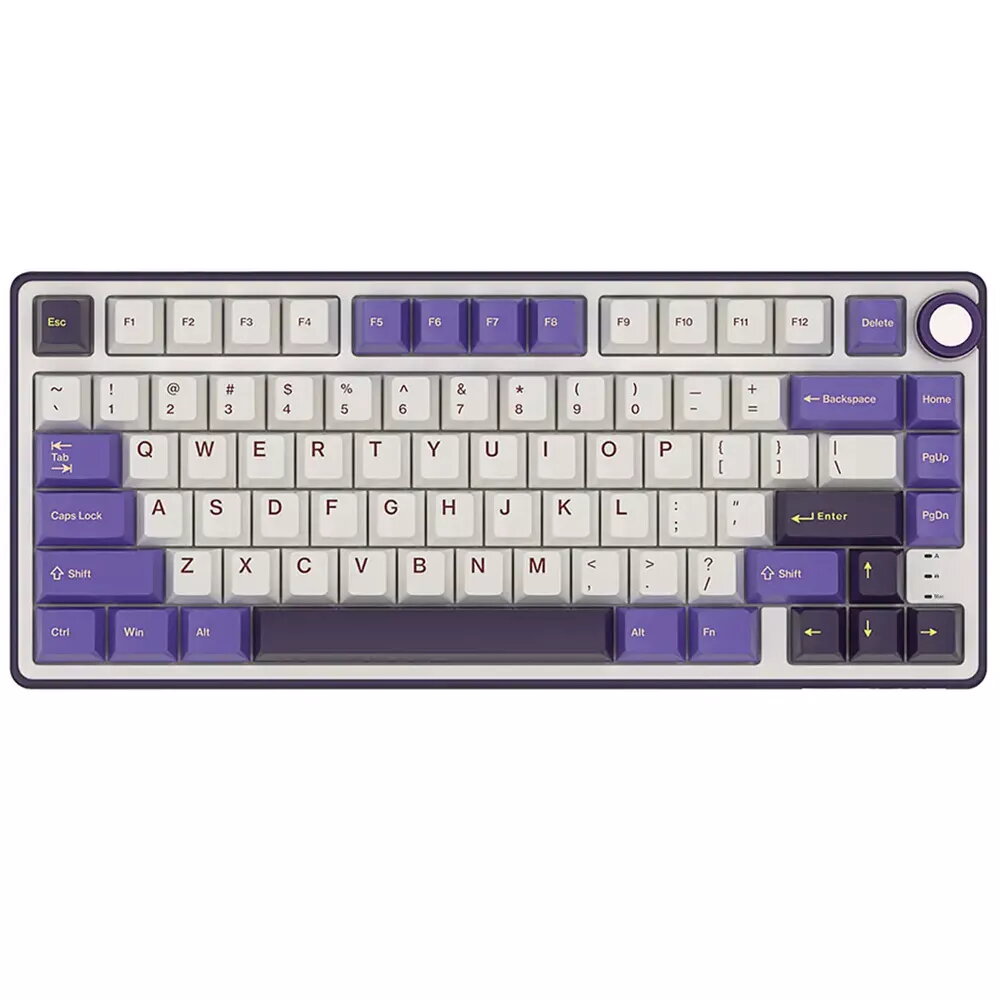
Mechanical Keyboard Royal Kludge R75 Blackberry with K Silver switches, RU layout
The Royal Kludge R75 Blackberry with K Silver switches and Russian (RU) layout is a 75% mechanical keyboard designed for compact desk setups where space efficiency and full functionality are both required. This keyboard combines a hybrid compact layout with mechanical linear K Silver switches to deliver quiet, smooth keystrokes suitable for typing and gaming. The built-in backlighting provides visibility in low-light conditions while the RU key legend supports native Russian input alongside English characters.
The R75 Blackberry offers a compact 75% footprint that preserves essential keys while reducing overall width, making it suitable for limited desk space. K Silver linear switches provide a light, consistent actuation with minimal tactile bump and lower noise compared with tactile switches. Integrated backlighting improves key legibility in dim environments and enhances the keyboard’s usability for extended sessions. The RU key layout is printed to match standard Russian typing, enabling accurate character input without layout modification.
Connect the keyboard to a computer using the included USB cable and allow the operating system to recognize the device. Use the RU legends for native Russian input; the English legends are available for bilingual typing. Adjust backlight settings using the keyboard’s built-in lighting controls according to the user manual or key combinations. No special software is required for basic operation; plug-and-play functionality supports immediate use for typing and gaming.
For optimal performance, place the Royal Kludge R75 on a flat surface and maintain a comfortable wrist position to reduce fatigue during long typing or gaming sessions. If you frequently switch between layouts, verify input language settings in your operating system to match the RU physical layout. Clean keycaps and the keyboard surface periodically with a soft, dry cloth; avoid using liquids or abrasive cleaners directly on the keyboard.
{{highlightedFeature.featureTitle}}:
{{getProductFeatureValueById(product, highlightedFeature.featureId)}}
{{ productComparisonGenerationError }}