-
Cabling technology:
Type of cable technology performance.
-
10/100/1000Base-T(X)
-
Cable length:
How long the cable is.
-
1 m
-
Product colour:
The colour e.g. red, blue, green, black, white.
-
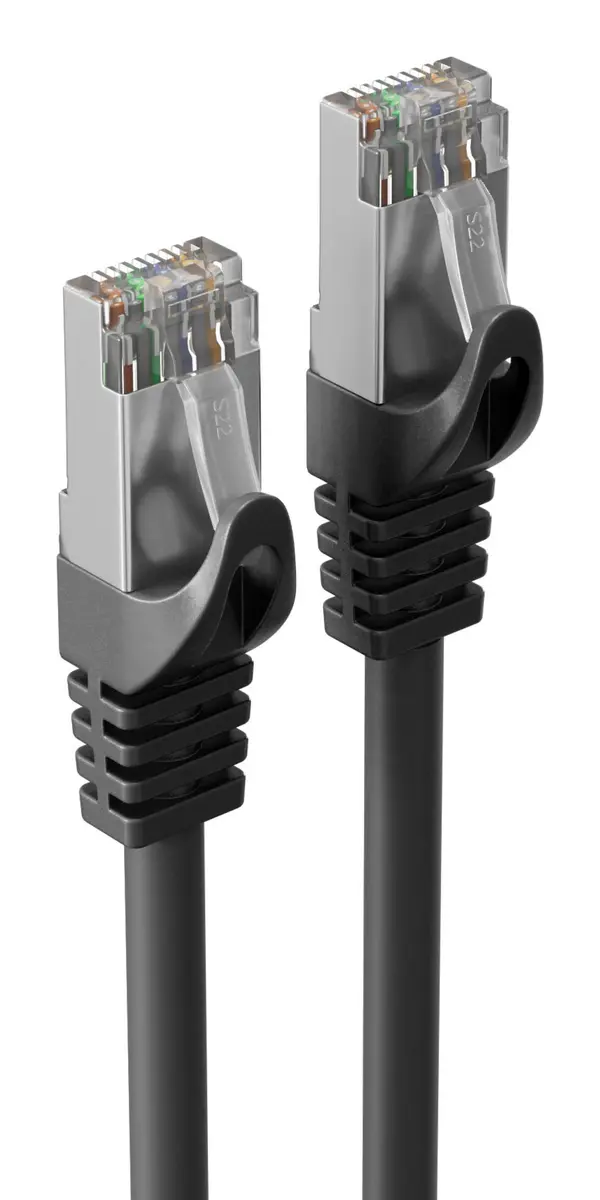
Black
-
Data transfer rate:
Rate at which data can be transferred, usually measured in units per second. May vary with network configurations.
-
10000 Mbit/s
-
Networking standards:
The way in which the network is working, e.g. IEEE 802.11a, IEEE 802.11b, IEEE 802.11g.
-
IEEE 802.3at, IEEE 802.3af
-
Power over Ethernet (PoE):
The device supports Power over Ethernet (PoE), which is one of several standardized or ad-hoc systems which pass electrical power along with data on Ethernet cabling. This allows a single cable to provide both data connection and electrical power to devices such as wireless access points or IP cameras.
-
Yes
-
Connector 1:
This is the first connector in the device.
-
RJ-45
-
Connector 2:
This is the second connector in the device.
-
RJ-45
-
Connector contacts plating:
What the connector contacts are covered with (layer on top).
-
Gold
-
Connector 1 form factor:
-
Straight
-
Connector 2 form factor:
-
Straight
-
Jacket material:
-
Thermoplastic elastomer (TPE)
-
Cable standard:
The category of the cable, which is determined by performance characteristics and test requirements.
-
Cat7
-
Frequency:
-
600 MHz
-
Conductor type:
-
Stranded
-
Cable shielding:
The protective layer for the cable, typically made of plastic.
-
S/FTP (S-STP)
-
Connector 1 gender:
The gender of the first connector of the product. Each half of a pair of mating connectors is assigned the designation male or female, the part bearing one or which fits into another being called male.
-
Male
-
Connector 2 gender:
The gender of the second connector of the product. Each half of a pair of mating connectors is assigned the designation male or female, the indented one or the one fitting around the other being called female.
-
Male
-
Conductor material:
-
Copper
-
Quantity per pack:
-
1 pc(s)
-
Connector shielding:
-
Yes
-
Cable shape:
-
Round
-
Doesn't contain:
-
Halogen