Filters you can trust. Pure water every day.
In cart {{totalProductsCount}} item(s)
Your cart is empty
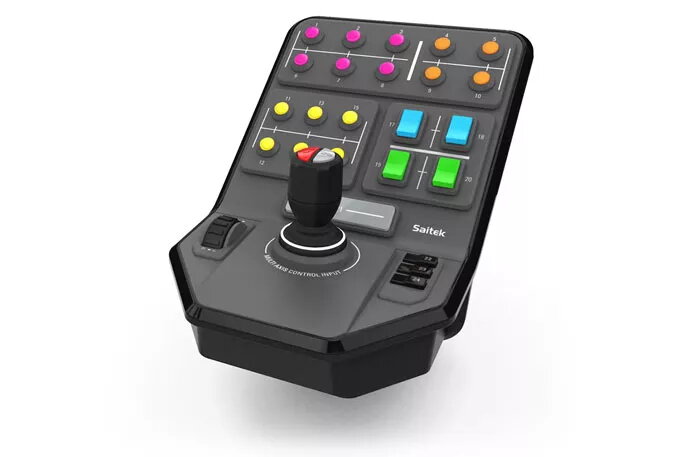
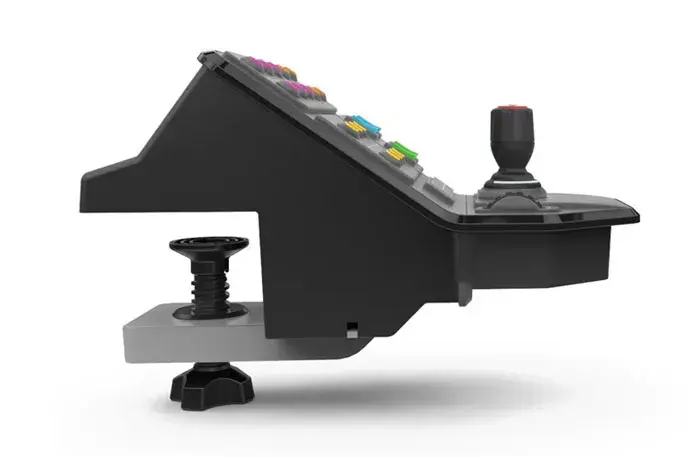
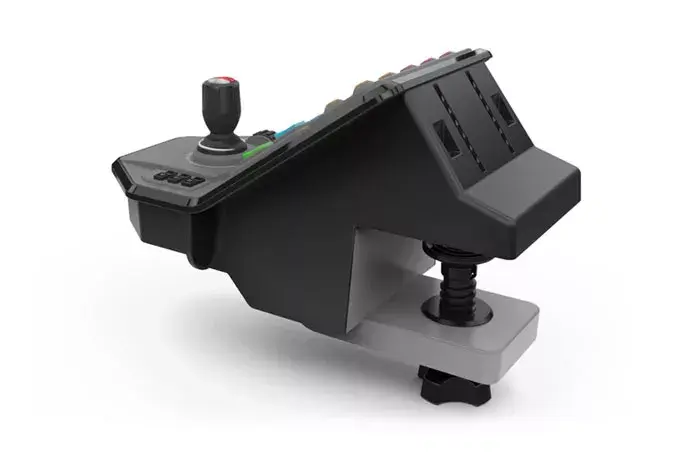
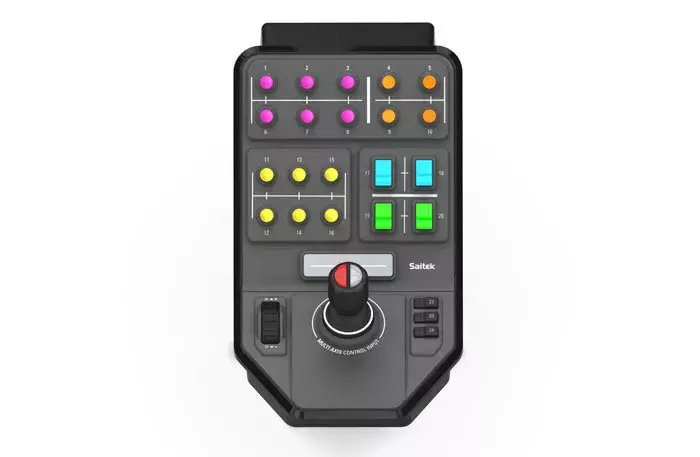
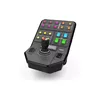
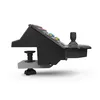
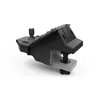
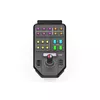
Special Device Logitech G G Saitek Farm Sim Vehicle Side Panel
The Logitech G Saitek Farm Sim Vehicle Side Panel is a specialized gaming controller engineered to provide precise, immersive control for agricultural simulation games. Developed in collaboration with GIANTS Software, this device offers a realistic interface for managing complex farming machinery and attachments. Its ergonomic design and versatile control layout allow users to handle virtual vehicles with greater accuracy and comfort, making it an essential addition for dedicated simulation enthusiasts.
This side panel significantly improves the gaming experience by providing dedicated physical controls that mimic real-world farming equipment. The combination of analogue and digital inputs ensures that every movement, from operating heavy machinery to managing complex attachments, is executed with high precision. Its robust construction and intuitive button placement reduce the need for keyboard shortcuts, allowing for a more natural and fluid gameplay flow. The device is designed to be reliable and responsive, ensuring consistent performance during long gaming sessions.
This device may not be suitable for players who primarily engage in fast-paced action, racing, or first-person shooter games, as its layout is specifically optimized for simulation mechanics. It is also not compatible with gaming consoles and requires a PC running a supported version of the Windows operating system.
To begin using the side panel, connect the device to an available USB 2.0 port on your PC. The system should automatically recognize the controller. Once connected, launch your preferred simulation game and navigate to the control settings menu. From there, you can map the various buttons and the control stick to specific in-game functions, such as operating loaders, managing attachments, or controlling thrusters. Ensure the device is placed on a stable surface for optimal access during gameplay.
For the best experience, configure the programmable buttons to match the most frequently used functions in your simulation game. Regularly clean the surface with a dry cloth to maintain the grip and appearance of the controls.
{{highlightedFeature.featureTitle}}:
{{getProductFeatureValueById(product, highlightedFeature.featureId)}}
{{ productComparisonGenerationError }}