Filters you can trust. Pure water every day.
In cart {{totalProductsCount}} item(s)
Your cart is empty
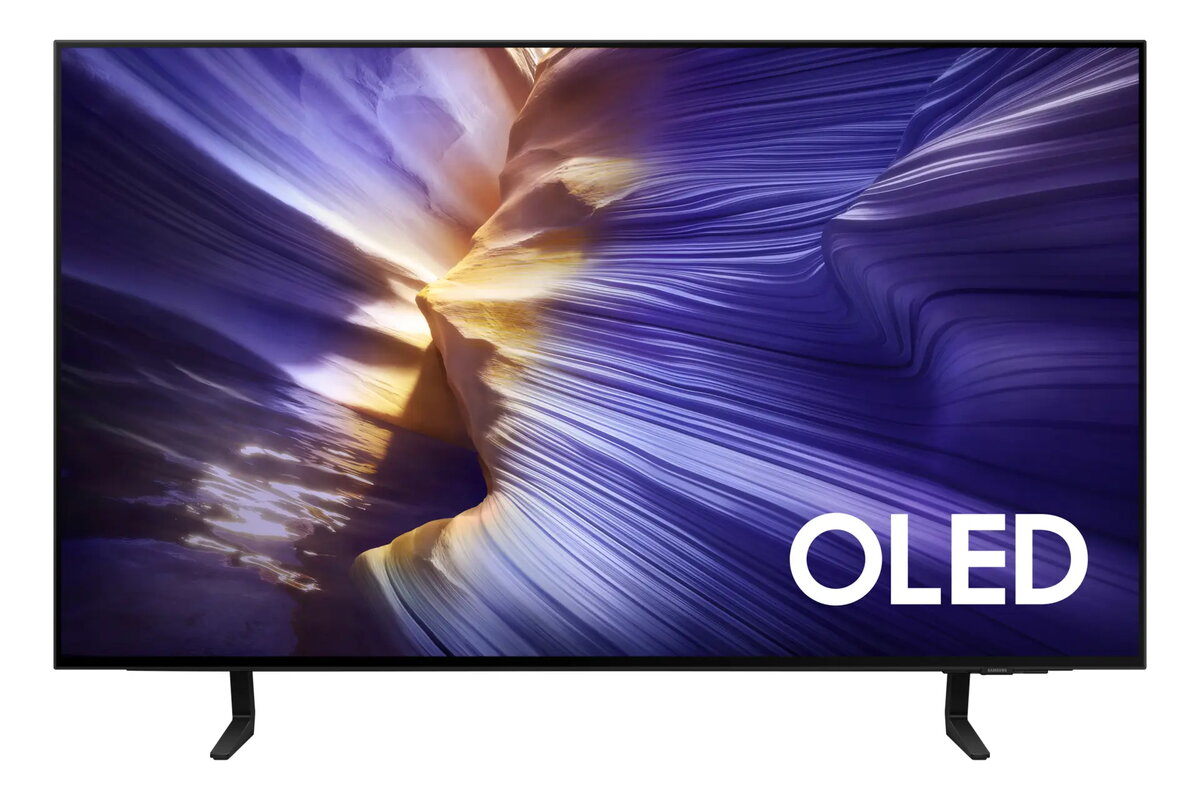
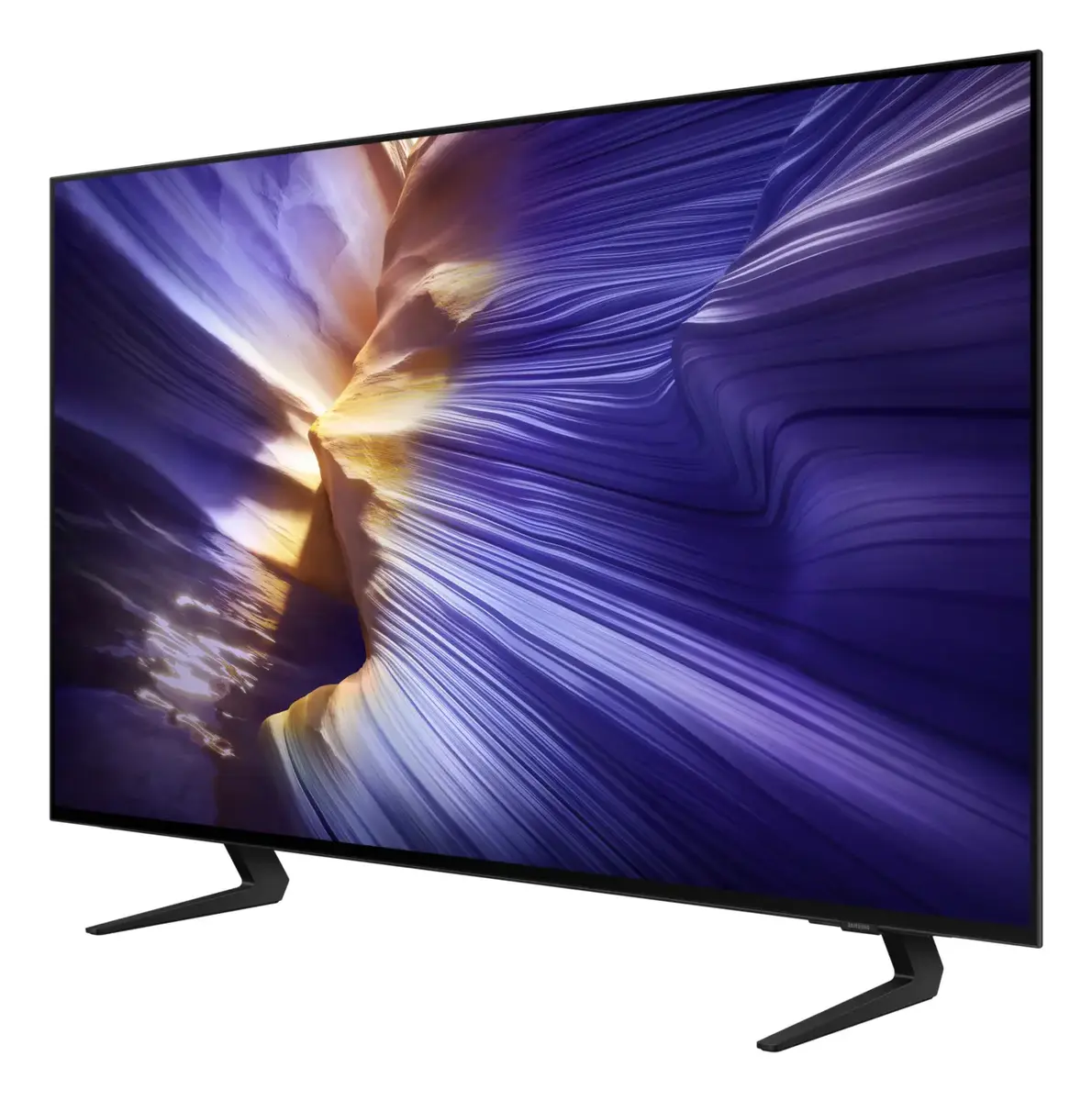
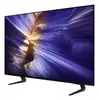
Samsung GQ42S92FAE 42-inch 4K Ultra HD OLED Smart TV
The Samsung GQ42S92FAE is a premium 42-inch 4K Ultra HD Smart TV that utilizes advanced OLED display technology to provide exceptional picture quality. By leveraging self-illuminating pixels, this television achieves perfect black levels and vibrant color reproduction, ensuring a cinematic viewing experience in a compact form factor. Powered by the Tizen operating system, the device offers an intuitive interface for navigating streaming apps, live television, and connected devices.
The primary benefit of this OLED television is its superior contrast ratio, which brings depth and realism to every scene. The 4K Ultra HD resolution ensures sharp, detailed images, while the integrated Motion Xcelerator technology maintains smooth motion during fast-paced action sequences or sports broadcasts. Its sleek, flat design fits seamlessly into various room layouts, and the inclusion of a twin tuner allows for flexible signal reception options. The smart functionality provides quick access to popular digital content, making it a versatile hub for modern home entertainment.
This television may not be the ideal choice for users who require a significantly larger screen size for expansive home theater setups. Additionally, because it utilizes OLED technology, it is best suited for indoor environments with controlled lighting rather than rooms with intense, direct sunlight, which could potentially impact the perceived contrast.
To begin using the Samsung GQ42S92FAE, connect the power cable and your antenna or satellite cable to the appropriate ports on the rear of the unit. Upon powering on the TV for the first time, follow the on-screen setup wizard to connect to your home Wi-Fi network and sign in to your Samsung account. You can then customize your picture and sound settings through the main menu to suit your preferences. Use the included remote control to navigate the Tizen interface, launch your favorite streaming applications, or switch between different input sources.
For the best viewing experience, ensure the TV is placed at eye level and that you have a high-speed internet connection to fully utilize the smart streaming features. Regularly update the firmware via the settings menu to maintain optimal performance and security.
{{highlightedFeature.featureTitle}}:
{{getProductFeatureValueById(product, highlightedFeature.featureId)}}
{{ productComparisonGenerationError }}
Device manufacturer code
Device manufacturer
iagonal of the visible part of the screen expressed in centimeters and inches.
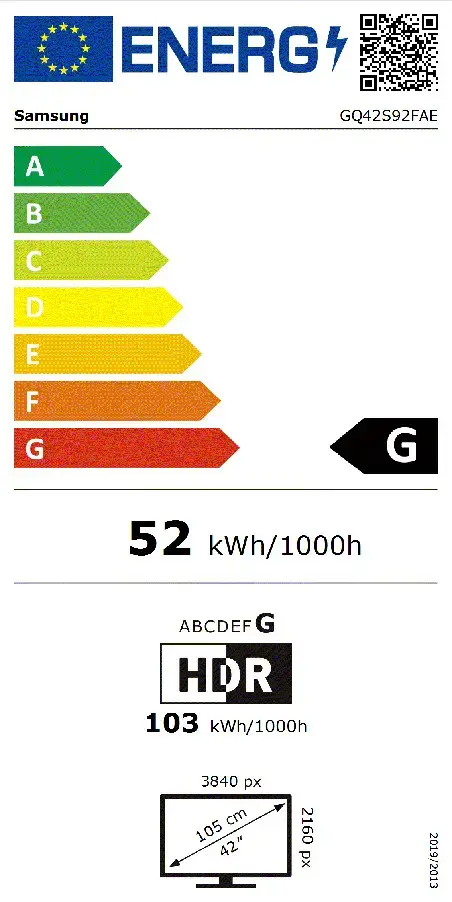
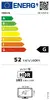
Energy efficiency class is a standard classification that is used all over Europe and which is understandable at first sight. Products can be efficiently compared according to classes, starting from A (the most energy efficient class), and ending with G (the most energy-intensive class). The classification of energy efficiency is based on annual energy consumption which is being calculated on the basis of several different parameters.
Power consumption in switched-on state expressed in W.