Filters you can trust. Pure water every day.
In cart {{totalProductsCount}} item(s)
Your cart is empty
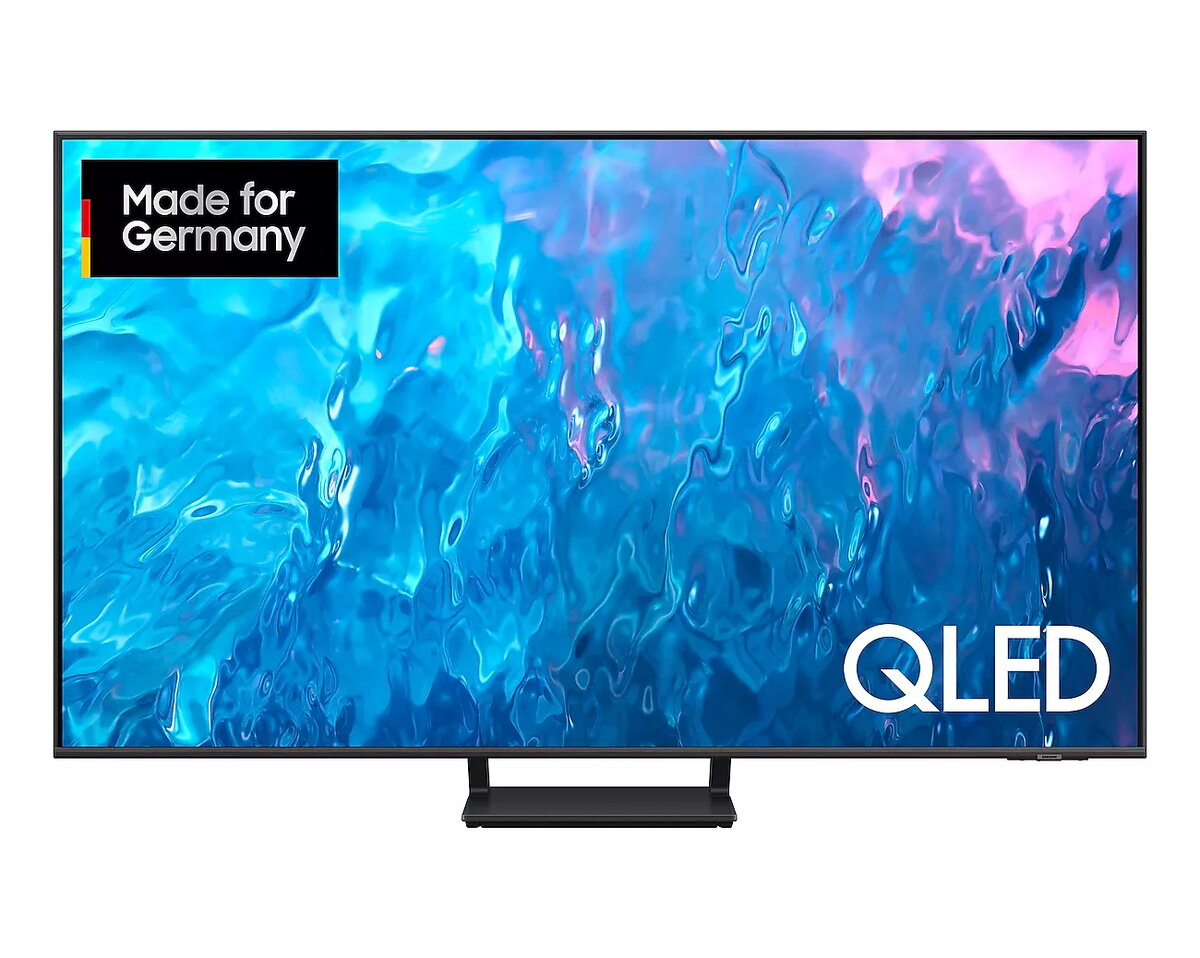
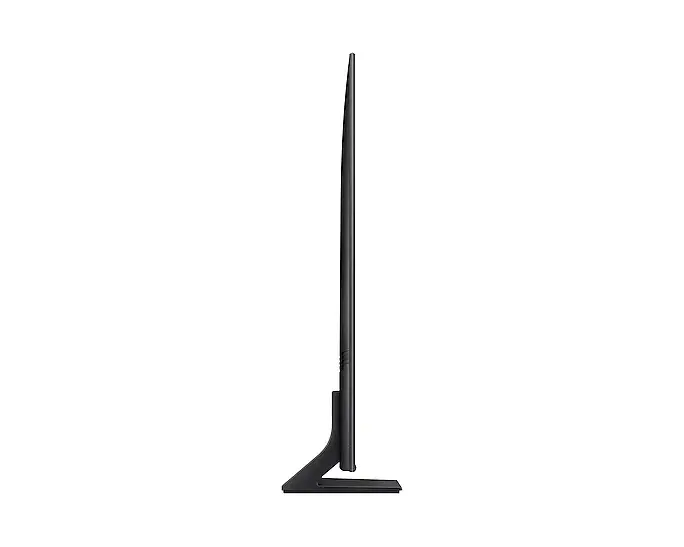
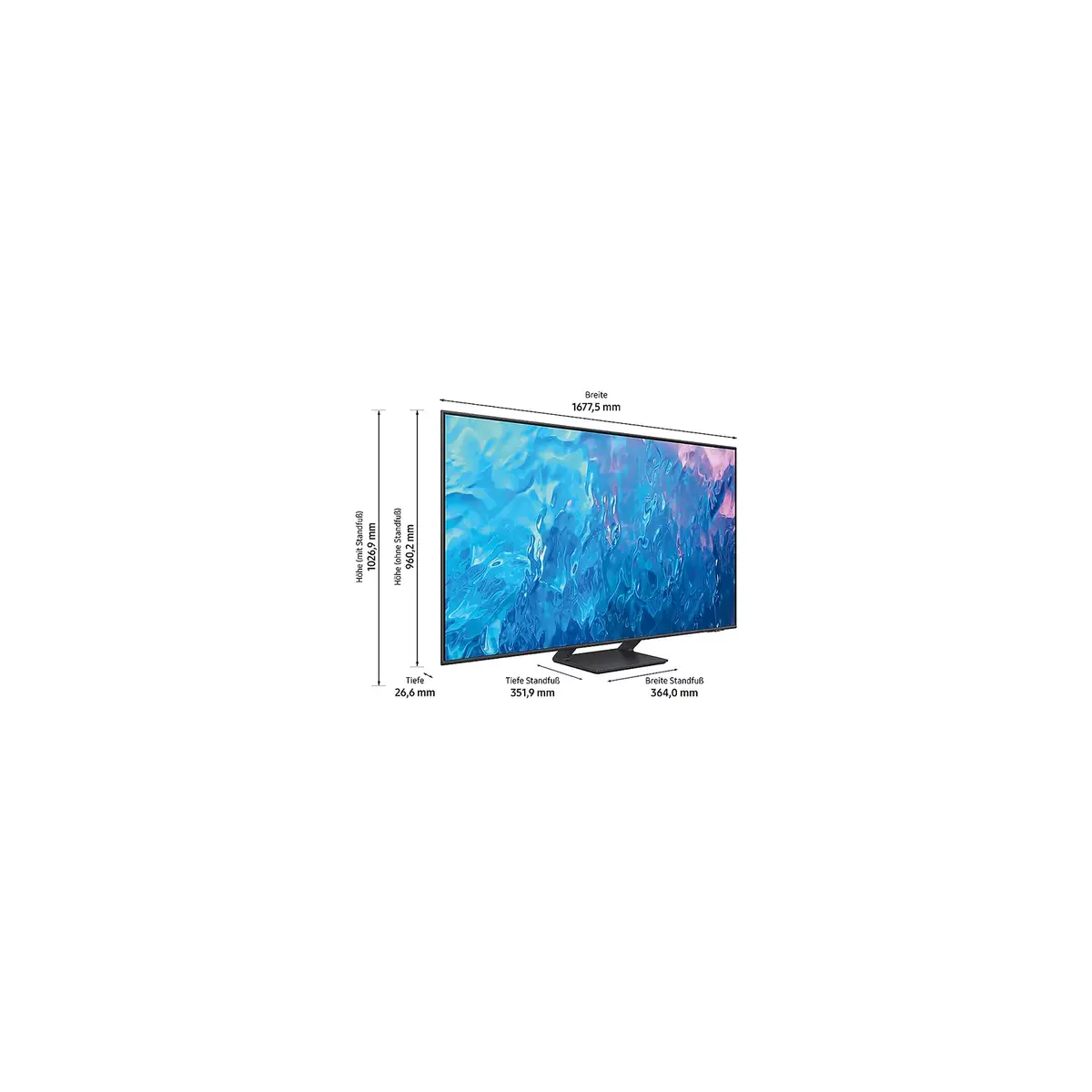
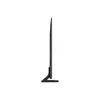
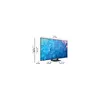
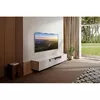
TV Samsung GQ75Q70CAT 75" 4K Ultra HD QLED 3840 x 2160
The Samsung GQ75Q70CAT 75" 4K Ultra HD QLED Smart TV combines a large 75-inch (189 cm) screen with QLED display technology and a 3840 x 2160 resolution to deliver detailed images with vivid color reproduction and deep contrast. Powered by the Tizen operating system, the TV supports common digital broadcast formats and offers built-in connectivity options for streaming over Wi‑Fi or Ethernet. The panel and processing are tuned for responsive performance suitable for TV shows, movies and general-purpose home entertainment.
QLED technology provides improved color volume and brightness control compared with conventional LED panels, while the 4K Ultra HD resolution ensures fine image detail. The 75" diagonal screen creates an immersive viewing area for large rooms. Integrated smart features on the Tizen platform allow access to streaming apps and network services, and multiple tuner support covers DVB-C, DVB-S2 and DVB-T2 HD signals. The TV is available in a grey/titanium finish to match modern interiors.
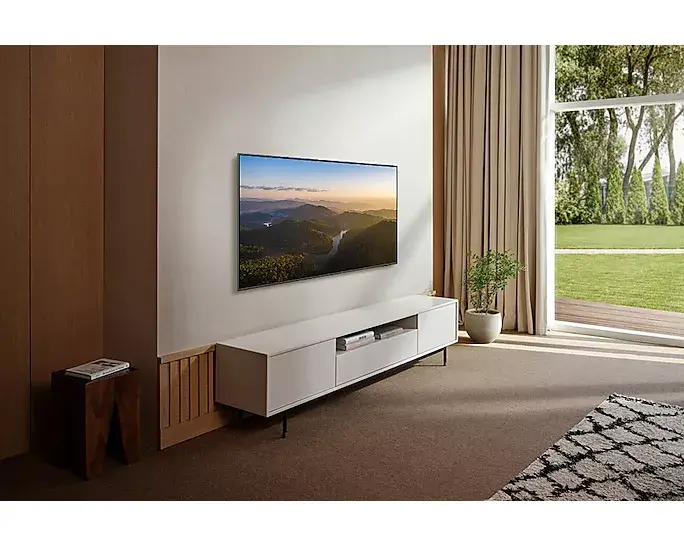
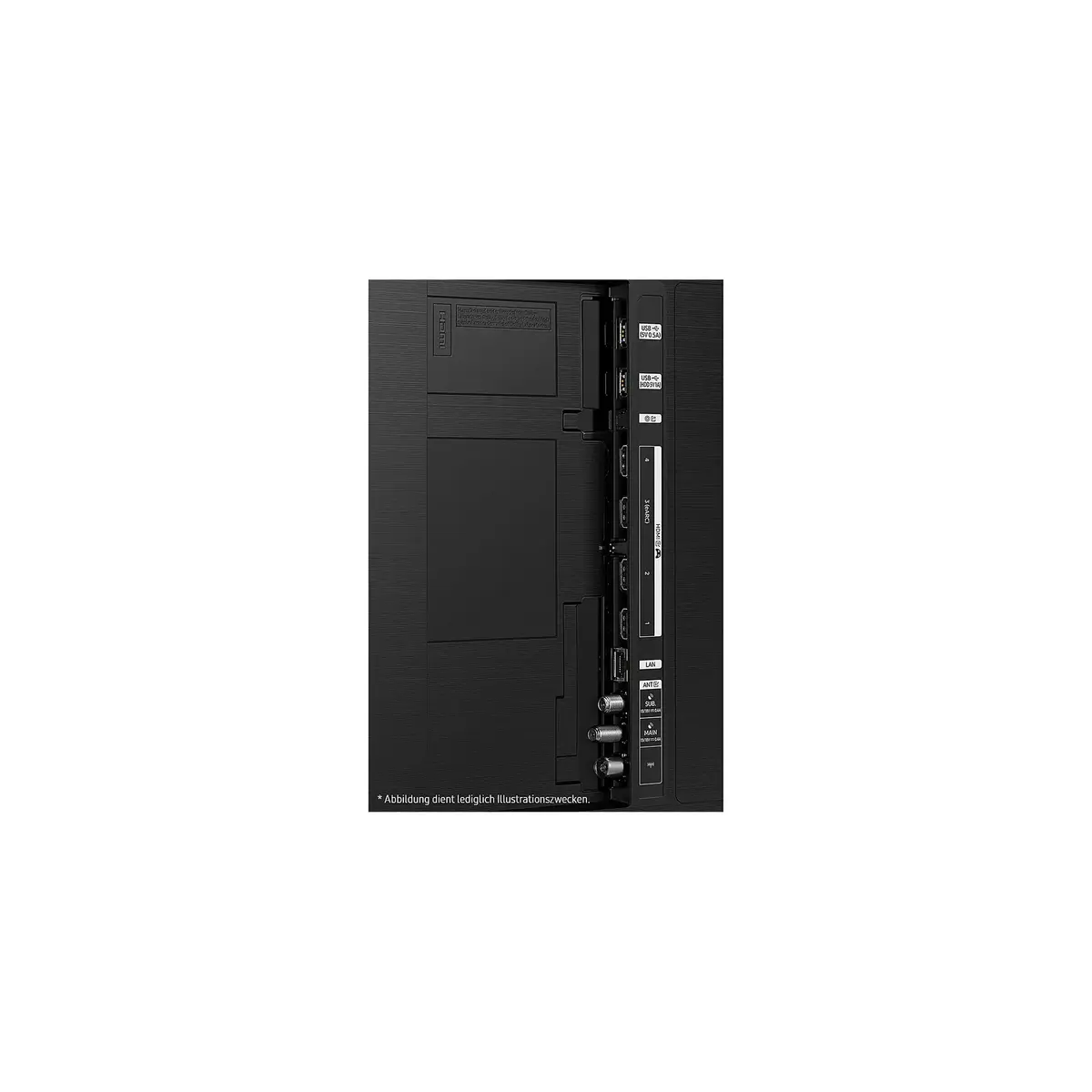
Place the TV on a stable stand or mount it to a compatible wall bracket following the manufacturer’s mounting specifications for a 75" display. Connect an external antenna, cable or satellite feed to the appropriate tuner input to receive broadcast channels, or use the built‑in network connection to sign in to streaming services on the Tizen platform. Adjust picture settings such as brightness, contrast and picture mode from the on‑screen menu to match ambient light and personal preference. Connect external devices via HDMI ports for game consoles, Blu‑ray players or set‑top boxes.
For optimal image quality, position the viewing area so that ambient light does not directly reflect on the screen. Use the recommended picture mode for the content type (Film/Cinema for movies, Standard or Dynamic for live sports) and enable any motion handling features only if they suit personal viewing preferences. To reduce energy consumption, consider using power saving options available in the settings and dimming the backlight in brightly lit rooms.
{{highlightedFeature.featureTitle}}:
{{getProductFeatureValueById(product, highlightedFeature.featureId)}}
{{ productComparisonGenerationError }}
Device manufacturer code
Device manufacturer
iagonal of the visible part of the screen expressed in centimeters and inches.
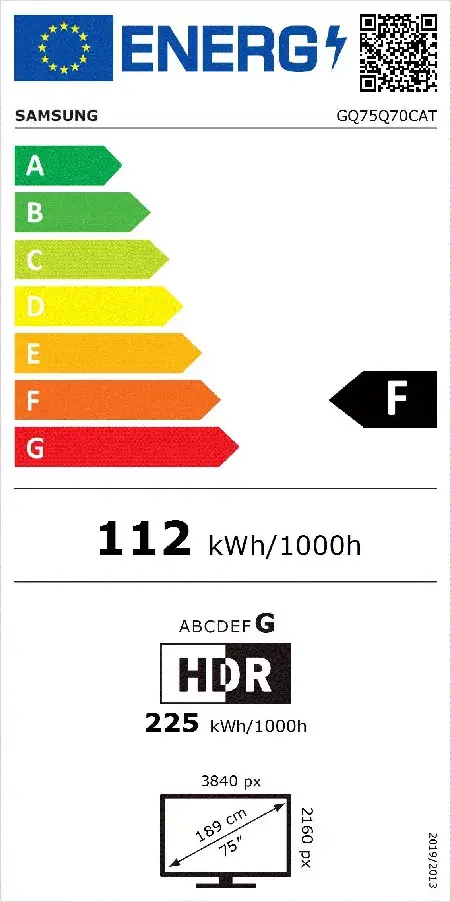
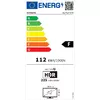
Energy efficiency class is a standard classification that is used all over Europe and which is understandable at first sight. Products can be efficiently compared according to classes, starting from A (the most energy efficient class), and ending with G (the most energy-intensive class). The classification of energy efficiency is based on annual energy consumption which is being calculated on the basis of several different parameters.
Power consumption in switched-on state expressed in W.