Filters you can trust. Pure water every day.
In cart {{totalProductsCount}} item(s)
Your cart is empty
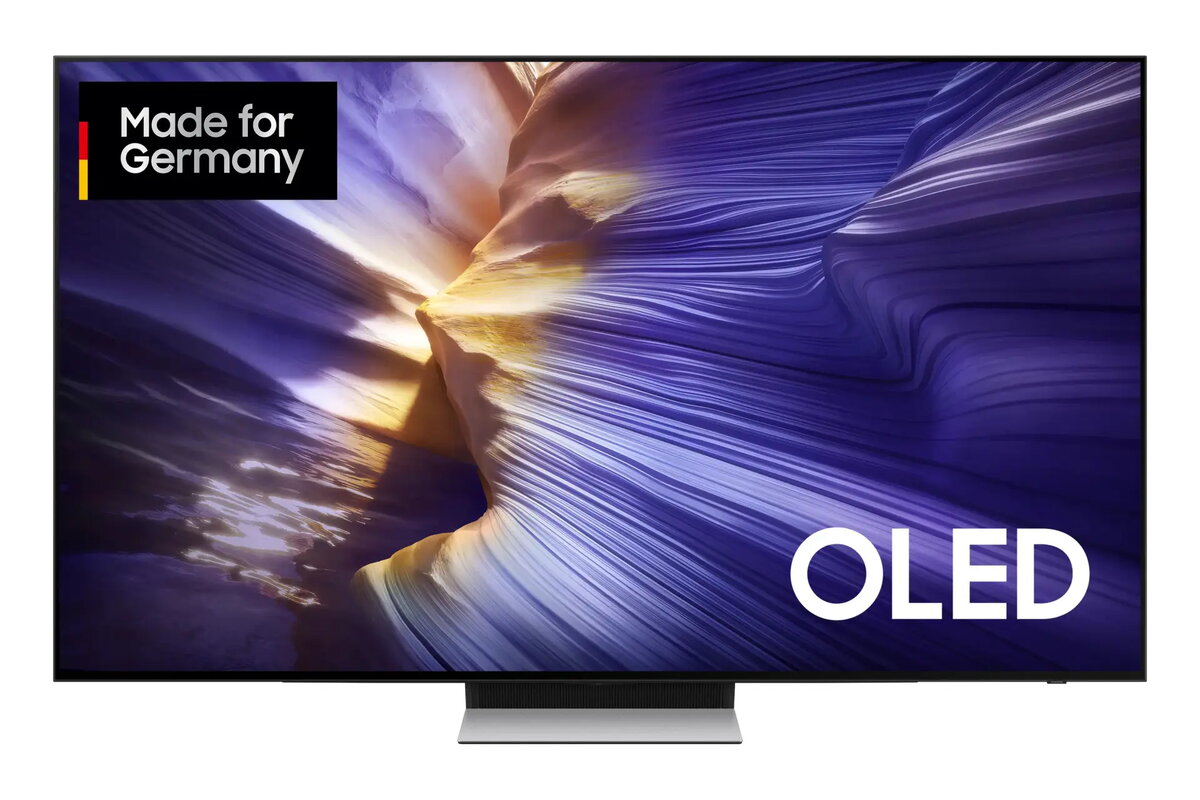
Television Samsung GQ83S90FAE 83" 4K Ultra HD OLED 3840 x 2160
The Samsung GQ83S90FAE is an 83" 4K Ultra HD OLED Smart TV with a 3840 x 2160 resolution that combines OLED panel characteristics with Samsung image processing. The large 83-inch (209 cm) display delivers deep blacks, wide viewing angles and high contrast inherent to OLED technology. Running on the Tizen operating system, the TV supports DVB-S2, DVB-C and DVB-T2 digital signal formats and provides built-in Wi‑Fi and Ethernet LAN connectivity for streaming and networked applications. Motion Xcelerator technology improves motion clarity for fast scenes, while a slim black design suits a variety of living-room interiors.
The OLED display offers high contrast and real black levels that enhance perceived detail and depth, while the native 4K Ultra HD resolution retains fine image detail at large screen sizes. Motion Xcelerator helps reduce blur in fast-moving content, and the Tizen platform provides an intuitive smart-TV experience with app support. Network connectivity via Wi‑Fi and Ethernet enables streaming, firmware updates and smart features. The television’s minimalist black finish is designed to integrate with different interior styles.
Place the TV on a stable stand or mount it on a wall designed to support the weight and dimensions of an 83" set. Connect the antenna or satellite cable to the appropriate tuner input for DVB-S2/DVB-C/DVB-T2 reception, or set up streaming through the built-in Wi‑Fi or Ethernet connection. Use the initial setup wizard on the Tizen interface to configure language, network settings and channel installation. Adjust picture mode and Motion Xcelerator settings in the picture menu to match content type (cinema, sports, gaming). Keep the TV firmware up to date via the system settings to maintain performance and compatibility.
For optimal picture quality, view from an appropriate distance for an 83" 4K screen (typically 1.5–2.5 times the screen diagonal) and select a picture mode suited to the content. When using in brightly lit rooms, increase brightness or use a picture preset that compensates for ambient light. To reduce energy consumption, use available power saving features and adjust brightness settings when HDR content is not being viewed.
{{highlightedFeature.featureTitle}}:
{{getProductFeatureValueById(product, highlightedFeature.featureId)}}
{{ productComparisonGenerationError }}
Device manufacturer code
Device manufacturer
iagonal of the visible part of the screen expressed in centimeters and inches.
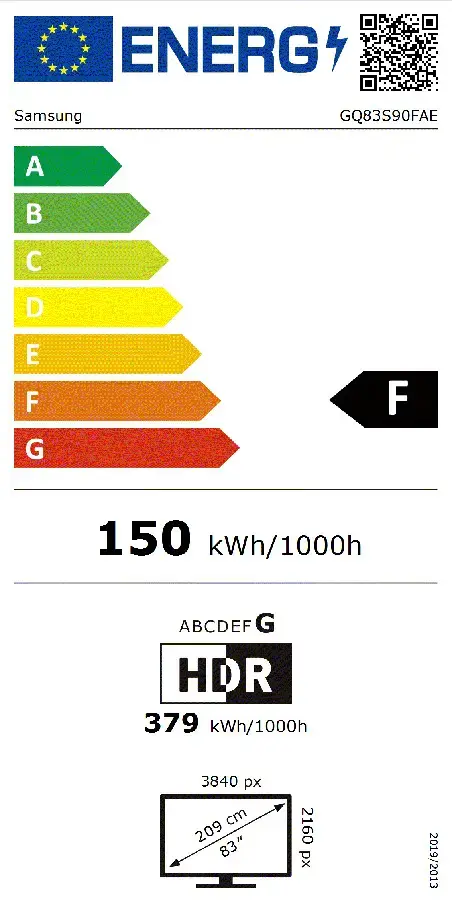
Energy efficiency class is a standard classification that is used all over Europe and which is understandable at first sight. Products can be efficiently compared according to classes, starting from A (the most energy efficient class), and ending with G (the most energy-intensive class). The classification of energy efficiency is based on annual energy consumption which is being calculated on the basis of several different parameters.
Power consumption in switched-on state expressed in W.