Save time and money with our discounts!
In cart {{totalProductsCount}} item(s)
Your cart is empty
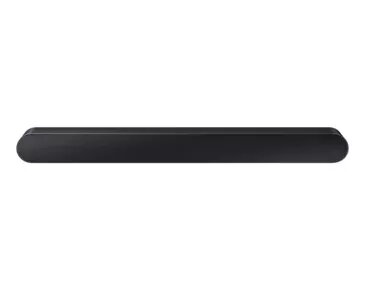
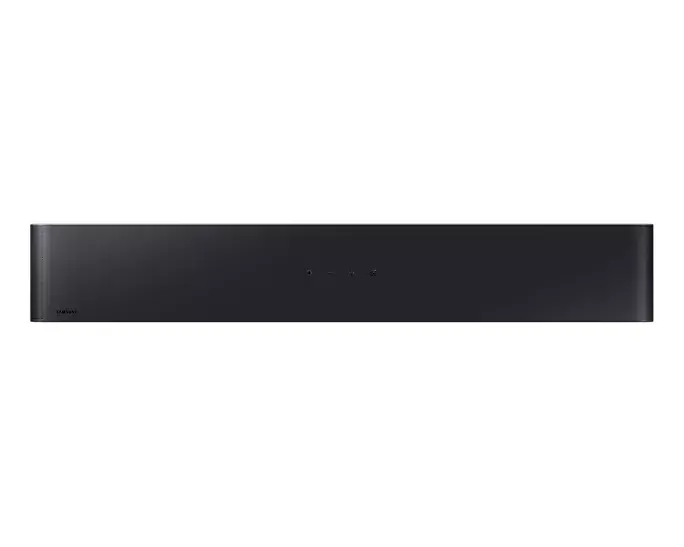
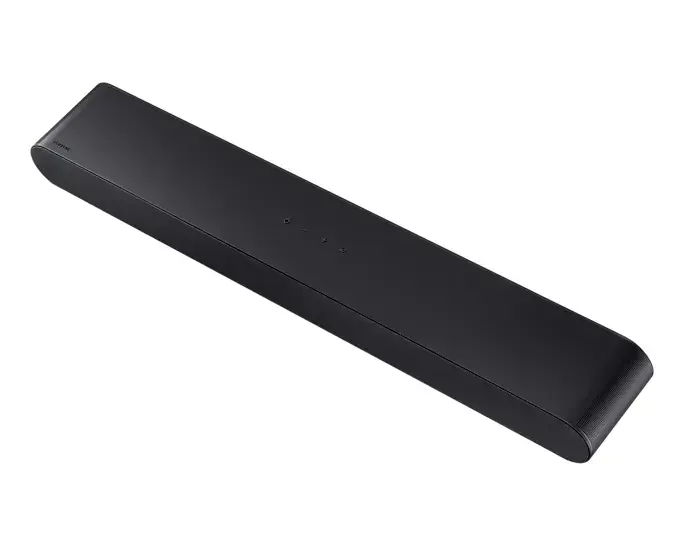
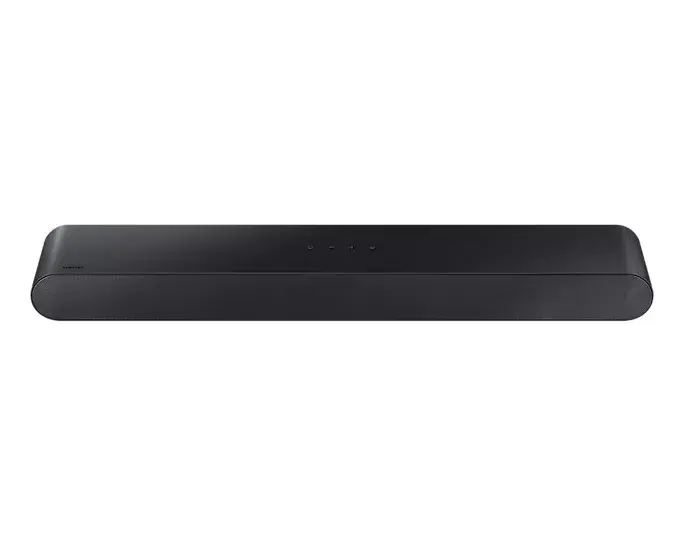
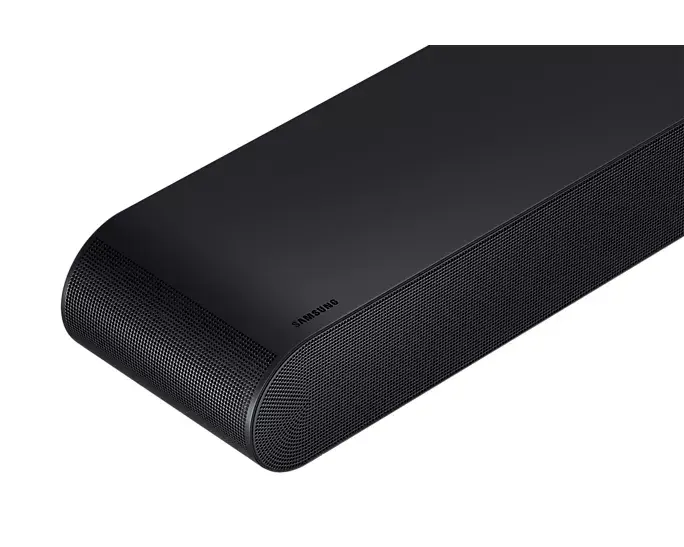
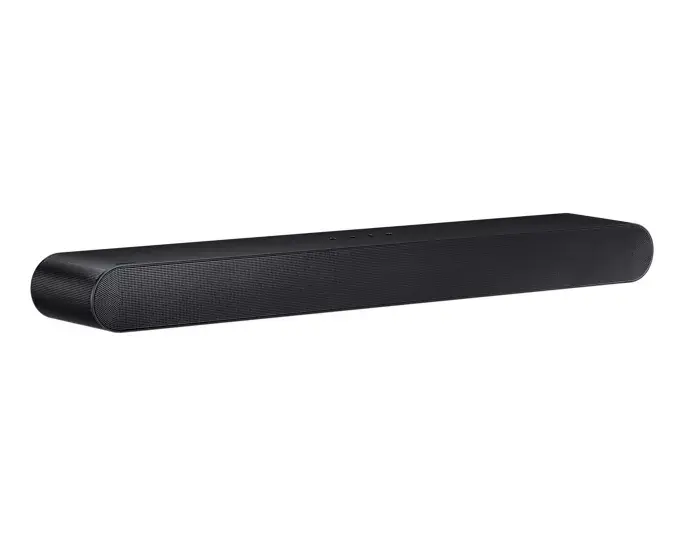
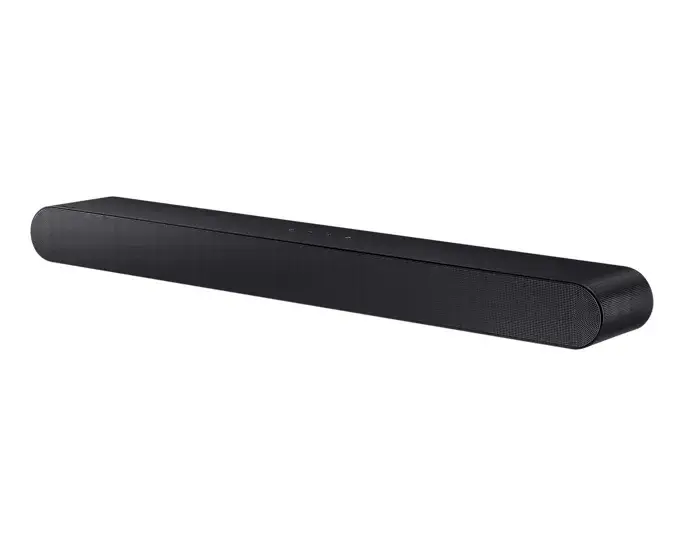
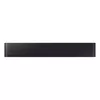
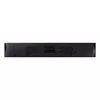
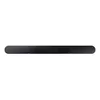
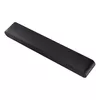
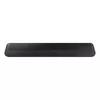
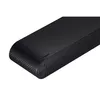
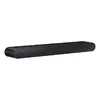
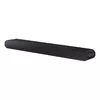
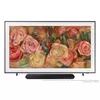
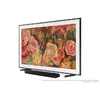
Soundbar speaker Samsung HW-S60D/EN Black 5.0 channels Dolby Atmos
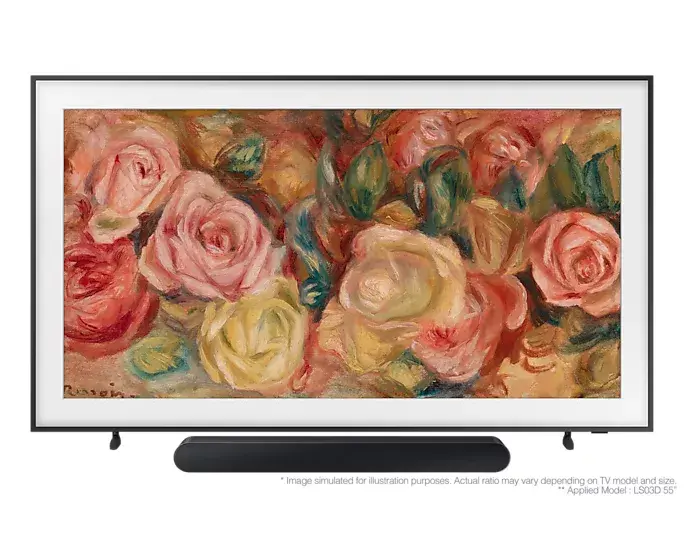
The Samsung HW-S60D/EN soundbar is a sophisticated audio solution designed to elevate your home entertainment experience. Featuring a 5.0 channel configuration and advanced Dolby Atmos technology, this soundbar delivers immersive, multi-dimensional sound that fills your room. Its sleek black design integrates seamlessly into any modern living space, providing a minimalist aesthetic without compromising on acoustic performance.
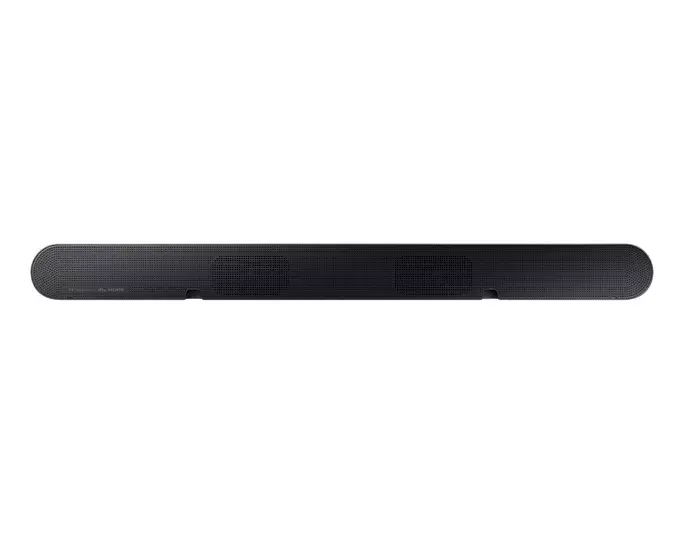
This soundbar utilizes seven integrated speakers to create a rich and balanced soundstage, ensuring clear dialogue and detailed audio effects. The inclusion of Dolby Atmos support allows for a more cinematic experience by simulating overhead sound. With both wired and wireless connectivity options, the device offers versatile installation possibilities, allowing you to connect your television or mobile devices with ease. Its energy-efficient design, operating at a power consumption of 31 W, makes it a practical choice for daily use.
This soundbar may not be the ideal choice for users seeking a dedicated subwoofer for deep, room-shaking bass, as it is designed as a compact all-in-one unit. Additionally, it might not provide the expansive surround sound experience of a full-scale multi-speaker home theater system in very large or open-concept rooms.
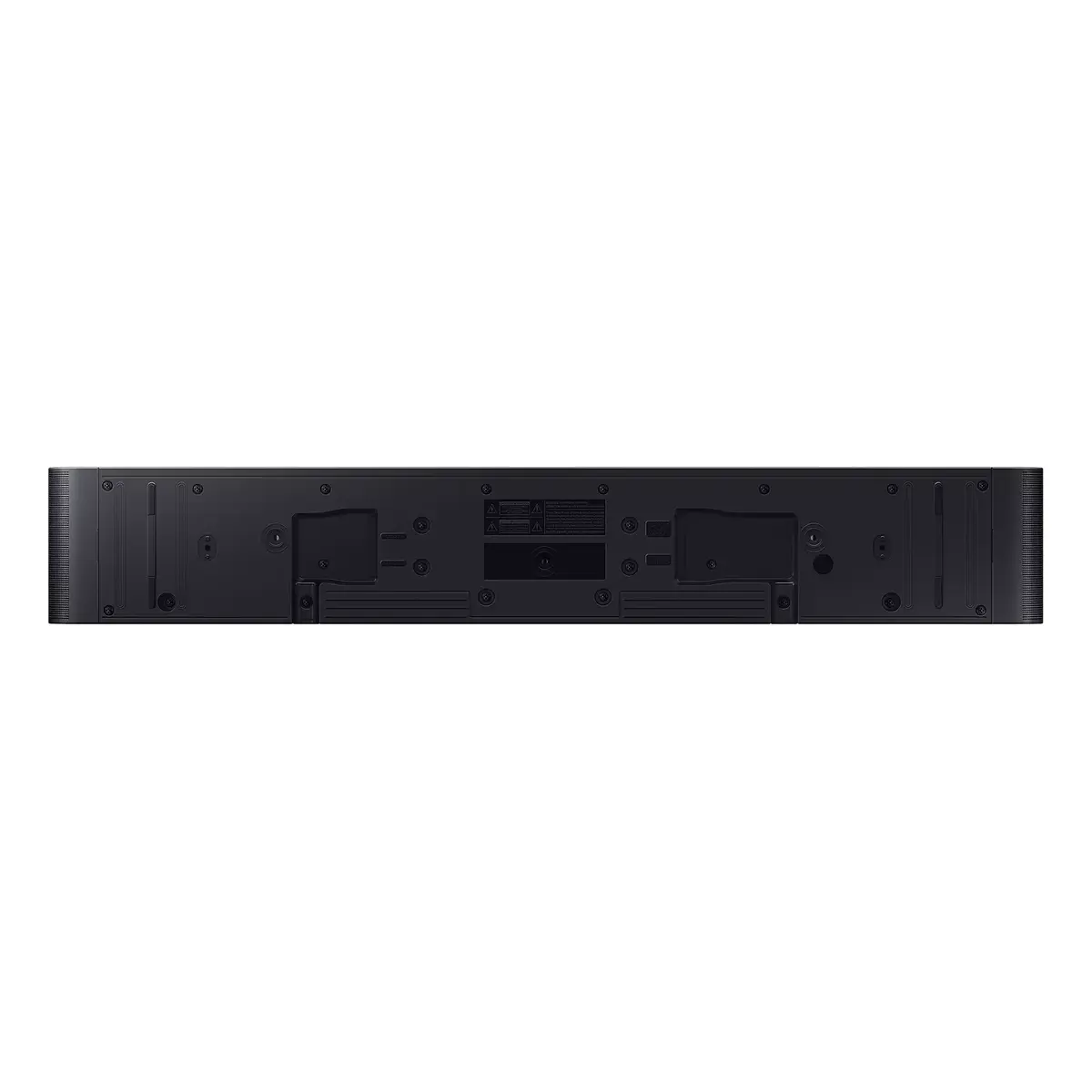
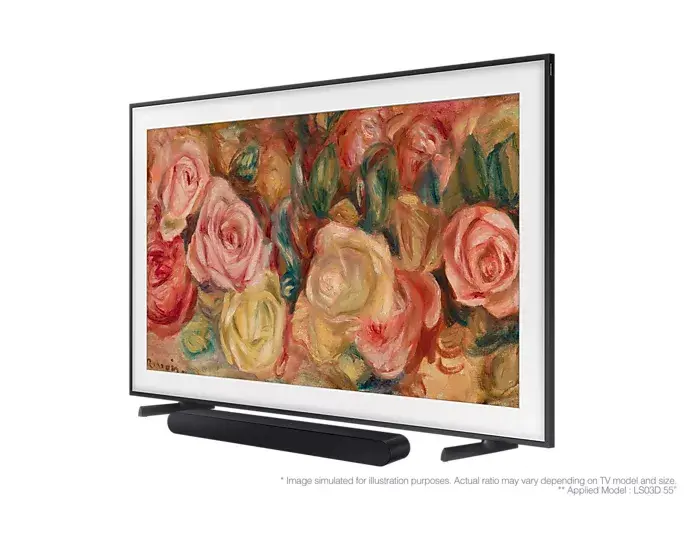
To set up the Samsung HW-S60D/EN, connect the soundbar to your television using the appropriate wired connection, such as HDMI or optical cable, or pair it via wireless connectivity if your TV supports it. Once connected, use the provided remote control or the compatible mobile application to adjust volume, select audio modes, and manage input sources. Ensure the soundbar is placed on a stable surface or mounted securely to optimize sound projection toward the listening area.
For the best audio performance, ensure the soundbar is positioned at ear level and is not obstructed by furniture or decorative items. Regularly update the device firmware through the connected application to maintain compatibility with the latest audio formats and features.
{{highlightedFeature.featureTitle}}:
{{getProductFeatureValueById(product, highlightedFeature.featureId)}}
{{ productComparisonGenerationError }}