Dreame vacuums for fast and efficient cleaning!
In cart {{totalProductsCount}} item(s)
Your cart is empty
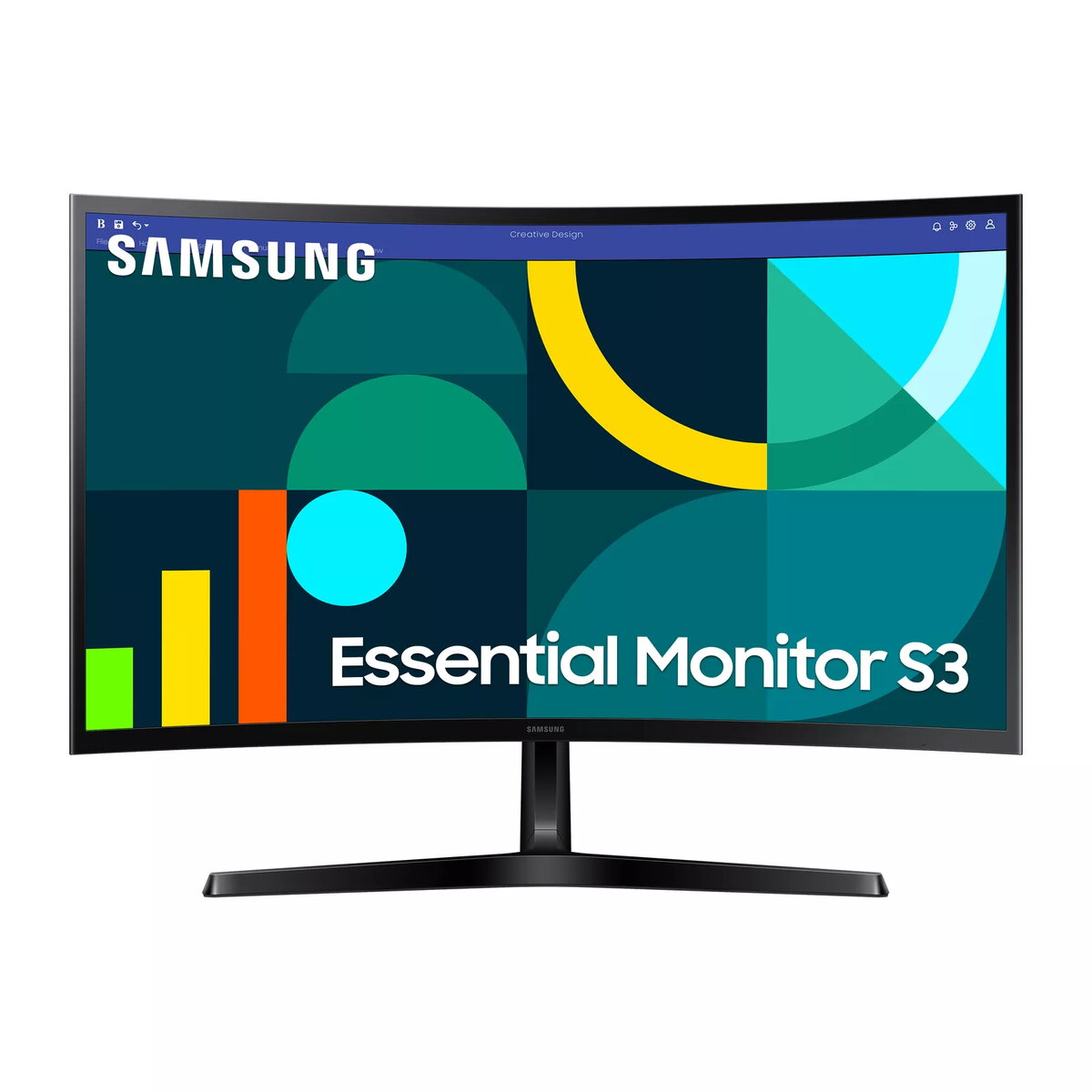
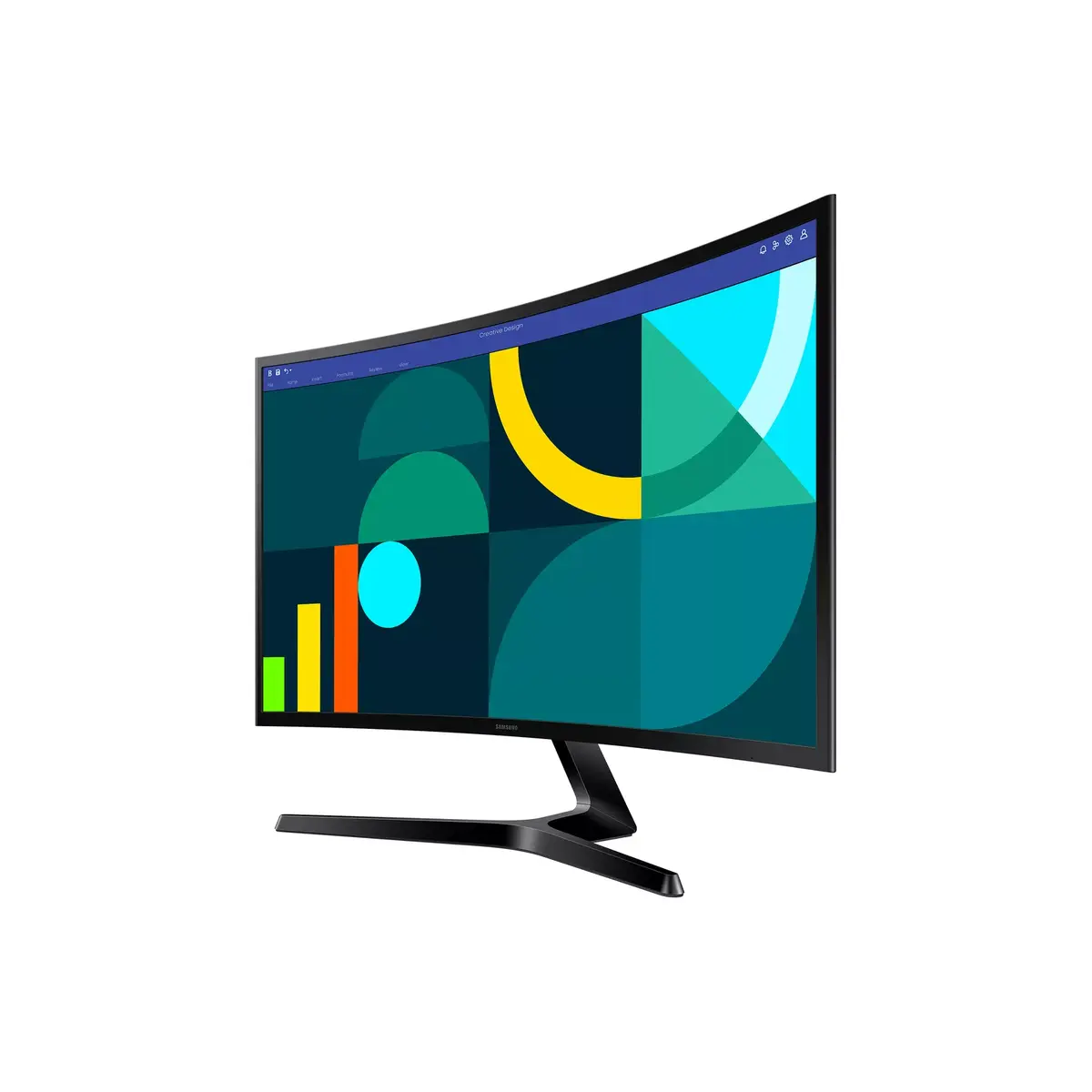
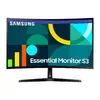
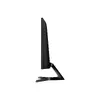
Monitor Samsung 27" S36GD Full HD (1920×1080), VA LCD, 100 Hz, 4 ms, 1800R Curved, HDMI & VGA, VESA 75x75, Black
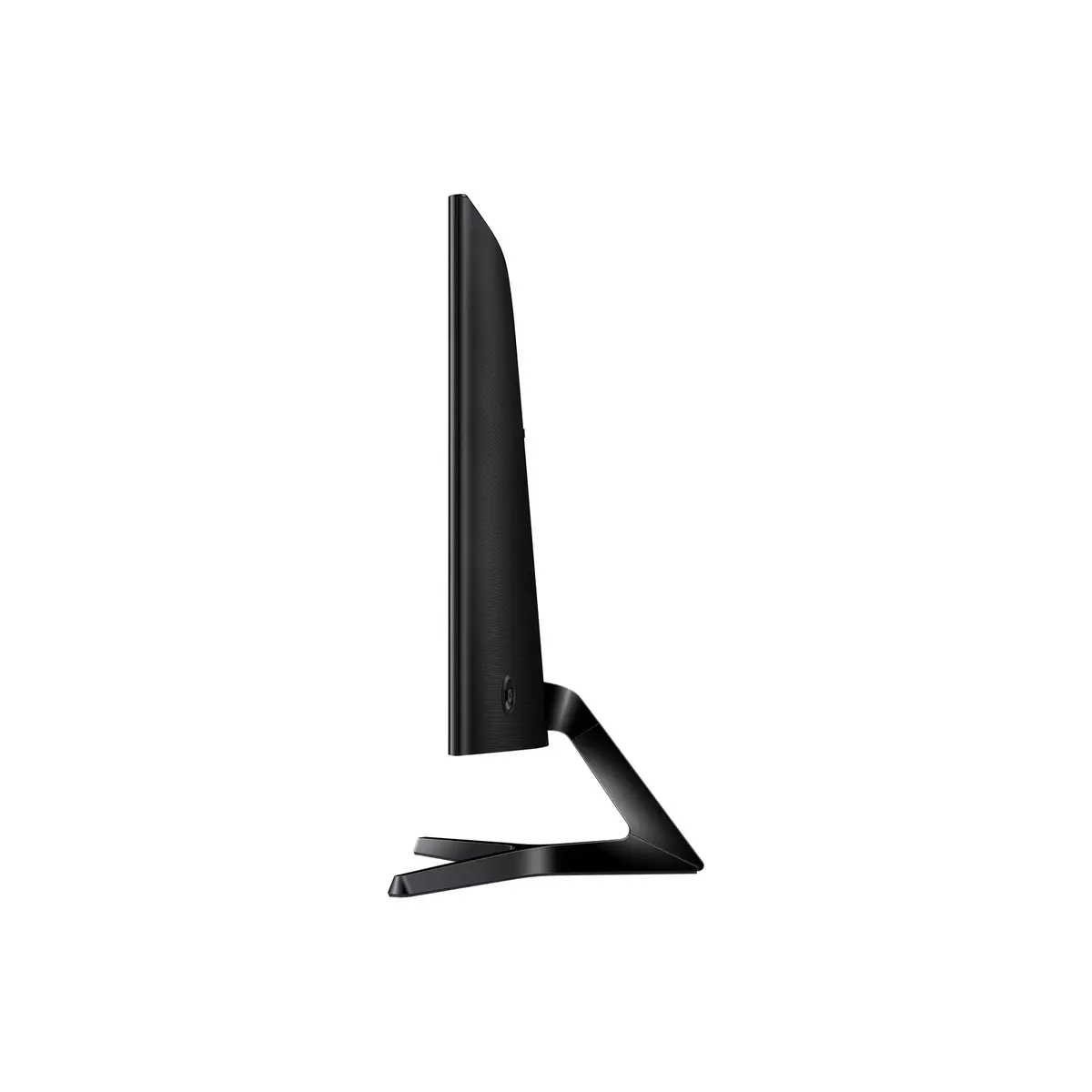
The Samsung S36GD 27" Full HD LCD (1920 x 1080) is a 27-inch curved monitor with a VA panel designed for general productivity, multimedia and casual gaming. The display delivers Full HD resolution with a 16:9 native aspect ratio and a 4 ms response time to provide smooth on-screen motion. With 178° horizontal and vertical viewing angles and a typical brightness of 250 cd/m², the screen maintains consistent colours and contrast across a wide range of viewing positions. The monitor is finished in black and supports VESA mounting for flexible placement.
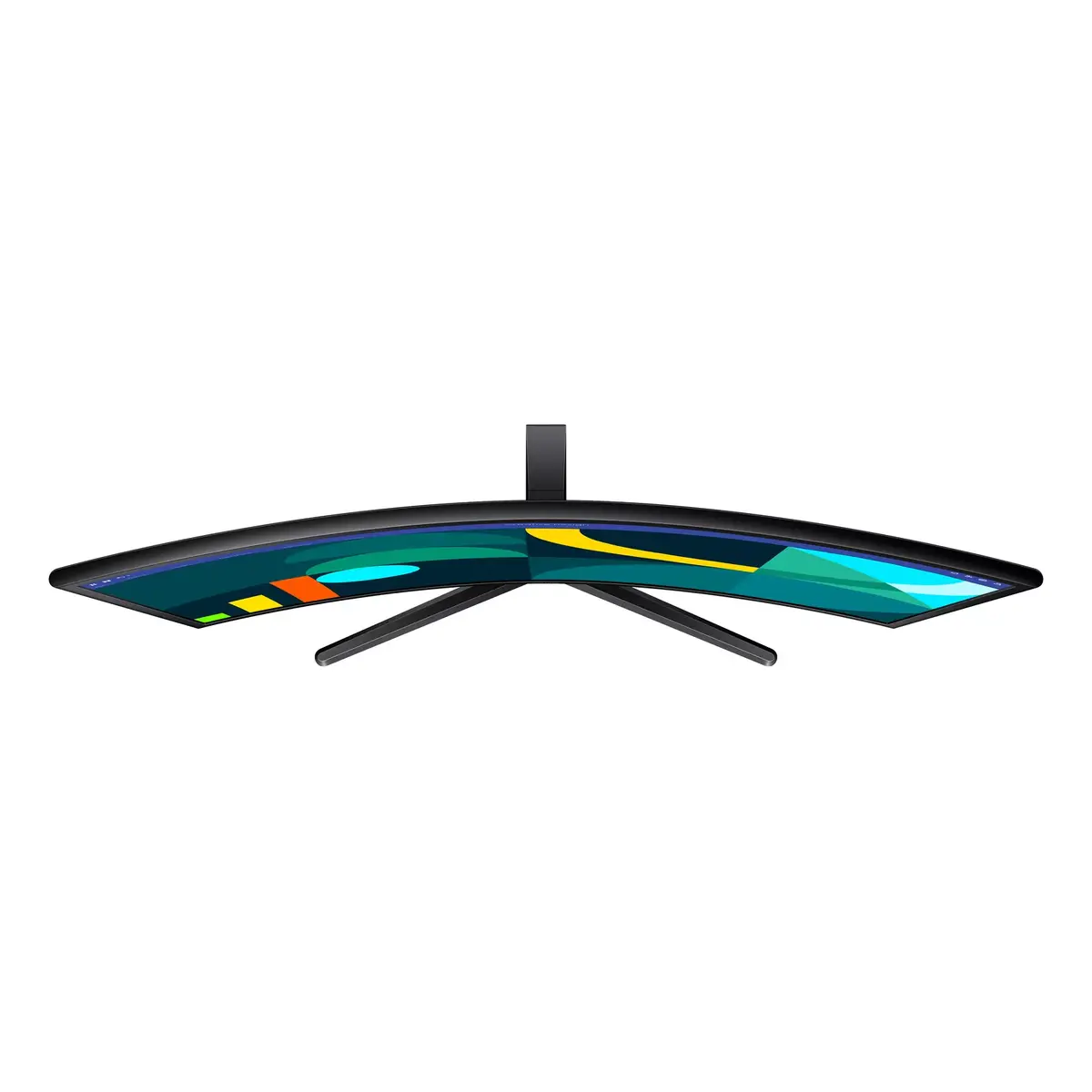
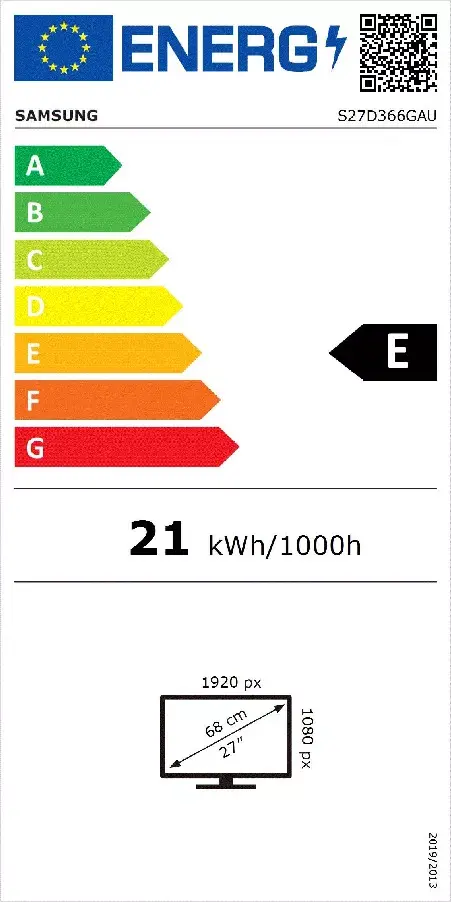
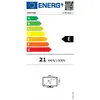
The curved 27" VA panel gives improved perceived immersion compared with flat screens while maintaining a high typical contrast ratio (3000:1) for deeper blacks and clearer shadow detail. The 4 ms response time reduces visible motion blur in fast-moving scenes. Wide viewing angles and a Full HD resolution ensure readable text and consistent colour reproduction from different positions. Energy consumption is modest at 21 kWh per 1000 hours in SDR conditions, and the VESA-compatible design allows mounting on arms or wall brackets.
Place the monitor on a stable desk surface or install it using a compatible VESA mount. Connect to a computer using the monitor's supported video input (use appropriate cables and an adapter if needed). Adjust the display settings in the operating system and on-screen menu for resolution (1920 x 1080), brightness and contrast to suit ambient lighting. Use the monitor's position and tilt adjustments to reduce glare and obtain a comfortable viewing angle; if mounted, ensure the mount supports the monitor's size and weight rating.
For best visual results, use the monitor at its native Full HD resolution and calibrate brightness and contrast for your environment. Enable software or driver-level settings (such as refresh rate and colour profile) in your operating system or graphics card control panel. If using for extended work sessions, position the display at eye level and maintain appropriate viewing distance to reduce eye strain.
{{highlightedFeature.featureTitle}}:
{{getProductFeatureValueById(product, highlightedFeature.featureId)}}
{{ productComparisonGenerationError }}
Device manufacturer code
Device manufacturer
iagonal of the visible part of the screen expressed in centimeters and inches.
Energy efficiency class is a standard classification that is used all over Europe and which is understandable at first sight. Products can be efficiently compared according to classes, starting from A (the most energy efficient class), and ending with G (the most energy-intensive class). The classification of energy efficiency is based on annual energy consumption which is being calculated on the basis of several different parameters.
Power consumption in switched-on state expressed in W.