Save time and money with our discounts!
In cart {{totalProductsCount}} item(s)
Your cart is empty
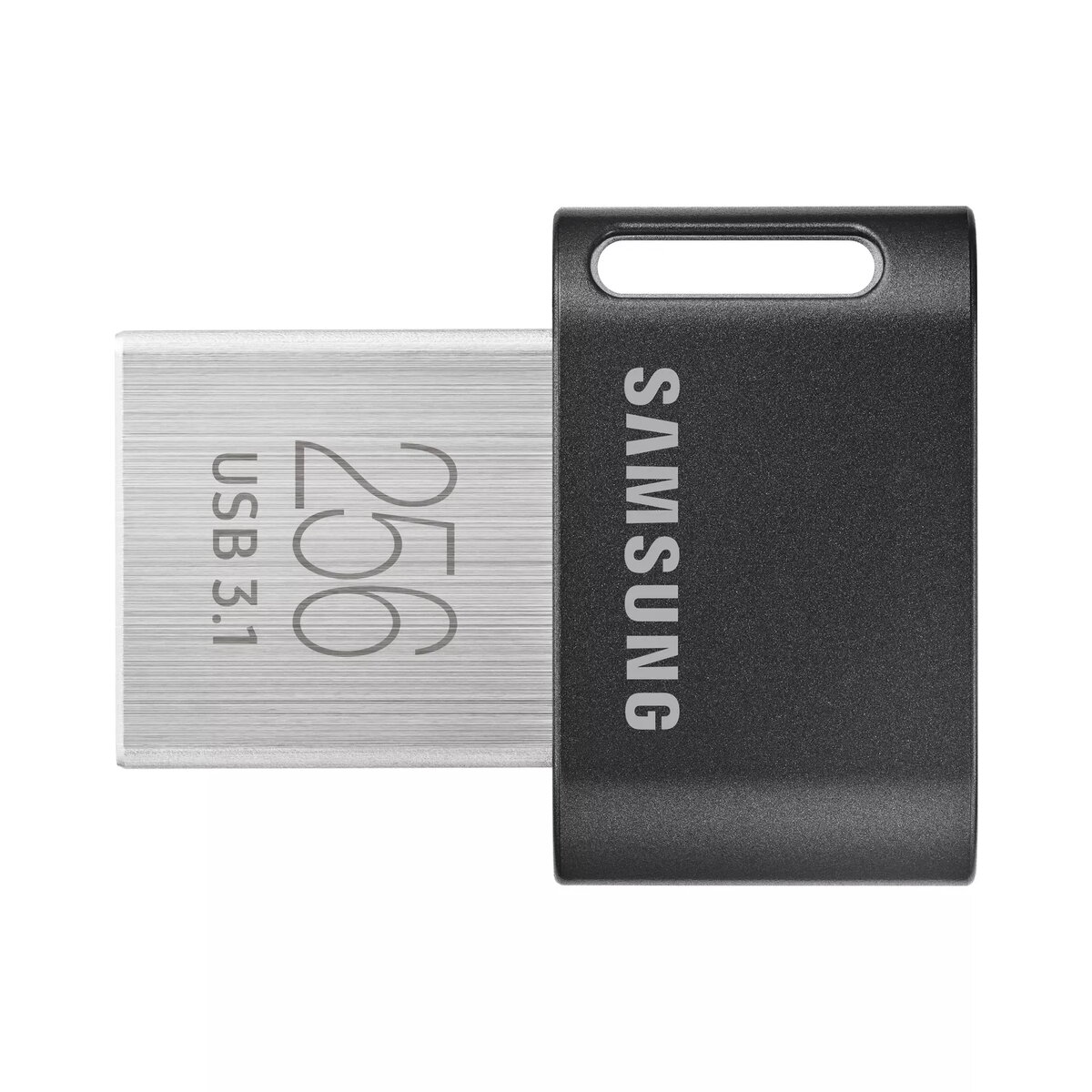
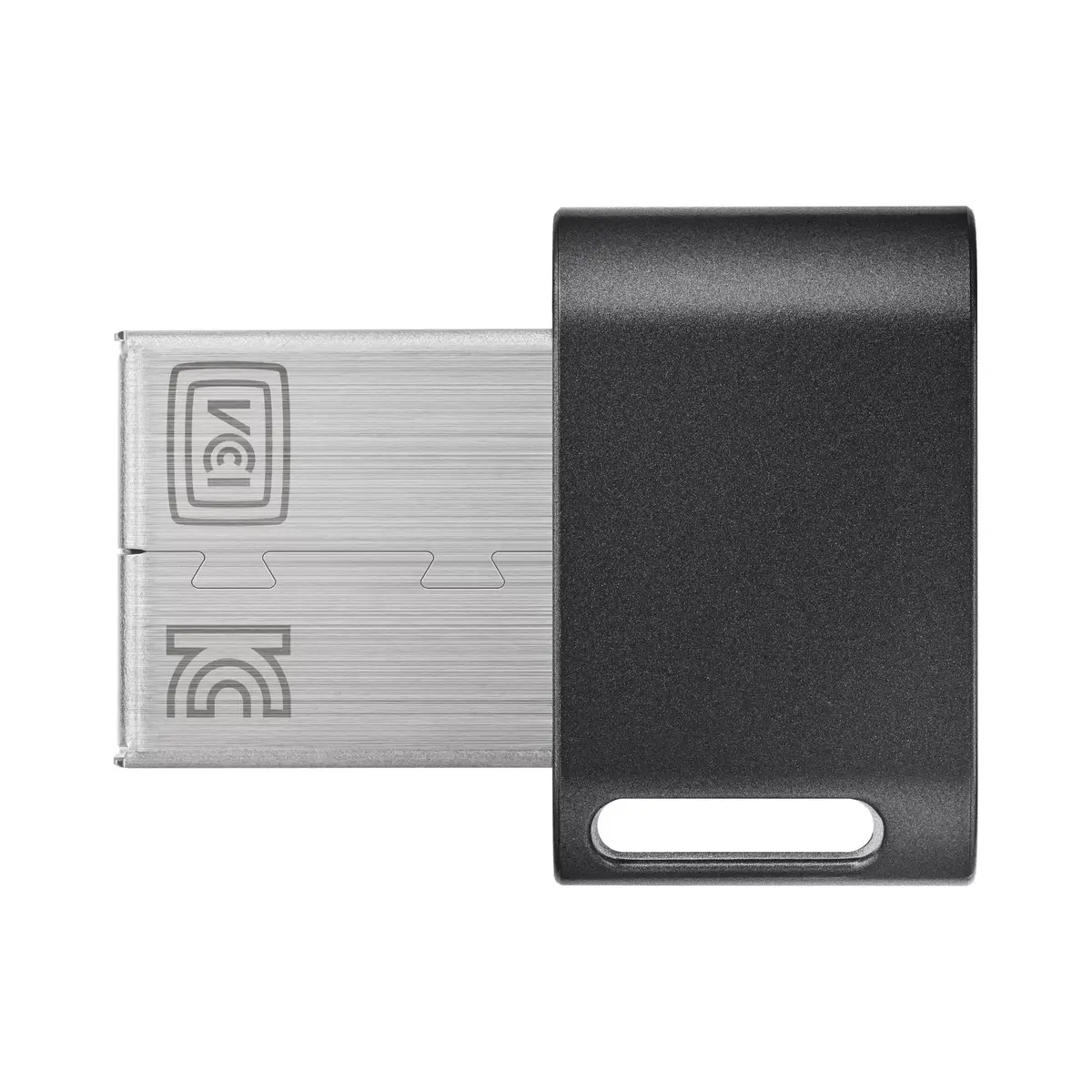
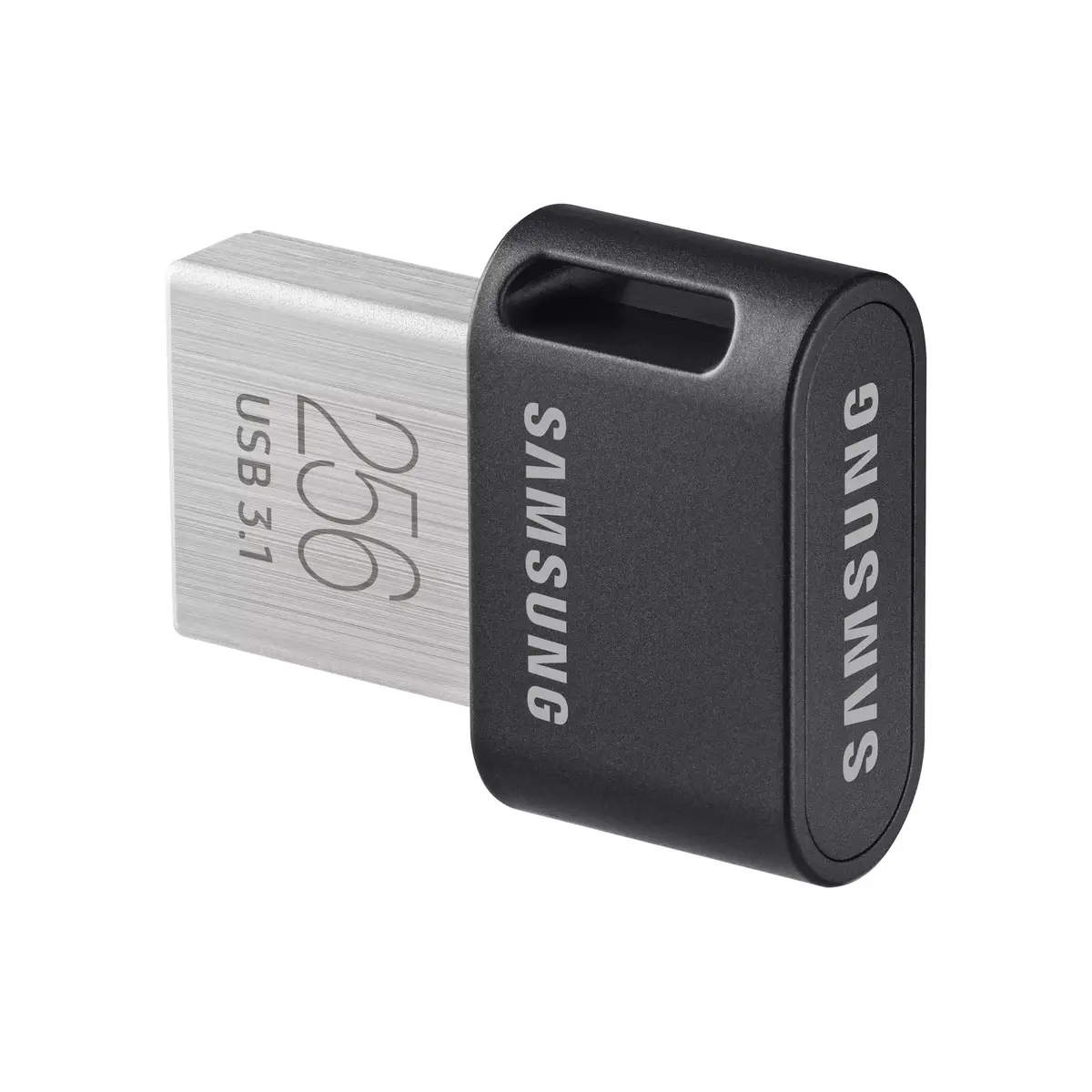
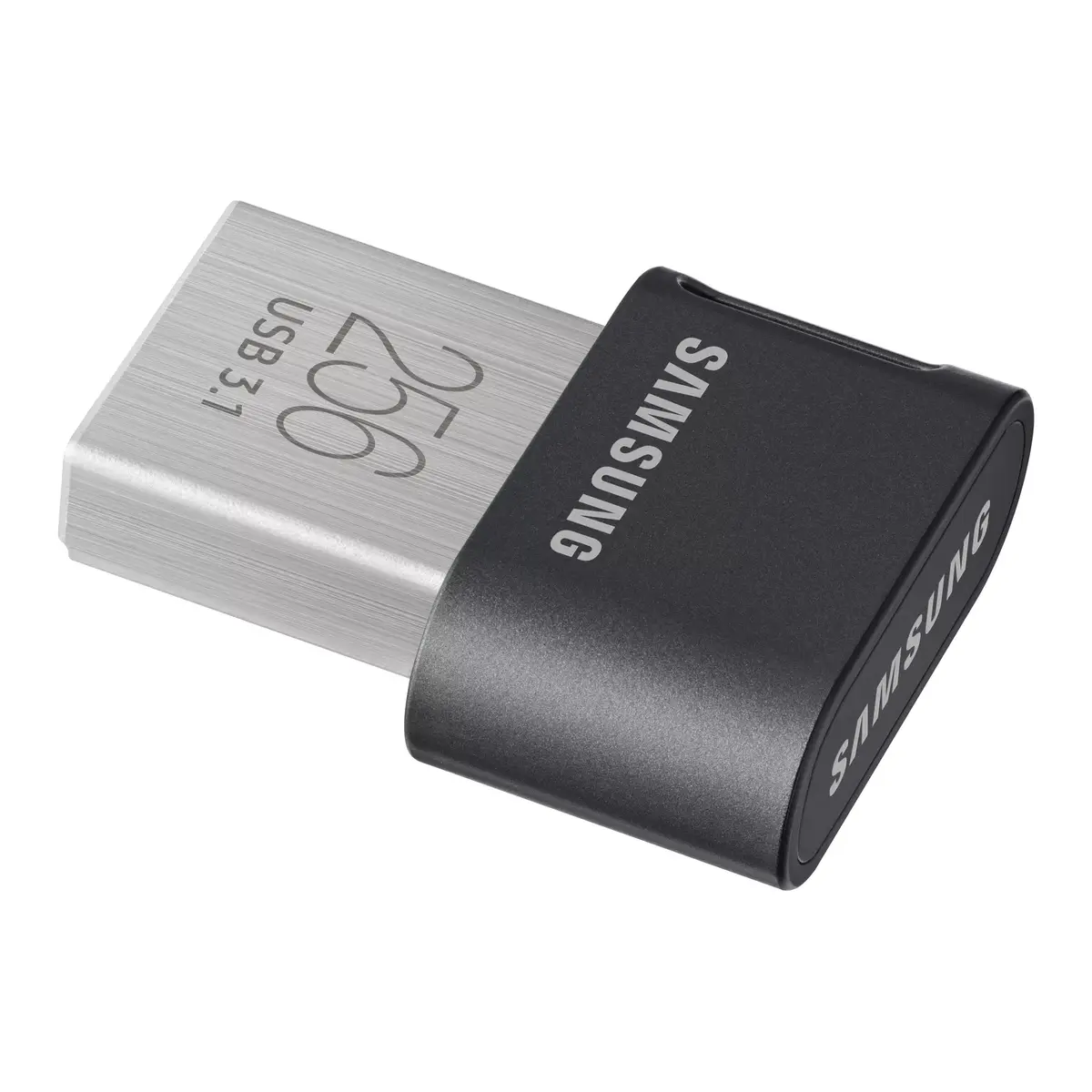
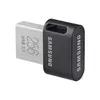
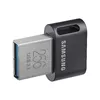
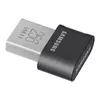
USB flash drive Samsung 256 GB USB Type-A 3.2 Gen 1 MUF-256AB
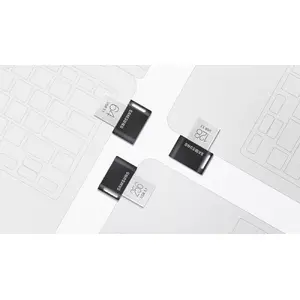
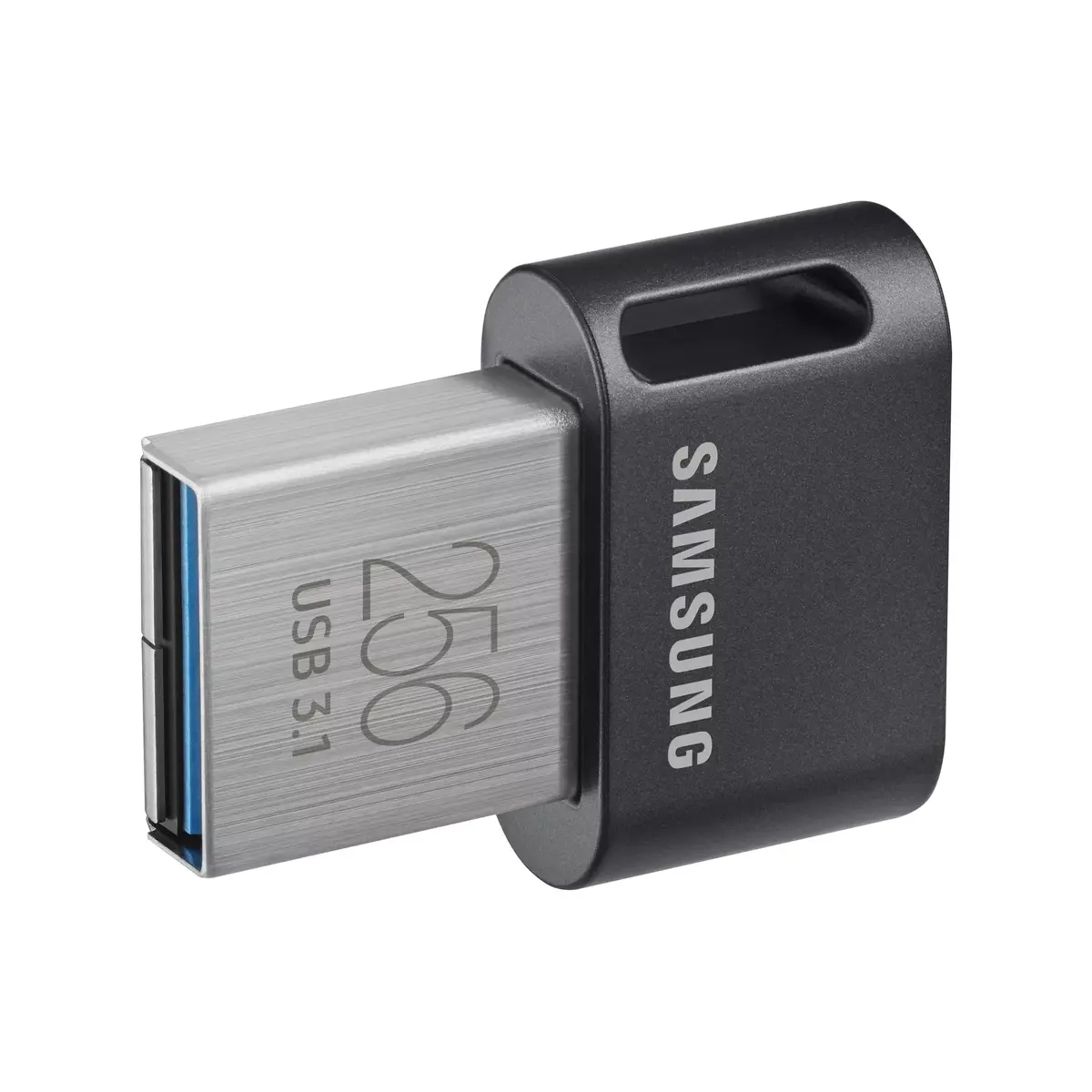
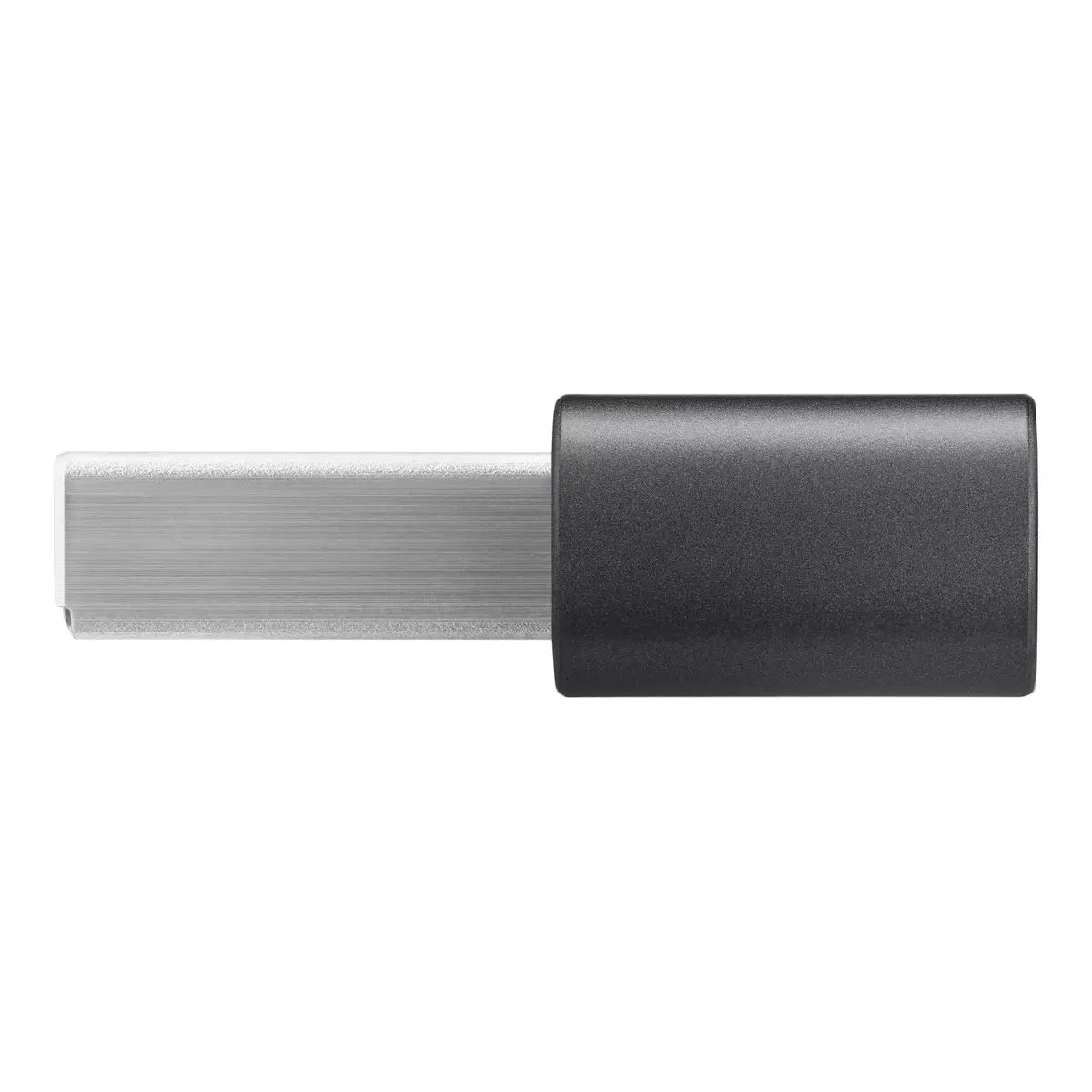
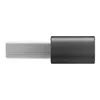
The Samsung 256 GB USB Type-A 3.2 Gen 1 flash drive is a high-capacity, portable storage solution designed for efficient data management. Featuring a durable stainless steel and black finish, this drive combines a sleek aesthetic with robust performance. Its swivel design ensures the USB connector remains protected when not in use, while the lightweight construction makes it an ideal companion for daily file transfers and storage needs.
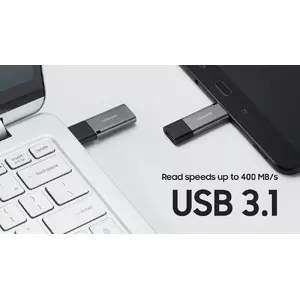
This flash drive offers significant storage capacity, allowing users to keep large volumes of documents, photos, and media files in a compact form factor. The USB 3.2 Gen 1 interface provides fast data transfer speeds, reducing waiting times when moving large files between devices. Its swivel mechanism eliminates the need for a separate cap, preventing loss and protecting the connector from debris. The lightweight design ensures maximum portability, fitting easily into pockets or laptop bags without adding bulk.
This device is designed for USB Type-A ports and will not connect directly to devices that only feature USB Type-C ports without the use of an external adapter. It may also not be the optimal choice for users requiring extremely high-speed professional-grade external solid-state drives for intensive video editing tasks.
To use the flash drive, simply rotate the swivel cover to expose the USB Type-A connector. Insert the drive into an available USB port on your computer or compatible electronic device. Once connected, the operating system will automatically detect the drive as a removable storage device, allowing you to drag and drop files to and from the drive. When finished, ensure you safely eject the drive through your operating system before physically removing it from the port to prevent data corruption.
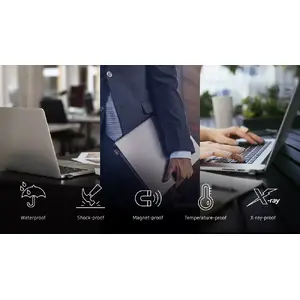
For optimal performance and data integrity, always eject the drive properly through your computer's software interface before unplugging it. Keep the connector clean and avoid exposing the drive to extreme environmental conditions to ensure long-term reliability.


{{highlightedFeature.featureTitle}}:
{{getProductFeatureValueById(product, highlightedFeature.featureId)}}
{{ productComparisonGenerationError }}