Hurry and order now – up to 50% off!
In cart {{totalProductsCount}} item(s)
Your cart is empty
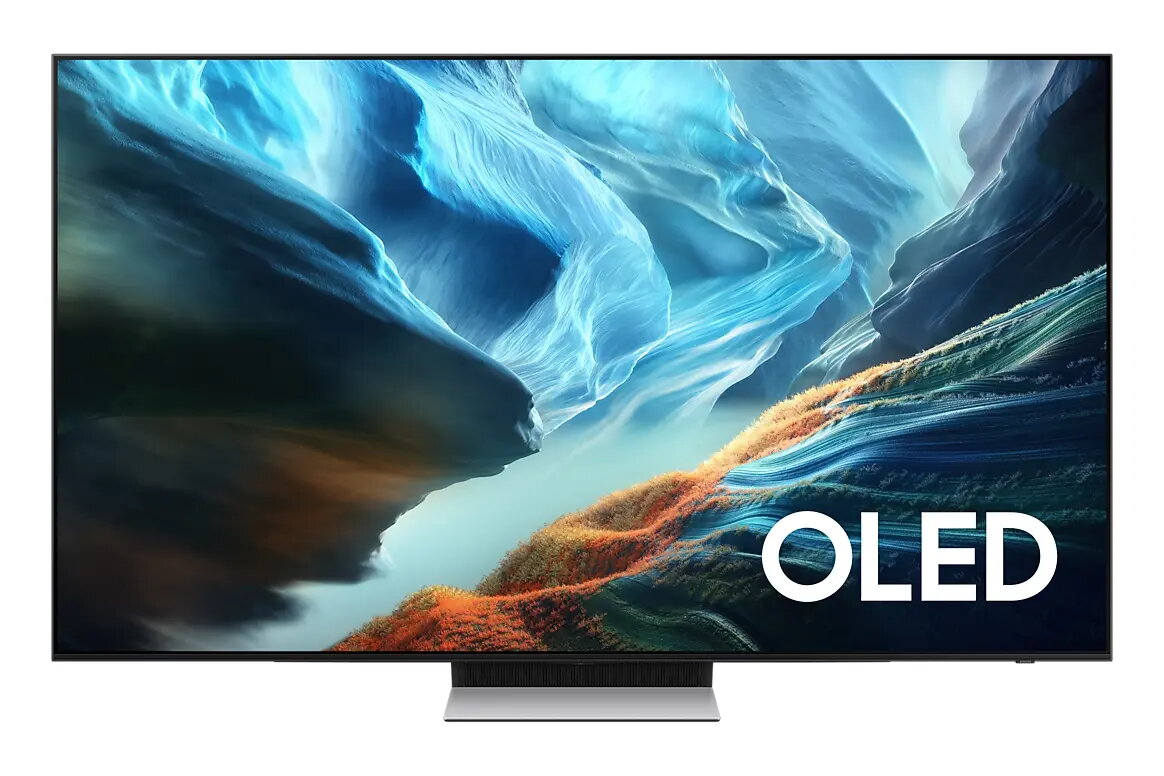
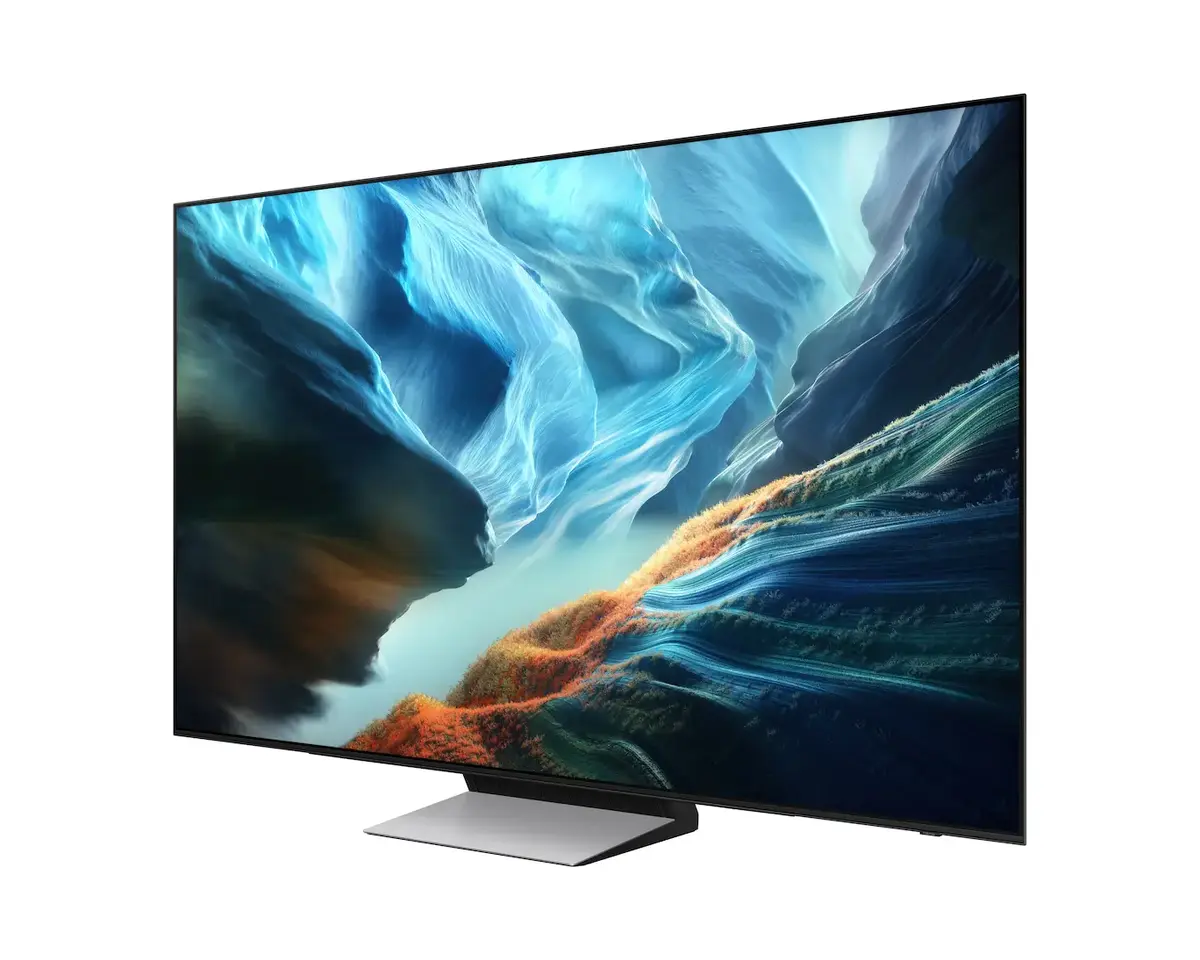
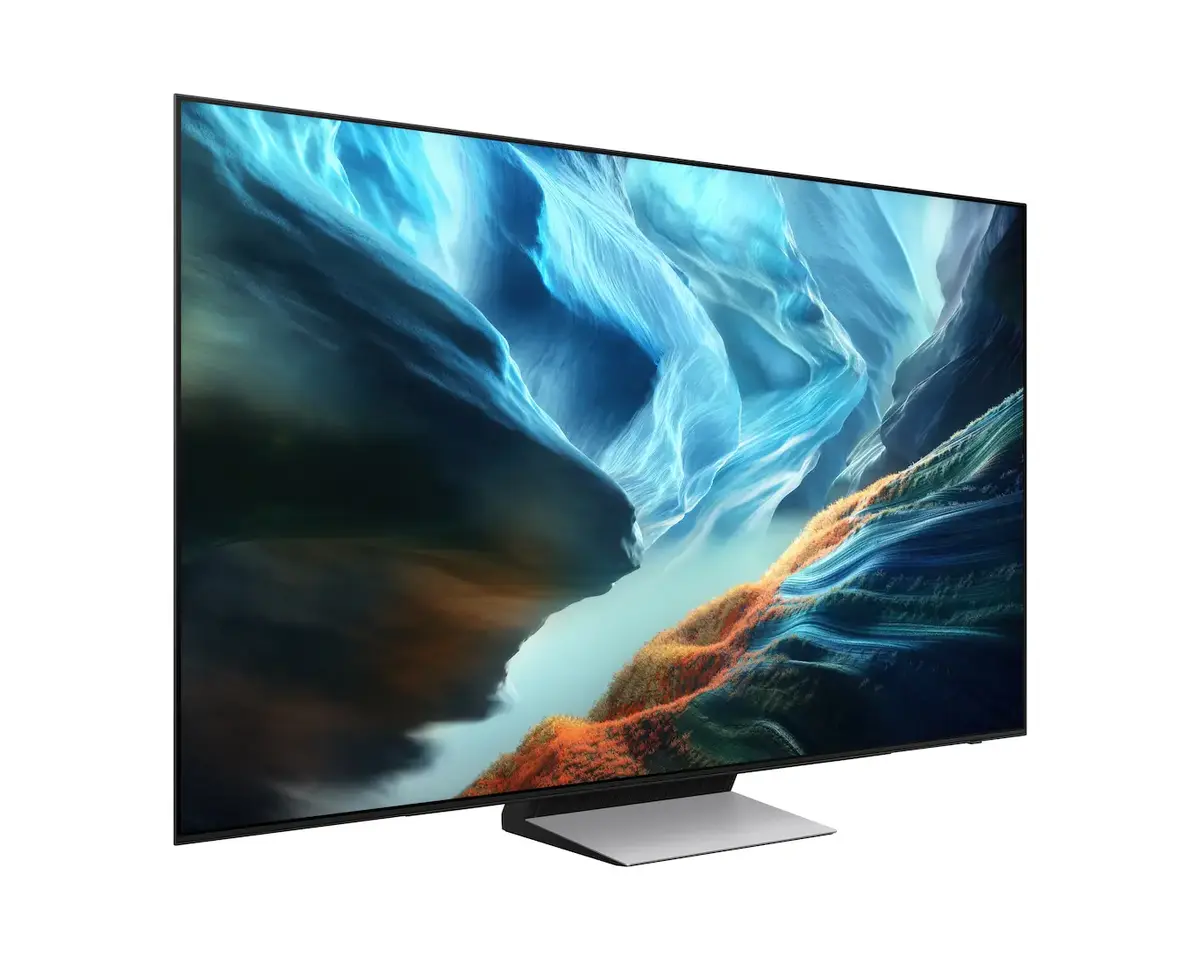
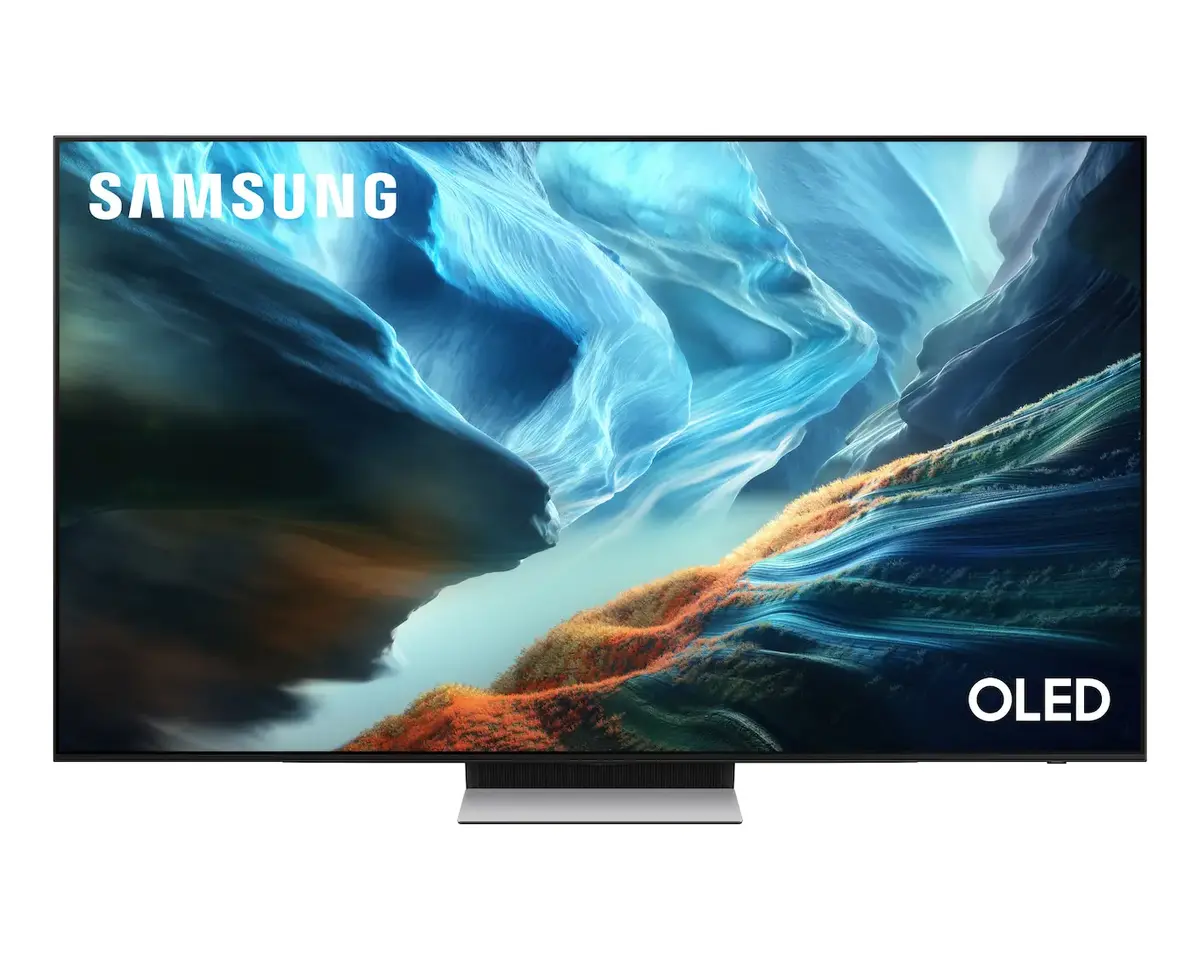
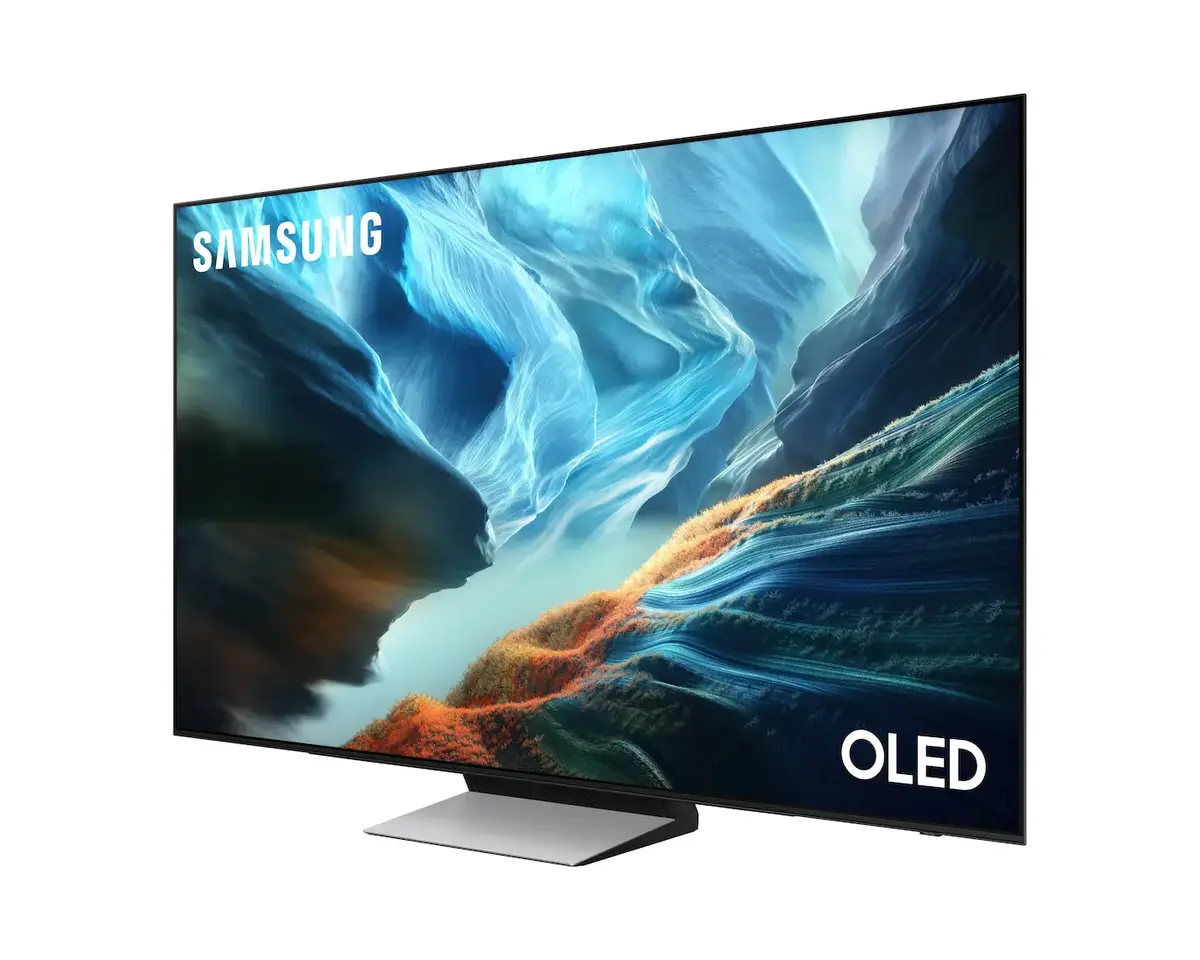
Samsung QE77S90HAT 77" 4K Ultra HD OLED Smart TV
The Samsung QE77S90HAT 77" 4K Ultra HD OLED Smart TV is a premium display solution designed to bring cinema-quality visuals into your living room. Featuring advanced OLED technology, this television delivers perfect black levels, infinite contrast, and vibrant color reproduction, ensuring that every frame is rendered with exceptional clarity and depth. Its expansive 77-inch flat screen provides an immersive viewing experience, making it an ideal centerpiece for any modern home entertainment setup.
The primary advantage of this OLED television lies in its self-emissive pixel technology, which allows for precise light control and superior picture quality compared to traditional LED screens. The integration of the Tizen operating system provides a fast, intuitive, and user-friendly interface, granting seamless access to a wide range of streaming platforms and smart applications. With its 4K Ultra HD resolution, the TV ensures that content is displayed with sharp detail, while the robust connectivity options, including Wi-Fi and Ethernet, guarantee stable streaming and network performance.
This television may not be the optimal choice for users who primarily require a display for static office work or PC monitoring over extended periods, as OLED panels can be susceptible to image retention if static elements are displayed for too long. Additionally, its large 77-inch form factor may be impractical for smaller rooms or limited wall spaces.
To begin using the Samsung QE77S90HAT, place the unit on a stable surface or mount it using a compatible VESA wall mount. Connect your power source and desired input devices, such as gaming consoles or media players, via the available ports. Upon powering on, follow the on-screen setup wizard to connect to your local network and configure your preferred streaming accounts. The Tizen interface allows you to navigate between apps and settings using the included remote control.
For the best viewing experience, position the television at eye level and maintain a comfortable viewing distance. Regularly update the Tizen firmware to ensure access to the latest features and security improvements. Avoid leaving static images on the screen for prolonged periods to maintain panel longevity.
{{highlightedFeature.featureTitle}}:
{{getProductFeatureValueById(product, highlightedFeature.featureId)}}
{{ productComparisonGenerationError }}
Device manufacturer code
Device manufacturer
iagonal of the visible part of the screen expressed in centimeters and inches.
Energy efficiency class is a standard classification that is used all over Europe and which is understandable at first sight. Products can be efficiently compared according to classes, starting from A (the most energy efficient class), and ending with G (the most energy-intensive class). The classification of energy efficiency is based on annual energy consumption which is being calculated on the basis of several different parameters.
Power consumption in switched-on state expressed in W.