Save time and money with our discounts!
In cart {{totalProductsCount}} item(s)
Your cart is empty
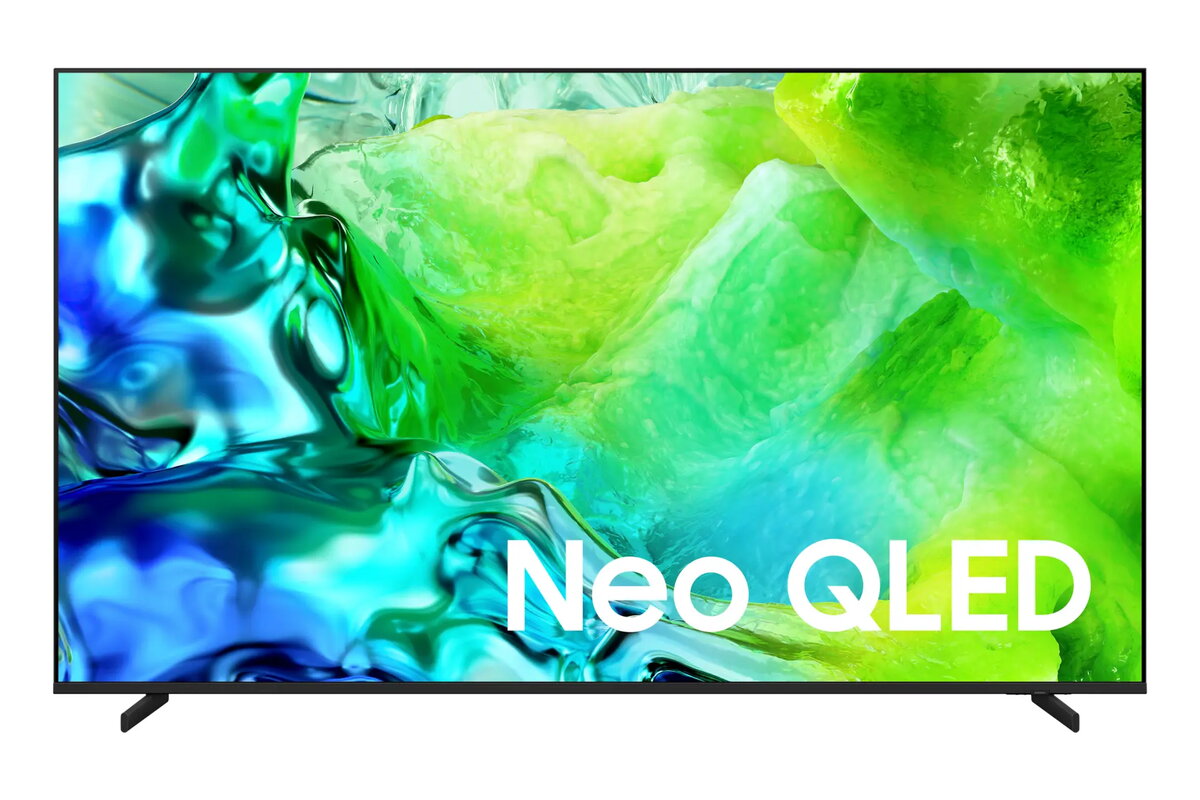
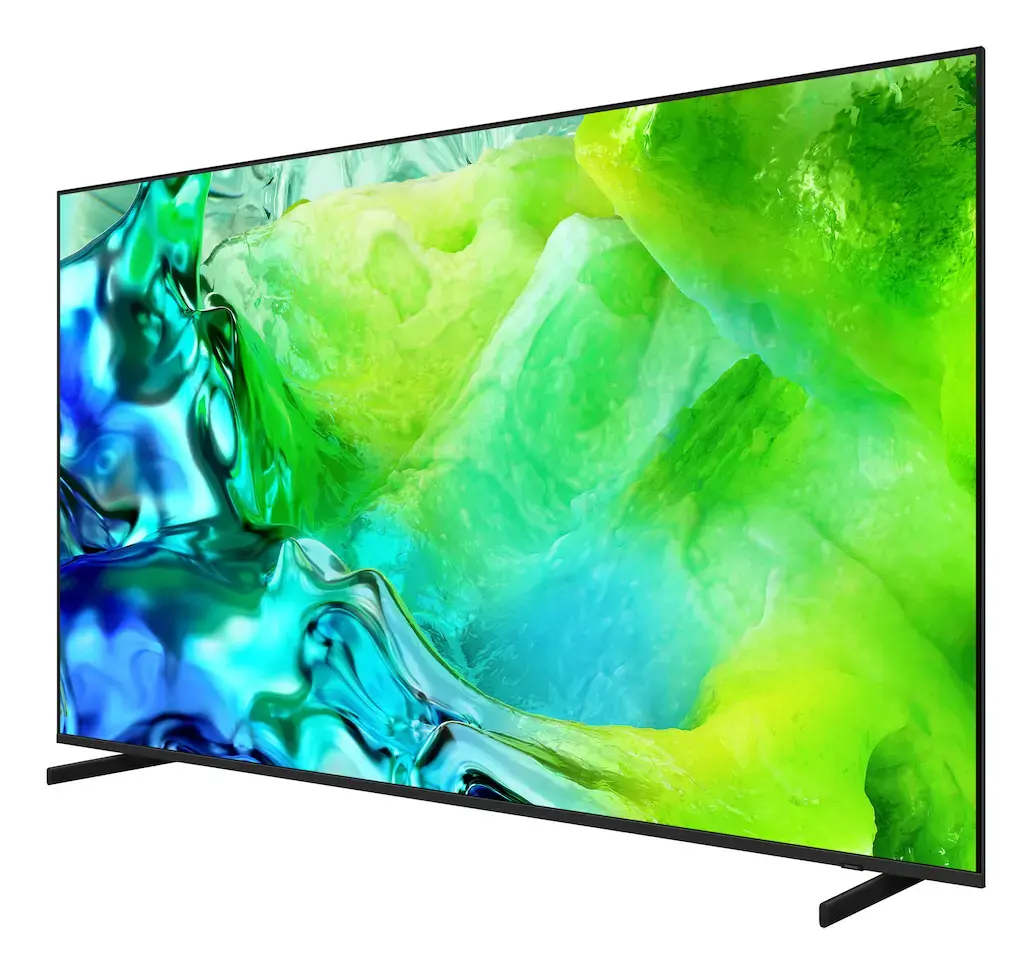
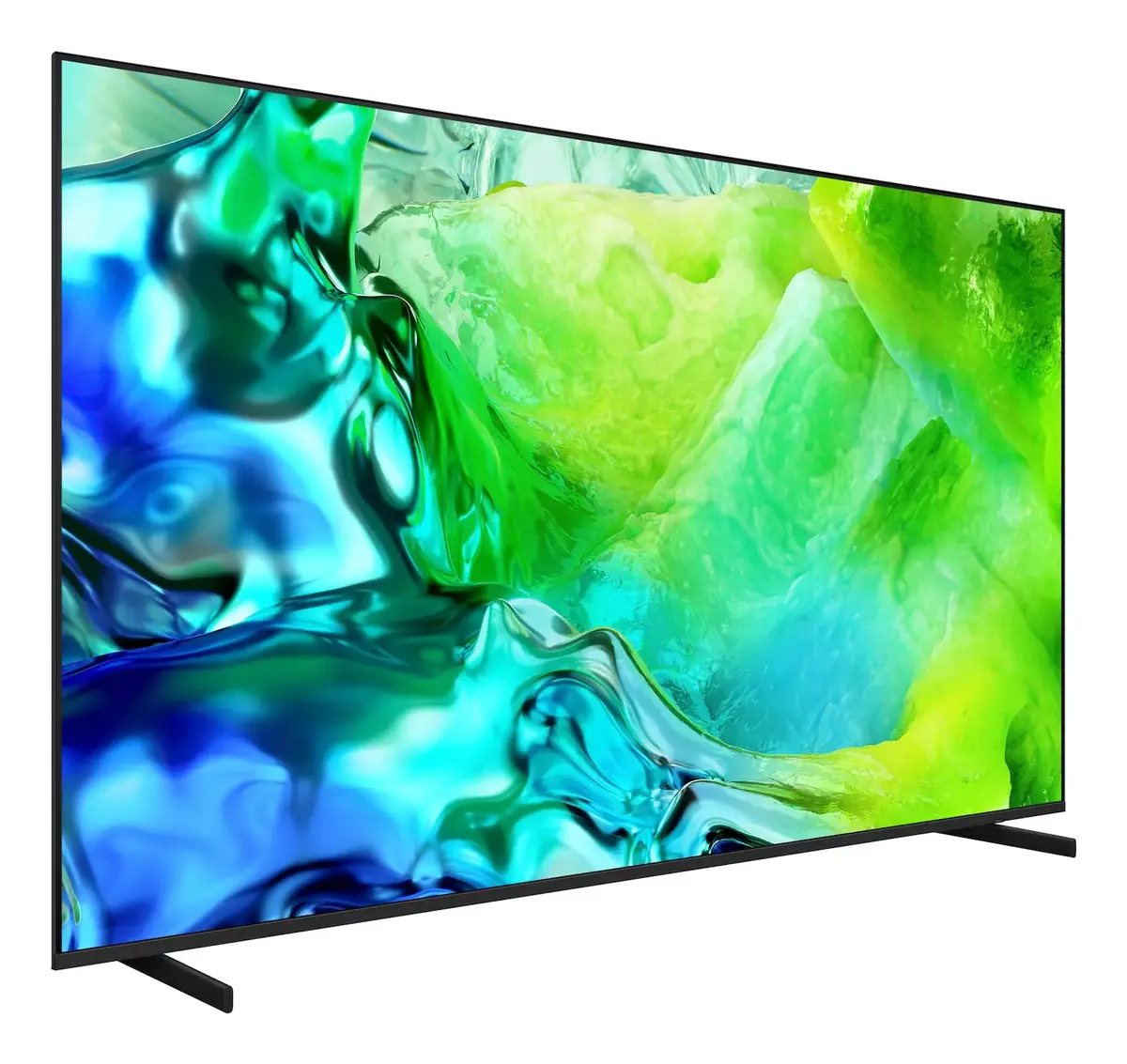
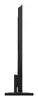
Samsung QE85QN80H 85-inch 4K Ultra HD Neo QLED Smart TV
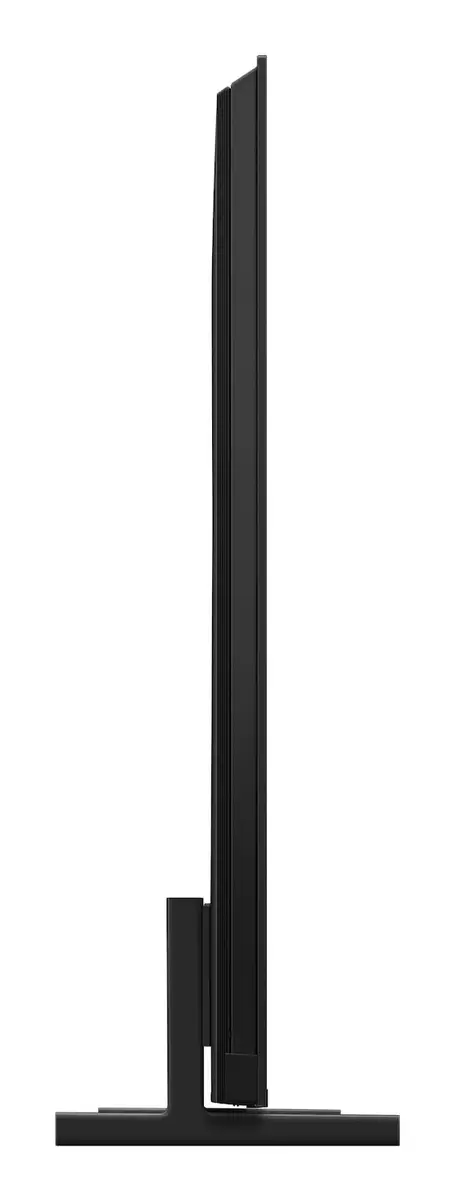
The Samsung QE85QN80H 85-inch 4K Ultra HD Neo QLED Smart TV delivers a premium home cinema experience through its expansive display and advanced picture processing technology. Utilizing Neo QLED technology, this television provides precise light control and deep contrast, ensuring that every detail on the 3840 x 2160 resolution screen is rendered with clarity. The flat panel design integrates seamlessly into modern living spaces, while the Tizen operating system offers a user-friendly interface for navigating streaming platforms and smart applications.
This television stands out due to its massive 85-inch screen, which creates an immersive environment for movies, sports, and gaming. The Neo QLED display technology enhances color accuracy and brightness, allowing for a high-quality visual performance even in well-lit rooms. With integrated smart features and robust connectivity options including Wi-Fi and Ethernet, users can easily access a wide range of digital content. The inclusion of Motion Xcelerator technology ensures that fast-moving scenes remain smooth and clear, making it an excellent choice for action-packed entertainment.
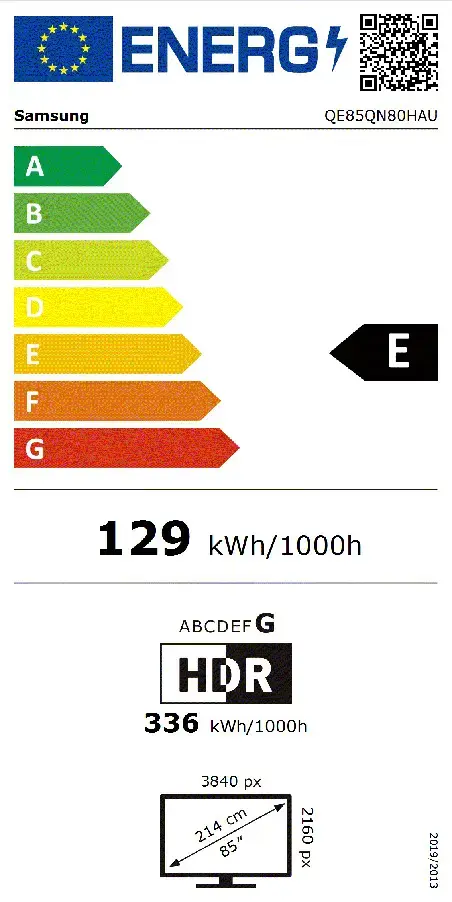
This television may not be suitable for smaller rooms where the 85-inch screen size would be overwhelming or where the viewing distance is insufficient to appreciate the 4K resolution. Additionally, users who prioritize extremely low energy consumption may find the power requirements of such a large display higher compared to smaller or non-HDR models.
To begin using the Samsung QE85QN80H, mount the television securely using a compatible VESA wall mount or place it on a stable surface. Connect the power cable and your preferred input sources, such as gaming consoles or media players, via the available ports. Upon powering on, follow the on-screen instructions to connect the device to your home Wi-Fi network and sign in to your preferred streaming services through the Tizen interface. You can then customize picture and sound settings within the menu to suit your specific viewing environment.
For the best viewing experience, ensure the television is positioned at eye level and that ambient lighting is managed to minimize reflections on the flat screen. Regularly update the Tizen operating system to ensure access to the latest features and security improvements.
{{highlightedFeature.featureTitle}}:
{{getProductFeatureValueById(product, highlightedFeature.featureId)}}
{{ productComparisonGenerationError }}
Device manufacturer code
Device manufacturer
iagonal of the visible part of the screen expressed in centimeters and inches.
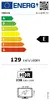
Energy efficiency class is a standard classification that is used all over Europe and which is understandable at first sight. Products can be efficiently compared according to classes, starting from A (the most energy efficient class), and ending with G (the most energy-intensive class). The classification of energy efficiency is based on annual energy consumption which is being calculated on the basis of several different parameters.
Power consumption in switched-on state expressed in W.