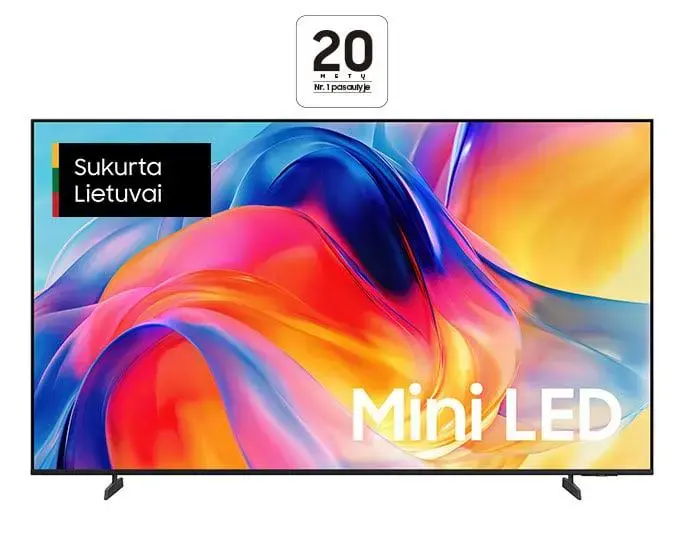
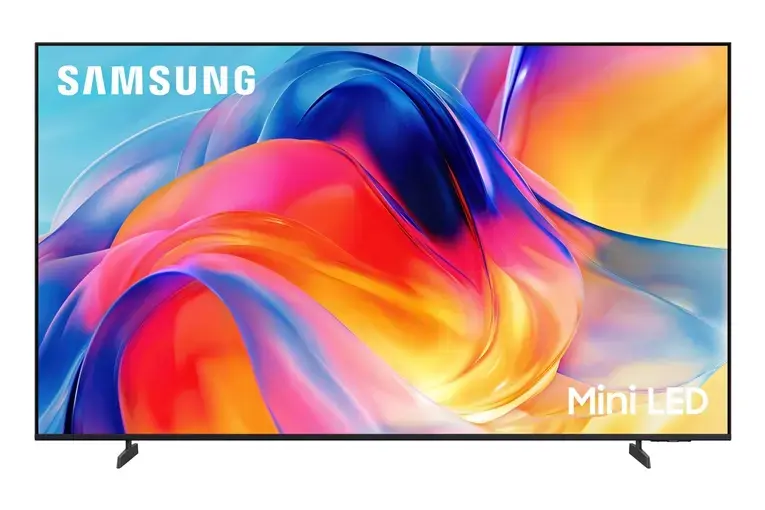
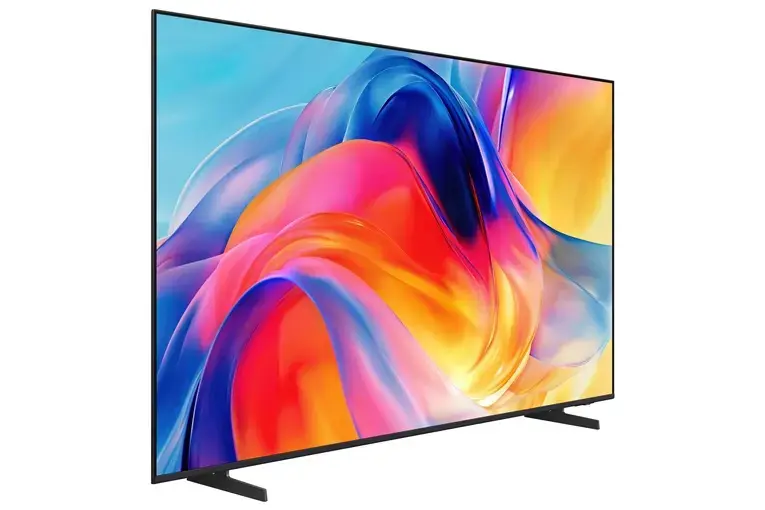
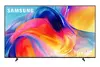
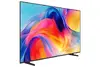
The Samsung UE65M72HAUXXH is a 65-inch 4K Ultra HD Smart LED television engineered to deliver a premium home entertainment experience. With its expansive flat screen and advanced Mini LED display technology, this television provides sharp, vibrant visuals and deep contrast, ensuring that every detail of your favorite content is rendered with clarity. Integrated with Tizen OS, the device offers intuitive access to a wide range of streaming services and online applications, making it a versatile centerpiece for any modern living room.
Advantages
This television excels in providing a large-scale viewing experience that brings cinematic quality directly into your home. The 4K Ultra HD resolution ensures high pixel density for crisp images, while the Mini LED technology enhances brightness and color accuracy across the entire panel. Its smart functionality, powered by Tizen OS, allows for smooth navigation and quick connectivity to various digital platforms. Furthermore, the sleek black design and slim profile ensure that the television integrates aesthetically into diverse interior styles while maintaining a robust build quality.
Suitable for
- Watching high-definition movies and television series
- Gaming on modern consoles with 4K support
- Streaming content from popular online platforms
- Following live sports broadcasts with clear motion
This television may not be the ideal choice for users seeking high-refresh-rate gaming, as the panel operates at a 50 Hz refresh rate. Additionally, those who require a dedicated 3.5mm headphone jack for wired audio connections will need to utilize alternative wireless Bluetooth solutions or external audio equipment.
Key specifications
- Screen size: 65 inches
- Resolution: 3840 x 2160 (4K Ultra HD)
- Display technology: Mini LED
- Operating system: Tizen OS
- Connectivity: 3 HDMI ports, WiFi, Bluetooth
- Digital tuner: DVB-T2/C/S2, HbbTV
- Audio output: 20 W
- VESA mount compatibility: 200 x 200 mm
- Energy efficiency class: F
To begin using your television, place it on a stable surface or mount it to a wall using a compatible VESA 200 x 200 bracket. Connect the power cable and your antenna or satellite source to the appropriate ports on the rear panel. Once powered on, follow the on-screen setup wizard to connect to your home WiFi network and sign in to your preferred streaming accounts. You can manage your settings and applications through the Tizen OS interface using the included remote control.
What to consider before purchase
- Ensure your furniture or wall mount can support the 14.5 kg weight of the unit.
- Verify that your viewing distance is appropriate for a 65-inch screen to maximize visual comfort.
- Check if your existing sound system requires an optical or HDMI connection, as there is no 3.5mm analog audio output.
- Confirm that your home network provides a stable WiFi connection for optimal streaming performance.
Usage recommendations
For the best viewing experience, position the television at eye level and avoid placing it in direct sunlight to prevent glare on the flat screen. Regularly update the Tizen OS software through the settings menu to ensure access to the latest features and security improvements.