Dreame vacuums for fast and efficient cleaning!
In cart {{totalProductsCount}} item(s)
Your cart is empty
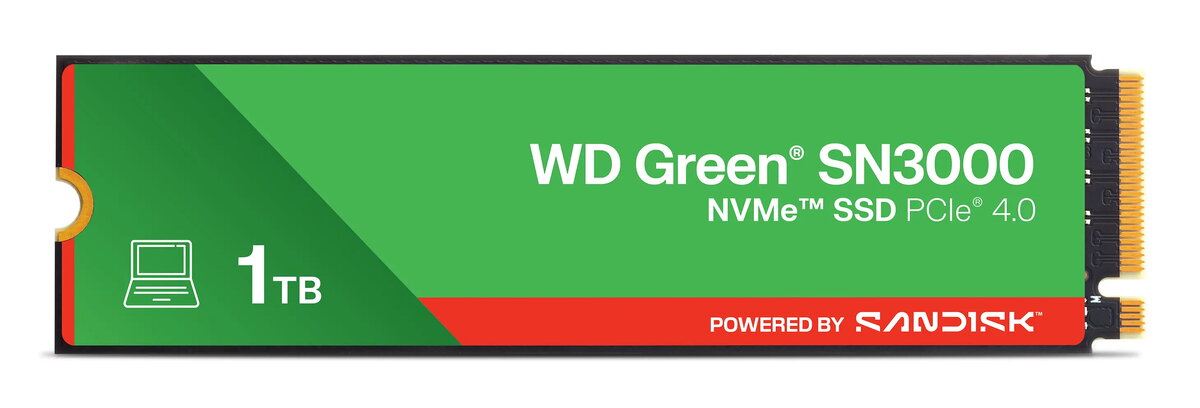
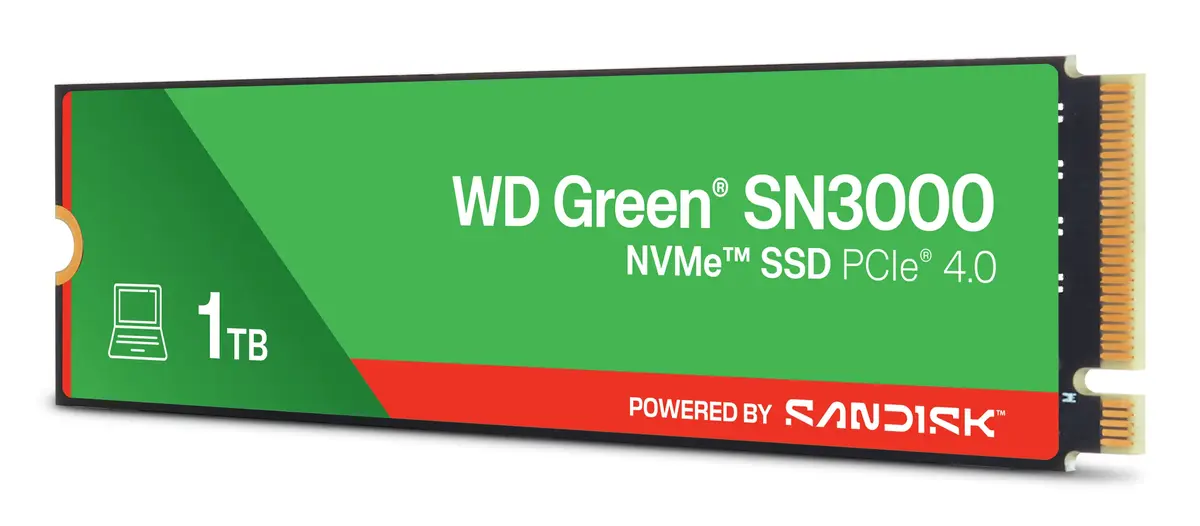
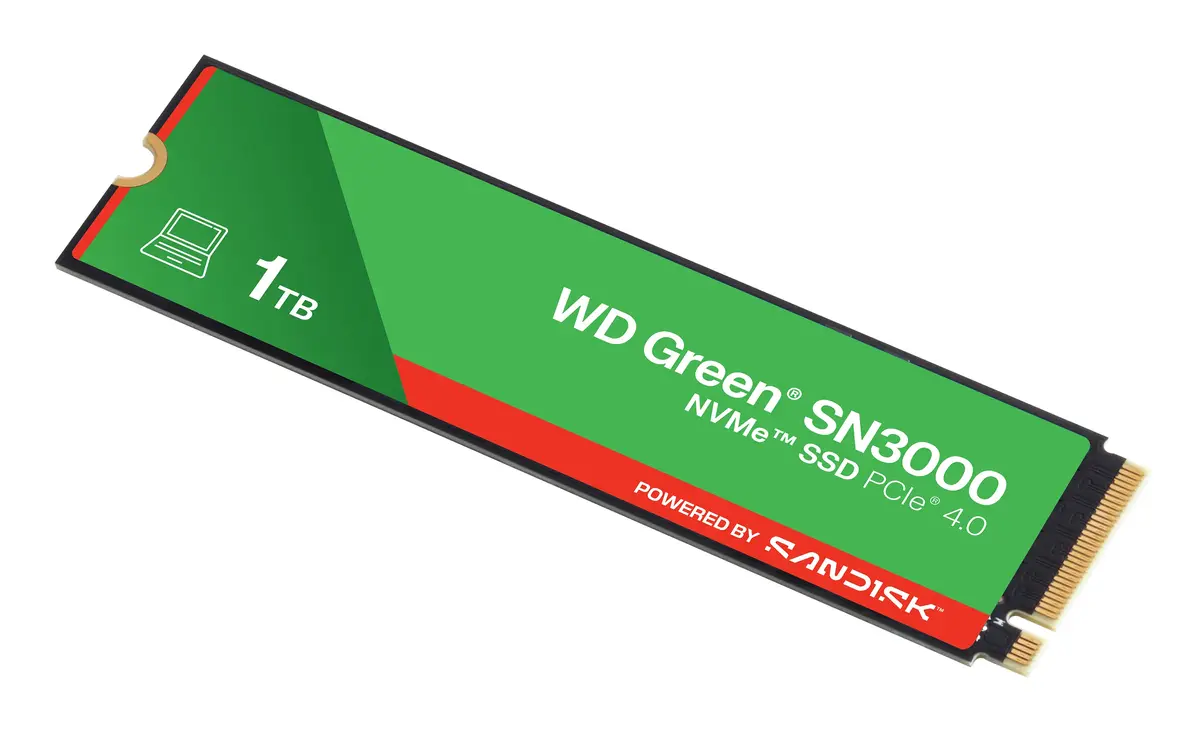
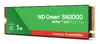
SSD drive SANDISK SN3000 M.2 PCIe 1.02 TB
SANDISK SN3000 M.2 PCIe 1.02 TB is an M.2 PCIe solid-state drive offering approximately 1.02 TB of NAND storage in a compact M.2 form factor. Designed for desktops and laptops with M.2 PCIe slots, this SSD is intended to provide faster system responsiveness and expanded storage for operating systems, applications, games and large file sets.
The SANDISK SN3000 delivers high-capacity solid-state storage in an M.2 package suitable for space-constrained systems. Its PCIe interface enables faster access to stored data compared with typical SATA drives, improving boot times and application responsiveness. With a 1.02 TB usable capacity, it provides room for OS installation, application libraries and large media or project files while keeping a small physical footprint and low weight.
This SSD requires an available M.2 PCIe slot; it is not compatible with systems that only support SATA drives or lack an M.2 slot. Specific performance characteristics such as sequential read/write speeds, NAND type, encryption support, or warranty details are not provided in the supplied product data, so if those factors are critical for your use case you should verify them with the manufacturer or retailer before purchase.
Install the SANDISK SN3000 into an available M.2 PCIe slot on a compatible desktop or laptop motherboard following the system manufacturer’s guidelines. Ensure the system is powered off and grounded before installation. After physical installation, initialize and format the drive in your operating system if required, then install the OS or transfer data. Follow any platform-specific instructions for securing the drive or configuring BIOS/UEFI NVMe settings if applicable.
Use the SANDISK SN3000 as a primary system drive for faster boot and application load times, or as high-capacity internal storage for projects and game libraries. Regularly back up important data to an external location and consult your system manual for proper thermal and mounting guidance when installing an M.2 SSD.
{{highlightedFeature.featureTitle}}:
{{getProductFeatureValueById(product, highlightedFeature.featureId)}}
{{ productComparisonGenerationError }}