Save time and money with our discounts!
In cart {{totalProductsCount}} item(s)
Your cart is empty
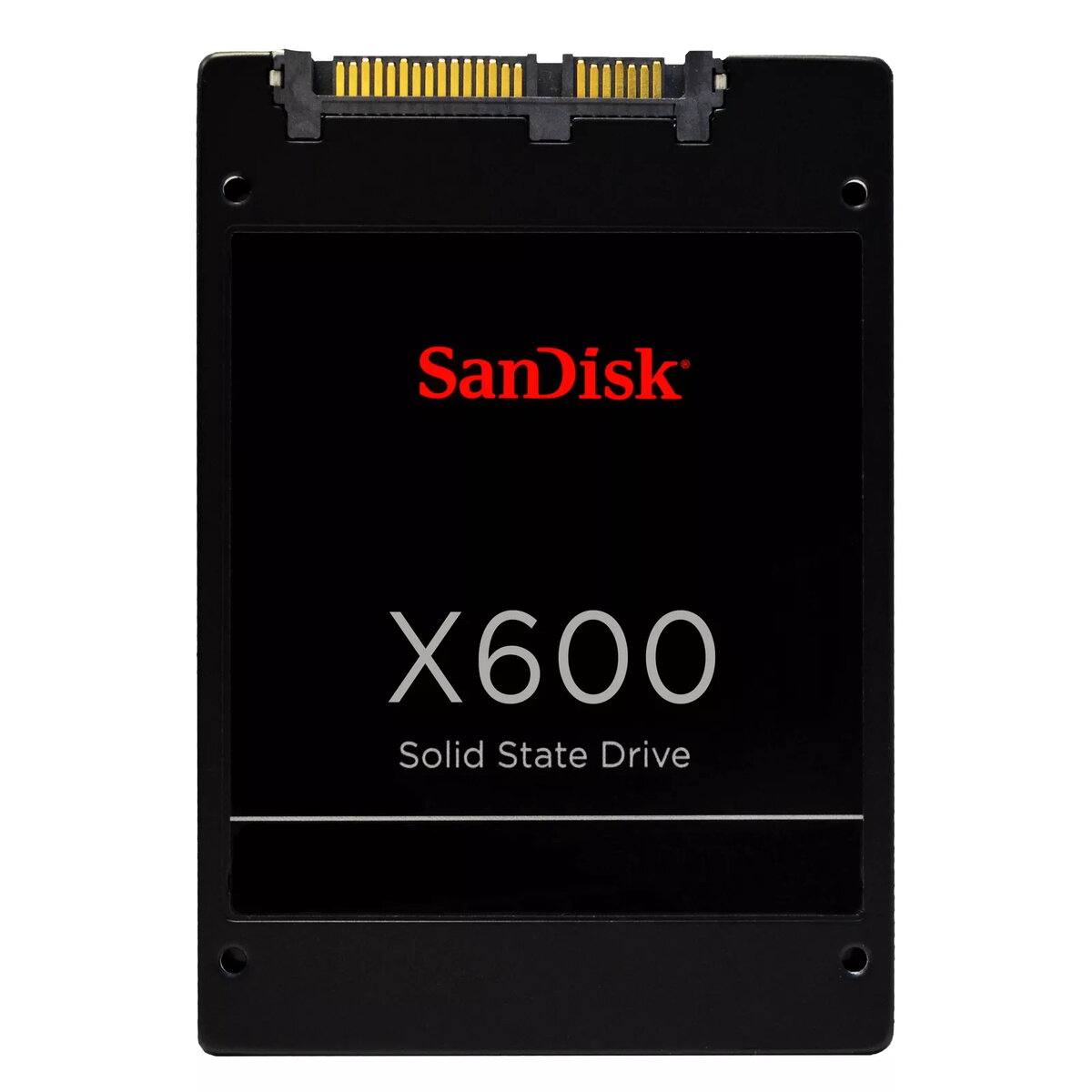
SSD disk SanDisk 2 TB 2.5" SATA III SanDisk X600
The SanDisk X600 2 TB SSD is a high-performance storage solution designed to enhance the speed and reliability of your computer system. Featuring a standard 2.5-inch form factor and a SATA III interface, this drive is engineered to provide a seamless upgrade for desktop PCs and laptops, offering significant improvements in boot times, application loading, and overall system responsiveness compared to traditional mechanical hard drives.
This solid-state drive leverages advanced technology to deliver consistent data transfer rates, ensuring that your files are accessed and saved with efficiency. With a generous 2000 GB capacity, it provides ample space for large media libraries, professional software, and extensive operating system installations, all while maintaining a compact and lightweight physical profile that fits easily into most standard drive bays.
The primary benefit of the SanDisk X600 is its ability to drastically reduce wait times during system startup and software execution. By utilizing flash-based storage, it eliminates the mechanical latency associated with spinning disks, resulting in a quieter and more durable storage environment. The drive is built for longevity and stability, making it a dependable choice for users who require consistent performance for both daily productivity tasks and more intensive computing workloads. Its energy-efficient design also contributes to lower power consumption, which is particularly beneficial for laptop users looking to extend their battery life while enjoying high-speed data access.
This drive is not suitable for systems that lack a SATA interface, such as modern ultra-thin laptops that exclusively support M.2 NVMe storage. Additionally, it is not intended for high-end server environments that require specialized enterprise-grade endurance features or specific RAID configurations.
To install the SanDisk X600, ensure your computer is powered off and disconnected from the power source. Open your computer case or laptop chassis to locate an available 2.5-inch drive bay. Secure the SSD into the bay using appropriate mounting screws, then connect the SATA data cable and the SATA power cable from your power supply unit. Once installed, close the case and power on your system. You may need to initialize the drive through your operating system's disk management utility to format it and assign a drive letter before it becomes visible for file storage.
For optimal performance, ensure that your motherboard's BIOS/UEFI settings are configured to AHCI mode. It is also recommended to keep at least 10-15% of the drive's capacity free to maintain peak write speeds and drive longevity.
{{highlightedFeature.featureTitle}}:
{{getProductFeatureValueById(product, highlightedFeature.featureId)}}
{{ productComparisonGenerationError }}