Dreame vacuums for fast and efficient cleaning!
In cart {{totalProductsCount}} item(s)
Your cart is empty
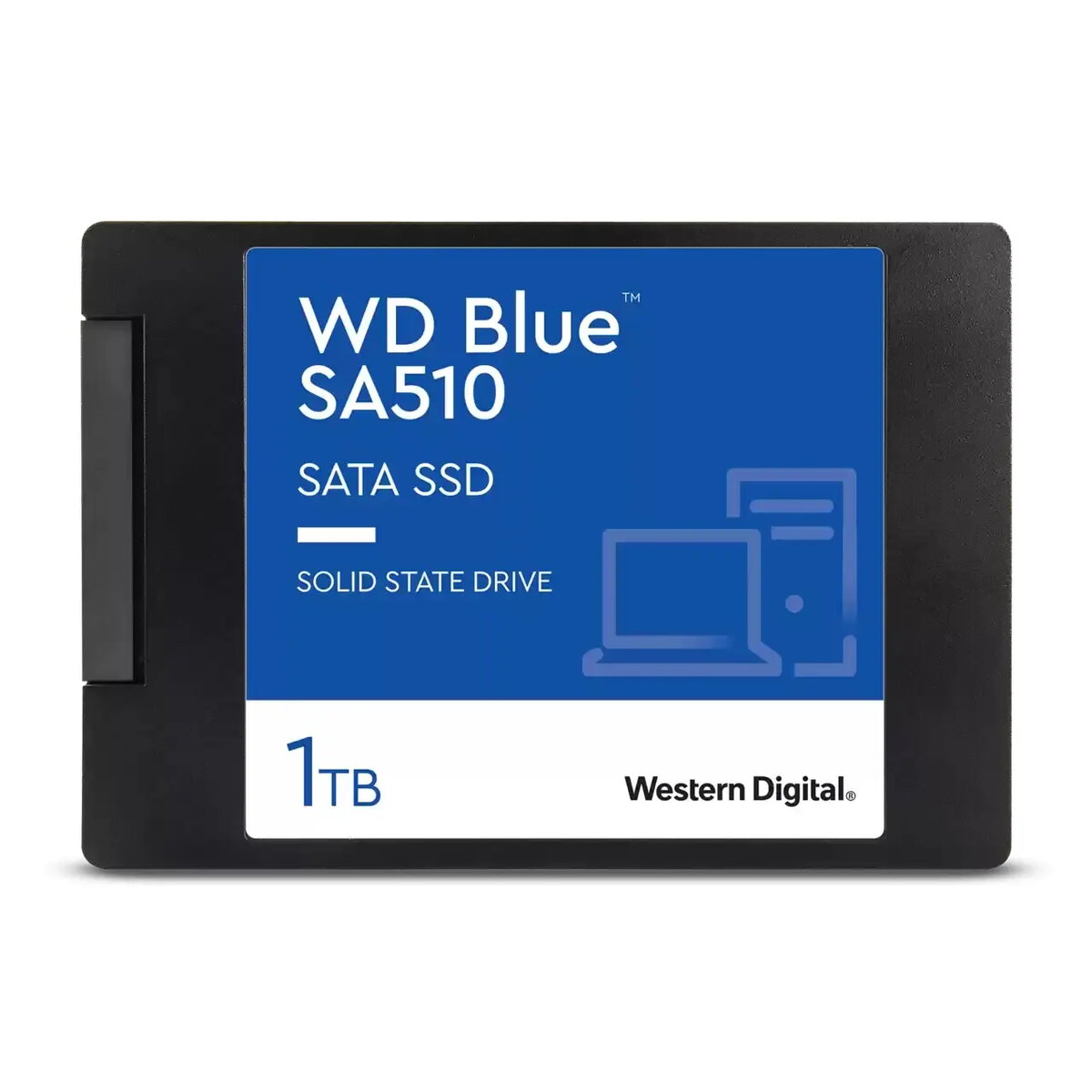
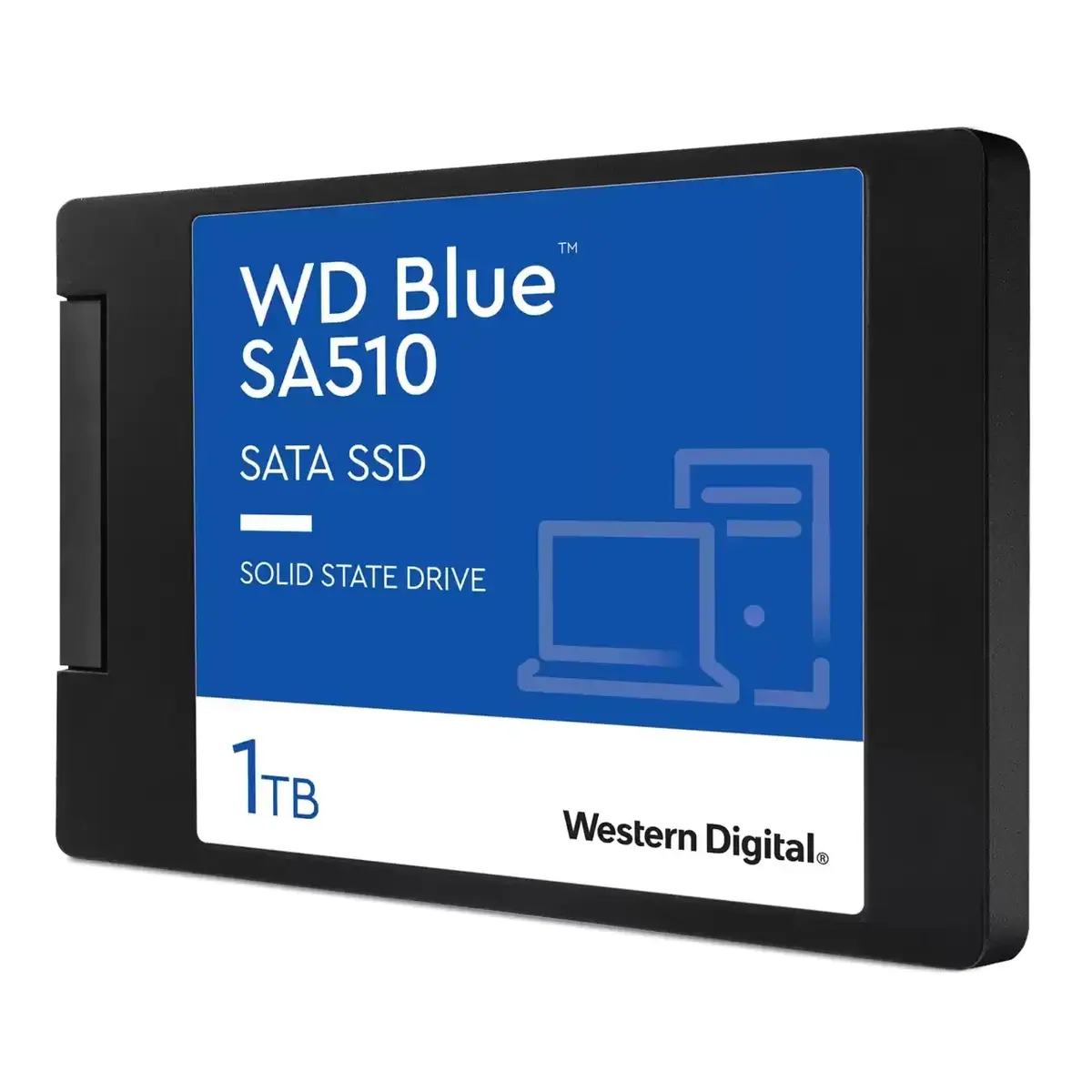
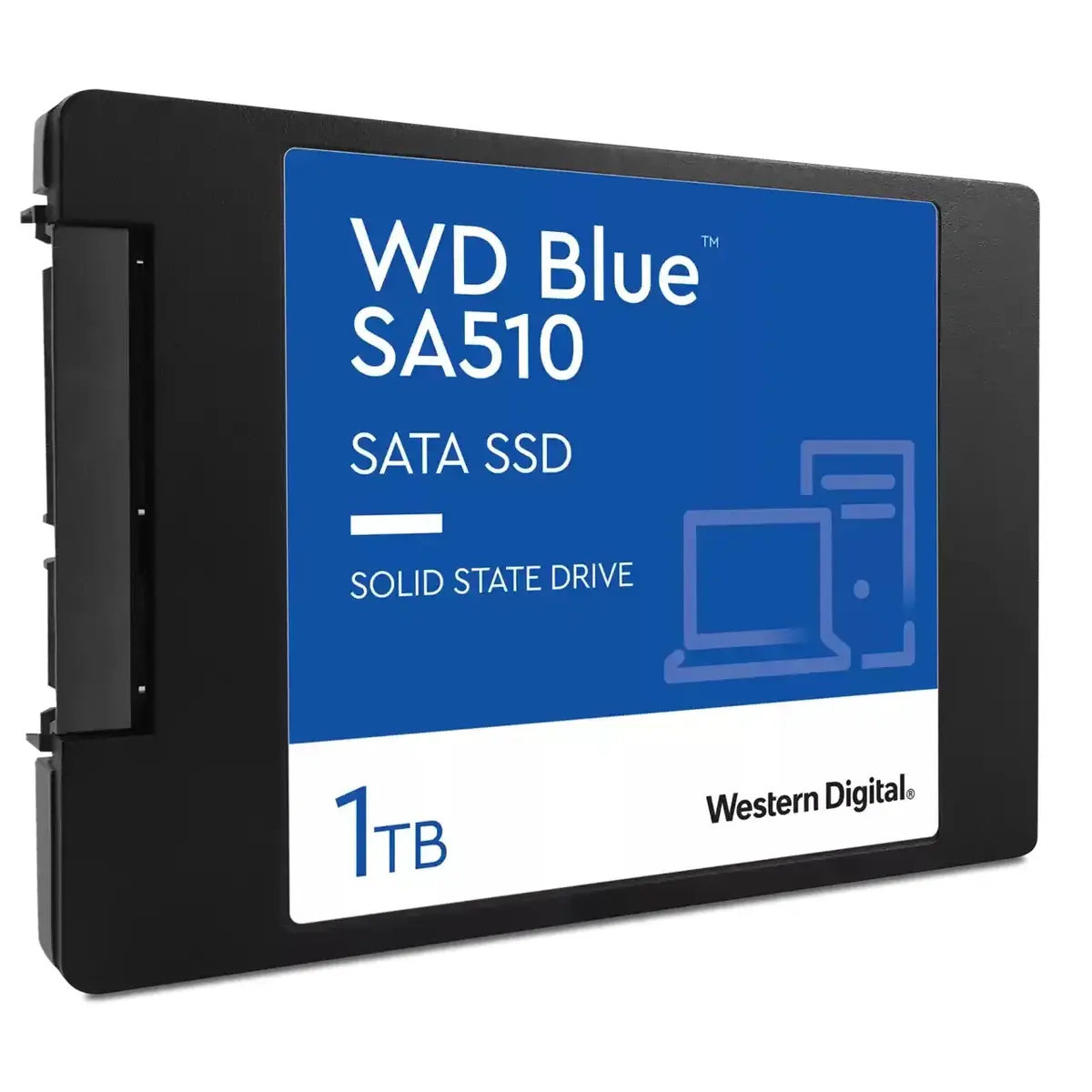
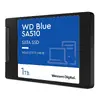
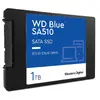
Western Digital Blue SA510 1 TB 2.5" SATA III SSD
The Western Digital Blue SA510 1 TB 2.5" SATA III SSD is a high-performance storage solution engineered to revitalize your desktop or laptop computer. By replacing a traditional mechanical hard drive with this solid-state drive, you can significantly improve system responsiveness, achieve faster boot times, and accelerate application loading. This drive is built to handle demanding daily computing tasks, providing a reliable and efficient upgrade path for professionals and casual users alike.
This SSD offers a substantial performance boost with read speeds reaching up to 560 MB/s and write speeds up to 520 MB/s, ensuring that your workflow remains fluid and productive. Its 2.5-inch form factor ensures broad compatibility with a wide range of existing computer systems, including older models that require a standard SATA interface. Furthermore, the drive operates with lower power consumption compared to traditional hard drives, which helps extend battery life for laptop users. The absence of moving parts also results in reduced vibrations and increased durability, protecting your data more effectively against physical shocks.
This drive is not suitable for systems that lack a 2.5-inch SATA interface, such as ultra-thin laptops that exclusively support M.2 NVMe drives. Additionally, it may not be the optimal choice for high-end enterprise servers or workstations that require the extreme throughput speeds provided by PCIe Gen4 or Gen5 NVMe storage solutions.
To use the Western Digital Blue SA510, install the drive into an available 2.5-inch drive bay within your computer case or laptop chassis and connect it to a SATA data cable and a SATA power connector. Once installed, you may need to initialize the drive through your operating system's disk management utility. For optimal performance and maintenance, it is recommended to download the Western Digital SSD Dashboard software, which allows you to monitor drive health, temperature, and firmware status. You can also utilize the included Acronis True Image software to clone your existing operating system and data from your old drive to the new SSD.
For the best experience, always keep your firmware updated via the Western Digital SSD Dashboard and ensure that your operating system's TRIM command is enabled to maintain long-term drive performance and longevity.
{{highlightedFeature.featureTitle}}:
{{getProductFeatureValueById(product, highlightedFeature.featureId)}}
{{ productComparisonGenerationError }}