Filters you can trust. Pure water every day.
In cart {{totalProductsCount}} item(s)
Your cart is empty
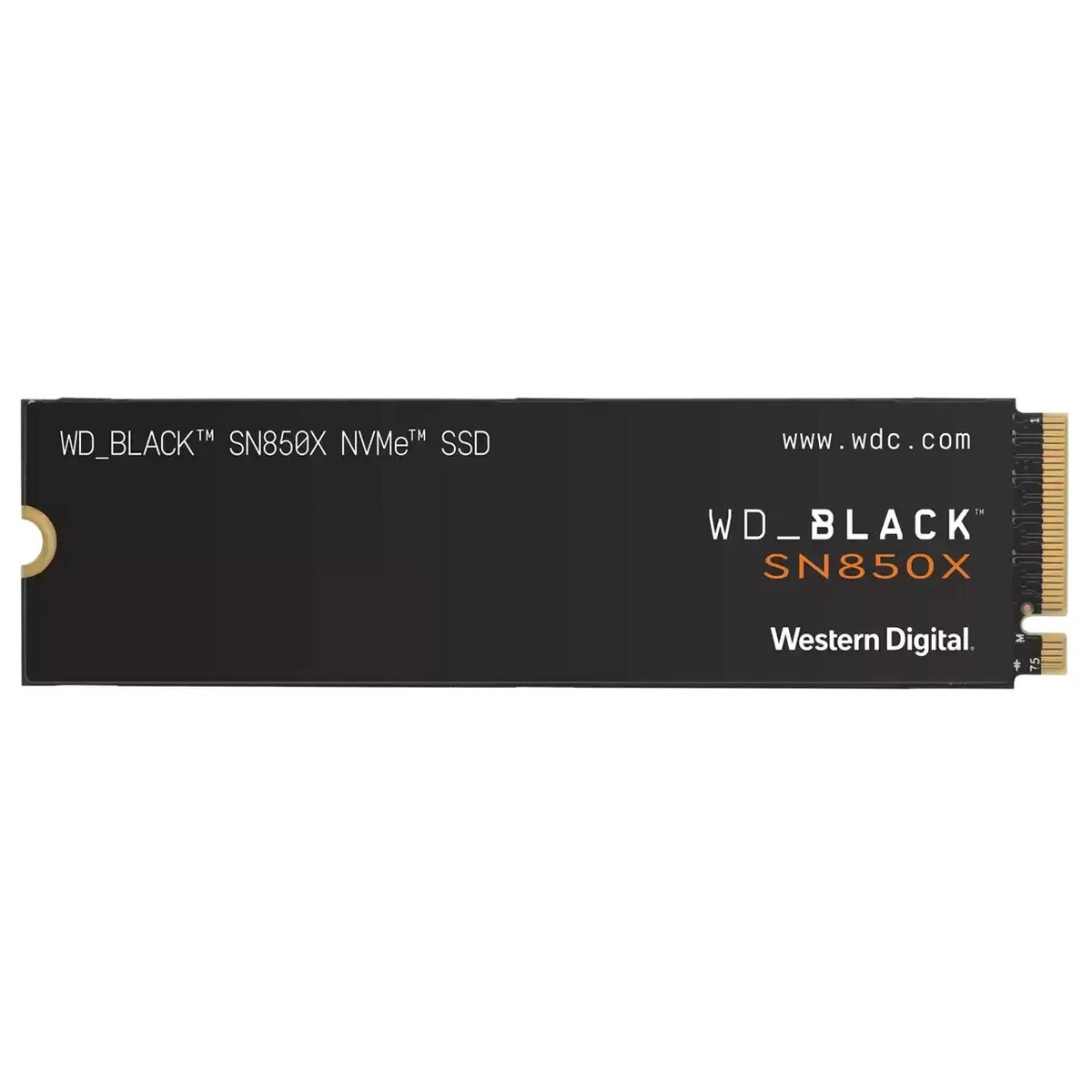
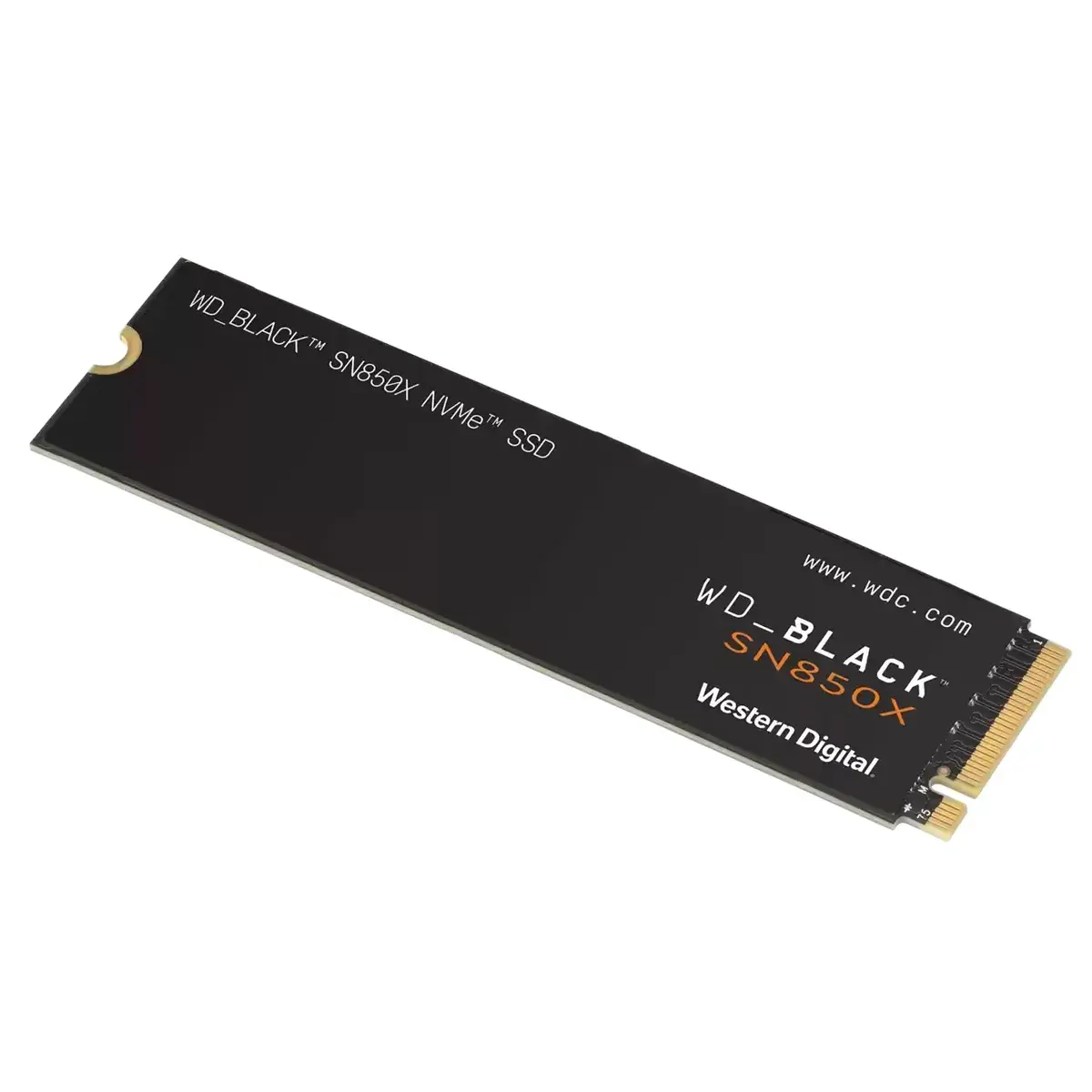
Western Digital Black SN850X 2TB M.2 NVMe SSD, PCIe 4.0, 7300 MB/s Read, 6600 MB/s Write
The Western Digital Black SN850X 2TB M.2 NVMe SSD is a high-performance storage solution engineered for gamers and power users who demand top-tier speed and reliability. Utilizing the PCIe 4.0 interface, this drive pushes the boundaries of data transfer, offering sequential read speeds of up to 7300 MB/s and write speeds of 6600 MB/s. It is designed to minimize load times, reduce latency, and ensure a smooth, responsive experience during intensive computing tasks and high-end gaming sessions.
This SSD provides a significant performance boost to any compatible system by leveraging advanced NVMe technology to handle large files and complex game assets with ease. The drive features Game Mode 2.0, which optimizes performance by predicting load requirements to ensure assets are ready when needed. Its high-speed architecture effectively eliminates stuttering and lagging, providing a seamless experience for streaming, recording, and competitive gaming. The robust design ensures sustained performance, allowing users to maintain peak speeds even during prolonged periods of heavy usage.
This drive is optimized for PCIe 4.0 interfaces and may not reach its maximum potential on older systems using PCIe 3.0 or earlier standards. It is not intended for devices that do not support the M.2 2280 form factor or for users who do not require high-speed NVMe performance for their daily computing tasks.
To install the drive, ensure your motherboard has an available M.2 slot that supports the PCIe 4.0 standard. Insert the drive into the slot at a slight angle, press it down gently, and secure it with the provided mounting screw. Once installed, initialize the disk through your operating system's disk management utility to format it for use. For optimal performance, ensure your motherboard BIOS is updated and that you have installed the latest NVMe drivers provided by the manufacturer.
For the best gaming experience, keep your firmware updated via the manufacturer's software and ensure your system has adequate airflow to maintain optimal operating temperatures during intense workloads.
{{highlightedFeature.featureTitle}}:
{{getProductFeatureValueById(product, highlightedFeature.featureId)}}
{{ productComparisonGenerationError }}