Save time and money with our discounts!
In cart {{totalProductsCount}} item(s)
Your cart is empty
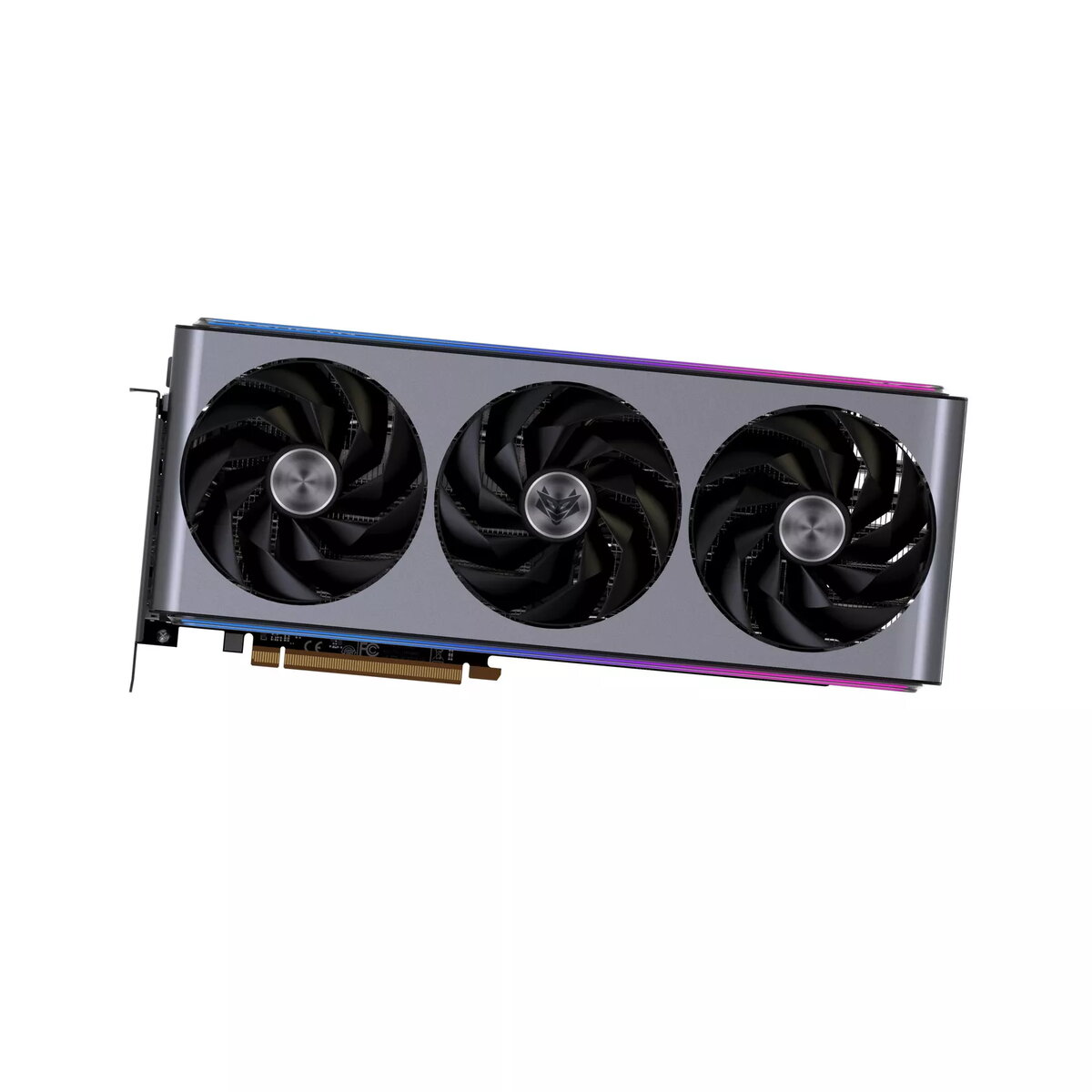
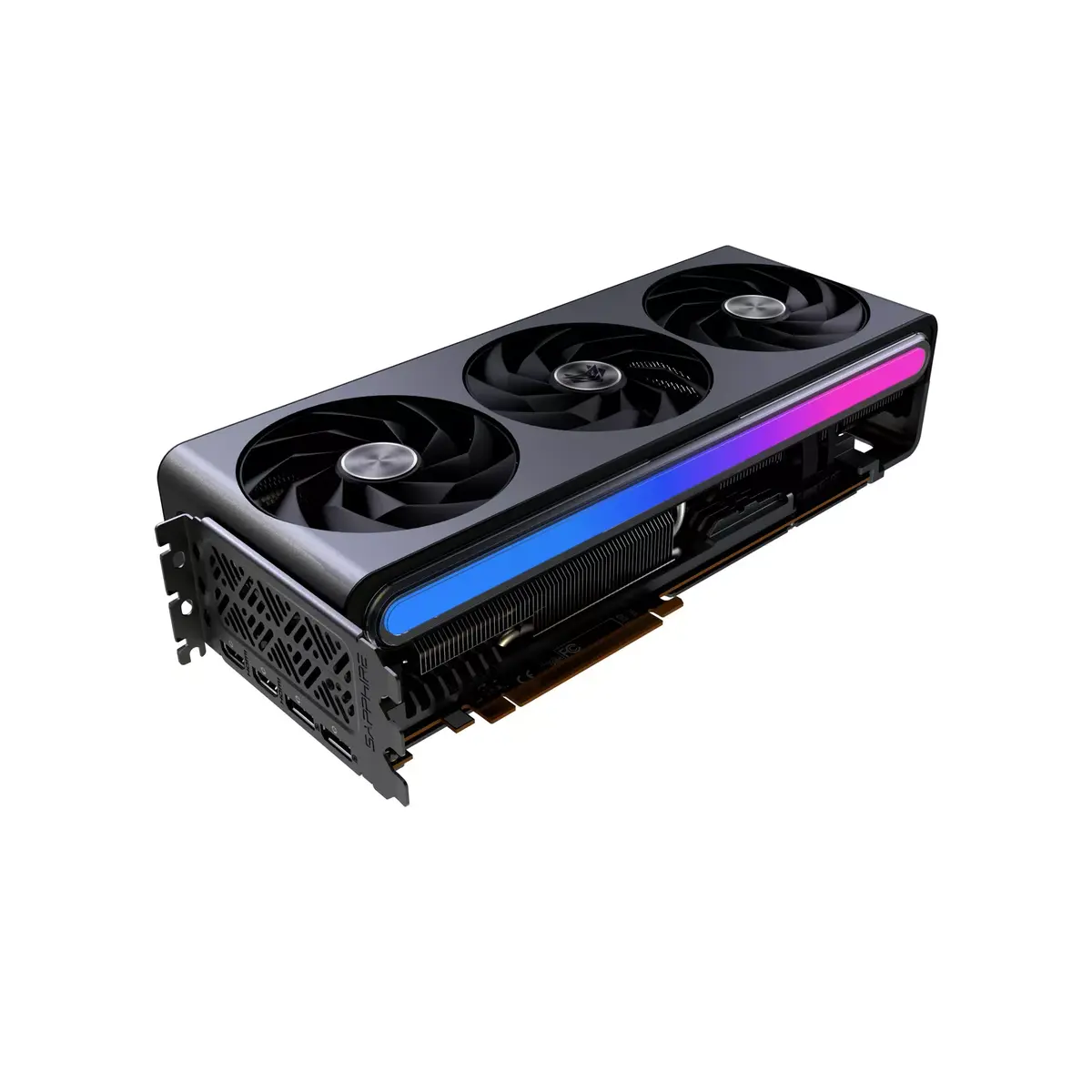
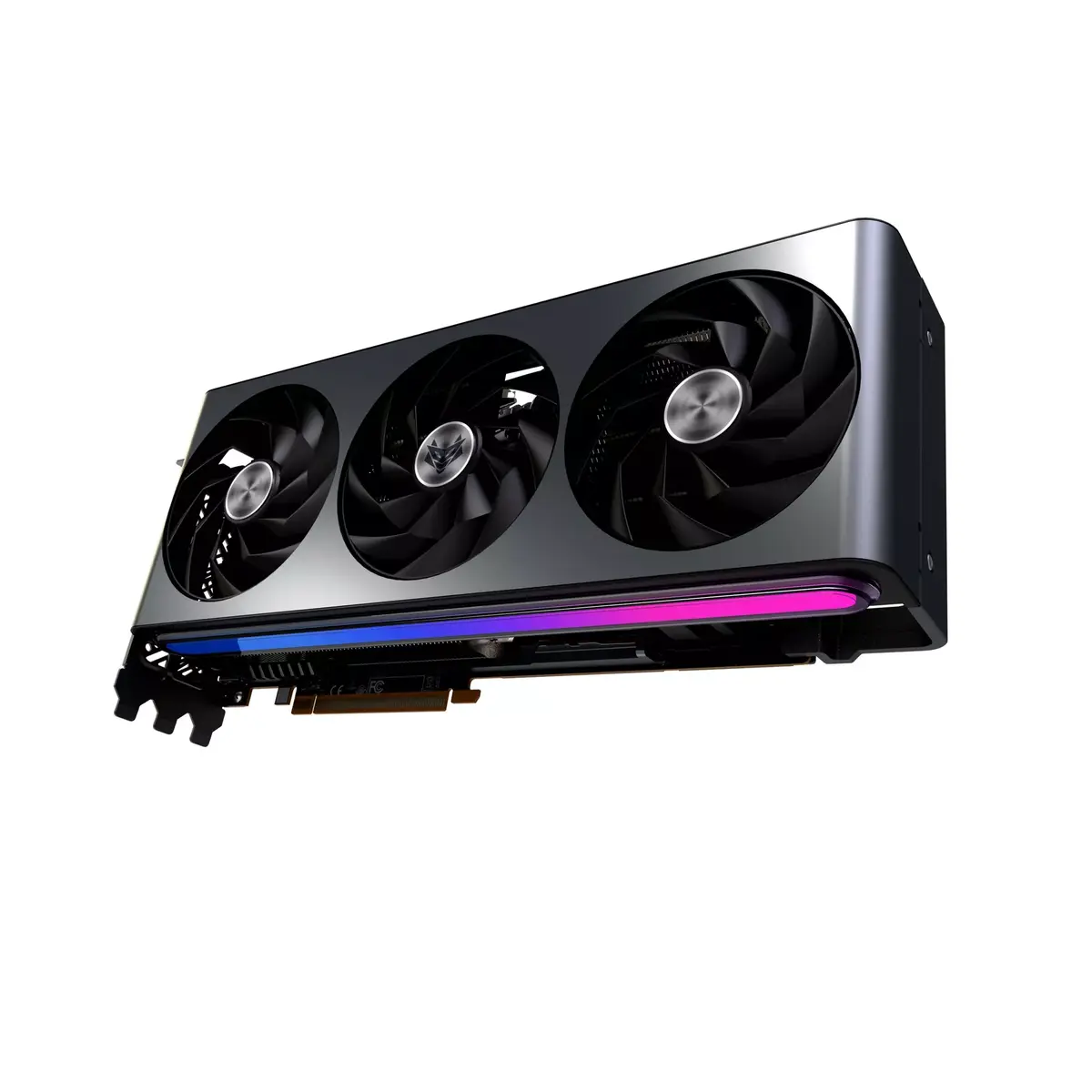
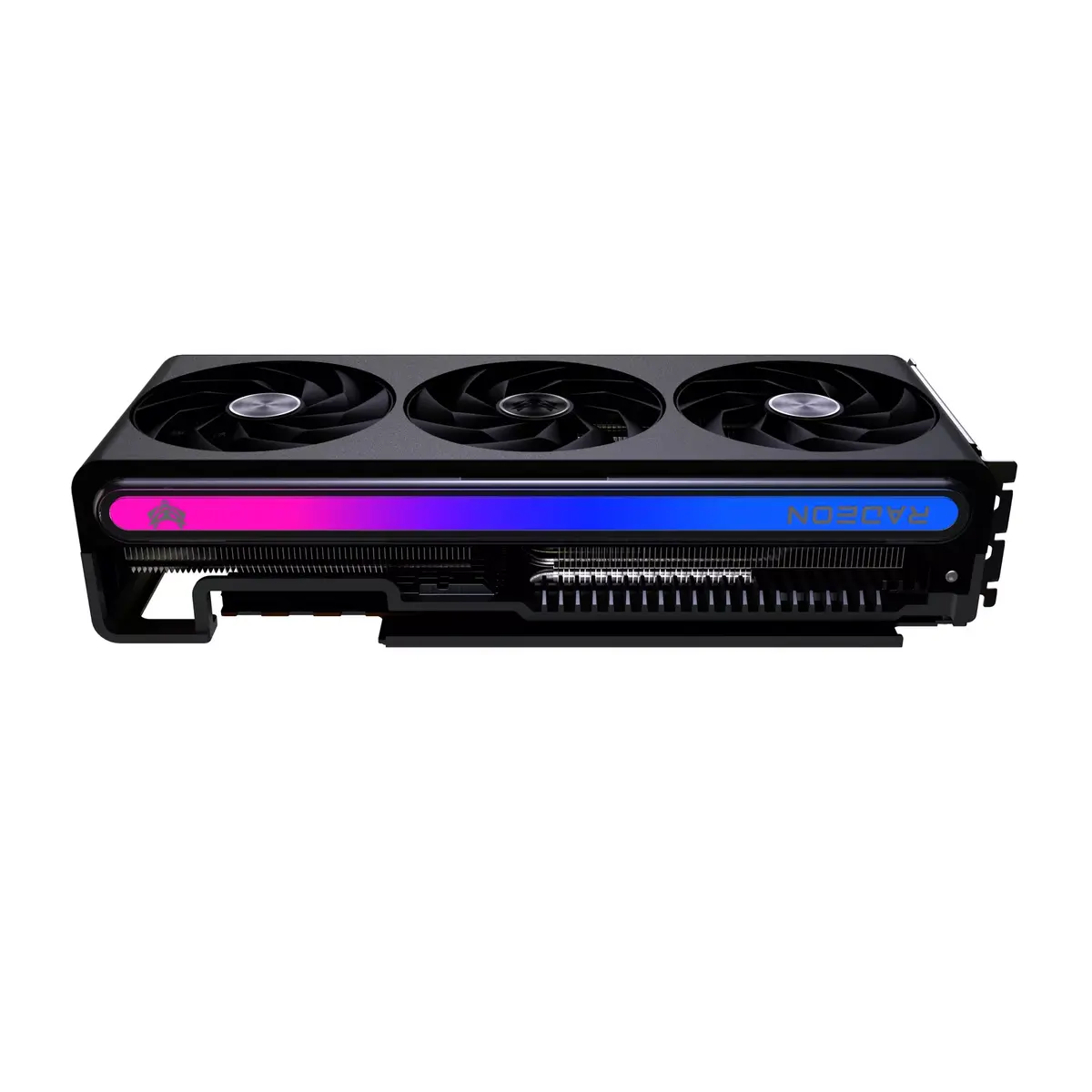
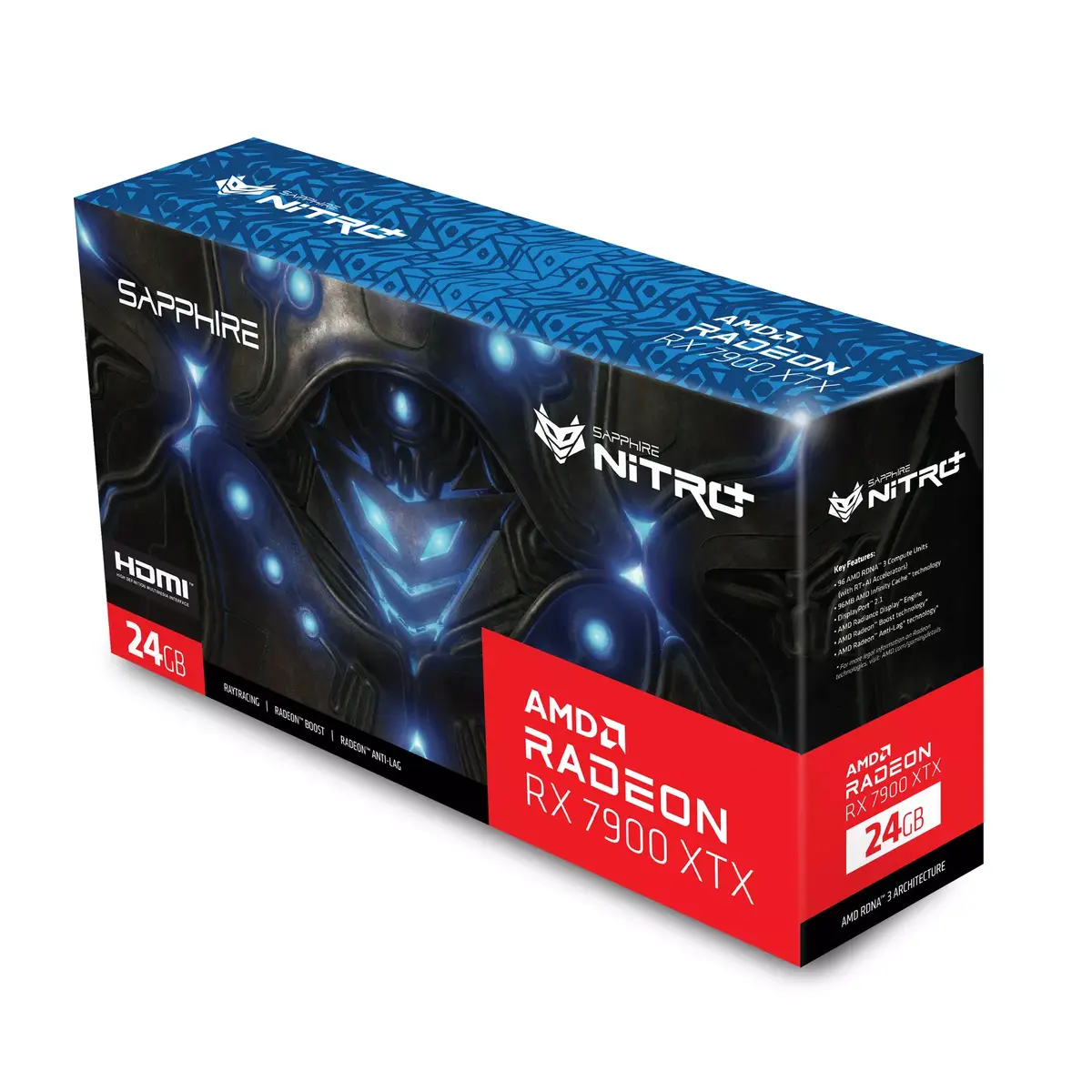
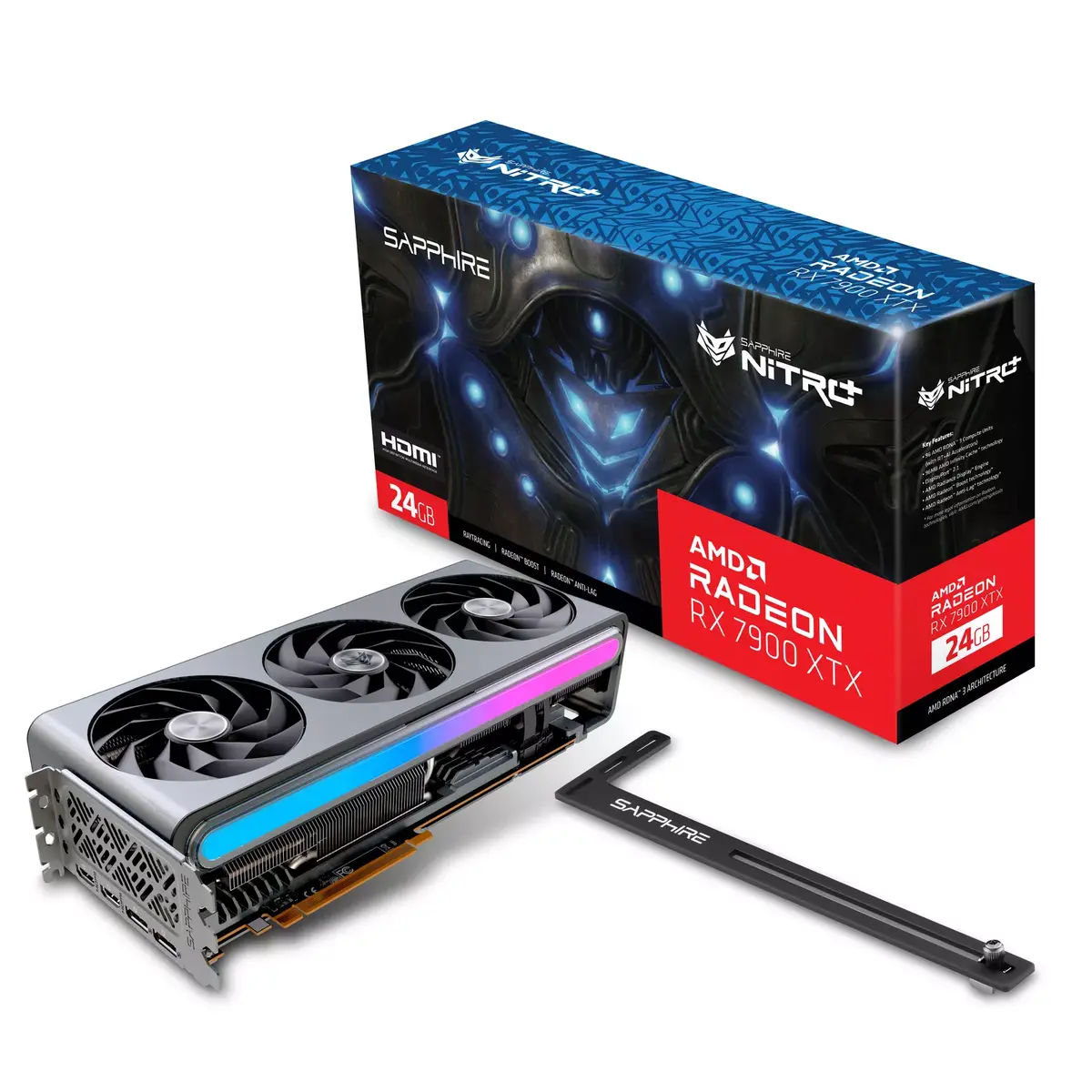
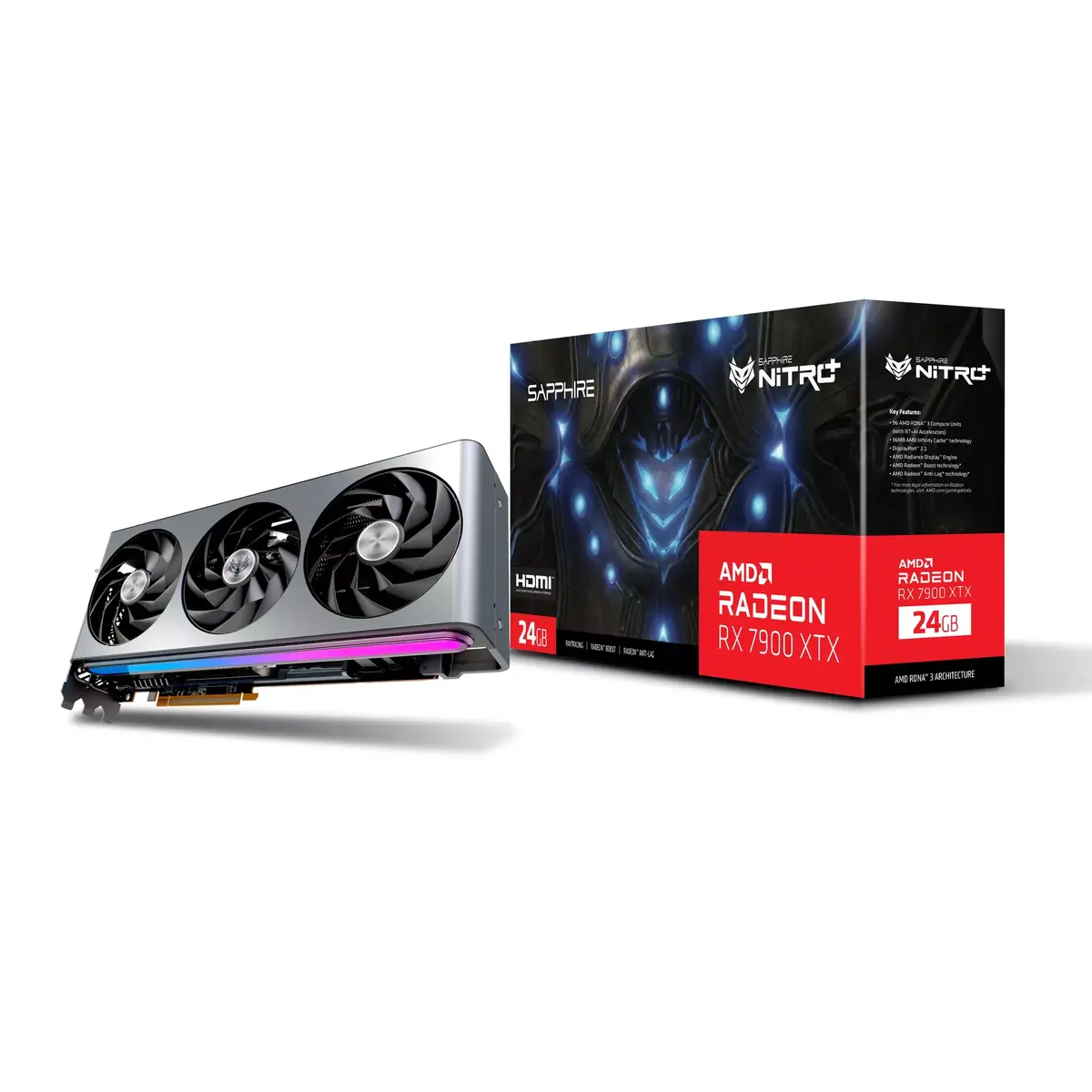
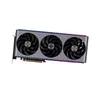
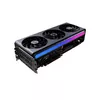
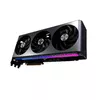
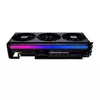
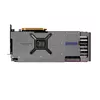
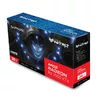
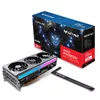
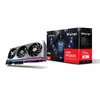
Graphics Card AMD Radeon RX 7900 XTX 24 GB GDDR6
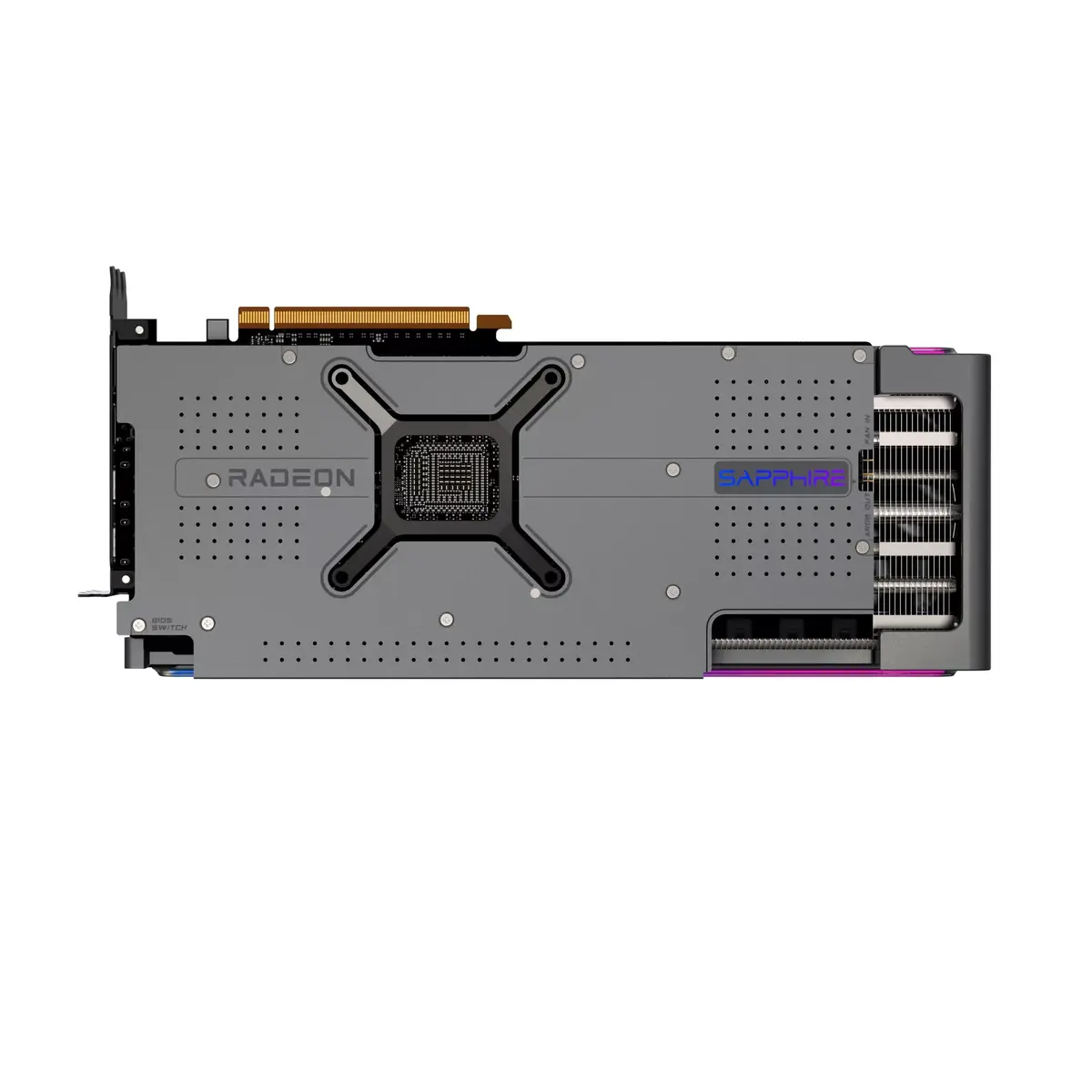
SAPPHIRE NITRO+ / PULSE AMD Radeon RX 7900 Series graphics card with advanced Vapor-X cooling, Tri-X cooling architecture and a reinforced die-cast aluminum-magnesium frame. The card features dual BIOS with software switch via TriXX, ARGB lighting with external sync, multiple display outputs (HDMI and DisplayPort up to four), and robust digital power design with high-performance conductive polymer capacitors and a 14-layer 2oz copper high-TG PCB for stable operation under heavy load. A sturdy backplate and bundled graphics card supporter increase structural rigidity and assist heat dissipation.
Vapor-X and optimized composite heatpipes deliver efficient, evenly distributed heat transfer across GPU and memory. Tri-X cooling with three large fans, tunneled fins and angular velocity fan blades increases airflow while reducing noise. Dual BIOS and OC BIOS option provide flexible performance modes, and Assistive System Fan Control coordinates system fans via TriXX software for improved case airflow. The die-cast frontplate and tough metal backplate reinforce the card and cool VRMs, memory and chokes. ARGB customization and external sync allow coordinated lighting control with the motherboard.
Install the graphics card into an available PCIe slot, secure it with the provided bracket and attach any required external PCI‑E power connectors. Connect display cables to HDMI or DisplayPort outputs as needed. Use SAPPHIRE TriXX software to switch between OC BIOS and Secondary BIOS modes, adjust fan curves, enable Assistive System Fan Control to synchronize a chassis fan with the GPU, and configure ARGB lighting or external sync via the 3‑pin header. For fan replacement, remove the single screw on the Fan Quick Connect assembly to swap the fan without returning the entire card.
Ensure your power supply meets the card’s requirements and provides the correct PCI‑E power connectors. Install adequate case ventilation to complement the card’s cooling, and update TriXX and motherboard firmware for optimal compatibility with ARGB sync and fan control features.
{{highlightedFeature.featureTitle}}:
{{getProductFeatureValueById(product, highlightedFeature.featureId)}}
{{ productComparisonGenerationError }}