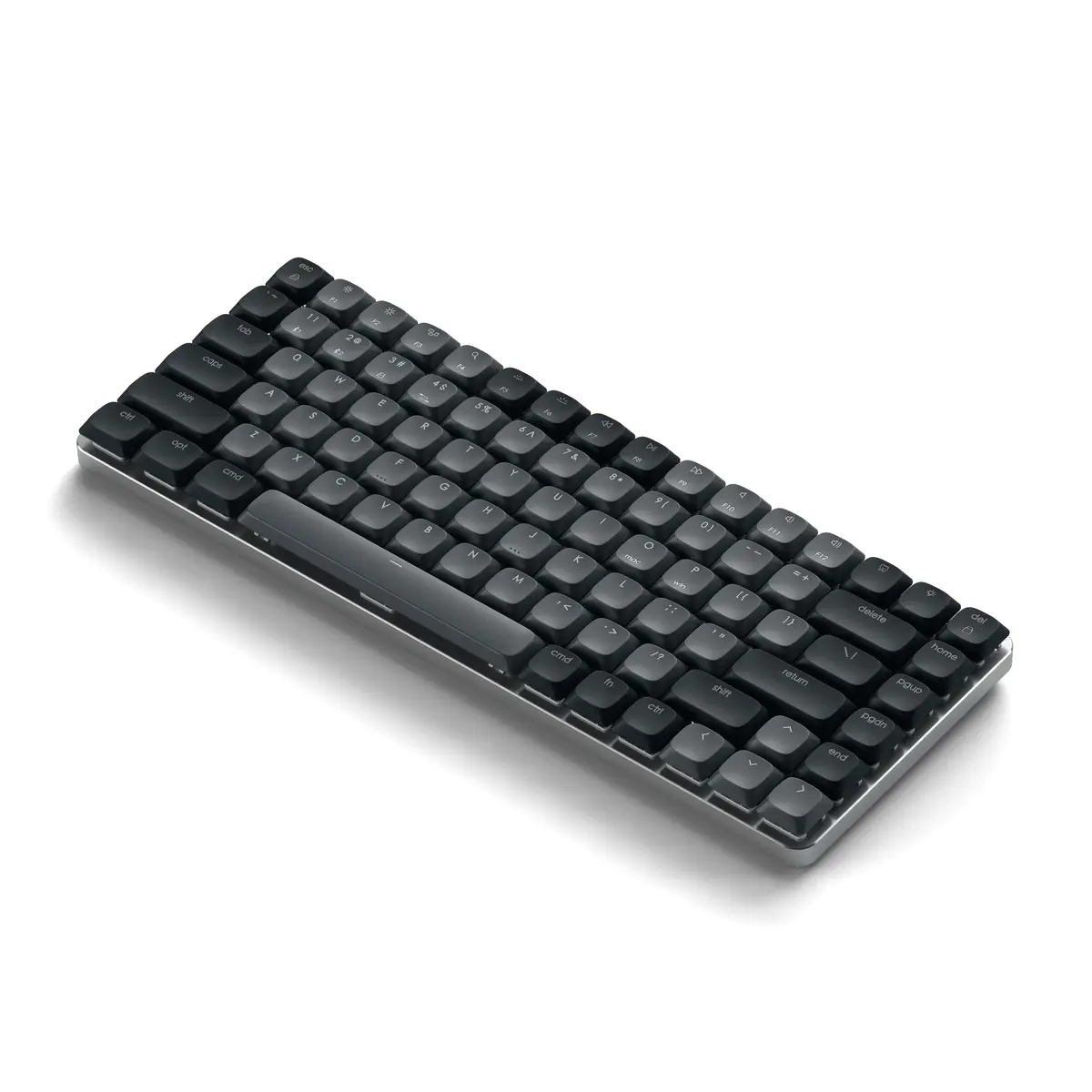
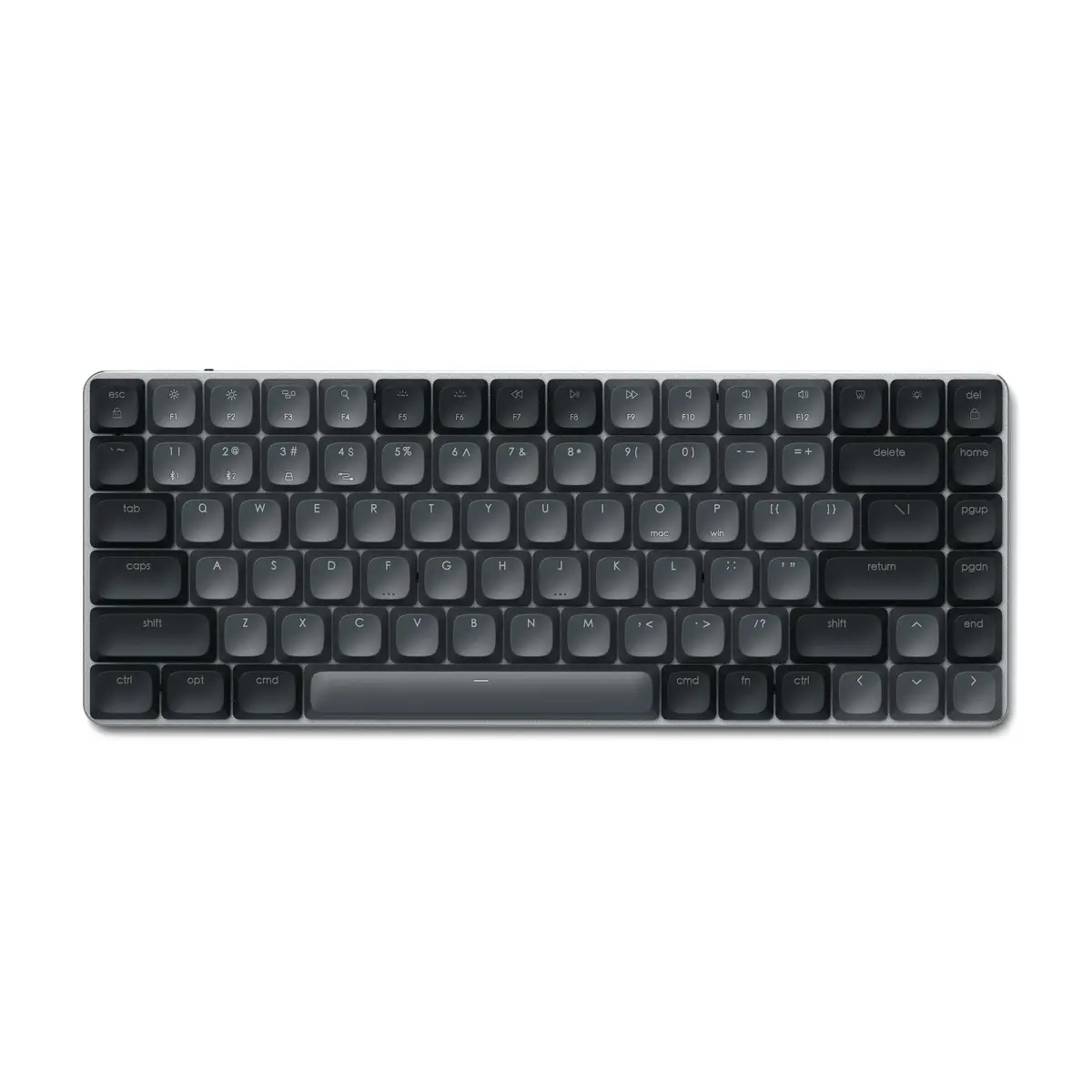
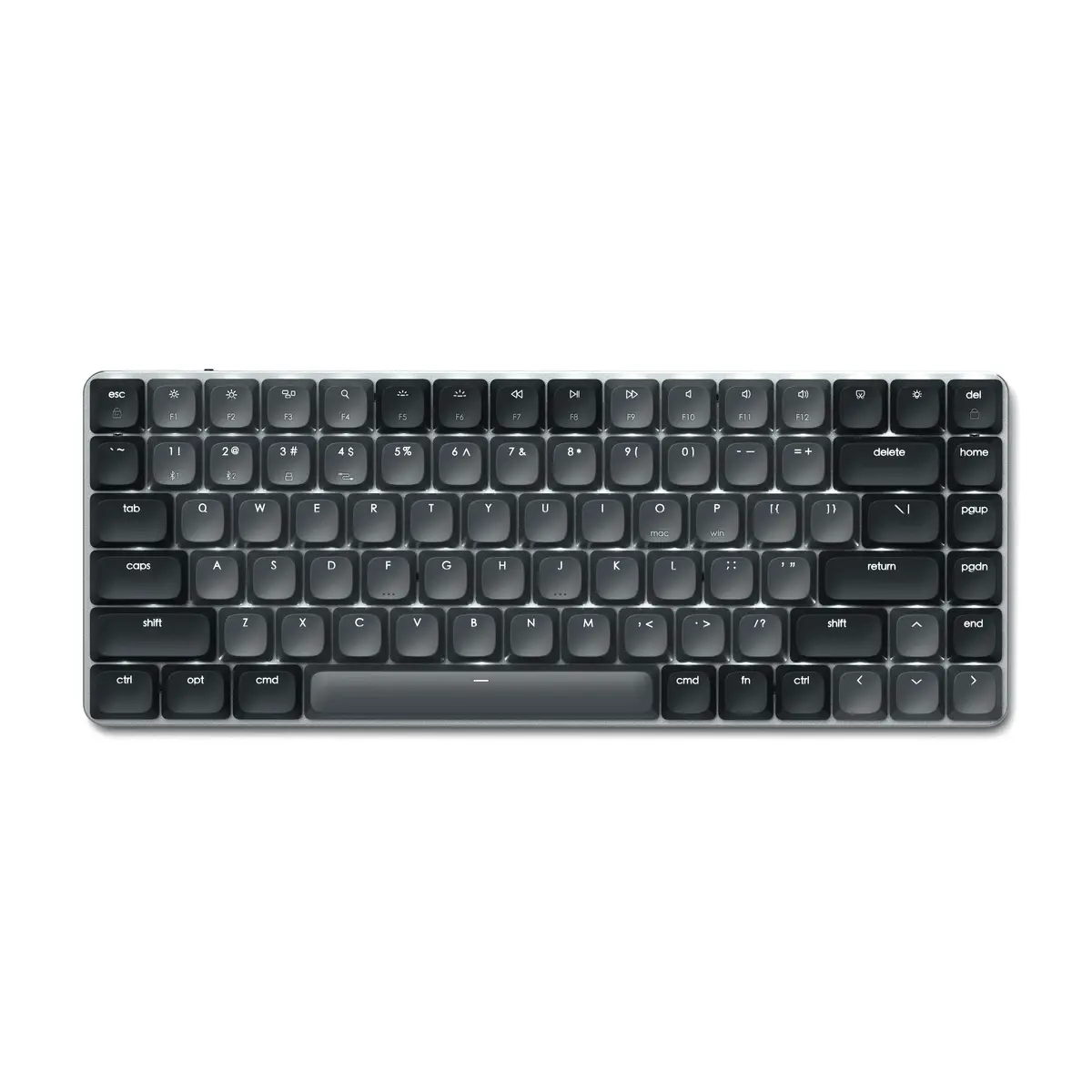
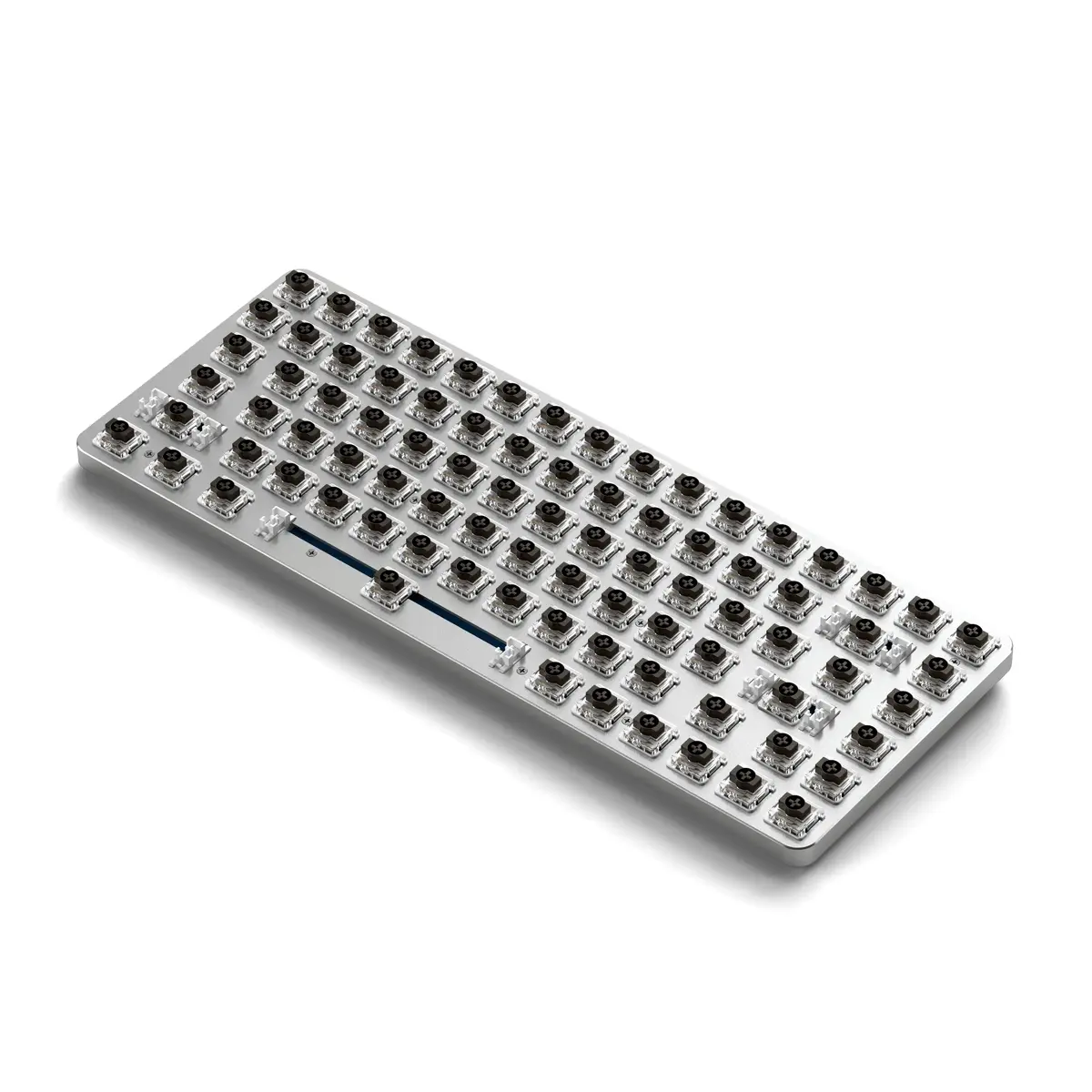
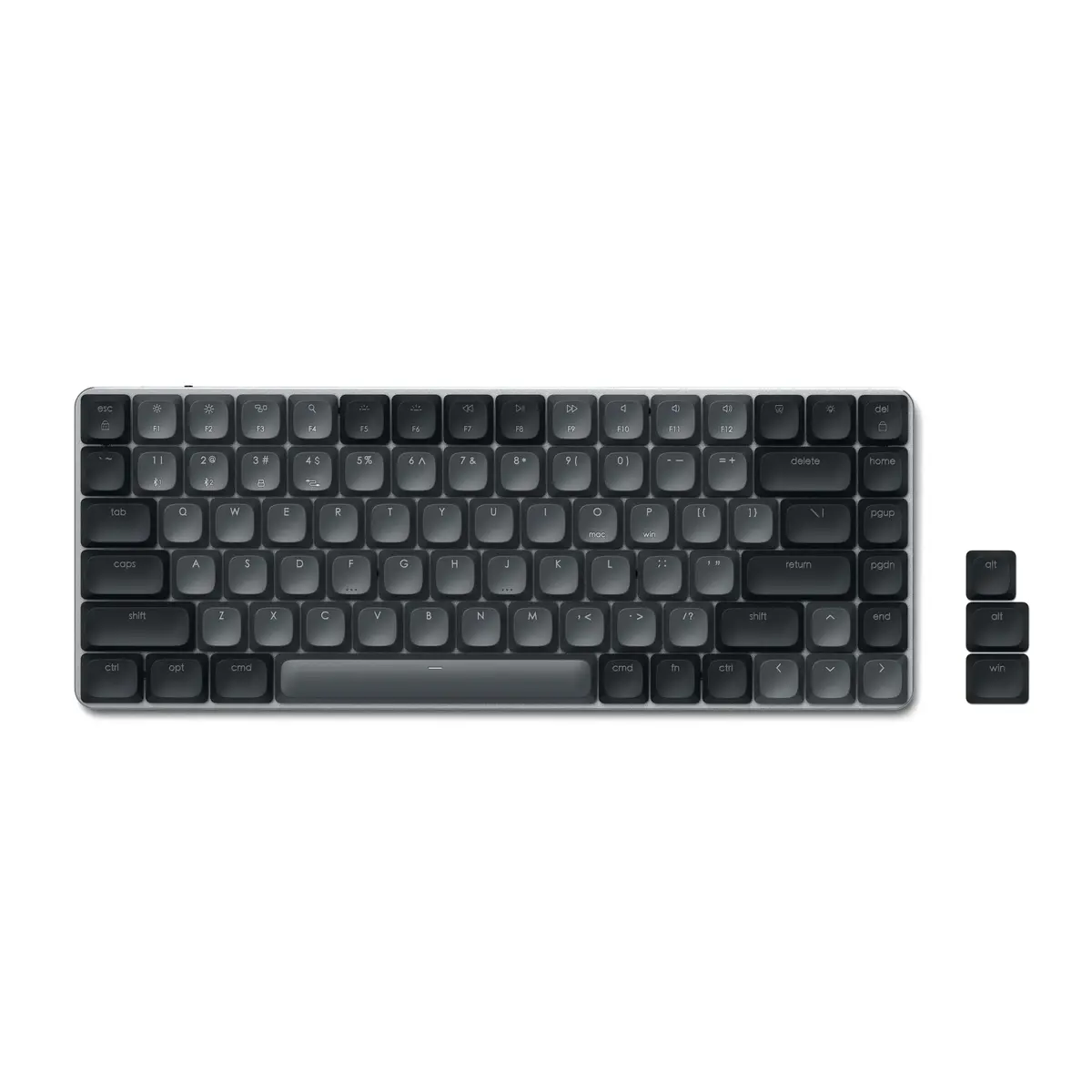
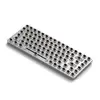
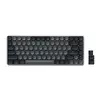
-
Pointing device:
-
No
-
Material:
The material from which a thing is or can be made e.g. wood, plastic.
-
Aluminium
-
Windows keys:
-
No
-
Numeric keypad:
Small, palm-sized, seventeen key section of a computer keyboard, usually on the very far right. The numeric keypad features digits 0 to 9, addition (+), subtraction (-), multiplication (*) and division (/) symbols, a decimal point (.) and Num Lock and Enter keys. Laptop keyboards often do not have a numpad, but may provide numpad input by holding a modifier key (typically labelled "Fn") and operating keys on the standard keyboard.
-
No
-
Keyboard layout:
The type of keys on a keyboard, and their position on the keyboard. This can differ from country to country.
-
QWERTY
-
Connectivity technology:
The technology that enables connectivity of the device, e.g. wired or wireless.
-
Wired & Wireless
-
Battery life (max):
Maximum battery life. Mobile Mark™ (2002) is the standard often used to benchmark battery life time.
-
16.5 h
-
USB connector type:
The type of USB connector/port that this product has.
-
USB Type-C
-
Product colour:
The colour e.g. red, blue, green, black, white.
-
Black, Grey
-
Rechargeable:
The device can be connected to a power supply in order to restore electrical energy in the battery.
-
Yes
-
Mouse included:
A mouse is included with this product.
-
No
-
Backlight:
Product has a built-in light source for its illuminating.
-
Yes
-
Detachable cable:
-
Yes
-
Number of products included:
The number of products that are included in the package.
-
1 pc(s)
-
Keyboard dimensions (WxDxH):
-
310 x 119 x 21
-
Keyboard weight:
-
471 g
-
Windows operating systems supported:
Windows vesions wich can be used with the device.
-
Yes
-
Mac operating systems supported:
Mac operating systems e.g. OS X can be used with the device.
-
Yes
-
Power source type:
What the power source is.
-
Battery
-
Wrist rest:
A padded cushion placed in front of a computer keyboard to rest your wrists on when typing.
-
No
-
Surface coloration:
Type of surface coloration e.g. monotone, image.
-
Monochromatic
-
Recommended usage:
What the product should be used for, and how it should be used (e.g. ambient temperature).
-
Office
-
Device interface:
The ports (sockets) where the device connects with other devices.
-
USB + Bluetooth
-
Keyboard language:
The letters which are marked on the keys for convenience of the keyboard usage with specific language.
-
English
-
Keyboard form factor:
Keyboard size, e.g. standard, mini.
-
Tenkeyless (80 - 87%)
-
Keyboard style:
The style of the keyboard e.g. straight, curved.
-
Straight
-
Mobile operating systems supported:
The operating systems e.g. Android, iOS, that can be used with the mobile device.
-
iOS
-
Keyboard battery type:
-
Built-in battery
-
Charging source:
How the battery is charged.
-
USB Type-C
-
USB 3.2 Gen 1 (3.1 Gen 1) Type-C ports quantity:
Number of USB 3.0 (3.1 Gen 1) ports with Type-C connector. USB 3.0 (3.1 Gen 1) is USB interface version which supports transfer rate up to 5 Gbit/s (SuperSpeed). USB Type-C connector has symmetrical design architecture and compatible with Thunderbolt 3 interface.
-
1
-
Multi-device support:
-
Yes
-
Keyboard key profile:
-
Low-profile
-
Warranty period:
-
1 year(s)