This is due to long delivery times and limited product warranties.
Filters you can trust. Pure water every day.
In cart {{totalProductsCount}} item(s)
Your cart is empty
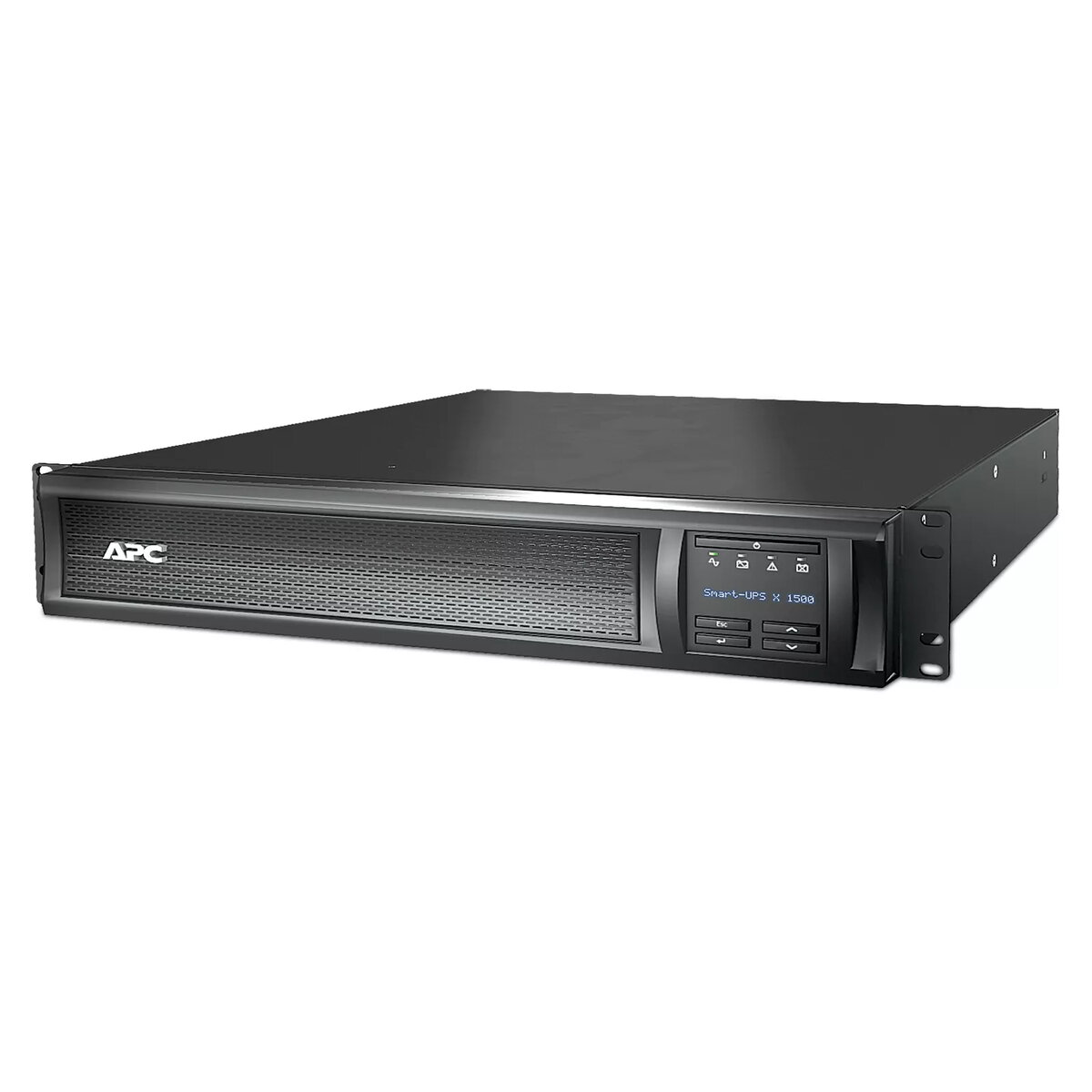
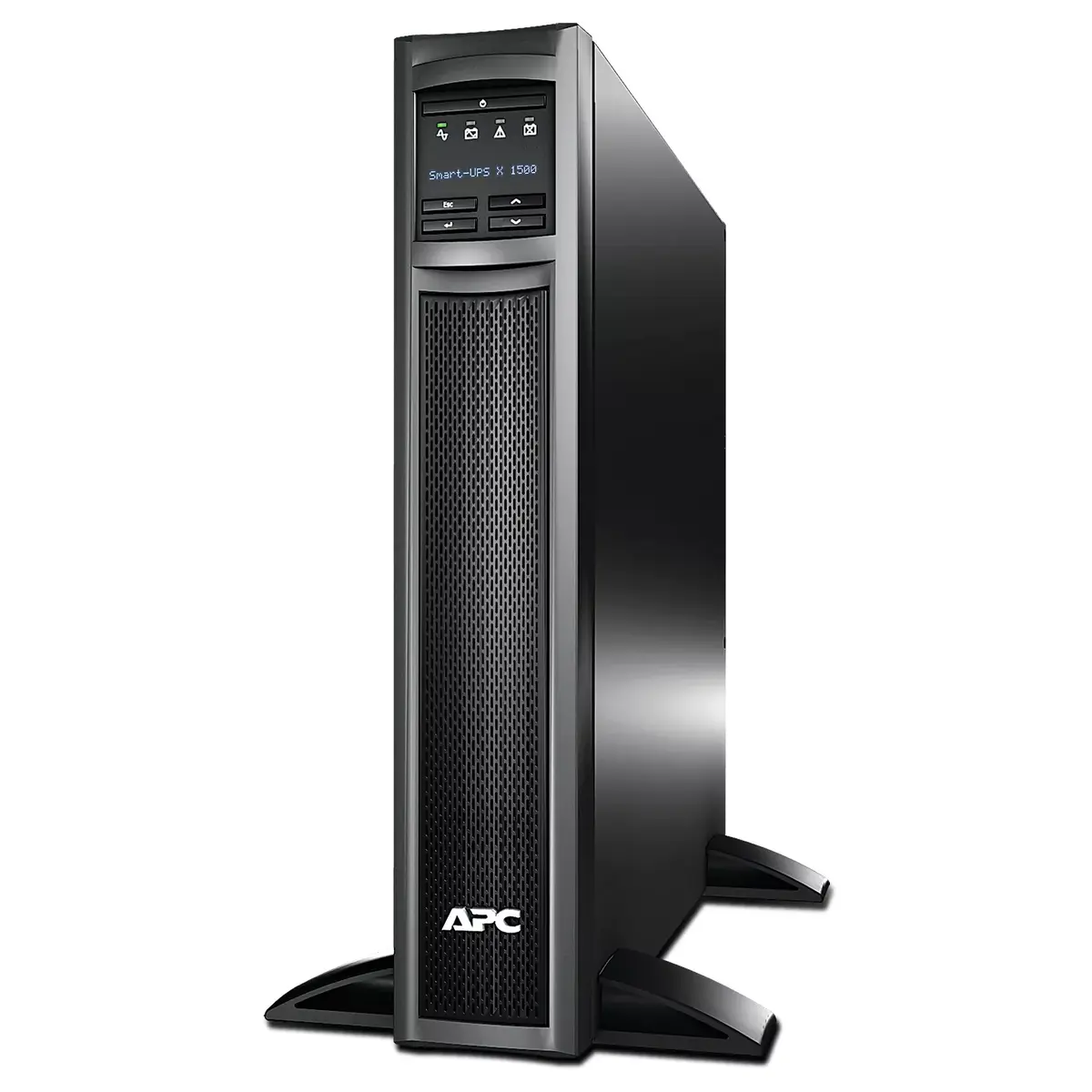
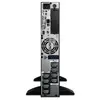
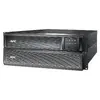
UPS APC Smart-UPS X SMX1500RMI2U
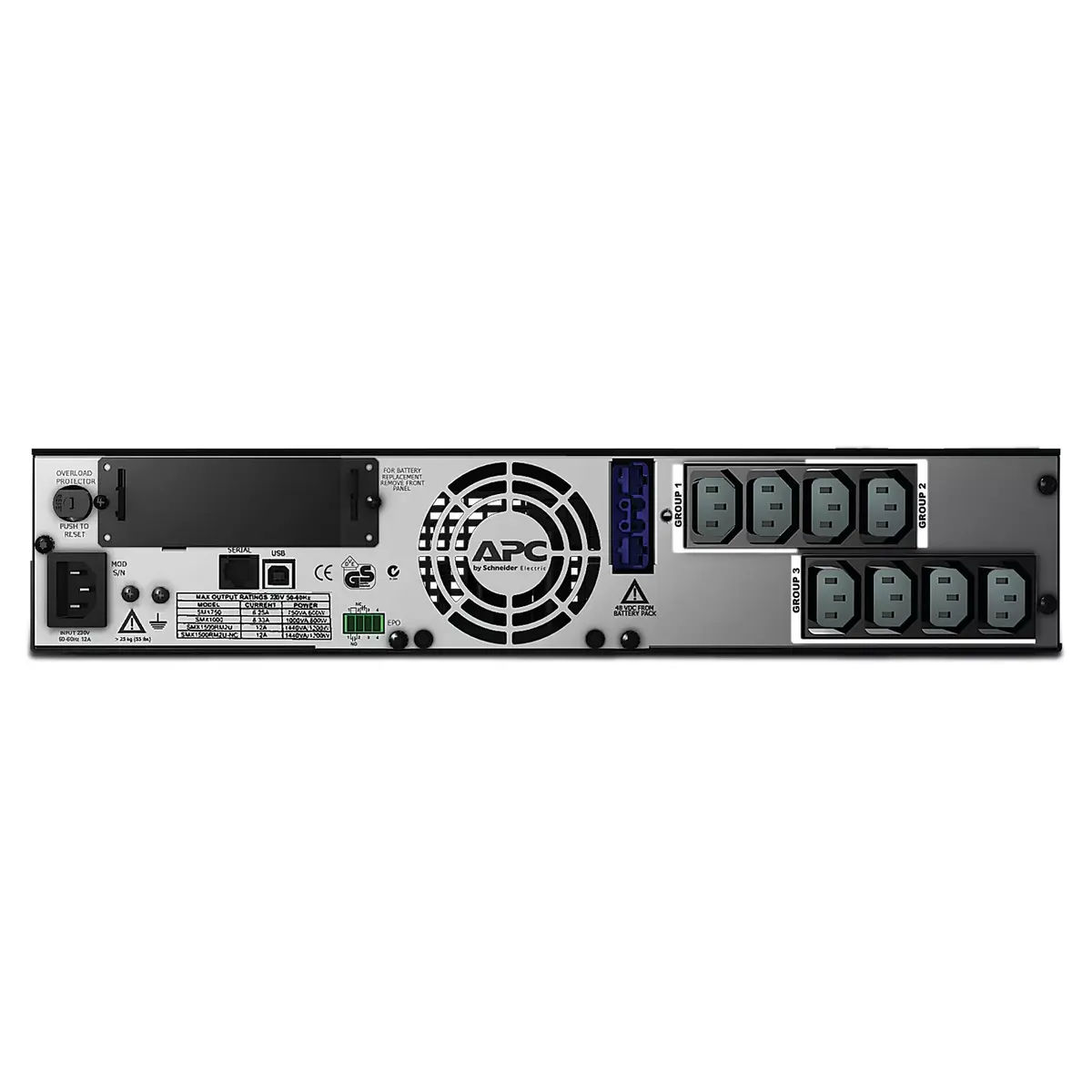
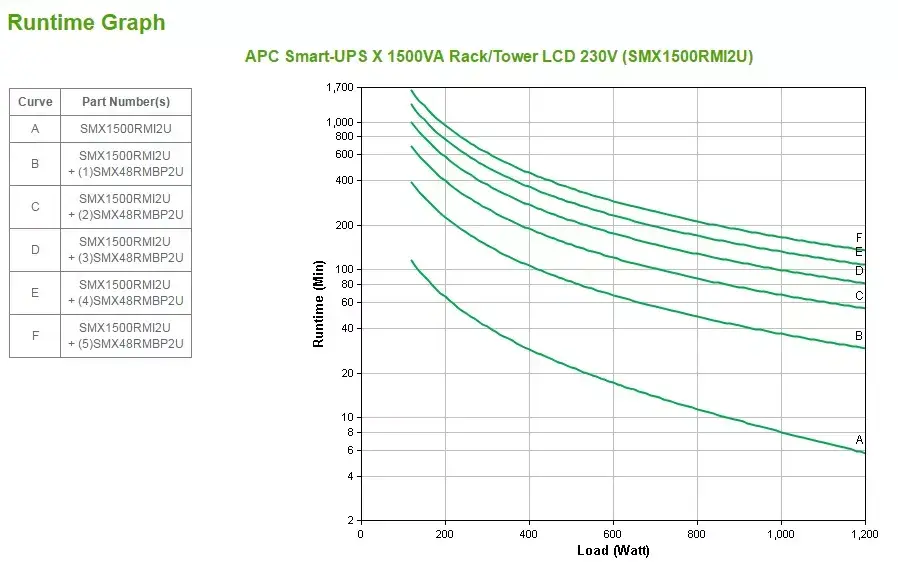
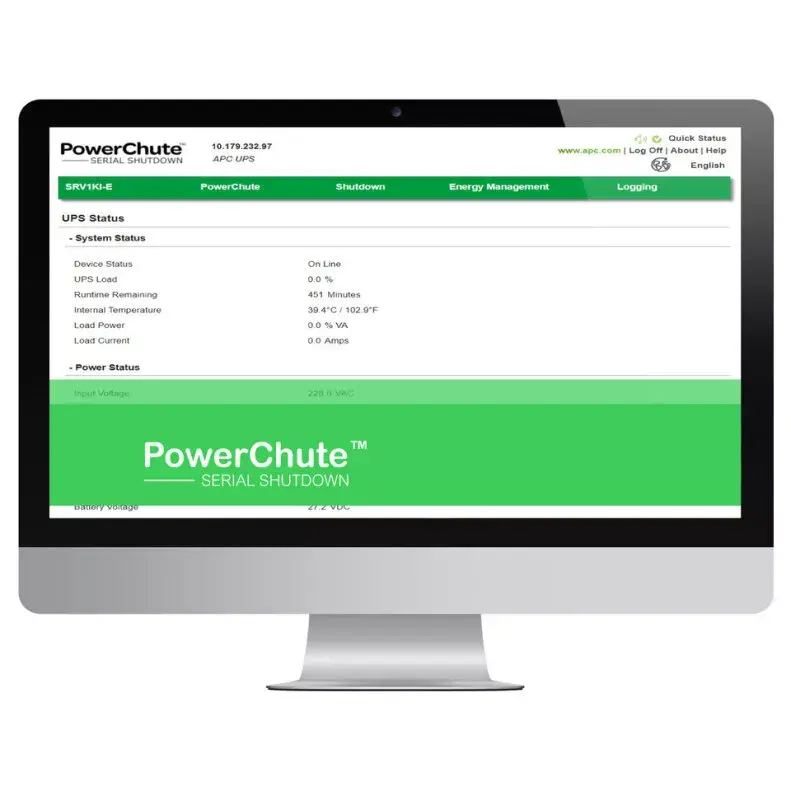
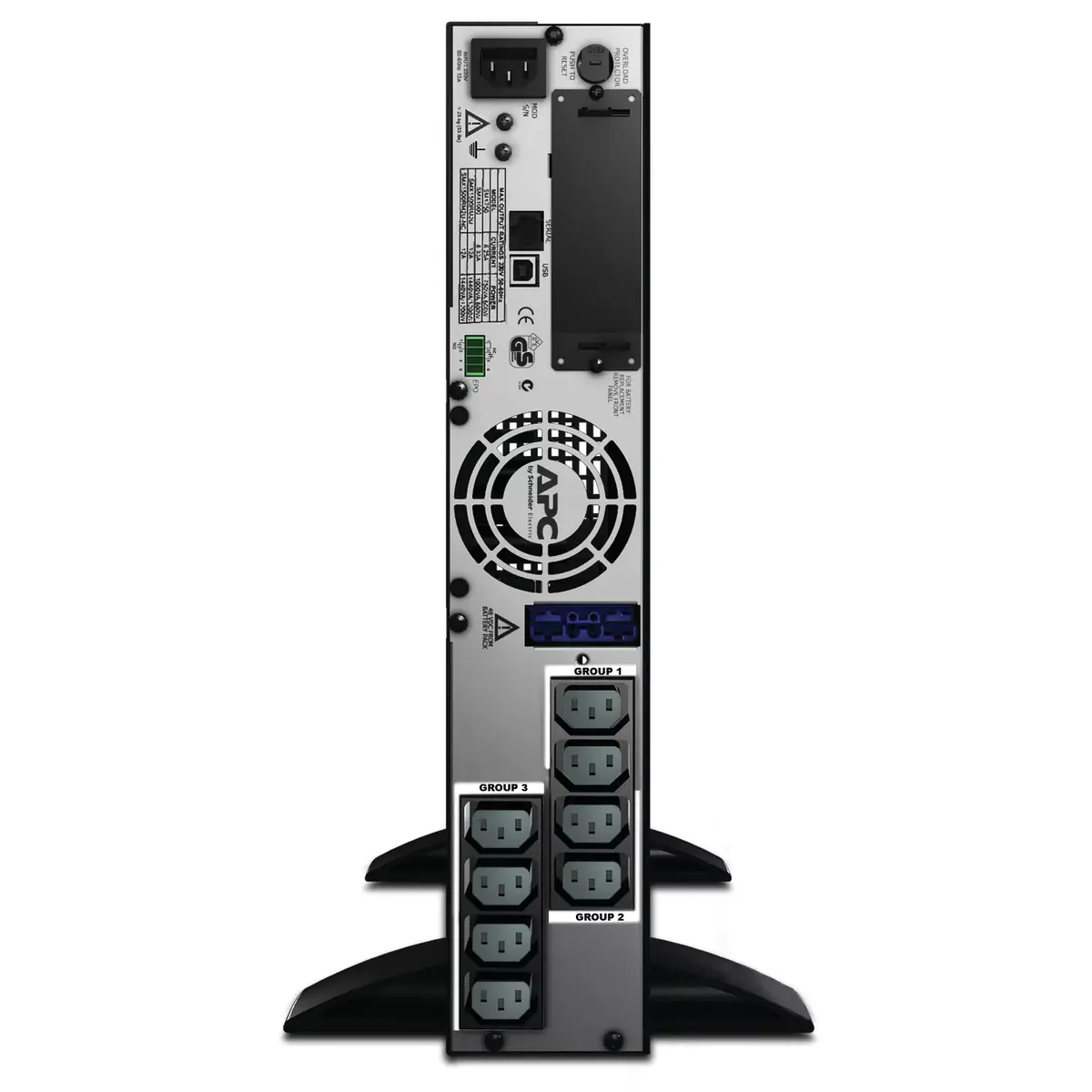
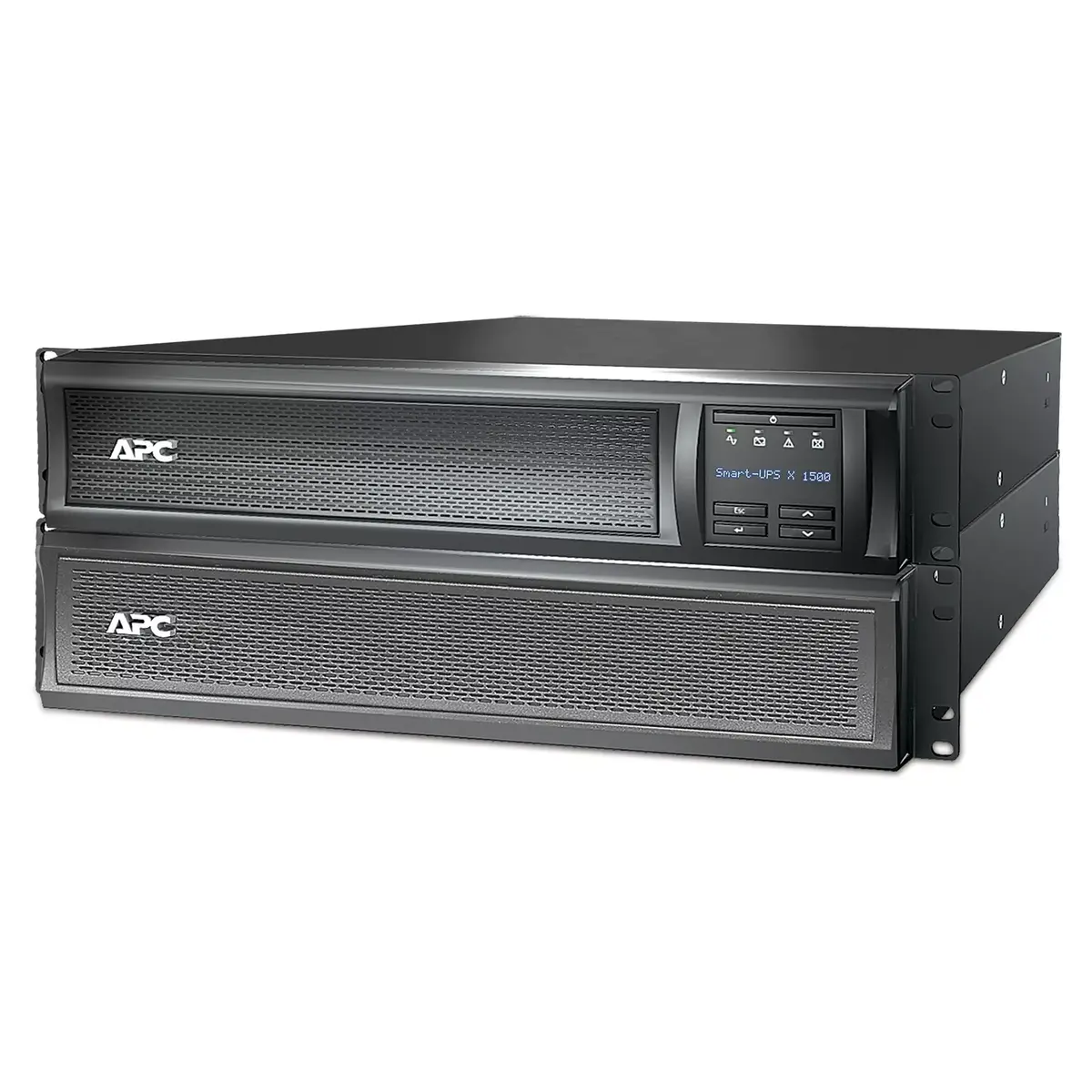
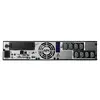
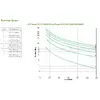
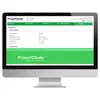
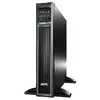
The APC Smart-UPS X SMX1500RMI2U is a 1500VA line-interactive rack/tower UPS designed to provide clean, uninterrupted power to critical IT equipment. It supplies pure sine wave output and offers 8x IEC 320 C13 outlets, IEC 320 C14 input and two IEC jumper cables. The unit supports user-replaceable internal battery cartridge (APCRBC115) and can be converted between rack (2U) and tower form factors using the included mounting brackets and stabilizing feet. With optional external battery packs (SMX48RMBP2U) the runtime can be extended for longer outages. The UPS also includes a SmartSlot for an optional Network Management Card to enable remote management and graceful shutdown of physical and virtual servers via PowerChute Network Shutdown.
The SMX1500RMI2U delivers automatic, immediate emergency power during mains failures to prevent data loss and hardware damage. It protects connected devices against voltage spikes and lightning-induced peaks, supports phased start-up and remote reboot via switched outlet groups, and integrates with EcoStruxure IT or third-party centralized management platforms. The LCD makes operation straightforward, and the internal battery cartridge is user-replaceable without powering down connected equipment. Factory warranty covers 3 years for the UPS and 2 years for the battery, both extendable with an APC service pack.
Install the SMX1500RMI2U in a 2U rack using the supplied 4-post rack brackets or place it upright with the included feet. Connect input power via the IEC 320 C14 inlet and attach up to eight devices to the IEC 320 C13 outlets. For remote management, install the optional APC Network Management Card in the SmartSlot and configure with PowerChute Network Shutdown or EcoStruxure IT. To extend runtime, connect supported external battery packs. Replace the internal battery cartridge following the manufacturer instructions while the UPS remains powered to avoid downtime.
Place the UPS in a ventilated environment with stable ambient temperature, avoid exposure to moisture, and schedule regular battery health checks. Use switched outlet groups to power non-critical loads down during outages to extend runtime for essential equipment, and enable network-based shutdown for virtual and physical servers to prevent data loss.
{{highlightedFeature.featureTitle}}:
{{getProductFeatureValueById(product, highlightedFeature.featureId)}}
{{ productComparisonGenerationError }}