This is due to long delivery times and limited product warranties.
Dreame vacuums for fast and efficient cleaning!
In cart {{totalProductsCount}} item(s)
Your cart is empty
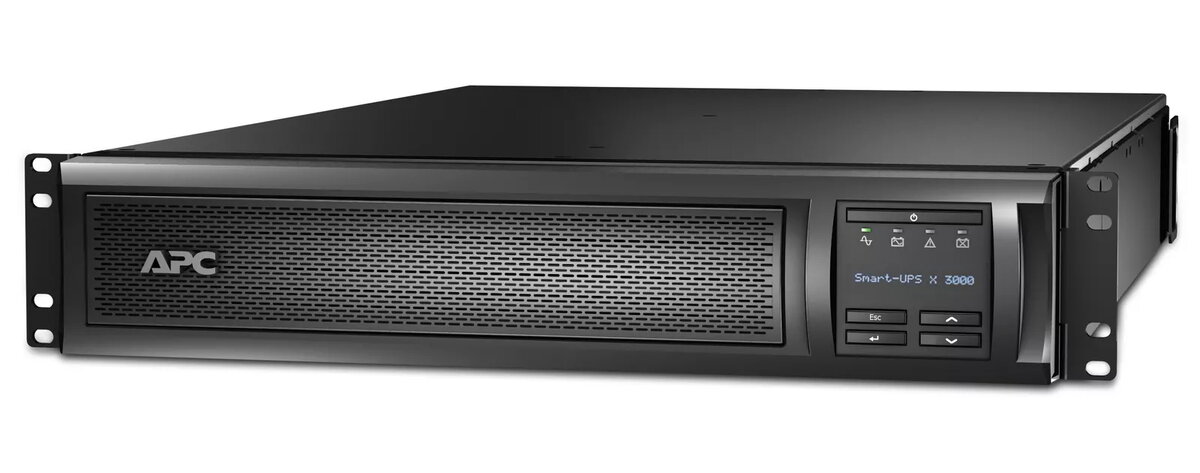
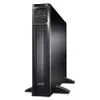
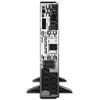
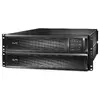
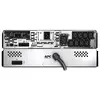
UPS APC Smart-UPS X SMX3000RMHV2UNC
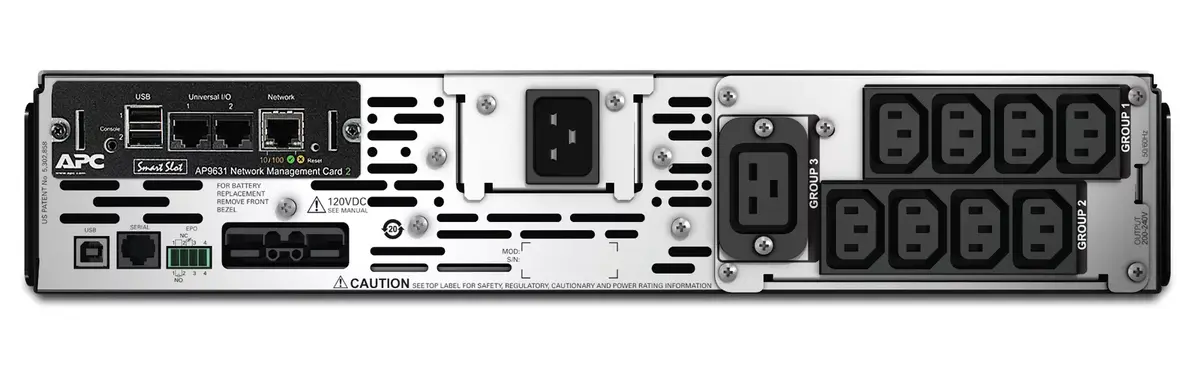
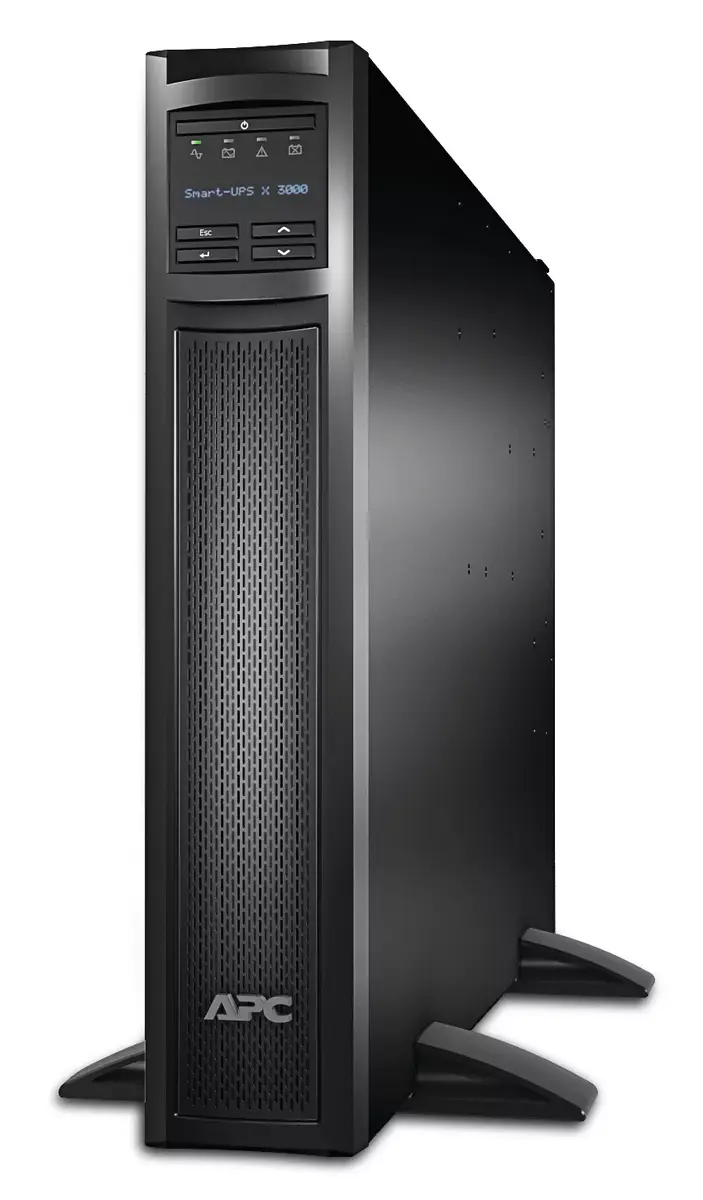
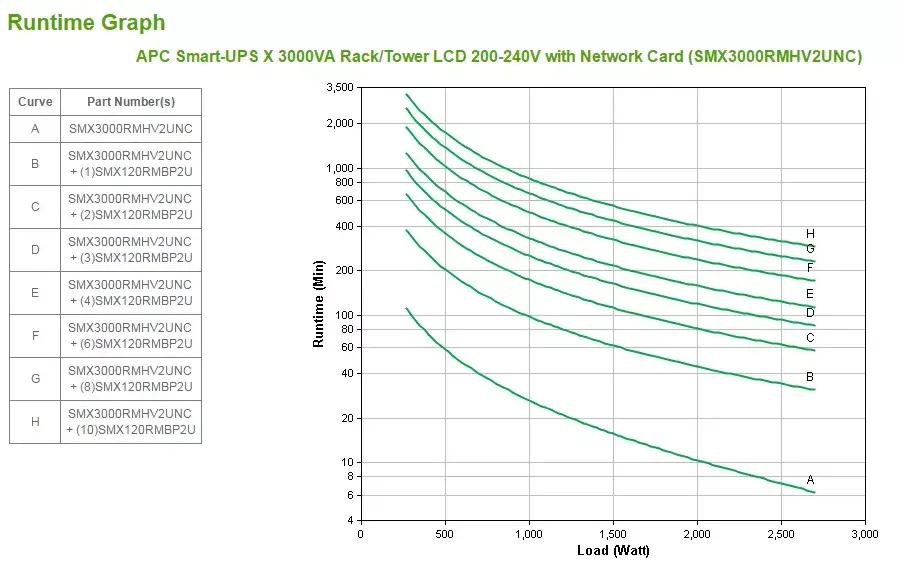
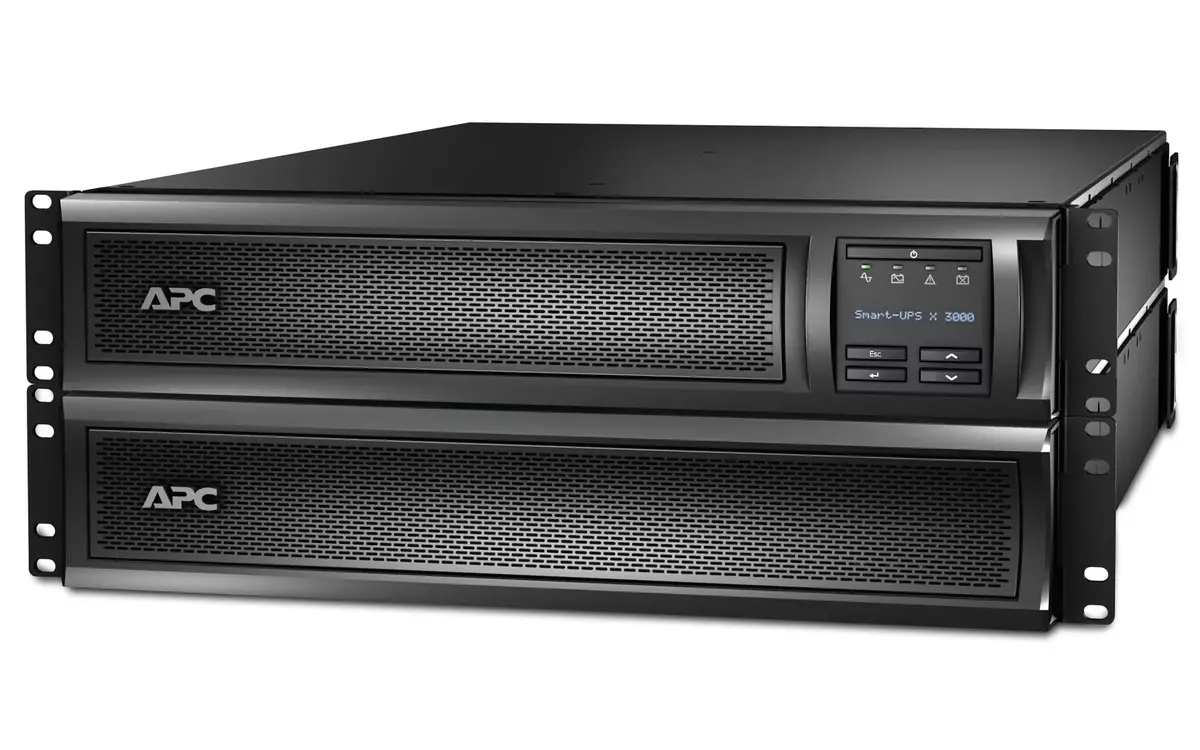
The APC Smart-UPS X SMX3000RMHV2UNC is a line-interactive UPS with 3000 VA / 2700 W capacity designed to protect servers, network equipment and other critical devices from power interruptions, surges and brownouts. The unit is rack/tower convertible (2U) and includes a pre-installed network management card (ap9641) for remote monitoring and control. Battery runtime can be extended with external battery packs (SMX120RMBP2U) and the internal battery cartridge (APCRBC117) is user-replaceable to extend service life.
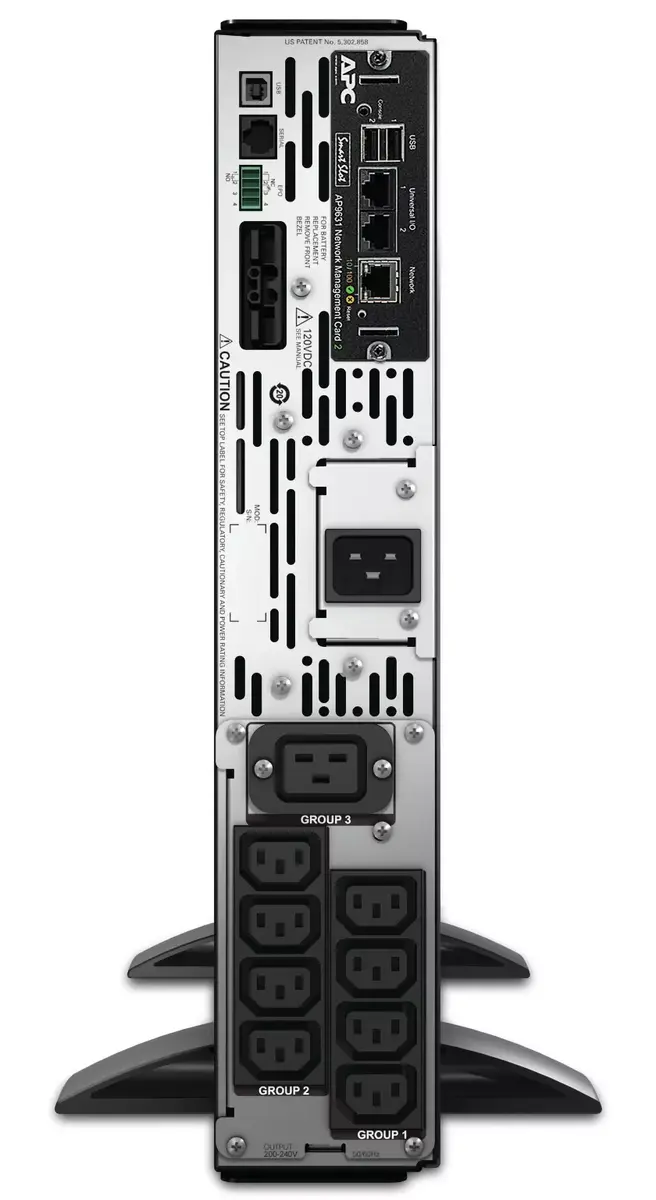
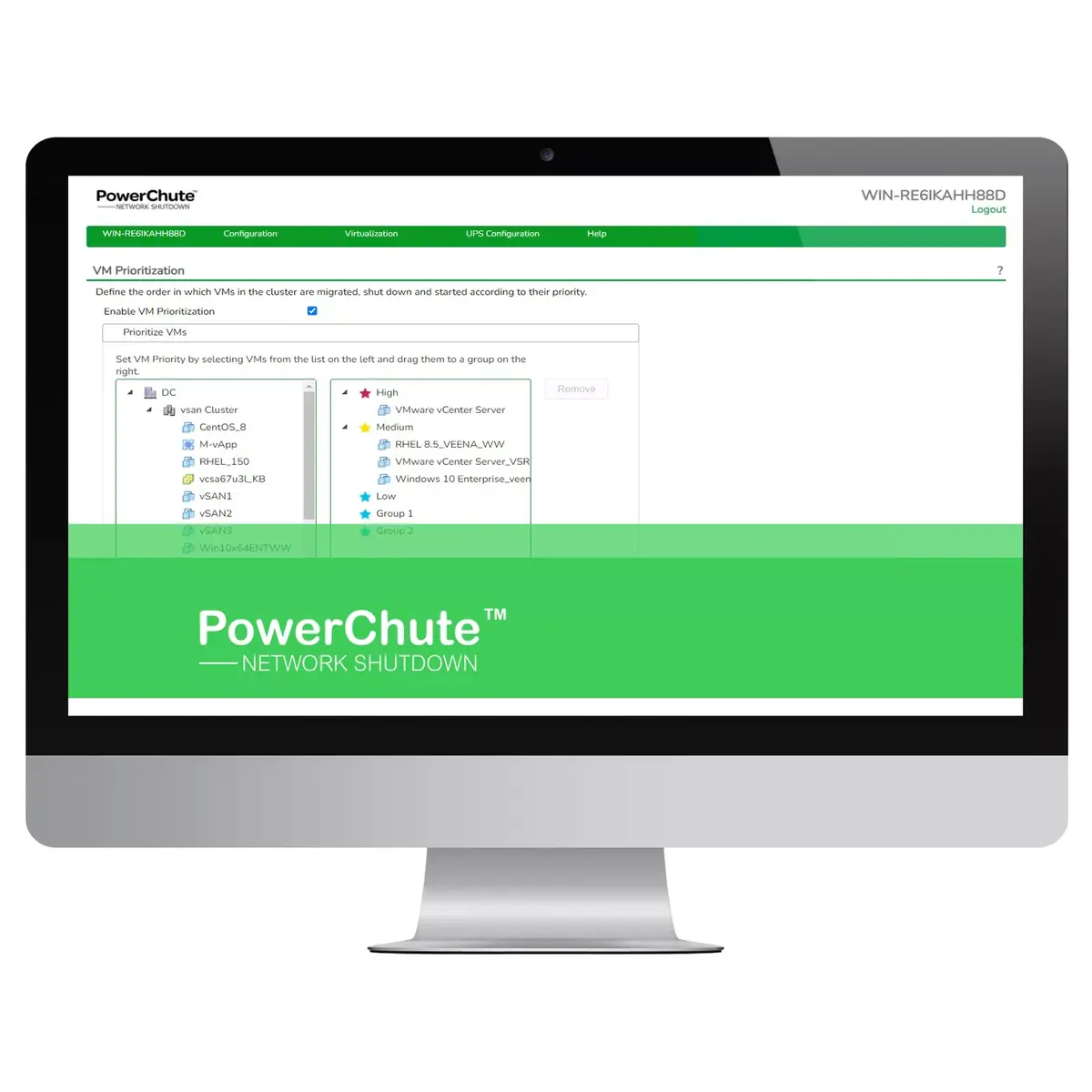
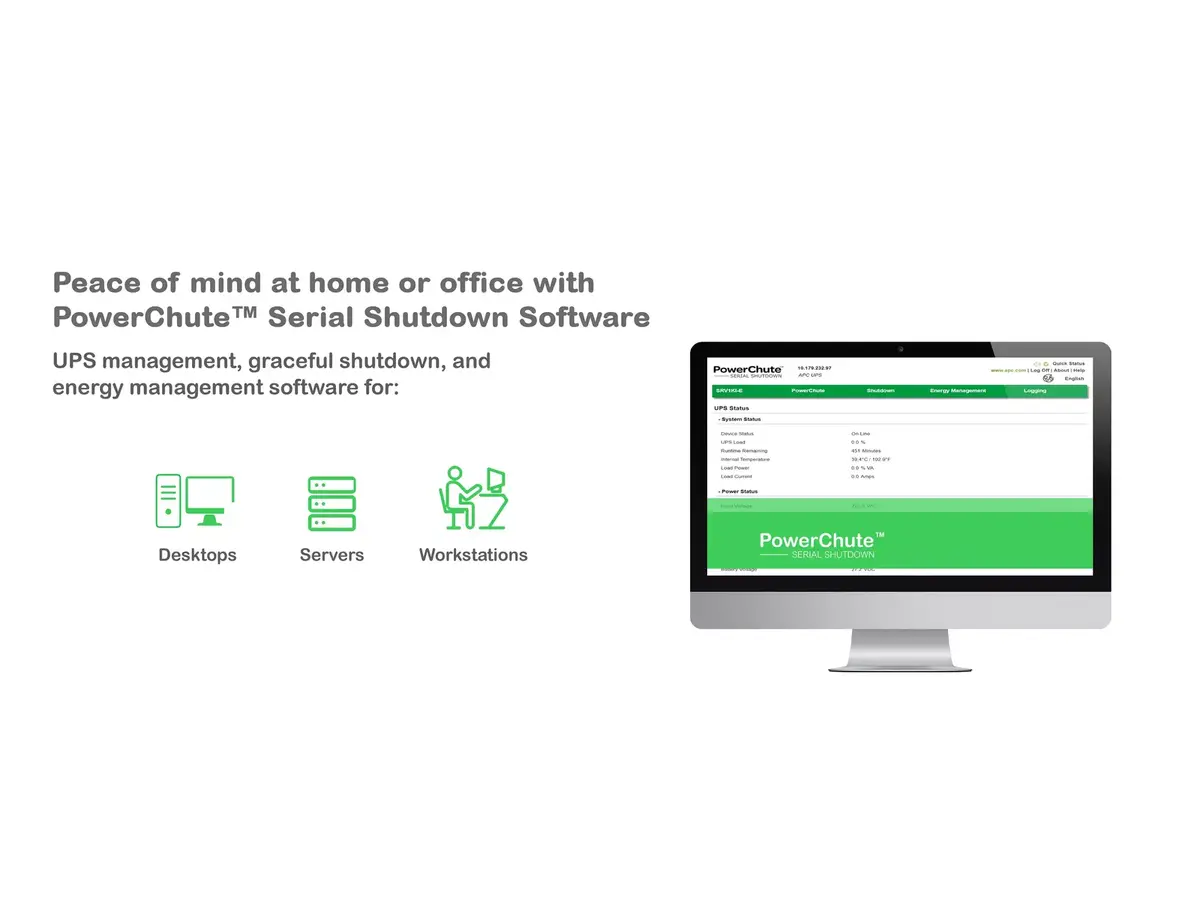
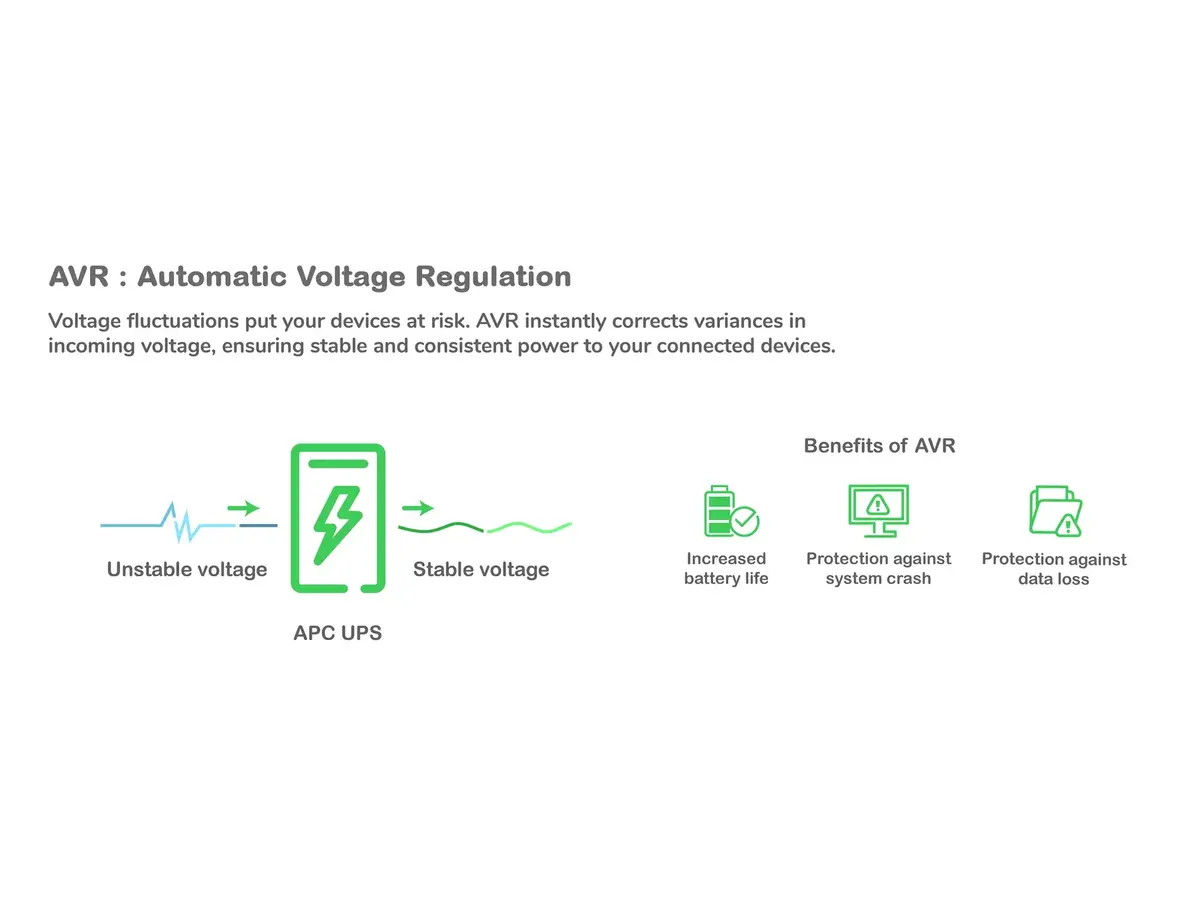
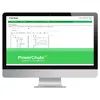
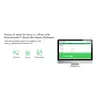
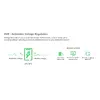
This Smart-UPS delivers automatic, instantaneous emergency power when mains fails, preventing data loss and hardware damage. It provides surge protection including protection against peak voltages caused by lightning, supports remote management via SNMP and EcoStruxure IT, and allows controlled shutdown of physical and virtual servers using PowerChute Network Shutdown. Switched Outlet Groups enable remote reboot, phased startup and selective shutdown to extend runtime for critical loads. The unit ships with cables, rack mounting hardware and monitoring software.
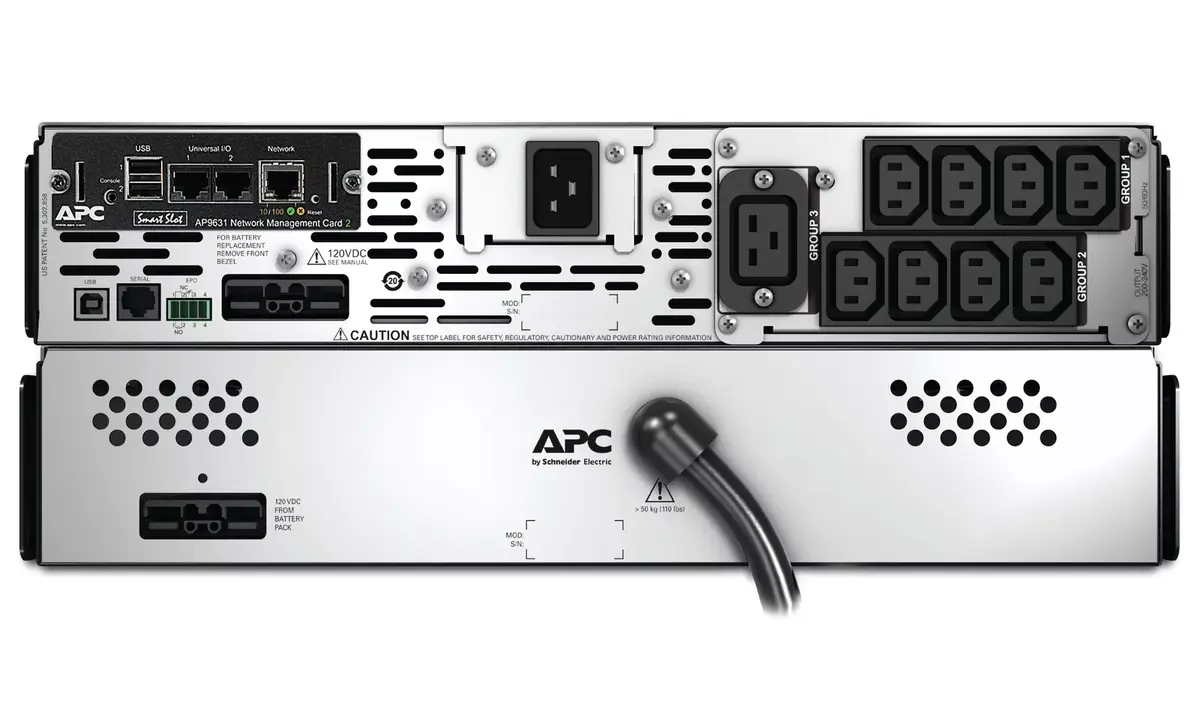
Install the unit in a 2U rack using the supplied 4-post mounting brackets or place it upright using the included feet. Connect critical devices to the C13 and C19 outlets and plug the UPS into mains using the supplied input powercord appropriate for your region. Use the LCD and buttons to configure basic settings or access the web interface of the pre-installed network card (ap9641) for remote configuration and monitoring. Install PowerChute Network Shutdown on protected servers and configure shutdown policies and sequencing; add licenses if support for hyperconverged or additional virtual machine orchestration is required. To extend runtime, connect compatible external battery packs (SMX120RMBP2U). Replace the internal battery cartridge (APCRBC117) when end-of-life notification appears to maintain protection without powering down connected equipment.
Place the UPS in a ventilated, temperature-controlled environment and avoid exposure to moisture. Test the configured shutdown sequence and Switched Outlet Group settings after installation. Keep the firmware and network card support contract updated to receive security updates and new functionality; consider purchasing extended support licenses for long-term deployments.
{{highlightedFeature.featureTitle}}:
{{getProductFeatureValueById(product, highlightedFeature.featureId)}}
{{ productComparisonGenerationError }}