This is due to long delivery times and limited product warranties.
Hurry and order now – up to 50% off!
In cart {{totalProductsCount}} item(s)
Your cart is empty
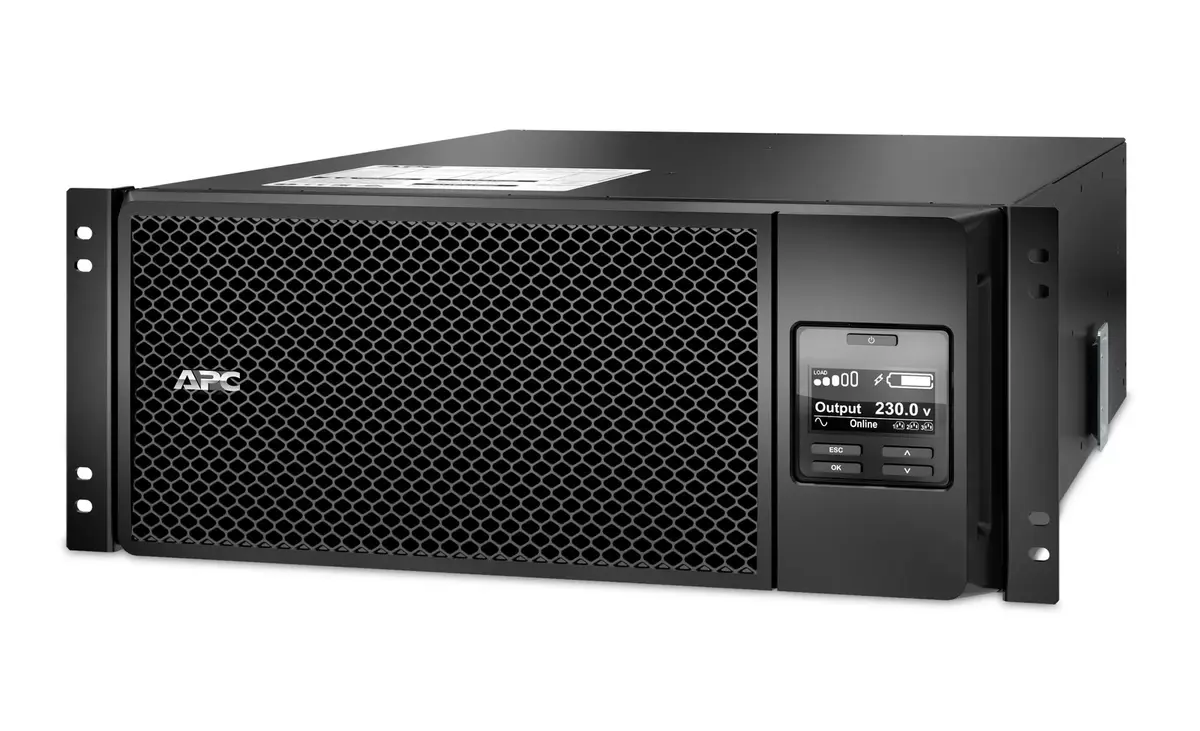
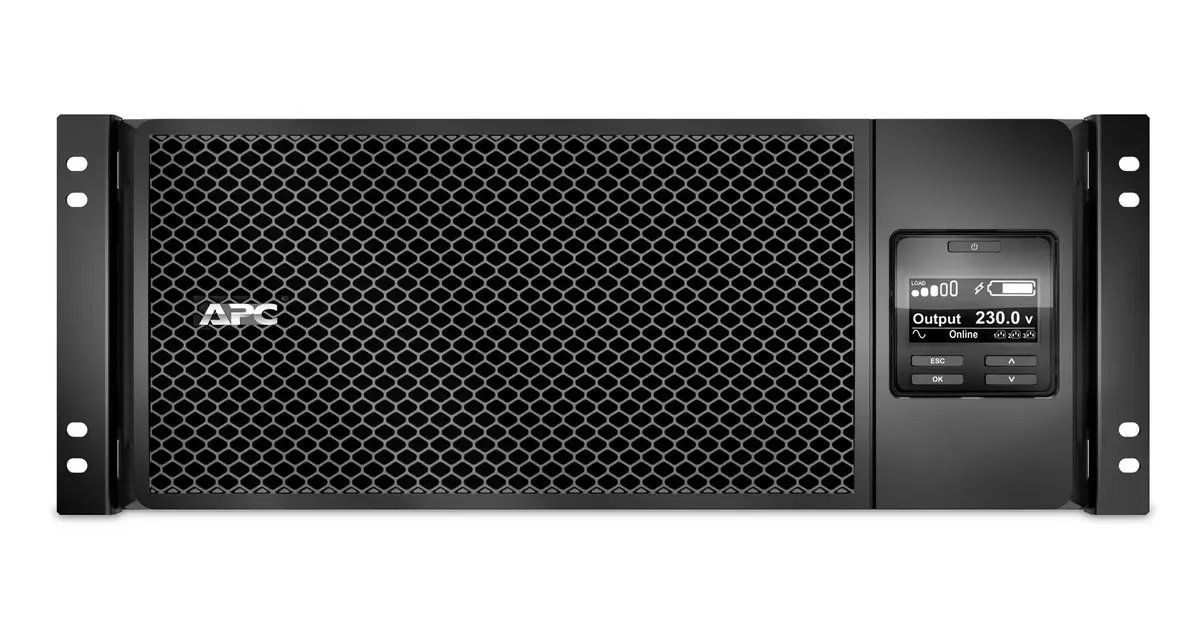
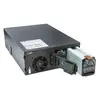
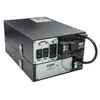
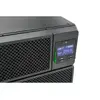
UPS APC Smart-UPS On-Line SRT6KRMXLI
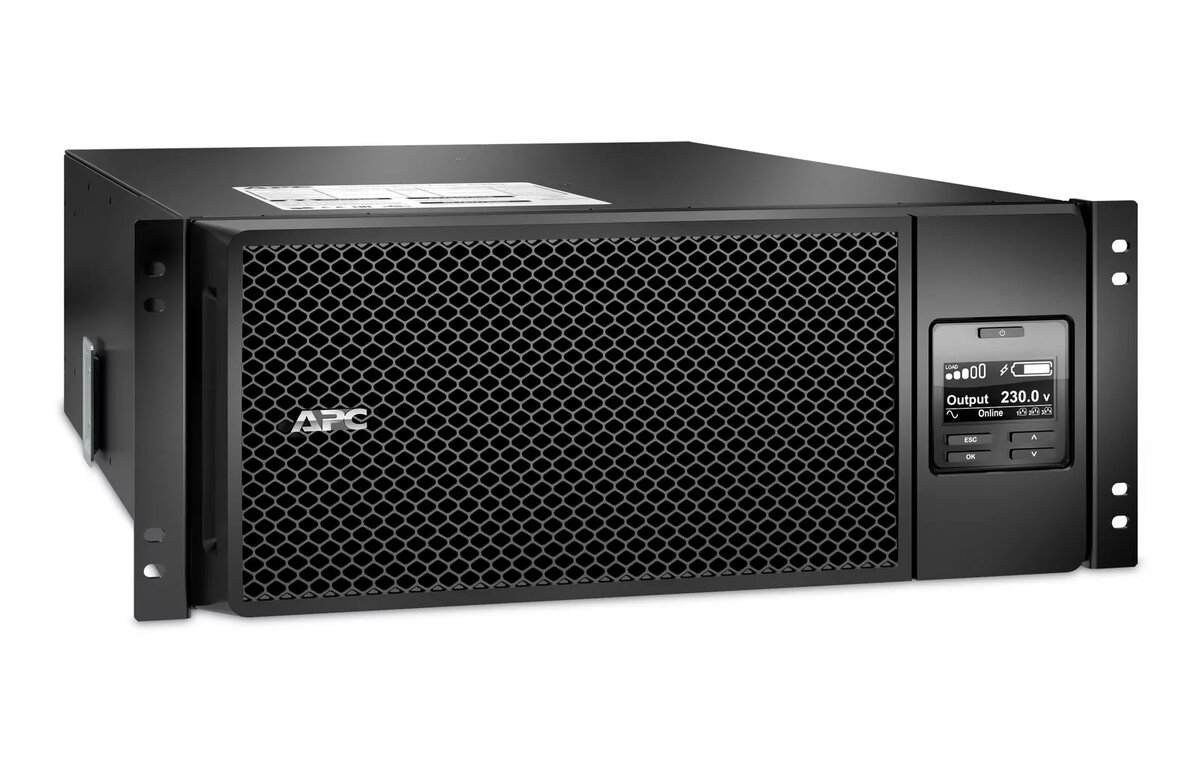
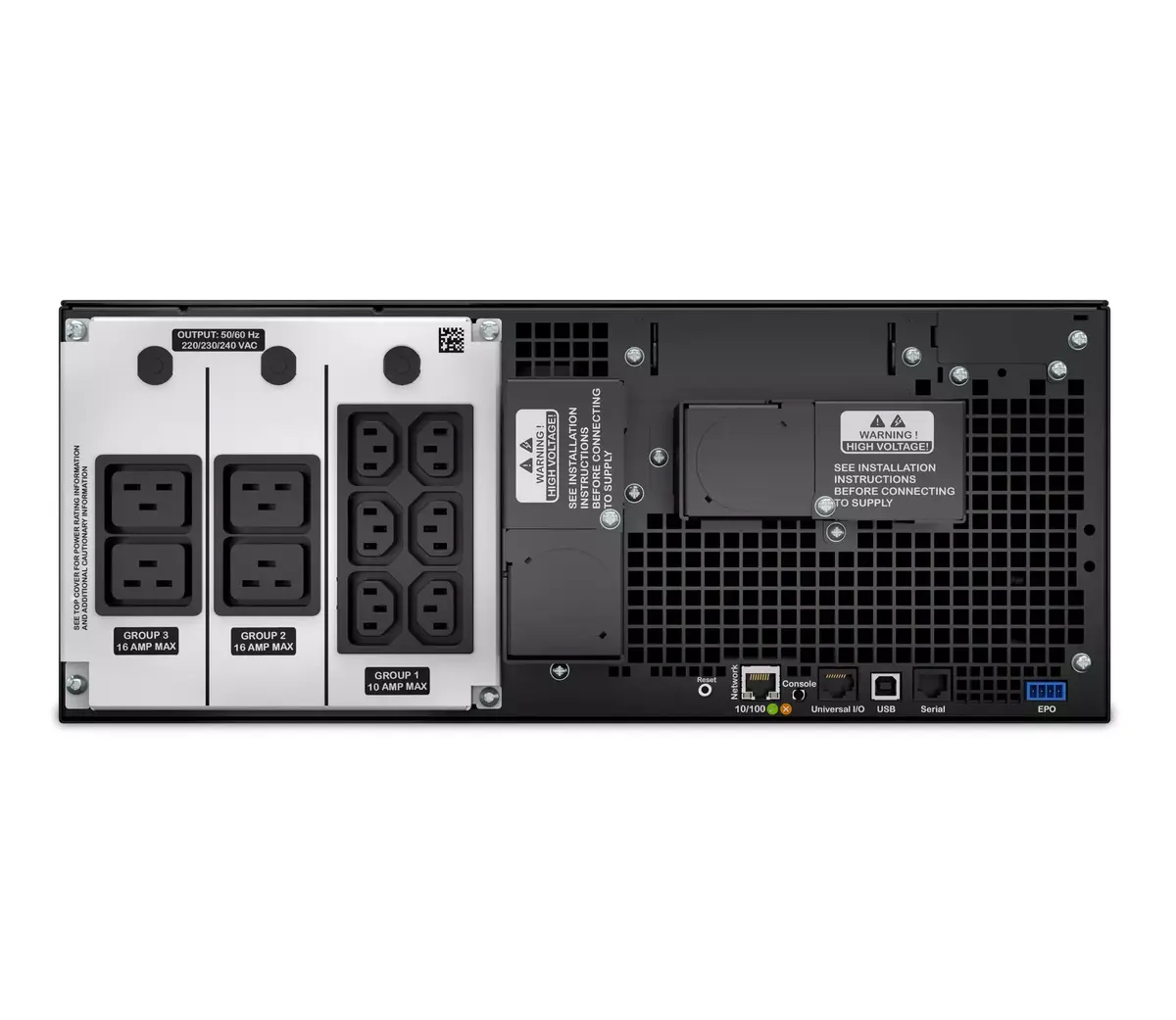
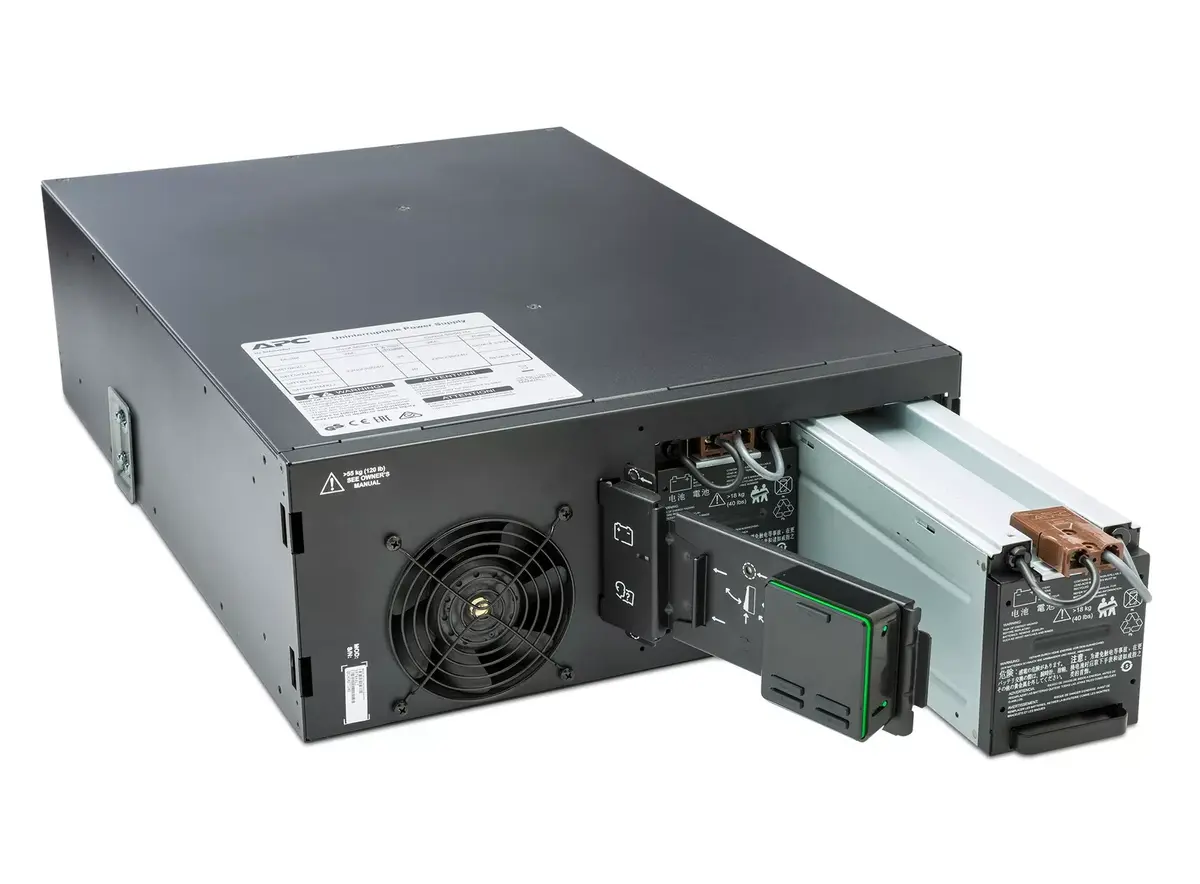
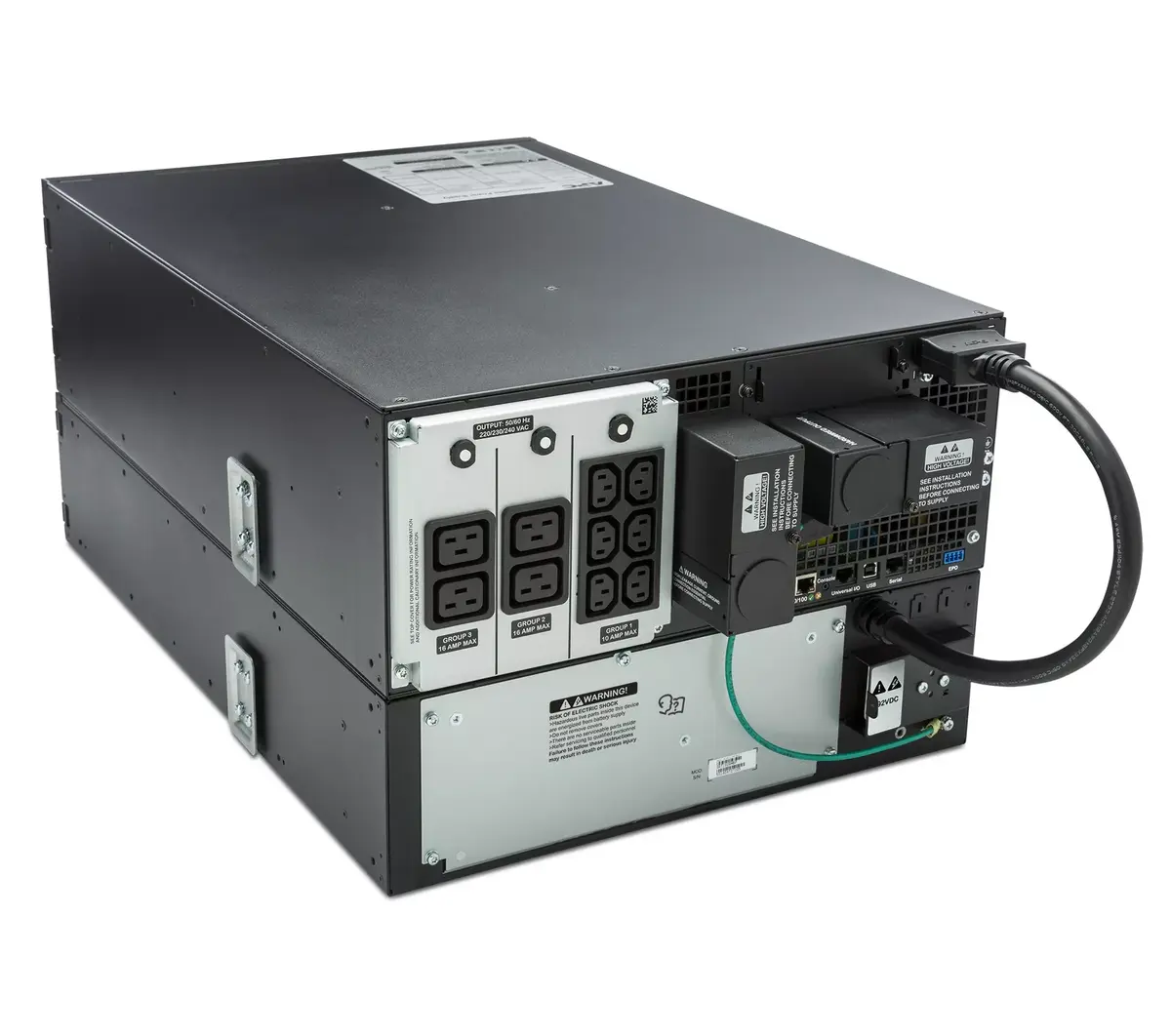
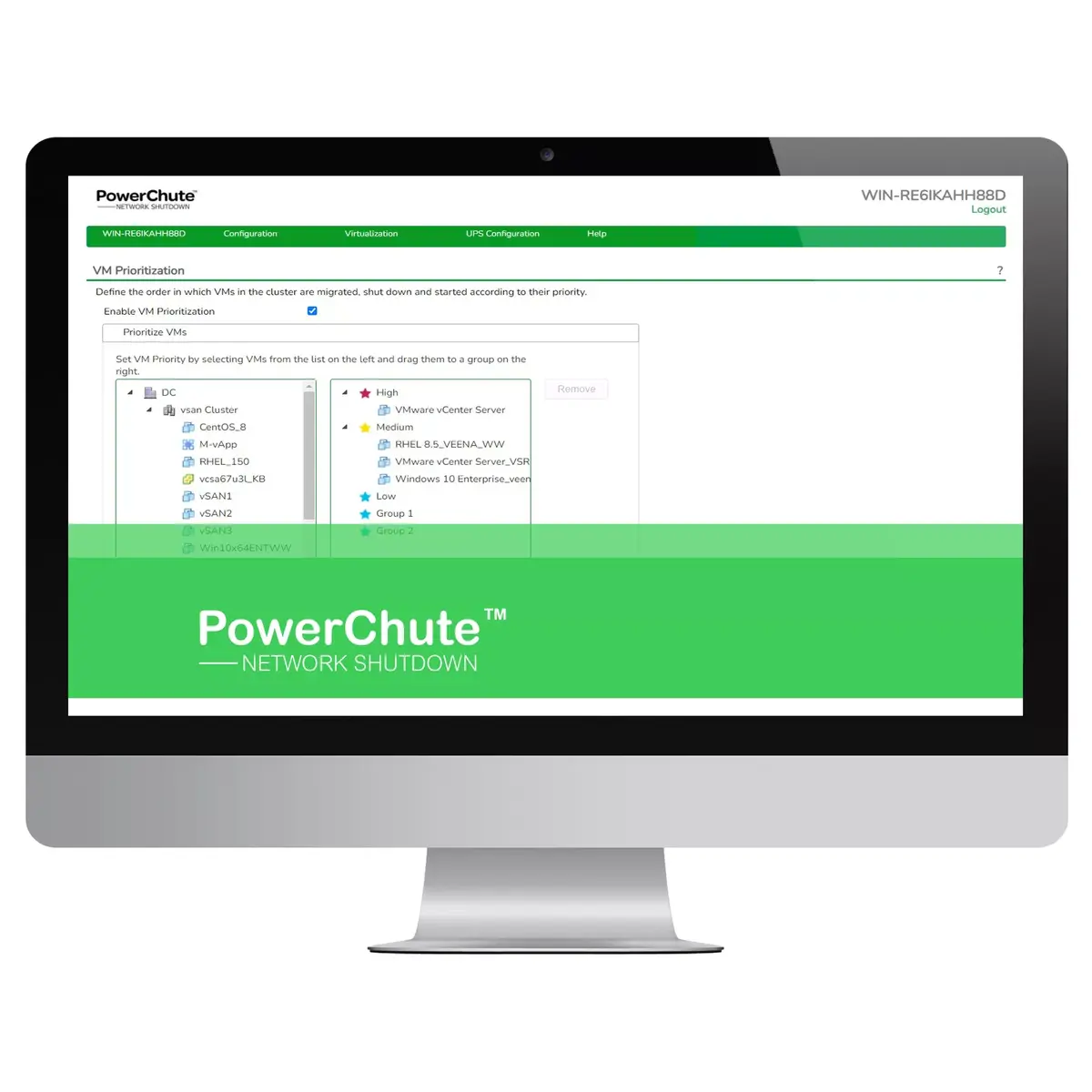
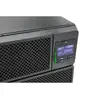
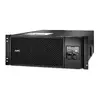
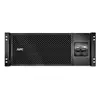
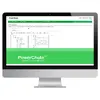
The APC Smart-UPS On-Line SRT6KRMXLI is a 6 kVA/kW double-conversion rackmount UPS that provides clean, uninterrupted power to connected IT equipment. Designed for rack installation (4U) and equipped with an embedded Network Management Card, the UPS supports remote monitoring and controlled shutdown of servers and virtual machines using PowerChute Network Shutdown. The unit includes 6x IEC 320 C13 and 4x IEC 320 C19 outlets, hardwire input, two IEC jumper cables and a user-replaceable internal battery cartridge. Compliance with international standards ensures reliable operation in professional IT environments.
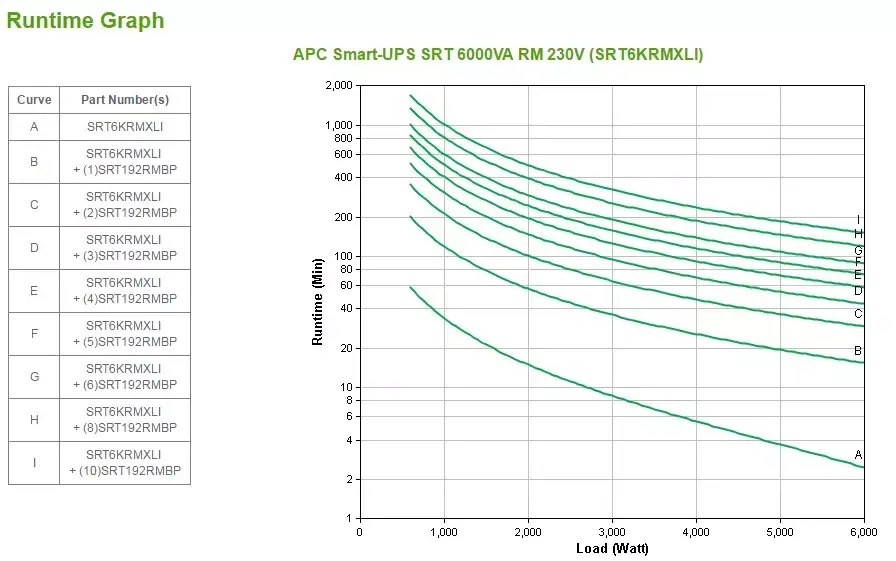
Double-conversion topology supplies perfectly filtered AC power continuously and enables seamless transfer to battery without switching interruptions. The integrated Network Management Card and PowerChute Network Shutdown enable automated, orderly shutdown of physical and virtual infrastructures to prevent data loss. Expandable runtime is possible by connecting external battery packs (SRT192RMBP). The UPS supports phased startup and remote reboot via Switched Outlet Groups and is compatible with generator use due to its internal bypass. The internal battery cartridge is user-replaceable to extend service life, and warranty extension options are available.
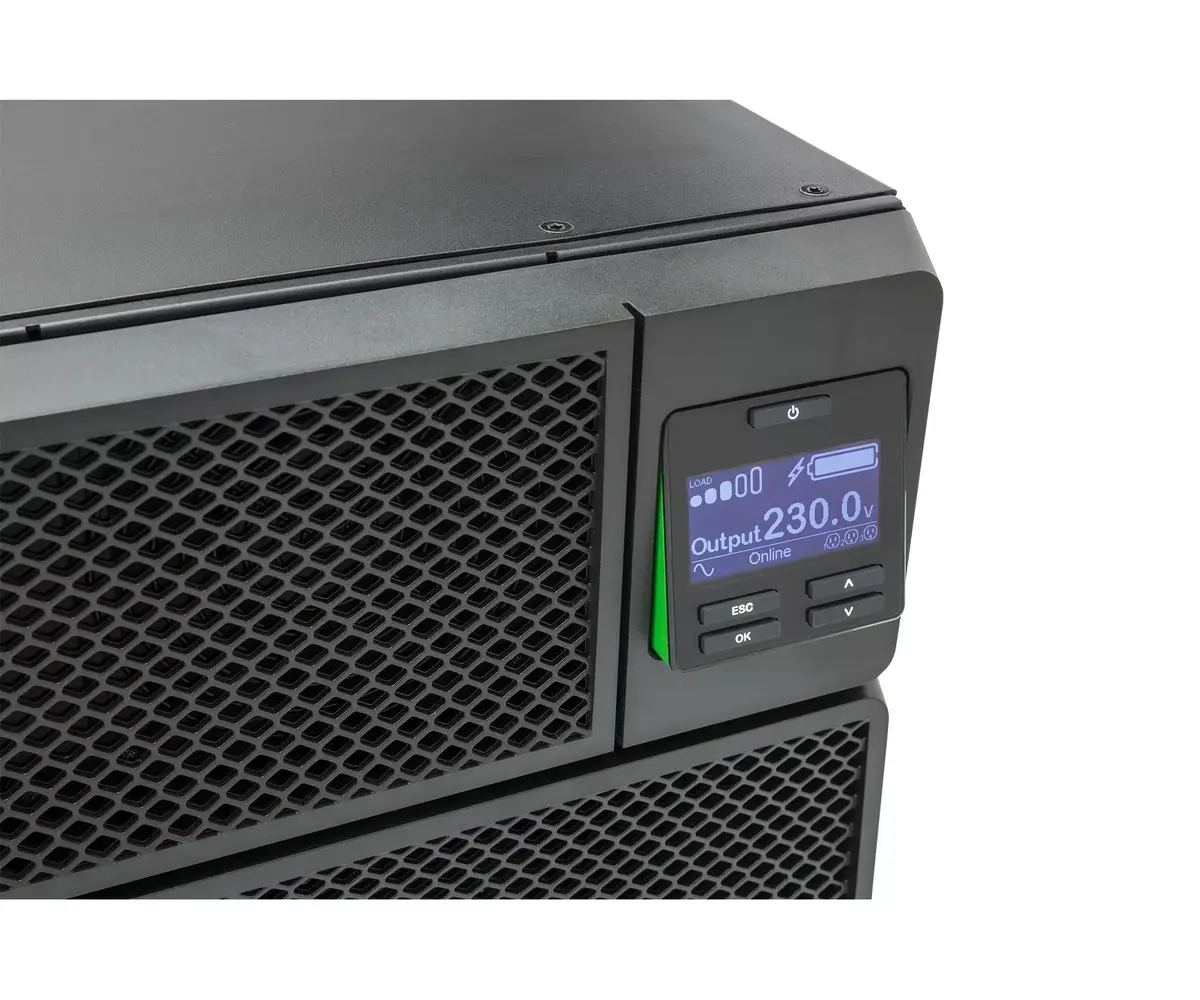
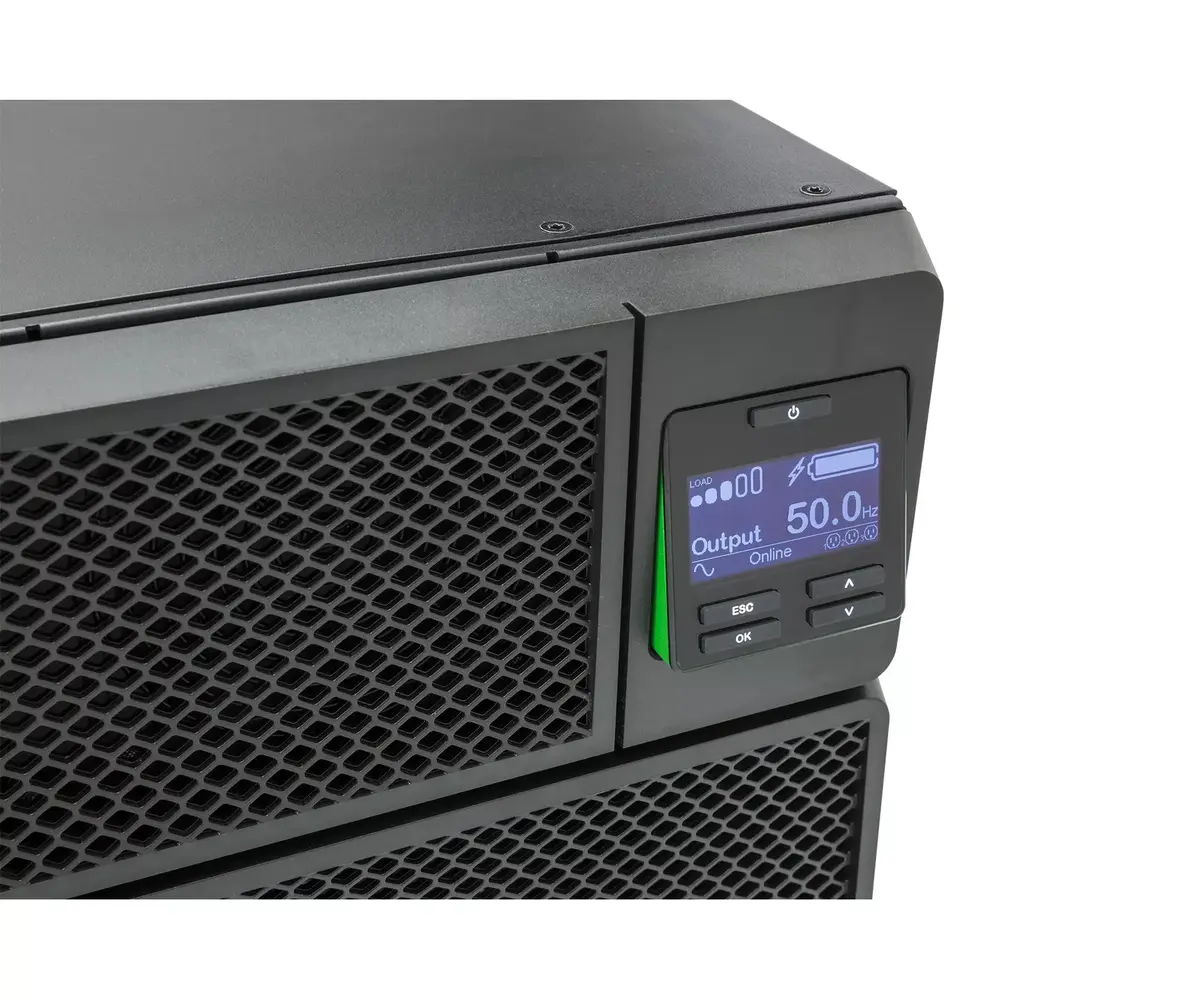
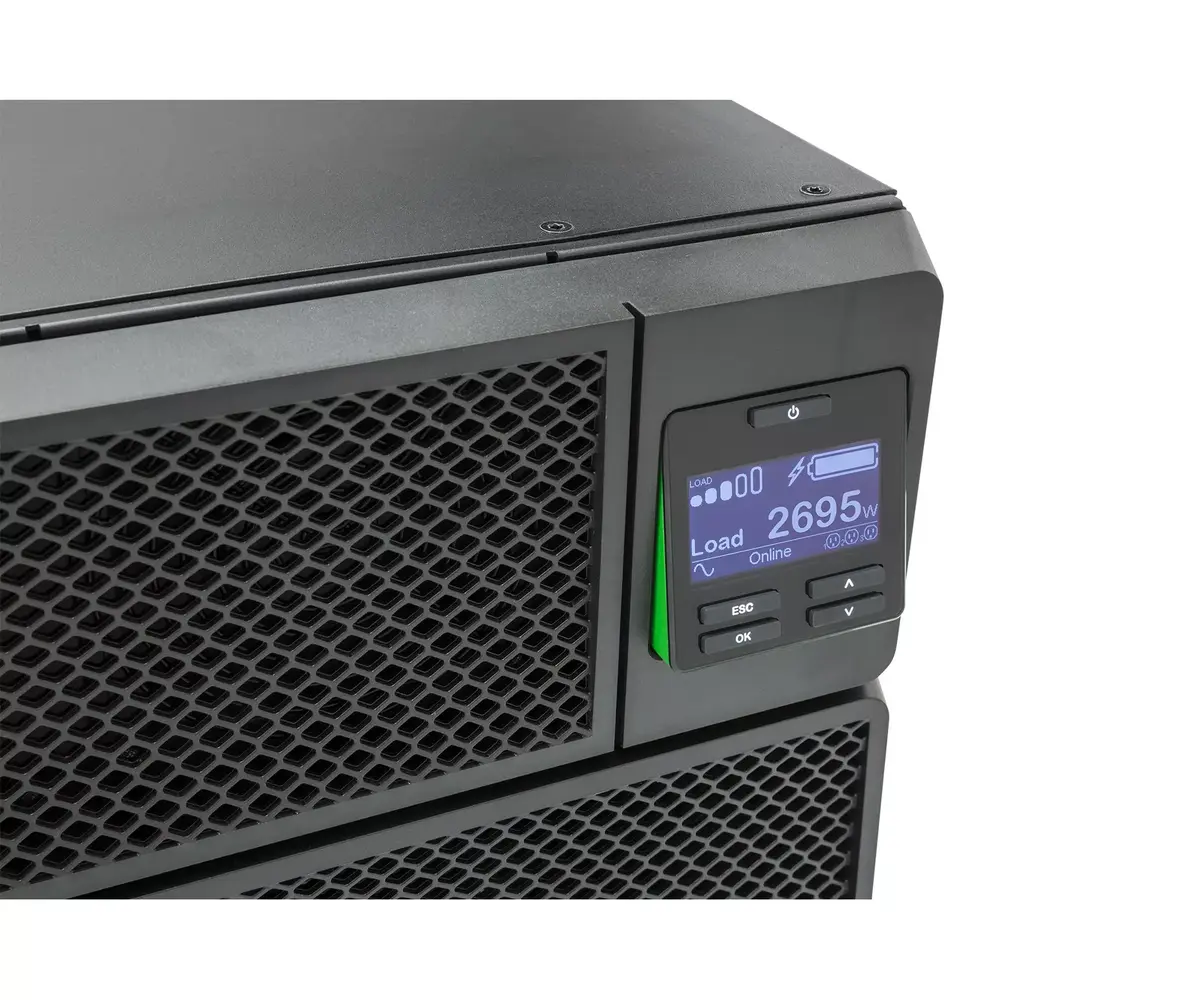
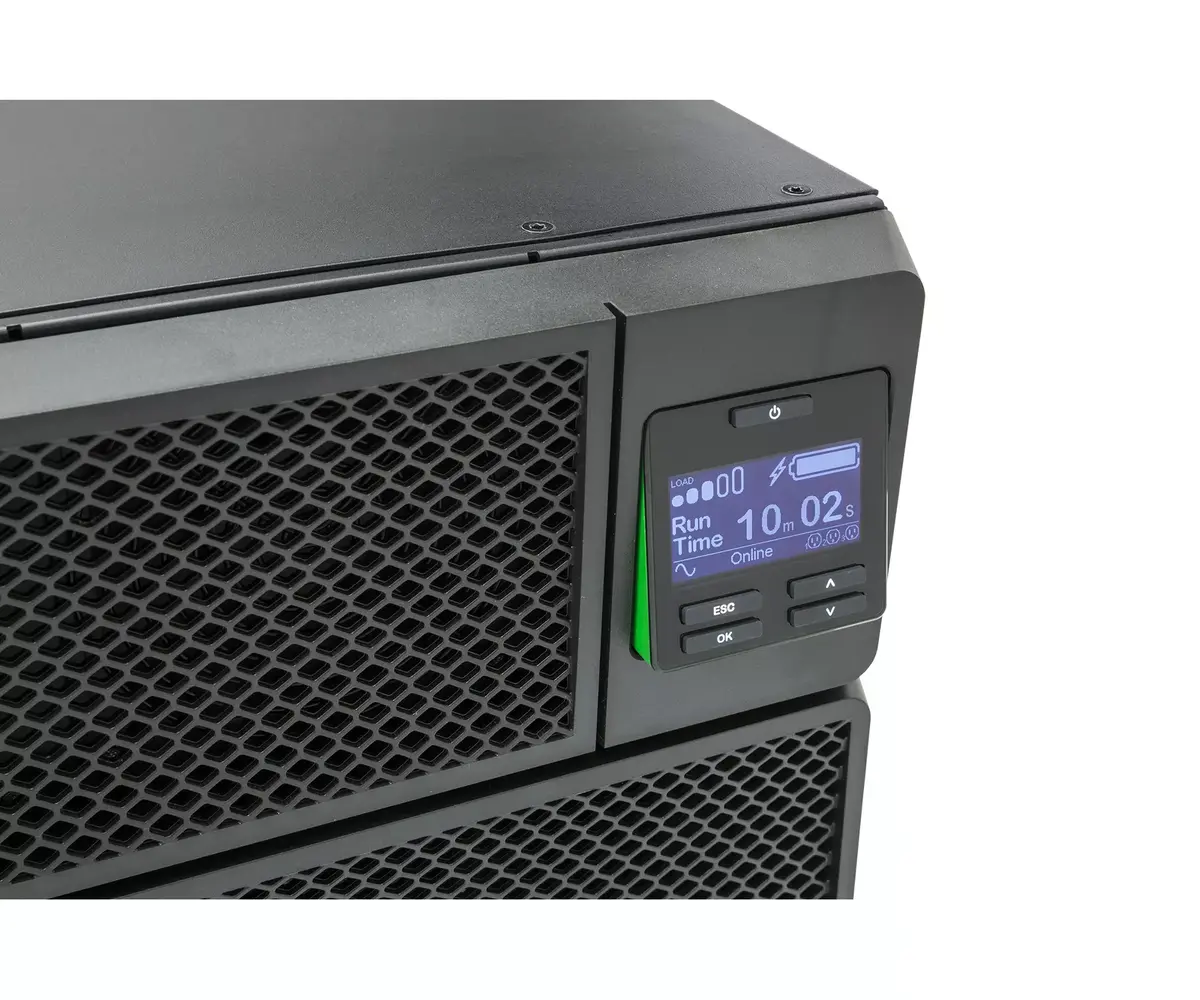
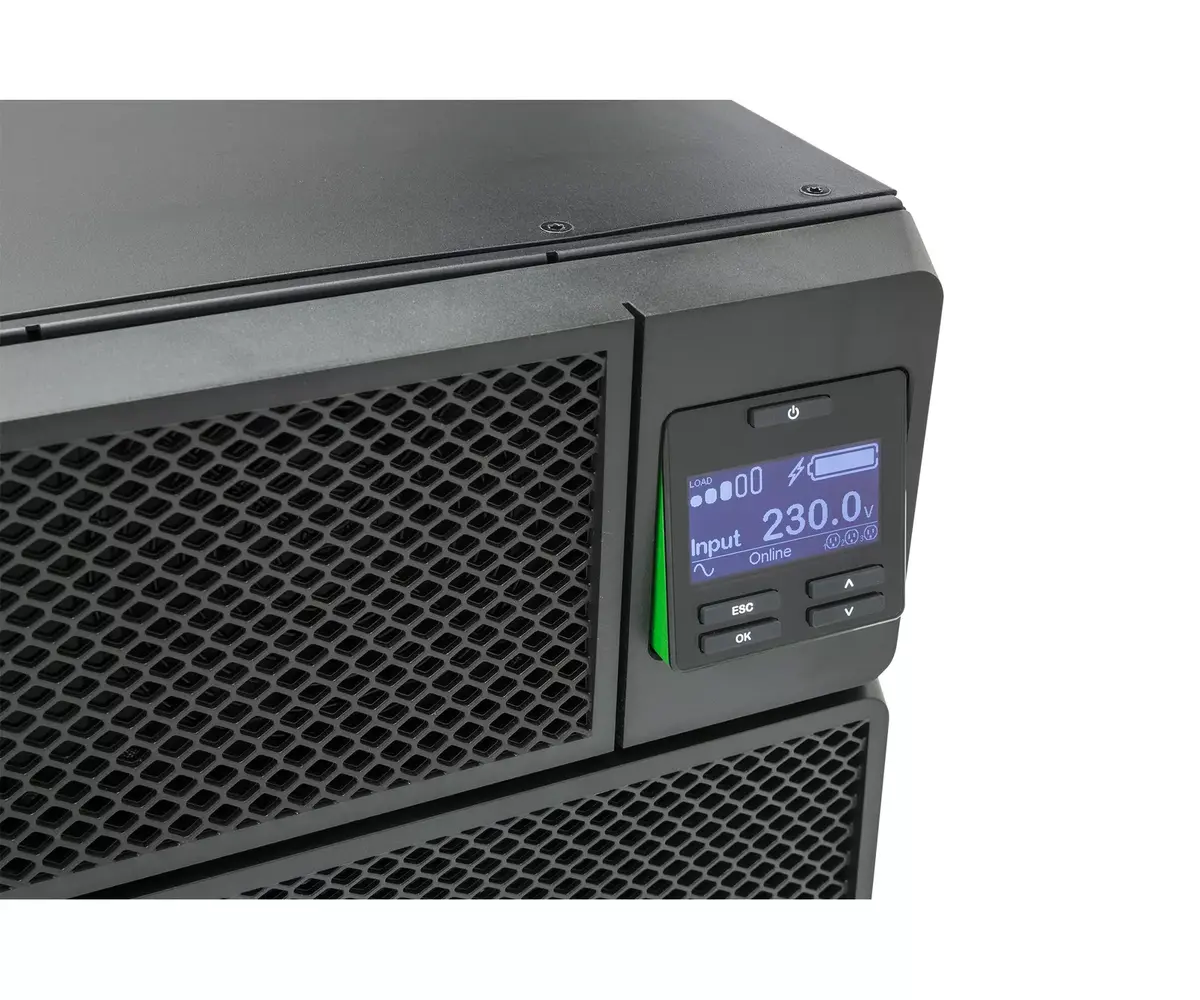
Install the UPS in a standard 19" rack using the supplied 4-post rail kit and tilt the LCD for convenient viewing. Connect input power to the hardwire terminal and attach critical equipment to the IEC outlets or via the jumper cables. For network management, insert and configure the embedded Network Management Card, then install PowerChute Network Shutdown on protected servers and virtual hosts to enable orderly shutdown sequences. If extended runtime is required, connect approved external battery packs (SRT192RMBP) and verify configuration through the management interface.
Place the UPS in a temperature-controlled, ventilated rack location and perform periodic battery health checks. Use the PowerChute software and the Network Management Card to configure shutdown priorities and switched outlet group behavior so that non-critical loads can be shed to extend runtime for essential equipment. Maintain firmware updates and consider the optional support contract to receive security and feature updates.
{{highlightedFeature.featureTitle}}:
{{getProductFeatureValueById(product, highlightedFeature.featureId)}}
{{ productComparisonGenerationError }}