JBL speakers and headphones for pure and deep sound!
In cart {{totalProductsCount}} item(s)
Your cart is empty
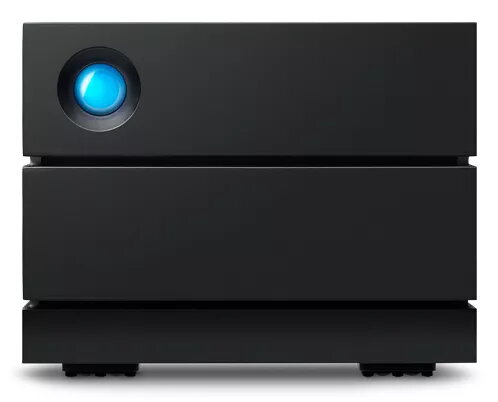
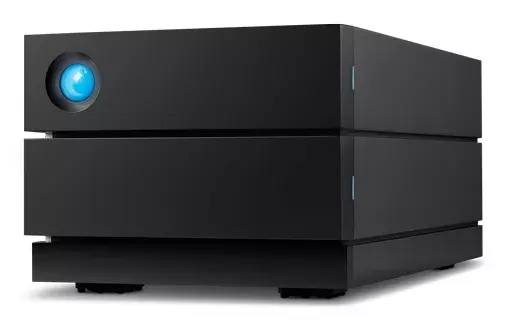
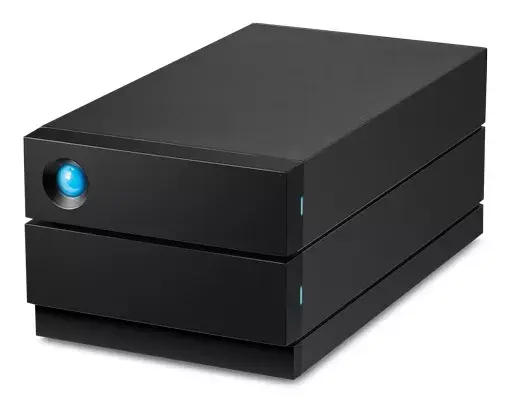
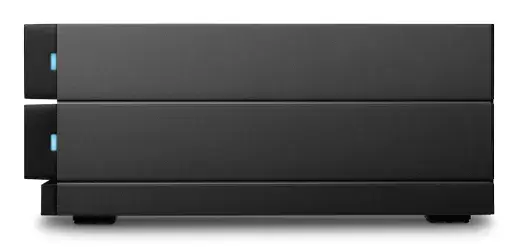
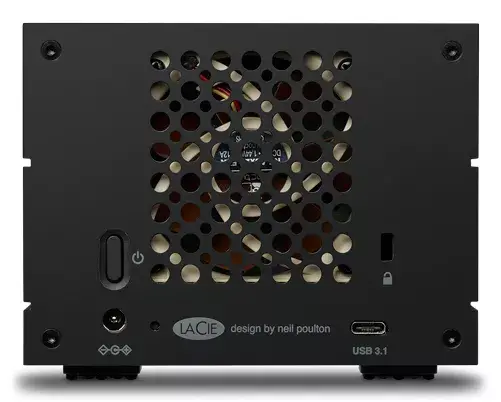
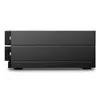
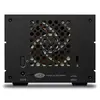
LaCie 2big RAID 16TB Desktop HDD Storage Array
The LaCie 2big RAID 16TB Desktop HDD Storage Array is a professional-grade external storage solution engineered for high-performance data management. Featuring two pre-installed 3.5-inch hard drives, this desktop array offers a total capacity of 16TB, providing ample space for extensive media libraries and large project files. Built with reliability in mind, the system supports hardware RAID configurations, allowing users to balance speed, capacity, and data redundancy according to their specific workflow requirements.
This storage array stands out due to its robust construction and focus on data integrity. The inclusion of enterprise-class drives ensures consistent 7200-RPM performance, which is essential for demanding tasks like high-resolution video editing and large-scale photo backups. The hardware RAID controller simplifies the management of data protection, while the hot-swappable drive design allows for maintenance without interrupting your workflow. Furthermore, the system includes proactive health monitoring, ensuring that users are alerted to potential issues before they impact productivity.
This device is optimized for desktop use and may not be the best choice for users requiring portable, pocket-sized storage solutions due to its weight and physical dimensions. Additionally, as it relies on mechanical hard drives, it may not provide the extreme transfer speeds associated with high-end NVMe SSD arrays for specific real-time 8K editing tasks.
Setting up the LaCie 2big RAID is straightforward. Connect the device to your computer using the provided USB-C interface. Once connected, use the LaCie RAID Manager software to configure your preferred RAID level, such as RAID 0 for maximum speed or RAID 1 for data redundancy. The system is designed to be plug-and-play, allowing for immediate integration into your existing workstation environment. Ensure the device is placed on a stable, flat surface to allow for proper ventilation during operation.
Usage recommendations: Regularly monitor the system health via the LaCie RAID Manager software to stay informed about drive status. Keep the device in a well-ventilated area to maintain optimal operating temperatures and ensure long-term reliability of the internal hard drives.
{{highlightedFeature.featureTitle}}:
{{getProductFeatureValueById(product, highlightedFeature.featureId)}}