Powerful EcoFlow stations for energy anywhere!
In cart {{totalProductsCount}} item(s)
Your cart is empty
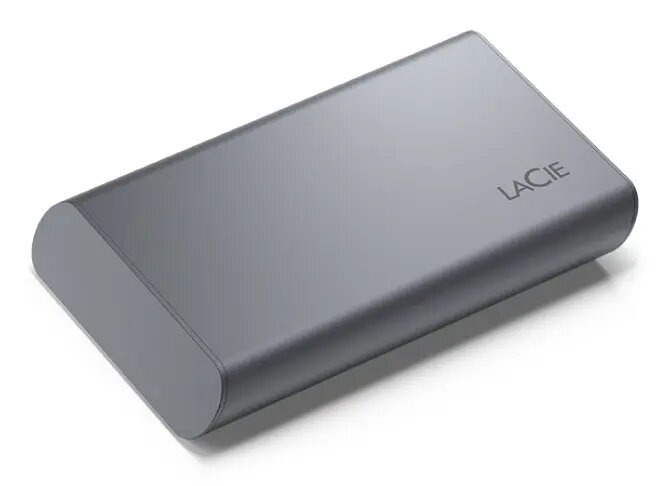
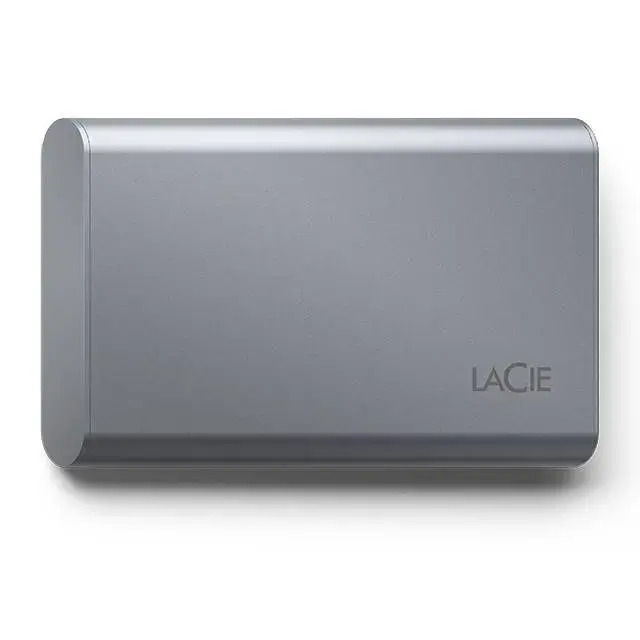
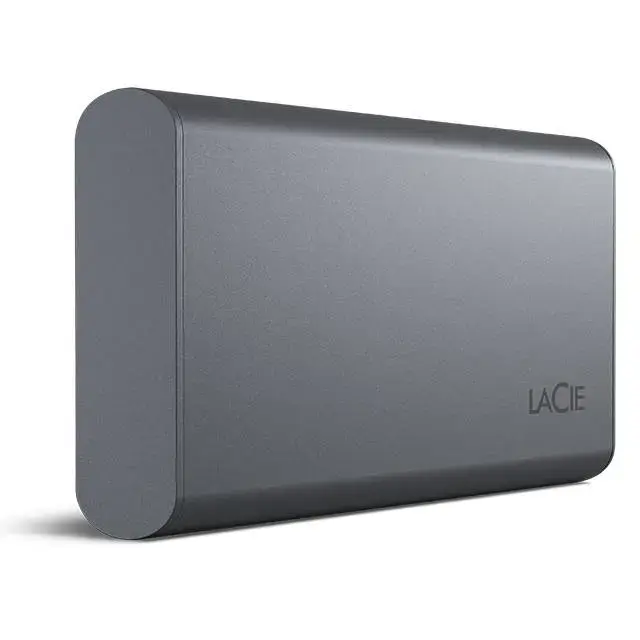
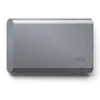
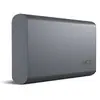
LaCie Mobile SSD Secure 1TB External Drive, USB 3.2 Gen 2, Grey
The LaCie Mobile SSD Secure 1TB External Drive is a high-performance storage solution designed for professionals and creative users who require speed and security. Featuring USB 3.2 Gen 2 connectivity, this drive offers efficient data transfer rates, allowing for smooth file management and quick access to large media libraries. Its sleek, grey, and durable design makes it a portable companion for those working on the go with Mac, Windows, or iPad devices.
This external solid-state drive provides exceptional read speeds of up to 1050 MB/s, which significantly reduces waiting times when opening large files or editing high-resolution video directly from the drive. The inclusion of hardware-based AES-256 self-encryption ensures that your sensitive data remains protected against unauthorized access, providing peace of mind for professional projects. Furthermore, the drive is designed for seamless compatibility with modern USB-C interfaces, ensuring a plug-and-play experience across various platforms.
This drive may not be the ideal choice if you require massive storage capacities exceeding the 1TB limit, as it is optimized for portability rather than high-density archival storage. Additionally, users who do not have access to USB-C ports may find the connectivity options limited without the use of additional adapters.
To begin using the LaCie Mobile SSD Secure, simply connect the provided USB-C cable to your computer or iPad. The drive is designed for immediate use, though you may choose to install the LaCie Toolkit software to enable advanced features such as folder mirroring, scheduled backups, and file synchronization across multiple devices. Once connected, the drive will appear as an external storage volume, allowing you to drag and drop files as needed.
For the best performance and data integrity, always safely eject the drive from your operating system before disconnecting the cable. Regularly utilize the LaCie Toolkit software to maintain updated backups of your most important projects.
{{highlightedFeature.featureTitle}}:
{{getProductFeatureValueById(product, highlightedFeature.featureId)}}
{{ productComparisonGenerationError }}