
A curated selection of maximum value offers!
In cart {{totalProductsCount}} item(s)
Your cart is empty
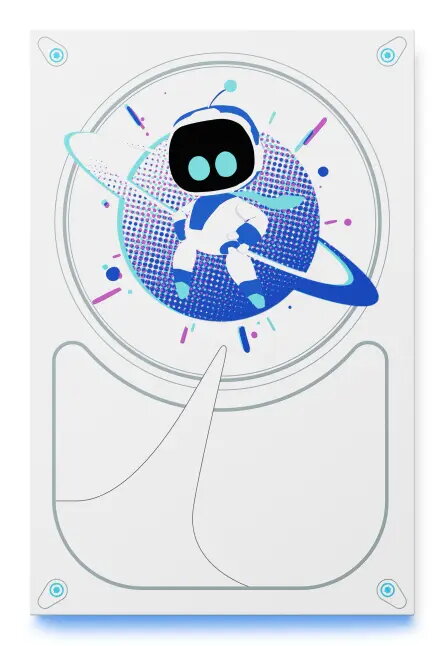
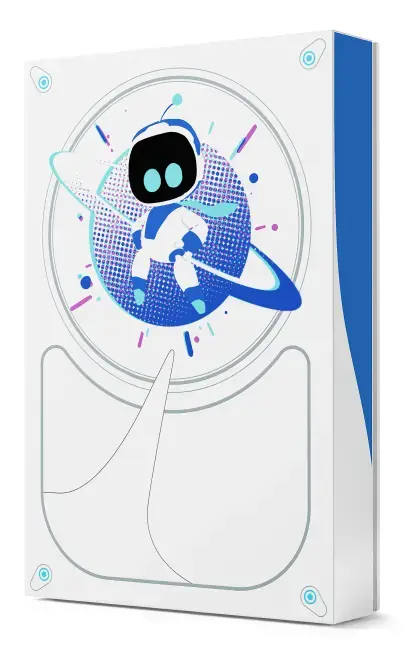
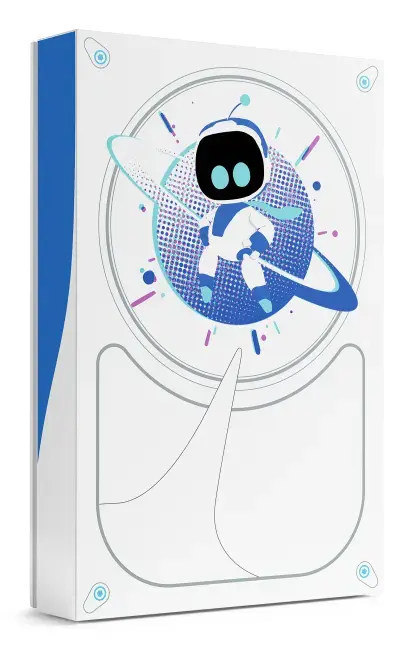
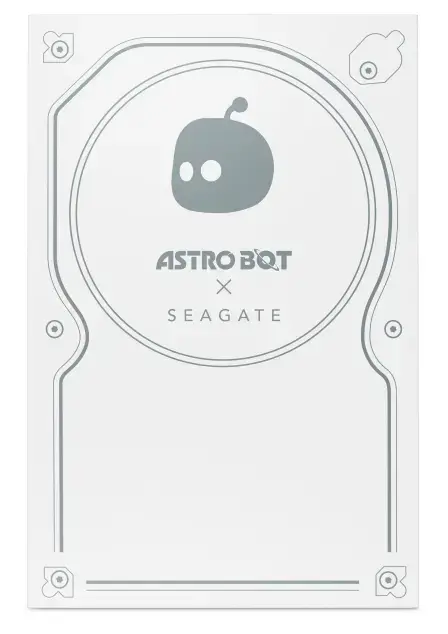
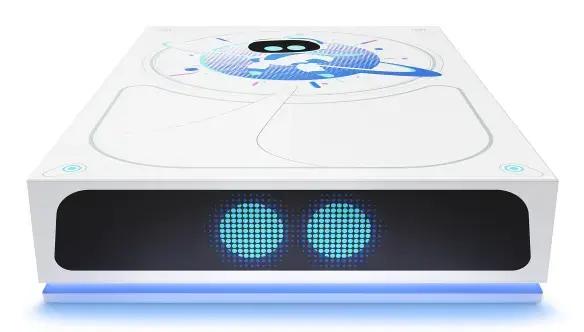
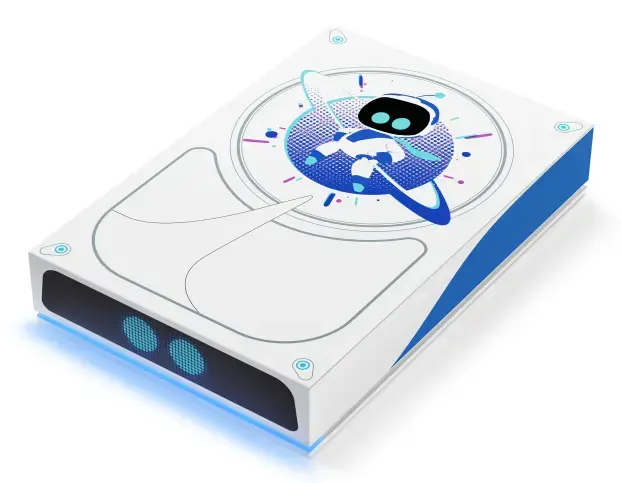
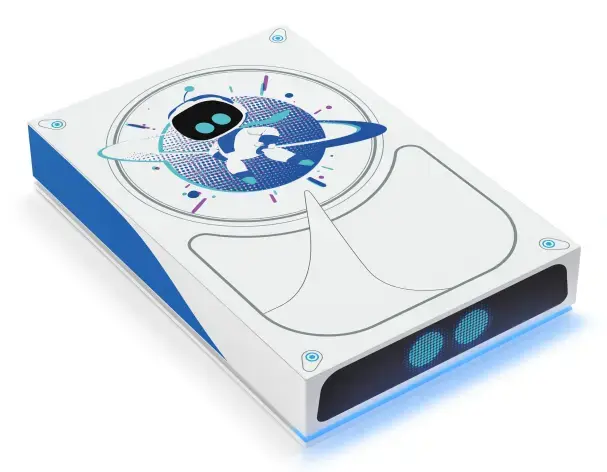
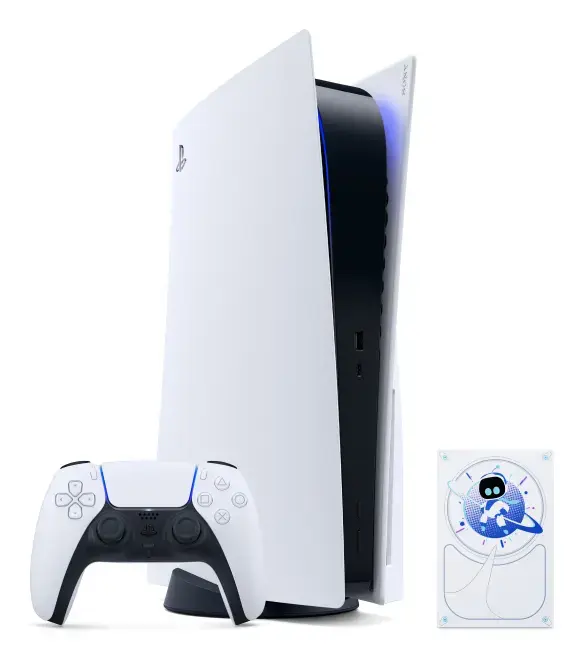
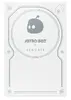
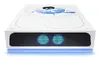
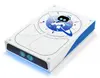
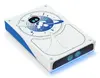
Seagate Game Drive Astro Bot External Hard Drive 5 TB USB 3.2 Gen 1 White and Blue Limited Edition
The Seagate Game Drive Astro Bot External Hard Drive 5 TB USB 3.2 Gen 1 White and Blue Limited Edition is a specialized external storage solution designed to expand game libraries for gaming systems and PCs. Featuring a generous 5 TB capacity, this portable hard drive provides ample space to store numerous digital game titles, applications, and media files. Adorned with a distinct white and blue theme, it incorporates Astro Bot-themed LED lighting to complement gaming setups. The device utilizes a high-speed USB interface for straightforward connectivity, offering a reliable way to manage and transport large collections of games.
This limited edition external hard drive offers substantial storage capacity, allowing users to keep a vast library of games readily available without constantly deleting titles. The integration of LED lighting adds a visual element to the hardware, making it a distinct collectible for fans. Its plug-and-play functionality ensures that setup is straightforward, requiring no complex software installation or external power supply beyond the USB connection. Compatibility with multiple platforms provides flexibility for users who switch between different gaming environments.
This external hard drive uses traditional HDD technology, which means it does not provide the ultra-fast load times associated with solid-state drives. Therefore, users cannot play PlayStation 5 games directly from this drive; PS5 titles must be transferred back to the console's internal storage before playing.
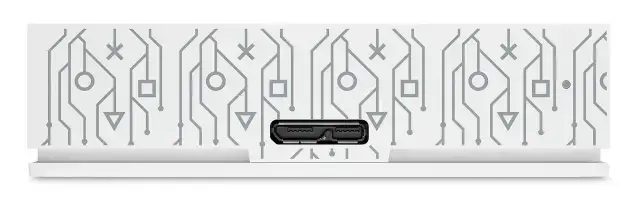
To begin using the hard drive, connect the included USB cable to an available port on your compatible gaming console or personal computer. The system will automatically recognize the storage device, allowing you to format it if necessary and begin transferring game files. For PlayStation 5 users, store your games on the drive to free up internal space, and transfer them back to the console when you are ready to play. For PlayStation 4 and PC games, you can run compatible titles directly from the external drive location.
For best performance, connect the external hard drive directly to a primary USB port on your gaming system or computer rather than through an unpowered USB hub, and safely eject the device through your system menu before disconnecting the cable.
{{highlightedFeature.featureTitle}}:
{{getProductFeatureValueById(product, highlightedFeature.featureId)}}
{{ productComparisonGenerationError }}