A curated selection of maximum value offers!
In cart {{totalProductsCount}} item(s)
Your cart is empty
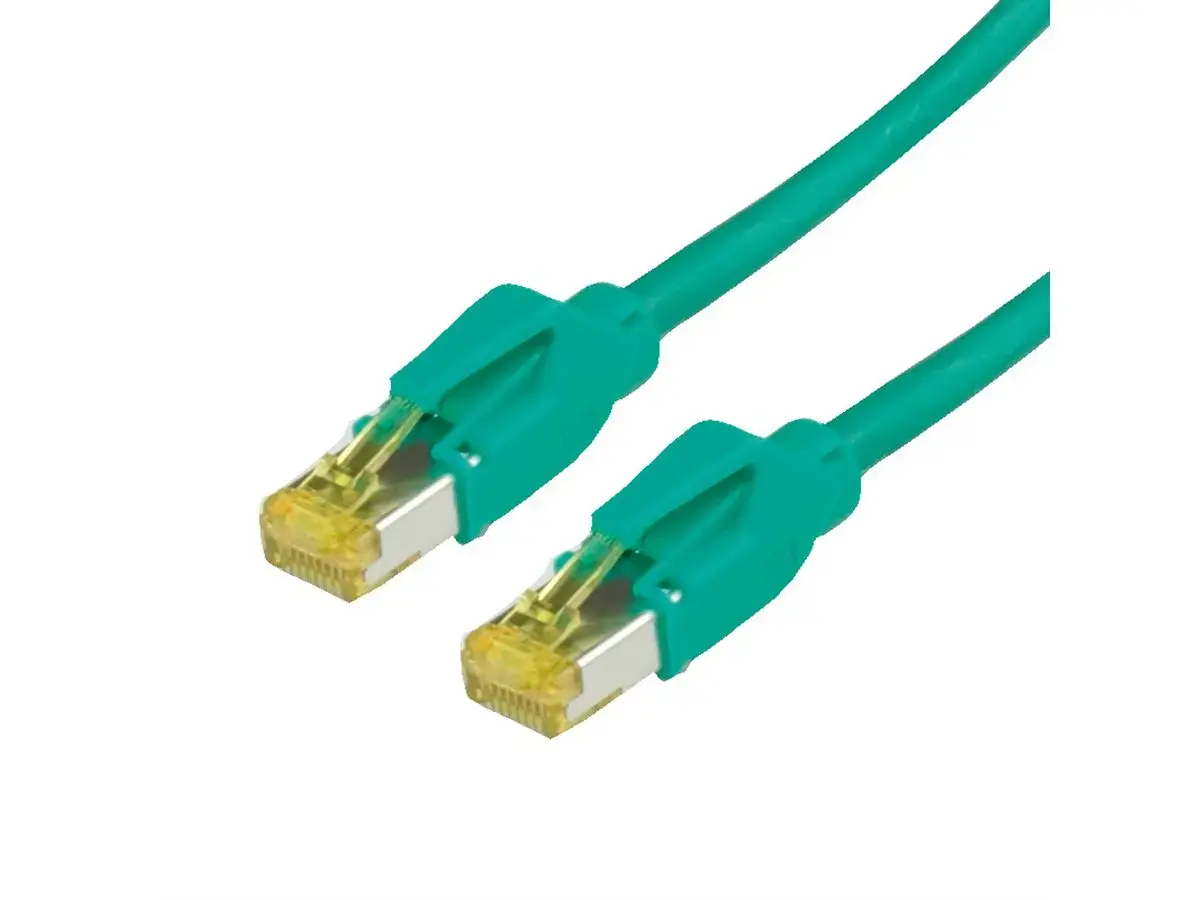
Networking cable Secomp 21059533 — Cat6a S/FTP (S-STP), RJ‑45 to RJ‑45, 3 m, green
The Secomp 21059533 networking cable is a reliable 3-meter green Ethernet cable designed to deliver stable and high-speed data transmission for modern home and office networks. Meeting the stringent Cat6a standards, this patch cable is engineered to support demanding network environments, ensuring seamless connectivity for everyday tasks as well as heavy data usage. Built with quality components, it provides dependable performance for connecting various network peripherals while maintaining signal integrity over its length.
This networking cable utilizes advanced S/FTP (S-STP) shielding to effectively minimize electromagnetic interference and reduce crosstalk between adjacent lines. As a result, users can experience stable data transfer rates without unexpected interruptions or packet loss. The inclusion of durable RJ-45 connectors on both ends ensures a secure physical connection to compatible network ports. Additionally, the 3-meter length offers practical flexibility for routing between nearby devices without creating excessive cable clutter, while the distinctive green color helps with organized color-coding in busy patch panels and switch racks.
This cable may not be suitable for long-distance network runs that exceed the standard limitations of copper patch cords, as it is specifically designed with a 3-meter length for short connections. Furthermore, it is not intended for outdoor deployment or exposed industrial environments where weatherproofing and heavy-duty armor are required.
To use the networking cable, insert one RJ-45 connector into an available port on your network switch, router, or wall outlet until you hear a secure click. Take the opposite end of the cable and plug it into the RJ-45 port of your target device, such as a computer, server, or network printer. Ensure that the connectors are fully inserted and that the locking tabs engage properly to prevent accidental disconnection. No additional configuration or drivers are required for operation.
Regularly inspect the cable and its connectors for any physical damage, avoid sharp bends or excessive pulling during installation, and keep connections free from dust and moisture to ensure long-term network performance.
{{highlightedFeature.featureTitle}}:
{{getProductFeatureValueById(product, highlightedFeature.featureId)}}
{{ productComparisonGenerationError }}