


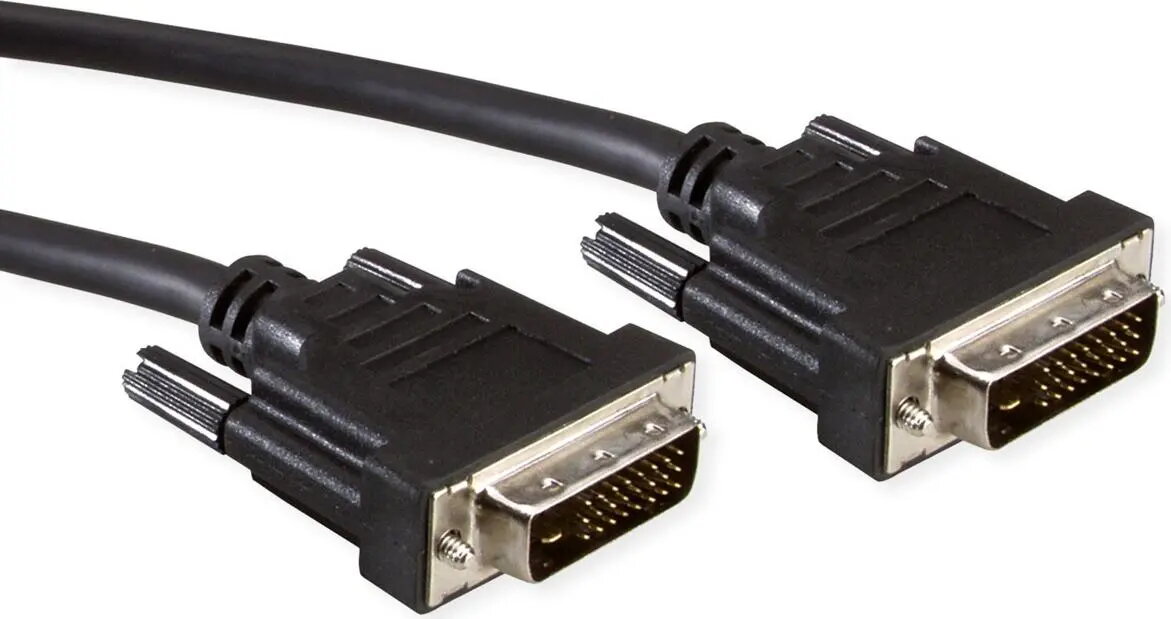
Secomp DVI to DVI Cable, 24+1 Dual Link, 3 m
Offer for a legal entity, non-cash payment.
Short description


Cheapest delivery:
Unisend LV
Product information
Description
The Secomp DVI to DVI cable is a reliable 3-meter connection solution engineered for high-quality digital video transmission. Featuring a 24+1 dual link configuration, this cable is designed to maintain signal integrity between your computer and monitor, ensuring clear and stable visual output for various display applications.
Advantages
This cable offers a robust construction that minimizes signal interference, providing a consistent connection for high-resolution displays. The 3-meter length provides sufficient flexibility for most desktop setups, allowing for convenient cable management between hardware components. Its dual link design supports higher resolutions and faster refresh rates compared to single link alternatives, making it a dependable choice for maintaining visual clarity in demanding digital environments.
Suitable for
- Connecting desktop computers to high-resolution monitors
- Professional workstation setups requiring stable digital video
- Gaming configurations that utilize DVI-D interfaces
- Home office environments for reliable secondary display connectivity
When it may not be suitable
This cable is not compatible with devices that only feature HDMI, DisplayPort, or VGA ports without the use of an active adapter. It is also not suitable for applications requiring audio transmission, as the DVI standard does not natively support audio signals.
Key specifications
- Connector type: DVI-D to DVI-D
- Configuration: 24+1 Dual Link
- Cable length: 3 meters
- Signal type: Digital only
How to use
To use the cable, ensure that both your computer graphics card and your monitor are equipped with DVI-D ports. Insert one end of the cable into the video output port on your computer and the other end into the input port on your monitor. Tighten the thumb screws on both connectors to ensure a secure physical connection and prevent accidental disconnection. Once connected, power on your devices and configure the display settings through your operating system to match the native resolution of your monitor.
What to consider before purchase
- Verify that both your source device and display have DVI-D ports
- Check if your monitor resolution requires dual link bandwidth
- Ensure the 3-meter length is sufficient for your specific desk layout
Usage recommendations
For optimal performance, avoid bending the cable at sharp angles or placing heavy objects on it, as this can damage the internal shielding and lead to signal degradation.


