Save time and money with our discounts!
In cart {{totalProductsCount}} item(s)
Your cart is empty
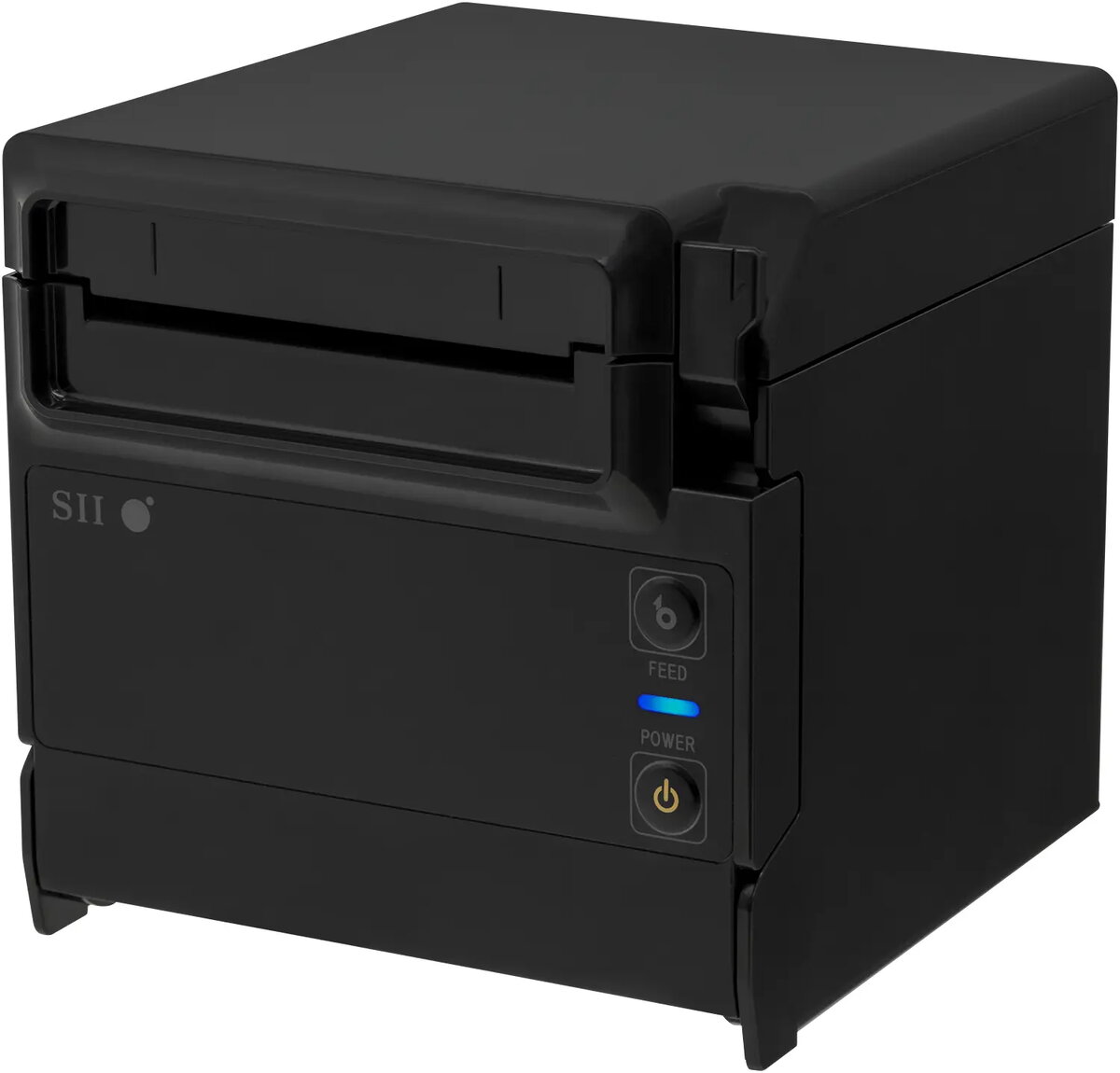
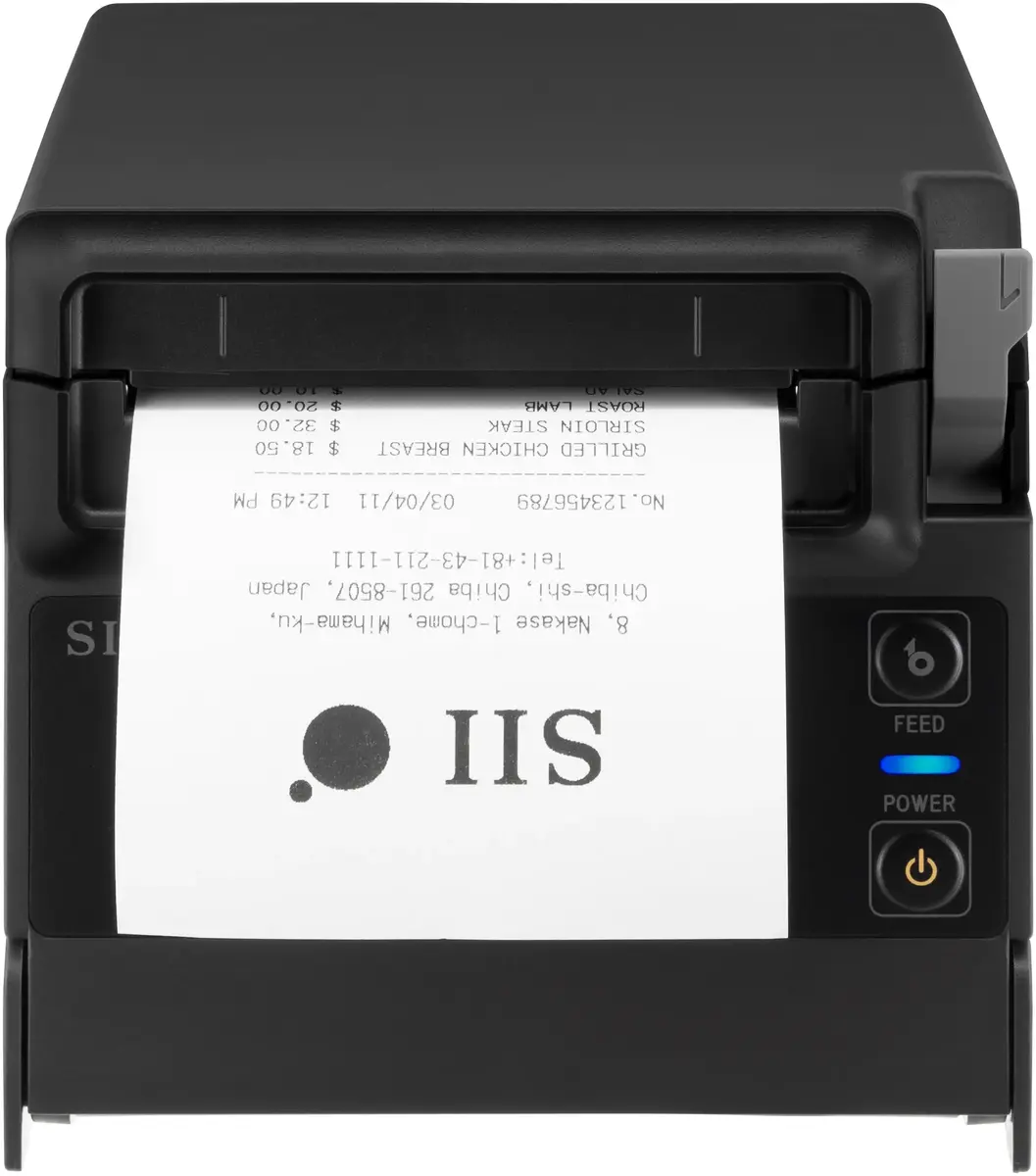
POS dot matrix printer Seiko Instruments RP-F10-K27J1-2 — 203 x 203 DPI, 58/80 mm paper, wired, black
Seiko Instruments RP-F10-K27J1-2 is a wired dot-matrix POS printer designed for compact retail and hospitality environments. The printer provides a 203 x 203 DPI dot-matrix print method, supports 58 mm and 80 mm paper widths with a maximum roll diameter of 83 mm and a maximum printing width of 72 mm. Built-in barcode formats include QR, PDF417, EAN13/8, Code 128/39/93, ITF and GS1 DataBar. The unit includes an autocutter rated for up to 1.5 million cuts and carries FCC, CE and VCCI certifications. The RP-F10 series also offers an optional 4.3-inch color TFT display that can be connected via USB to show text, graphics and printer status for enhanced customer communication.
The RP-F10-K27J1-2 combines reliable dot-matrix printing with a compact footprint suitable for limited counter space. Its dual paper-width support (58/80 mm) and 7.2 cm maximum print width offer compatibility with common POS rolls. The high-duty autocutter and comprehensive barcode support enable dependable receipt printing and barcode output for diverse retail workflows. Optional accessories such as the 4.3-inch color TFT display and available connectivity options make this model adaptable for integrated POS systems.
Install the printer on a stable counter surface and feed the appropriate 58 mm or 80 mm paper roll into the top or front paper exit depending on the model configuration. Connect the device to the POS terminal using the supplied wired interface (USB or Ethernet as provided by your unit). Install the manufacturer drivers or use the operating system's print service for Android if applicable. Configure paper size and margins in the POS software to match the printer's maximum printing width. Use the built-in barcode printing commands within your POS or label software to generate supported barcode types.
Use genuine thermal-roll paper recommended for impact printers and keep the autocutter area free of debris to ensure long cutter life. For stable operation, place the printer on a level surface away from direct liquids and clean the print head and paper path periodically following the manufacturer maintenance guidelines. If using the optional 4.3-inch TFT display, connect it via USB and verify display settings in your POS software to present text, QR codes or images correctly.
{{highlightedFeature.featureTitle}}:
{{getProductFeatureValueById(product, highlightedFeature.featureId)}}
{{ productComparisonGenerationError }}