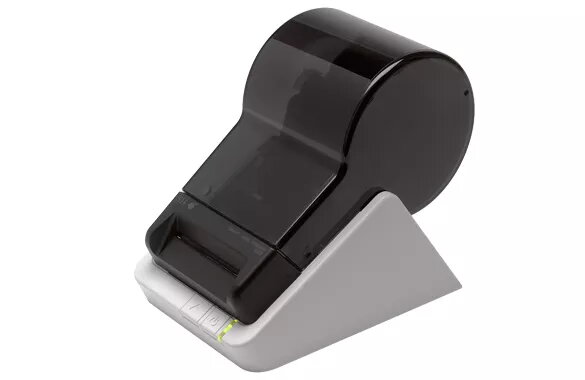
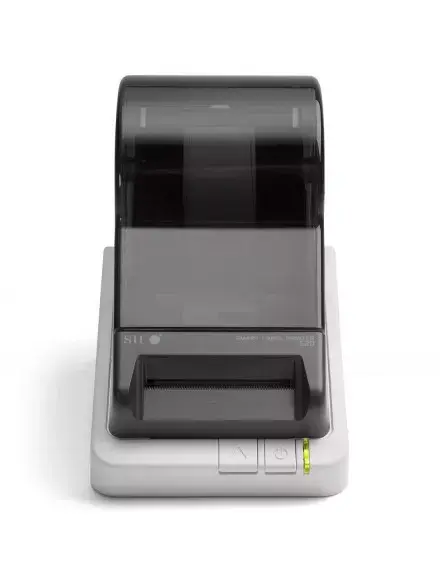
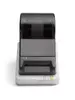
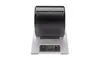
The Seiko Precision SLP620-EU is a professional thermal label printer engineered to streamline labeling tasks in office and business environments. This device utilizes direct thermal printing technology, eliminating the need for ink, toner, or ribbons, which makes it a cost-effective solution for daily administrative needs. With a print resolution of 203 x 203 DPI and a steady print speed of 70 mm/sec, it provides clear and legible output for a wide variety of labeling requirements, from shipping labels to organizational tags.
Advantages
The primary benefit of this printer is its efficiency and ease of use, as it integrates seamlessly with existing software to automatically import address information, significantly reducing manual data entry time. Its compact and modern design ensures it fits comfortably on any workstation without occupying excessive space. Furthermore, the printer supports a vast range of label types, offering versatility for different organizational needs. The maintenance-free operation, combined with the lack of consumables like ink or toner, ensures a low total cost of ownership and reliable performance for professional settings.
Suitable for
- Printing shipping and address labels
- Creating file folder labels
- Producing business cards and name tags
- Managing inventory and asset labeling
When it may not be suitable
This printer is designed for standard office and administrative labeling tasks and may not be suitable for high-volume industrial production environments requiring extreme durability or specialized chemical-resistant labels. It is also not intended for color printing, as it is strictly a monochrome thermal device.
Key specifications
- Print technology: Direct thermal
- Resolution: 203 x 203 DPI
- Print speed: 70 mm/sec
- Connectivity: Standard interface for office integration
- Consumables: No ink, toner, or ribbon required
How to use
To begin using the Seiko Precision SLP620-EU, connect the device to your computer using the appropriate interface cable and install the necessary drivers provided by the manufacturer. Once installed, load your chosen label roll into the printer compartment, ensuring it is correctly aligned with the feed mechanism. The printer will automatically detect the label size. Use the integrated software to design your labels or import data from your existing applications. Once the design is ready, send the print command from your computer, and the printer will produce the labels instantly.
What to consider before purchase
- Ensure your computer operating system is compatible with the printer drivers
- Verify that the label sizes you require are supported by the printer
- Consider the volume of labels you intend to print daily
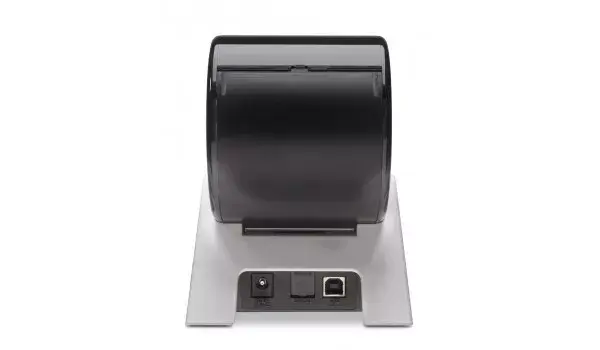
- Check your workspace for available connectivity ports
Usage recommendations
For optimal print quality and to maintain the longevity of the print head, use only genuine Seiko Precision labels and keep the internal printing area free of dust and adhesive residue.