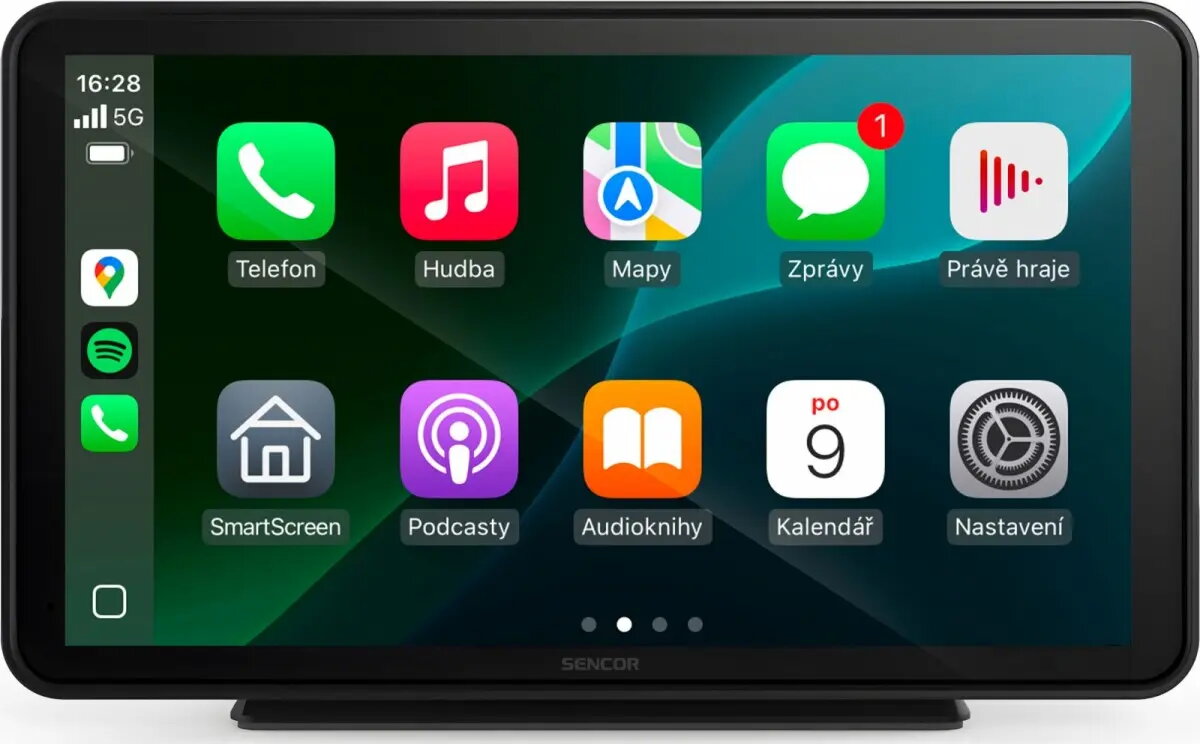
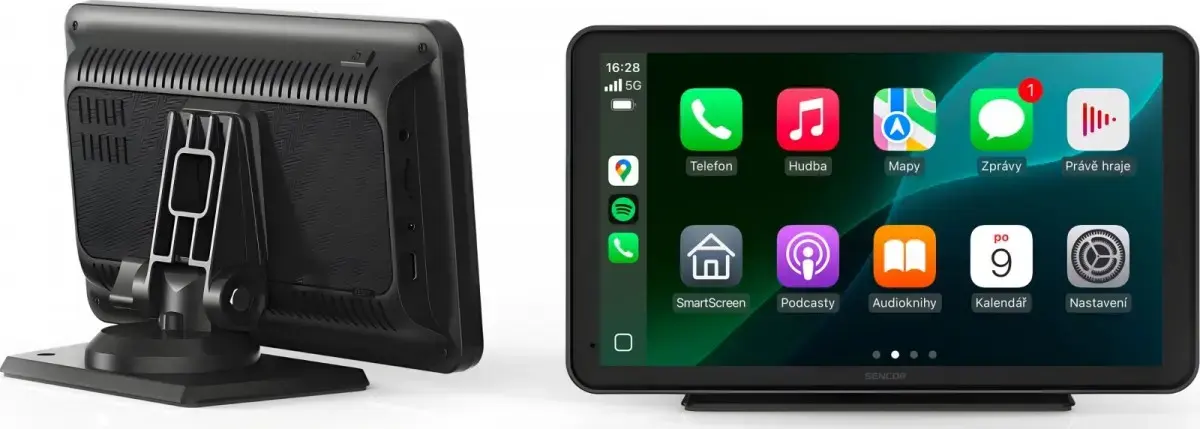
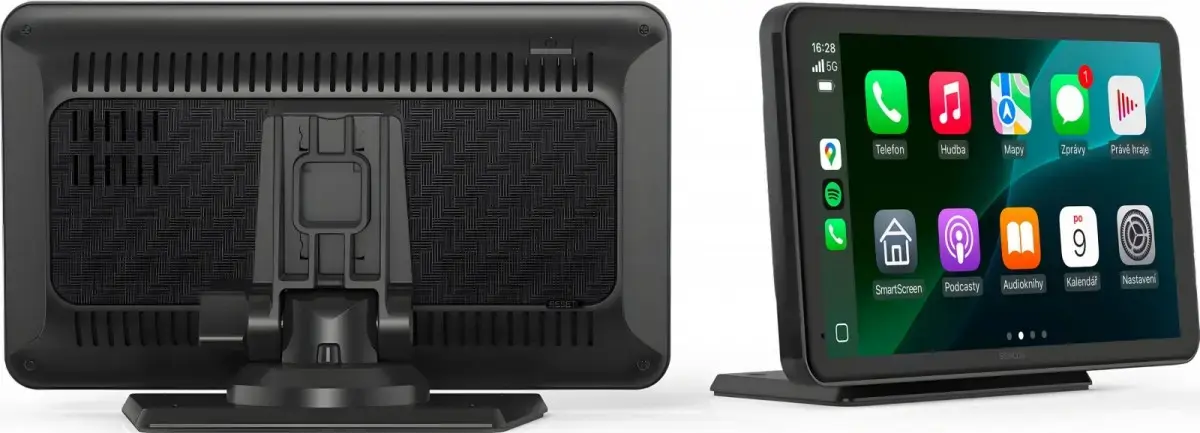
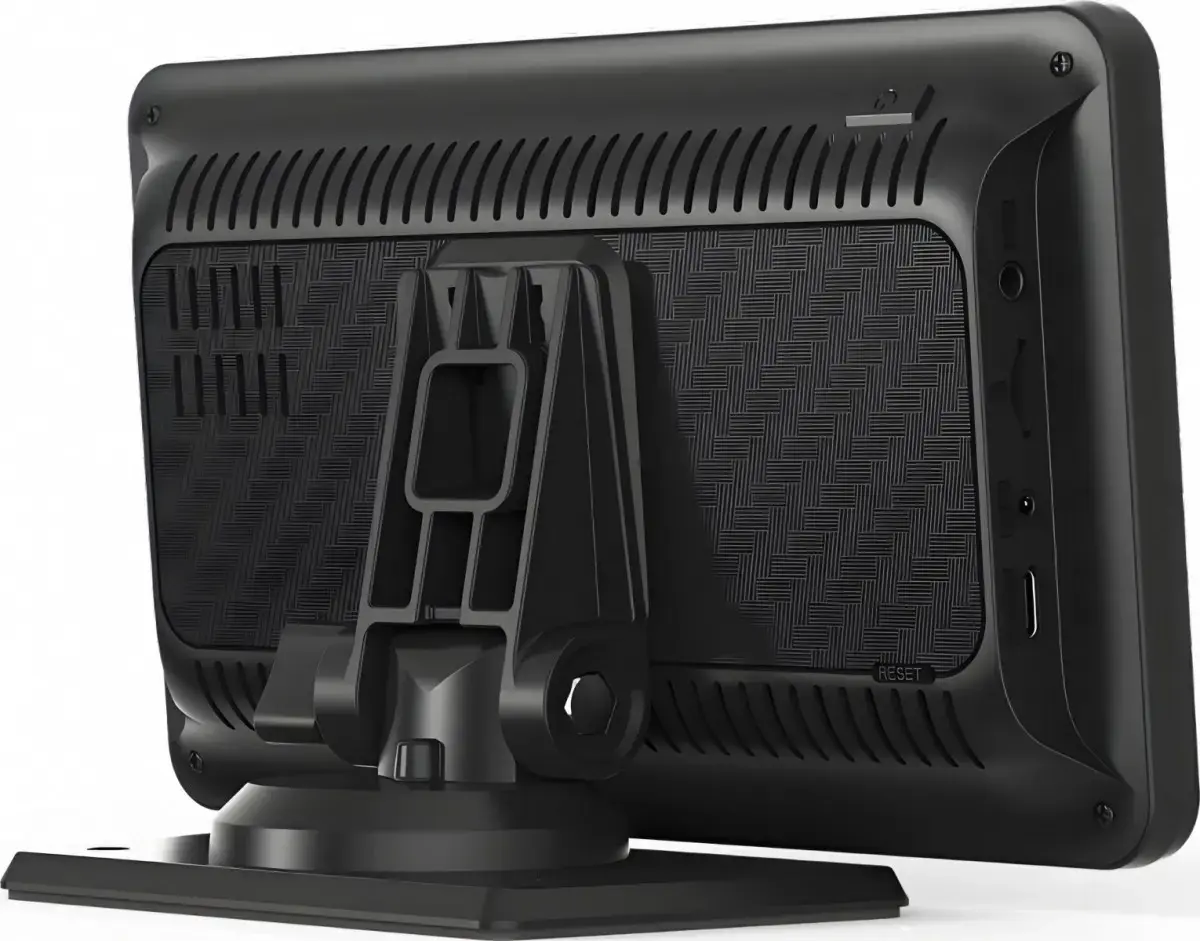
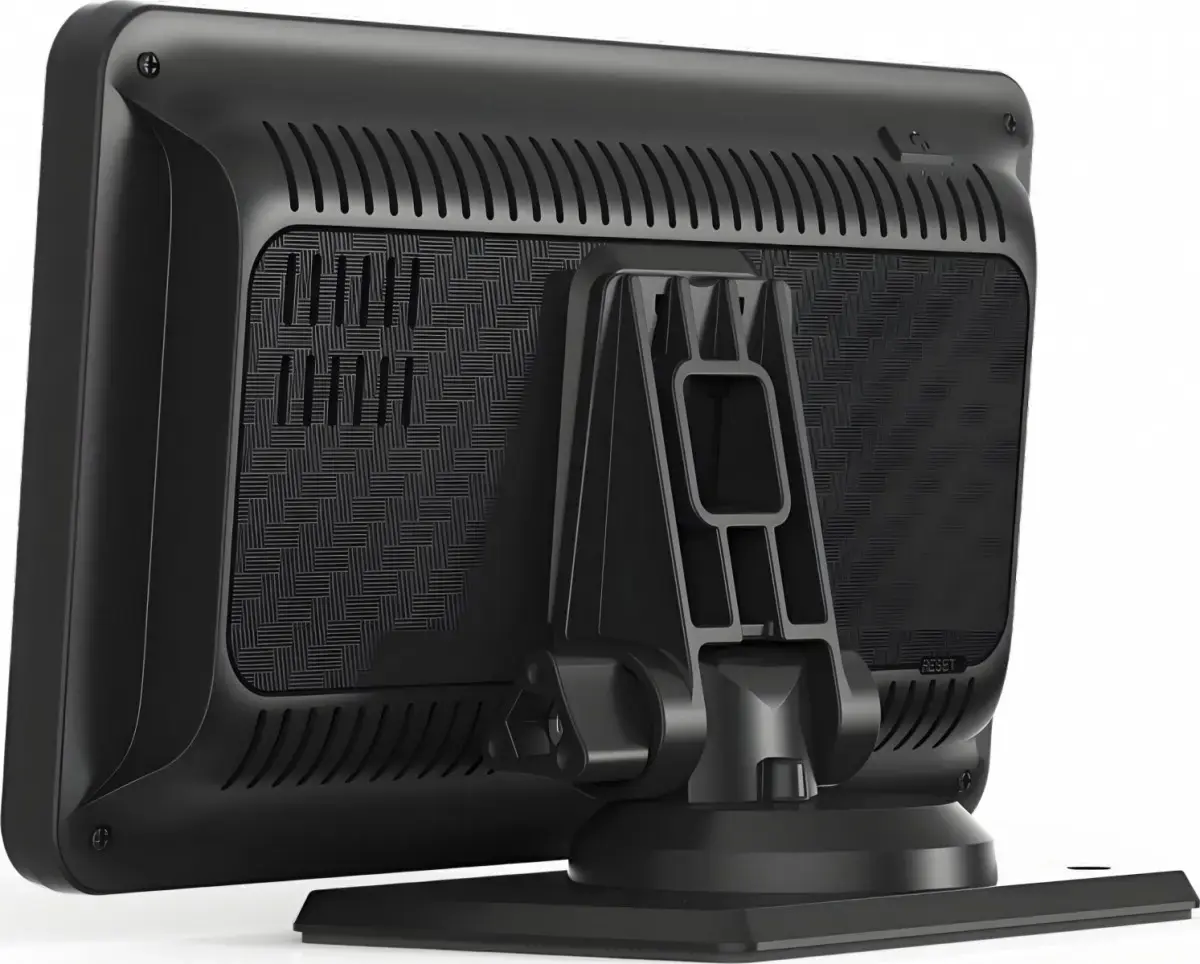
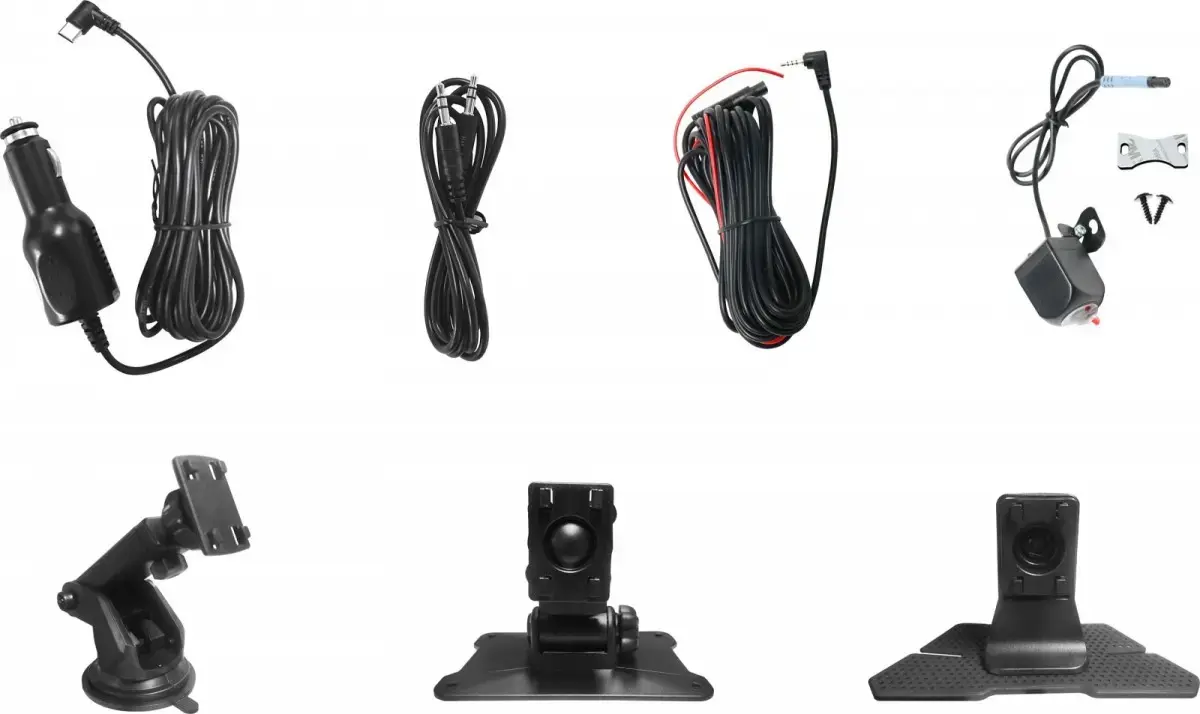
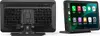
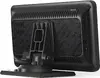
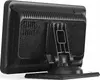
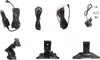
The SENCOR SCT M760BWT car multimedia head unit is designed for in-dash installation to upgrade your vehicle's entertainment and connectivity system. Featuring built-in Apple CarPlay and Android Auto support, this device allows for seamless smartphone integration directly on your dashboard. Drivers can easily access their favorite navigation apps, manage messages, and stream audio without physically handling their phones. The unit provides essential functions such as hands-free calling and voice control, ensuring a more connected and focused driving experience.
Advantages
Integrating your smartphone into your vehicle becomes straightforward with the SENCOR SCT M760BWT. The inclusion of Apple CarPlay and Android Auto ensures that popular map applications, music streaming services, and communication tools are readily available on a clear in-dash display. Voice control capabilities allow for safer operation while on the road, minimizing distractions. Additionally, the hands-free calling feature promotes compliance with safety regulations and keeps your hands on the steering wheel.
Suitable for
- Drivers looking to add Apple CarPlay or Android Auto to an existing vehicle dashboard
- Users who rely heavily on smartphone navigation apps during their daily commute or long trips
- Those who require safe, hands-free calling and voice control while driving
- Individuals wanting easy access to music streaming and messaging apps in their car
When it may not be suitable
This head unit may not be suitable for vehicles with non-standard dashboard configurations that cannot accommodate a standard in-dash receiver without specialized modification kits. It is also not recommended for users who prefer a completely offline media system without the need for a connected smartphone.
Key specifications
- Car multimedia head unit with in-dash installation design
- Apple CarPlay support for smartphone integration
- Android Auto support for smartphone integration
- Hands-free calling functionality
- Audio streaming capabilities
- Navigation support via connected smartphone applications
- Voice control features
How to use
To begin using the SENCOR SCT M760BWT, ensure the unit is correctly installed in your vehicle's dashboard by a qualified professional if necessary. Connect your compatible smartphone to the head unit using a USB cable or wireless method depending on the specific setup. Once connected, follow the on-screen prompts to authorize Apple CarPlay or Android Auto. You can then use the touch interface or voice commands to control navigation, make phone calls, select music, and manage messages.
What to consider before purchase
- Verify the physical dimensions and dashboard compatibility of your vehicle
- Check whether your smartphone model is fully compatible with Apple CarPlay and Android Auto
- Determine if additional installation harnesses or fascia adapters are required for your specific car model
- Assess whether you prefer a touchscreen interface with smartphone mirroring over traditional radio units
Usage recommendations: Always set up your destination and playlist preferences before starting your journey to maintain full concentration on the road. Regularly update your smartphone's operating system to ensure optimal compatibility and performance with the head unit.