Leave your address - as soon as the price of the product goes down, you'll know about it right away
Electronic Hookswitch Sennheiser APV-66 (TAA) — black
In cart {{totalProductsCount}} item(s)
Your cart is empty
Electronic Hookswitch Sennheiser APV-66 (TAA) — black
Leave your address - as soon as the price of the product goes down, you'll know about it right away
Electronic Hookswitch Sennheiser APV-66 (TAA) — black
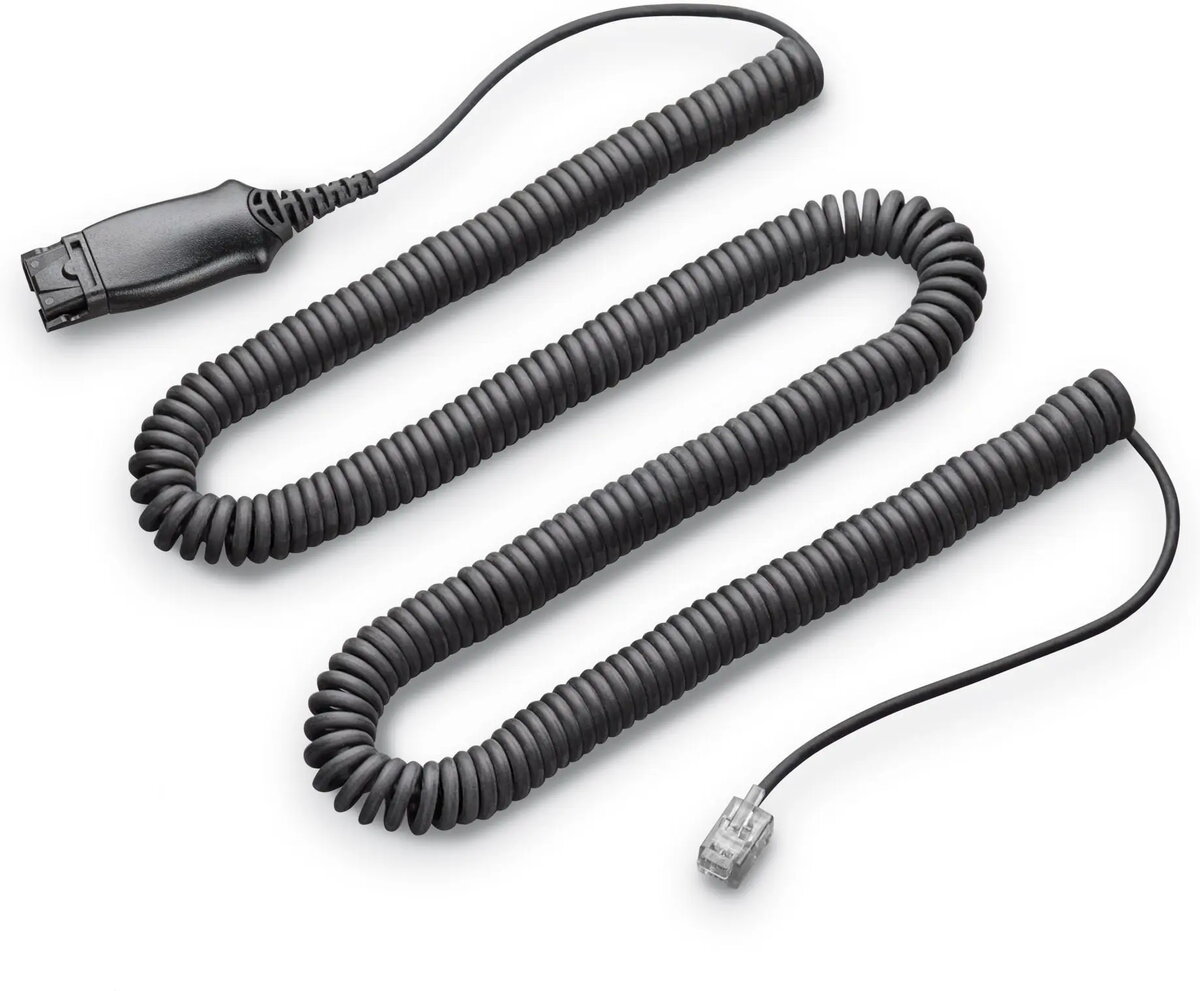
The Electronic Hookswitch Sennheiser APV-66 (TAA) — black is a desktop accessory that provides electronic on/off control for compatible Sennheiser headsets and office telephone systems. It enables remote answer and end-call functionality from the desk without physically lifting a handset, facilitating seamless integration with unified communications platforms and traditional telephony setups. The compact black unit is intended for use in professional office environments where quick call handling and headset-controlled call management are required.
The APV-66 offers reliable electronic switching between headset and telephone audio paths, reducing desk clutter and eliminating the need to handle the handset for every call. Its design supports interoperability with a range of compatible headsets and telephone bases, delivering straightforward call control and improving workflow efficiency. The unit’s desktop form factor simplifies installation and everyday use while maintaining a professional appearance in office settings.
Connect the APV-66 between the desk telephone base and the compatible Sennheiser headset following the manufacturer’s connection guidelines. Once connected, use the headset controls or the hookswitch unit to answer and end calls electronically without lifting the handset. Ensure cables are routed to avoid strain and that the headset and telephone firmware or settings are configured for headset control where required.
For dependable operation, verify compatibility with your specific headset and telephone model prior to installation and keep device firmware up to date. Place the unit on a stable surface near the telephone to ensure convenient access and avoid exposing it to liquids or excessive heat.
{{highlightedFeature.featureTitle}}:
{{getProductFeatureValueById(product, highlightedFeature.featureId)}}