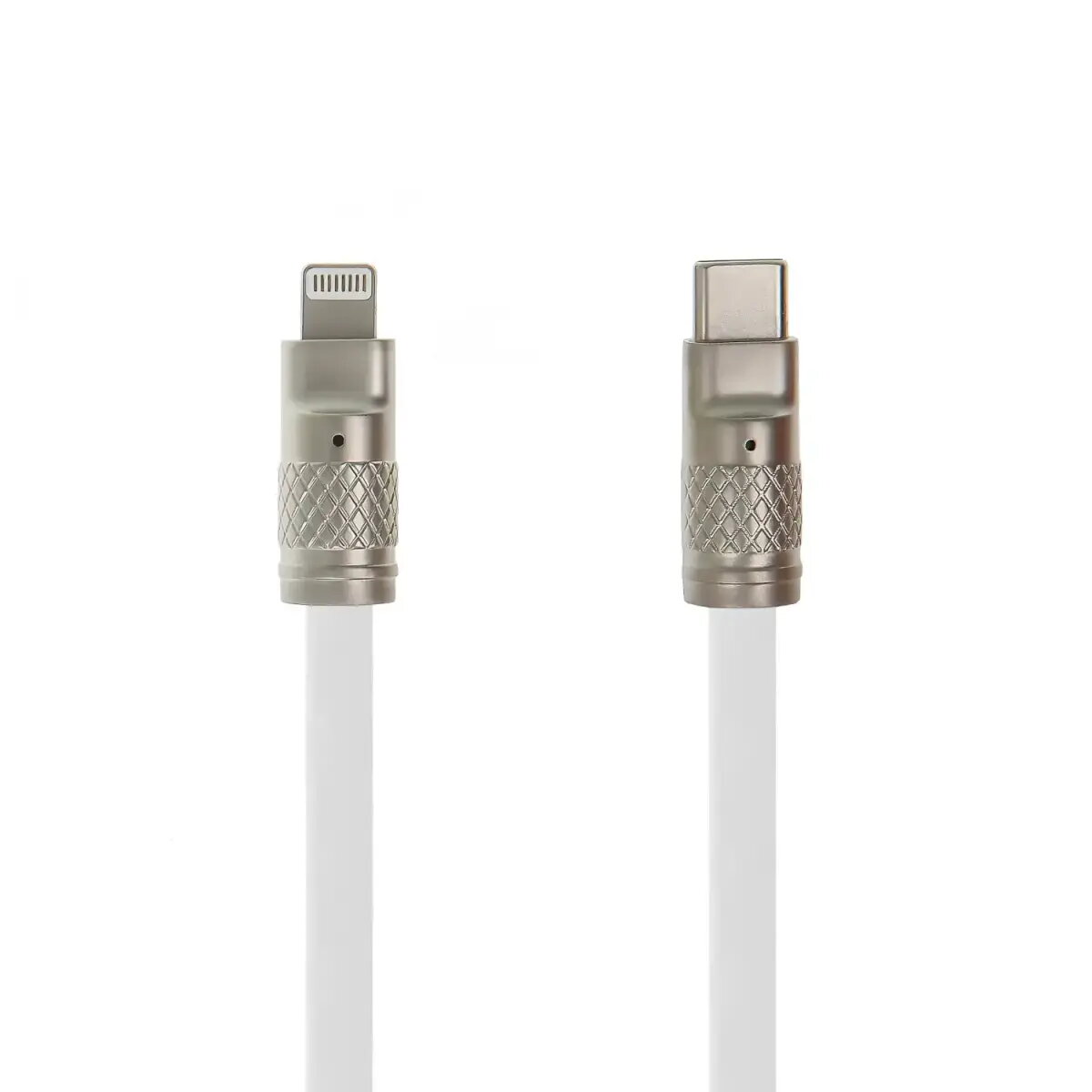
The Setty Zink USB-C to Lightning cable is a high-performance accessory designed to provide efficient charging and reliable data synchronization for Apple devices. Engineered to support up to 27W Power Delivery, this cable enables rapid charging for iPhones, iPads, and other compatible hardware, ensuring your devices are ready for use in minimal time. With a length of 1.2 meters, it offers the perfect balance between reach and portability, making it an ideal choice for various environments including home, office, or travel.
Advantages
This cable stands out due to its robust construction and focus on durability. The reinforced connectors are specifically designed to resist mechanical stress and daily wear, providing a stable and secure connection every time you plug in your device. By utilizing high-quality materials, the cable ensures consistent performance and longevity, even with frequent use. Its sleek white finish and modern aesthetic allow it to integrate seamlessly with your existing tech setup while maintaining high functional standards for both power delivery and data transfer tasks.
Suitable for
- Fast charging of iPhones and iPads
- Synchronizing data between Apple devices and computers
- Daily use in office or home environments
- Travel setups requiring a reliable and portable cable
When it may not be suitable
This cable is specifically designed for devices with a Lightning port and will not be compatible with newer Apple devices that utilize a USB-C port for charging. Additionally, it may not be suitable for users requiring extremely long cables, as the 1.2-meter length is intended for standard desktop or bedside use rather than long-distance connections.
Key specifications
- Connectors: USB-C to Lightning
- Maximum Power Output: 27W
- Cable Length: 1.2 meters
- Color: White
How to use
To use the cable, simply insert the USB-C connector into a compatible power adapter or computer port, and connect the Lightning end to your Apple device. Ensure that your power adapter supports Power Delivery technology to achieve the maximum 27W charging speed. Once connected, the device will automatically begin charging or initiate a data sync session if connected to a computer.
What to consider before purchase
- Verify that your device features a Lightning port
- Check if your wall charger supports USB-C Power Delivery
- Consider if the 1.2-meter length meets your specific spatial requirements
Usage recommendations
To maintain the longevity of the cable, avoid bending the connectors at sharp angles and always unplug the cable by gripping the connector housing rather than pulling on the cord itself.