Dreame vacuums for fast and efficient cleaning!
In cart {{totalProductsCount}} item(s)
Your cart is empty
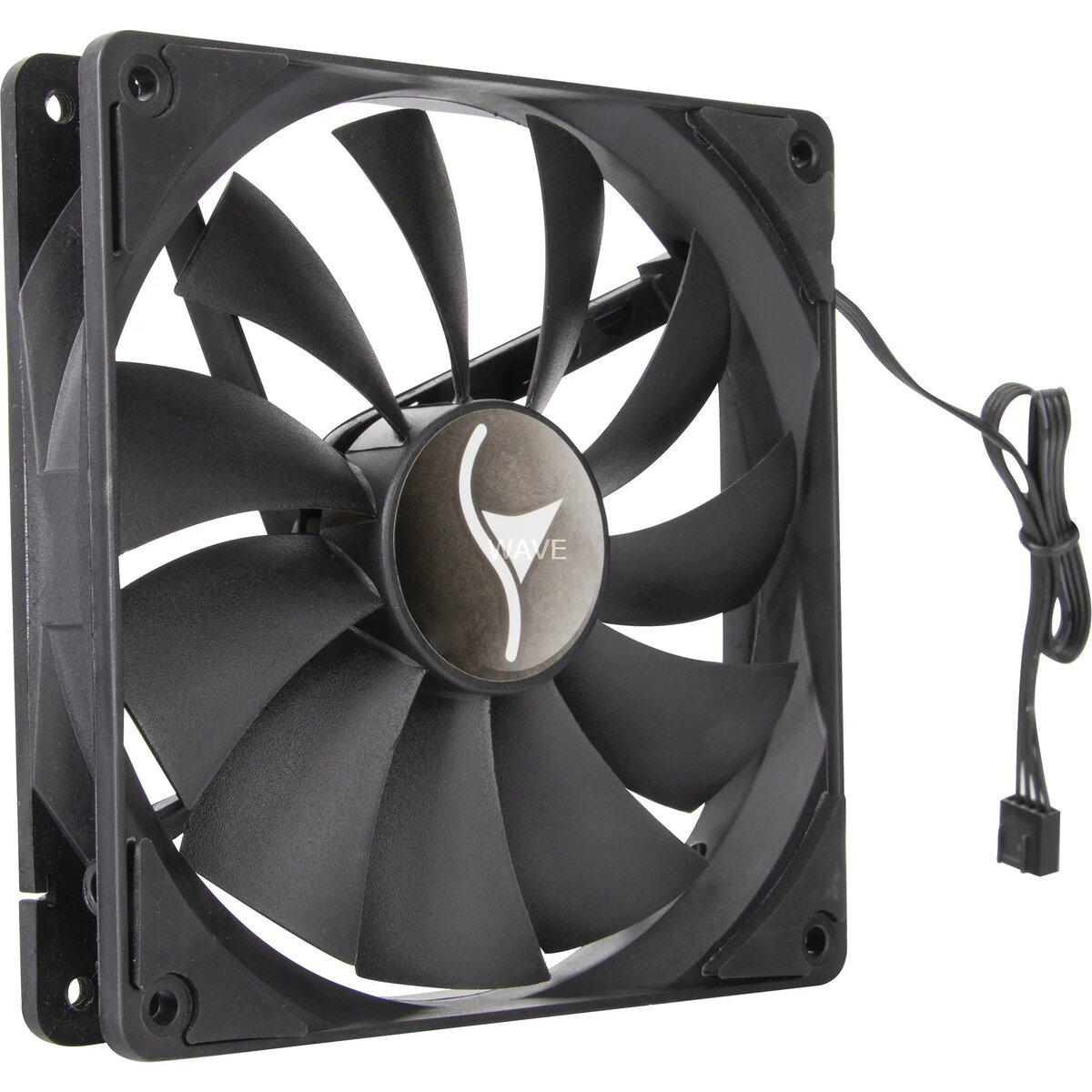
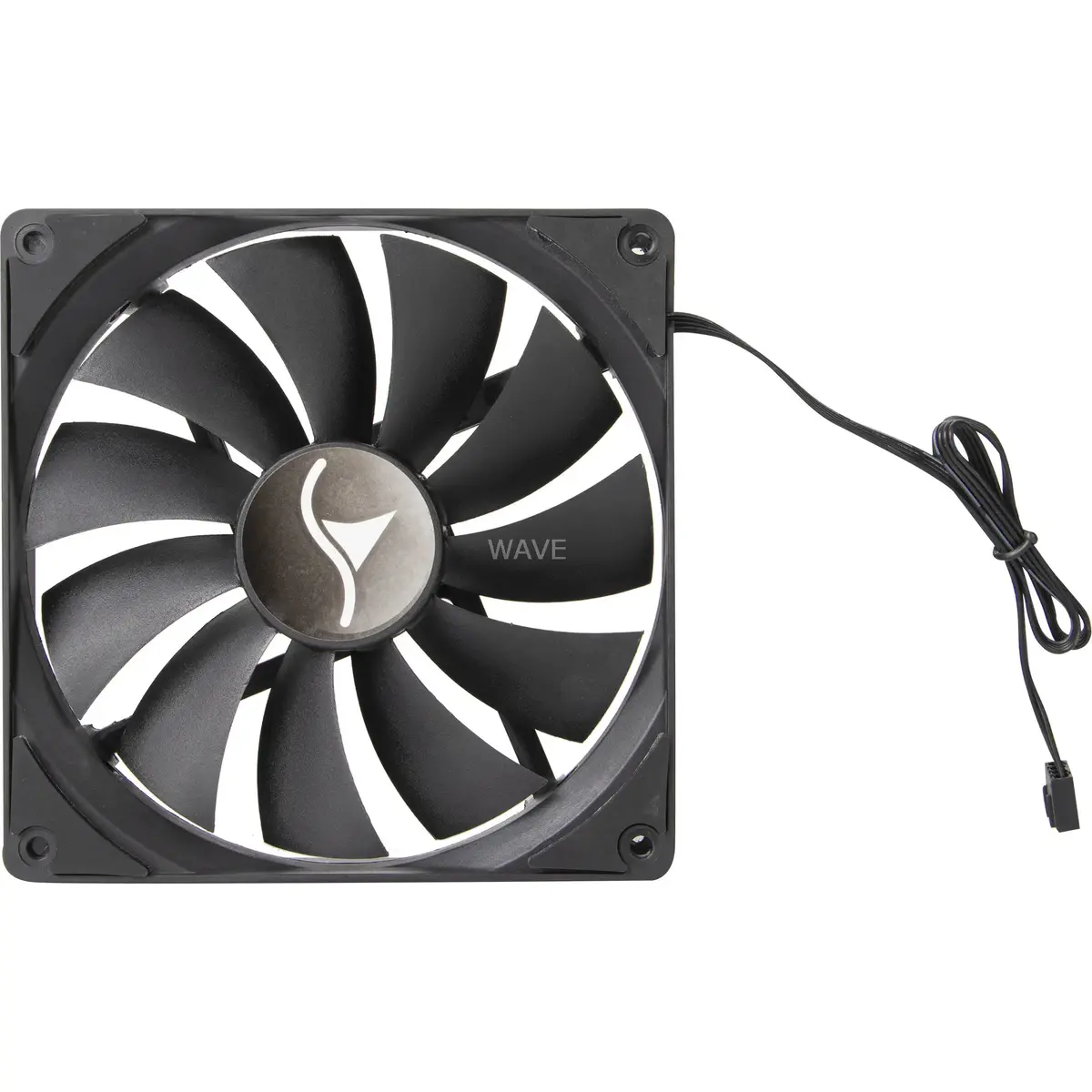
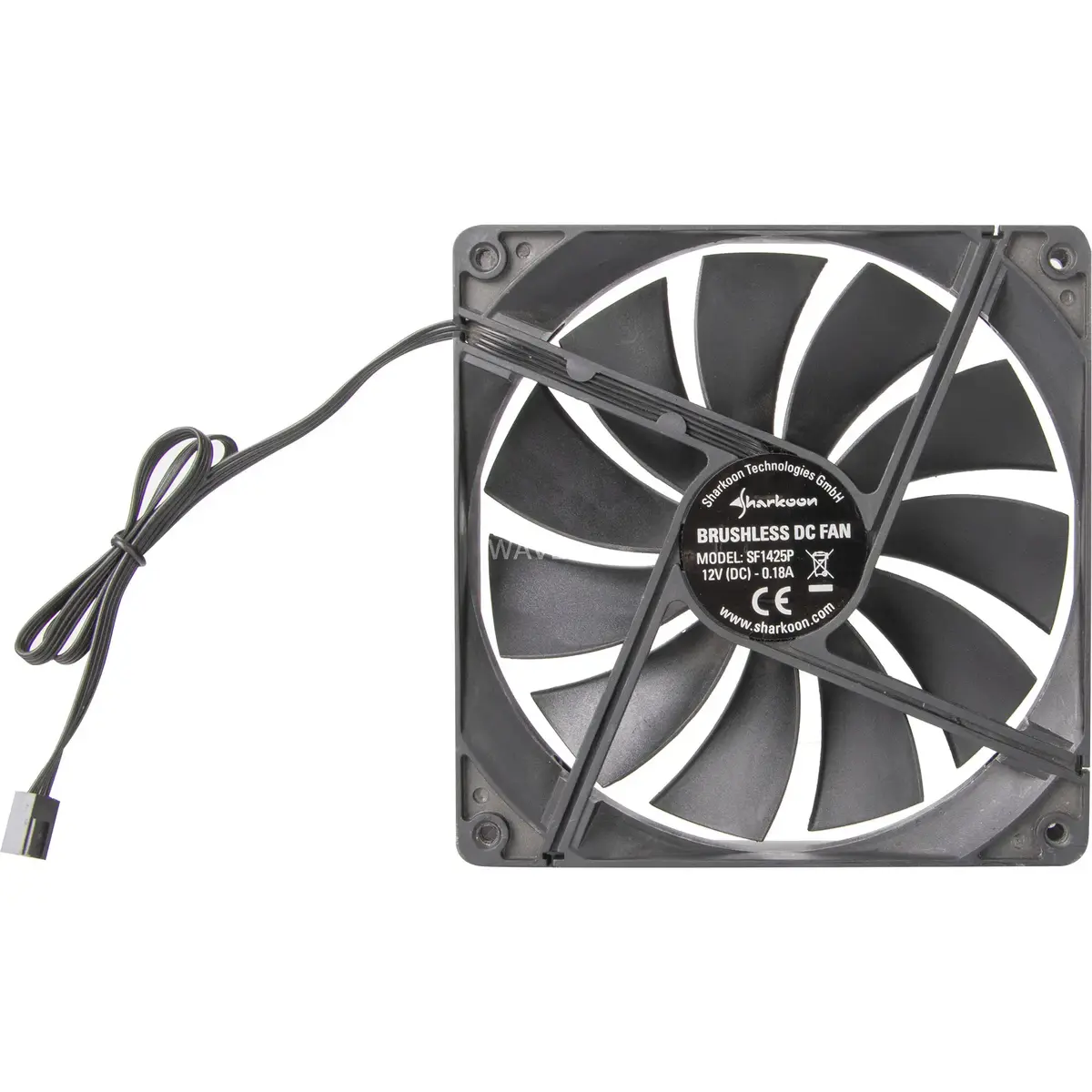
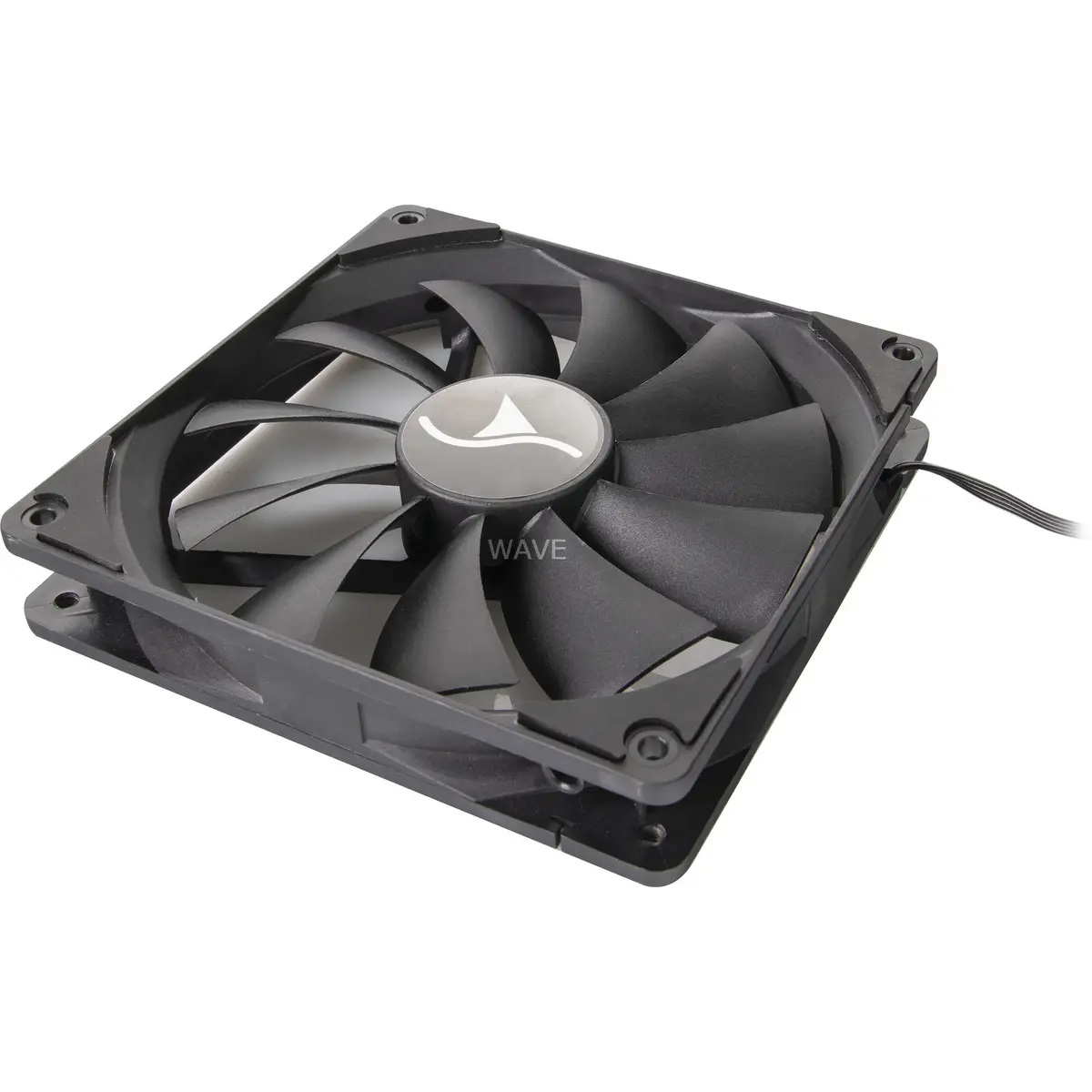
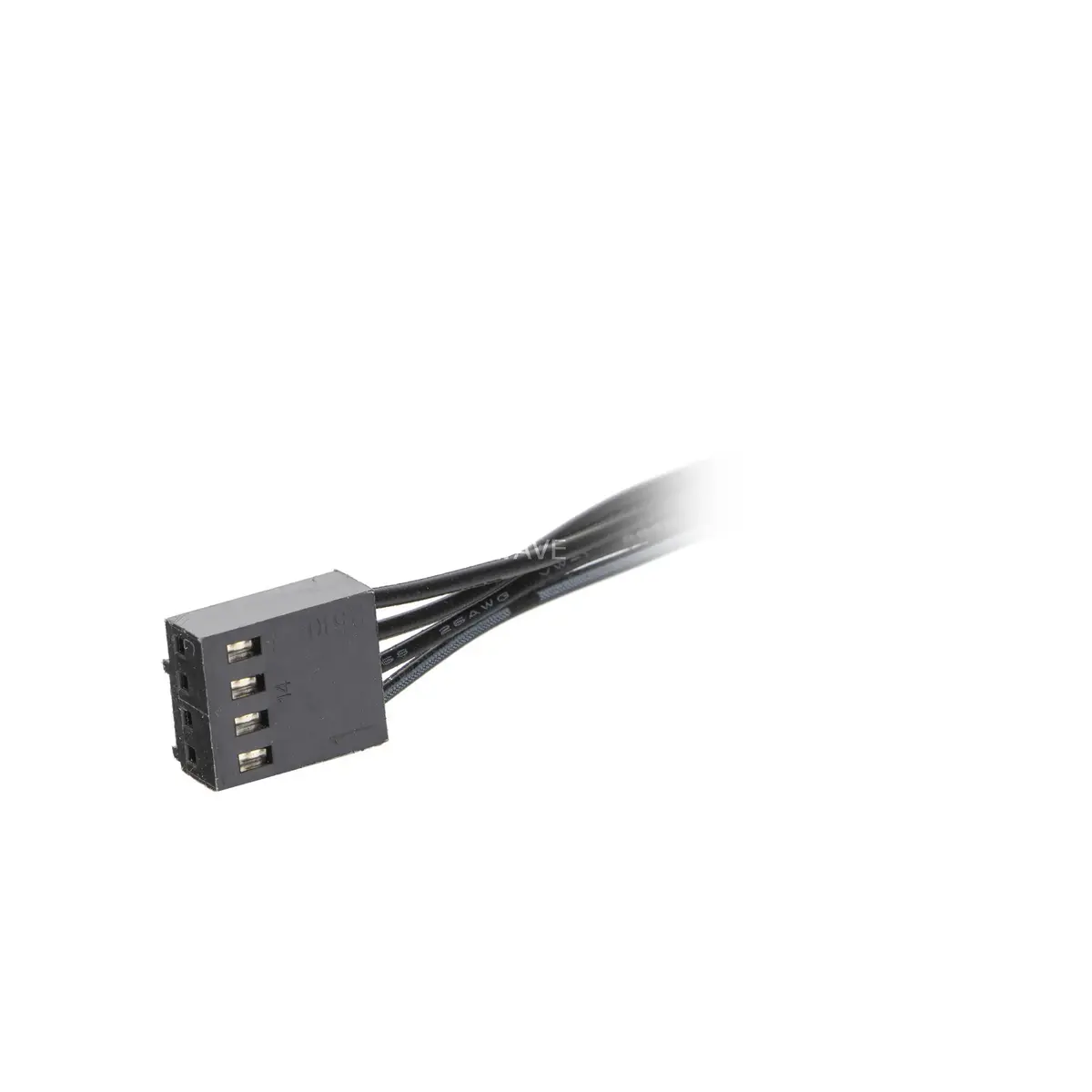
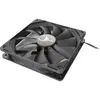
Sharkoon SF1425P 140mm Case Fan
The Sharkoon SF1425P is a high-quality 140mm case fan engineered to provide efficient cooling for desktop computer systems. Designed with a focus on reliability and performance, this fan helps maintain optimal operating temperatures for internal hardware by facilitating consistent airflow throughout the PC chassis. Its standard 140x140mm frame dimensions ensure broad compatibility with a wide range of computer cases that support 140mm cooling solutions, making it a practical choice for both new system builds and thermal upgrades.
This cooling fan offers a balanced approach to thermal management, ensuring that heat-generating components remain within safe temperature ranges during operation. The robust construction of the Sharkoon SF1425P contributes to its durability, providing a dependable solution for users who prioritize system stability. Its straightforward design allows for easy integration into existing cooling setups, effectively improving the overall airflow dynamics of the computer case without requiring complex modifications.
This fan may not be suitable for specialized cooling applications that require high-static pressure fans, such as mounting directly onto dense liquid cooling radiators or heatsinks where airflow resistance is significant. Additionally, users seeking ultra-silent operation for professional recording environments might prefer specialized low-noise fans.
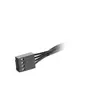
To install the Sharkoon SF1425P, first ensure the computer is powered off and disconnected from the power source. Identify the appropriate 140mm mounting location within your PC case. Align the fan with the mounting holes and secure it using the provided screws or rubber mounts, ensuring the airflow direction is oriented correctly toward the exhaust or intake path. Connect the fan power cable to the corresponding fan header on the motherboard or a dedicated fan controller.
Usage recommendations: For optimal thermal performance, position the fan to create a balanced airflow path, typically using front fans for intake and rear or top fans for exhaust. Regularly clean the fan blades from dust to maintain efficiency and prevent noise buildup.
{{highlightedFeature.featureTitle}}:
{{getProductFeatureValueById(product, highlightedFeature.featureId)}}
{{ productComparisonGenerationError }}