
Dreame vacuums for fast and efficient cleaning!
In cart {{totalProductsCount}} item(s)
Your cart is empty
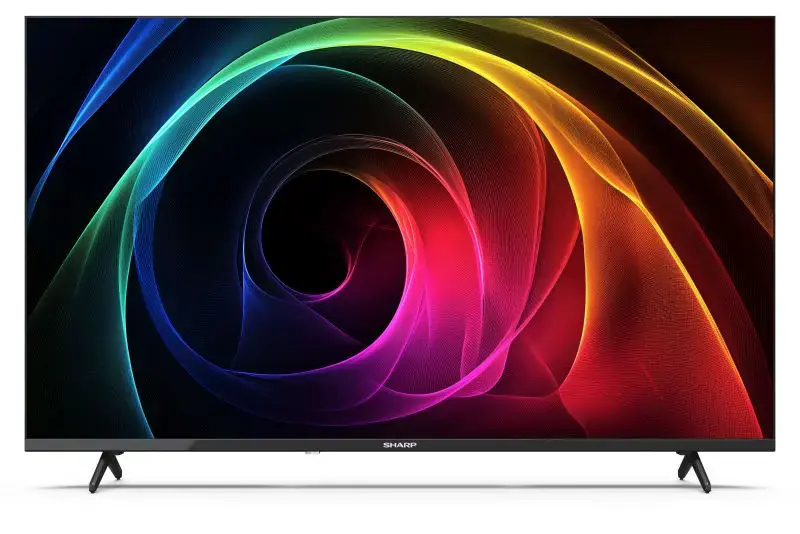
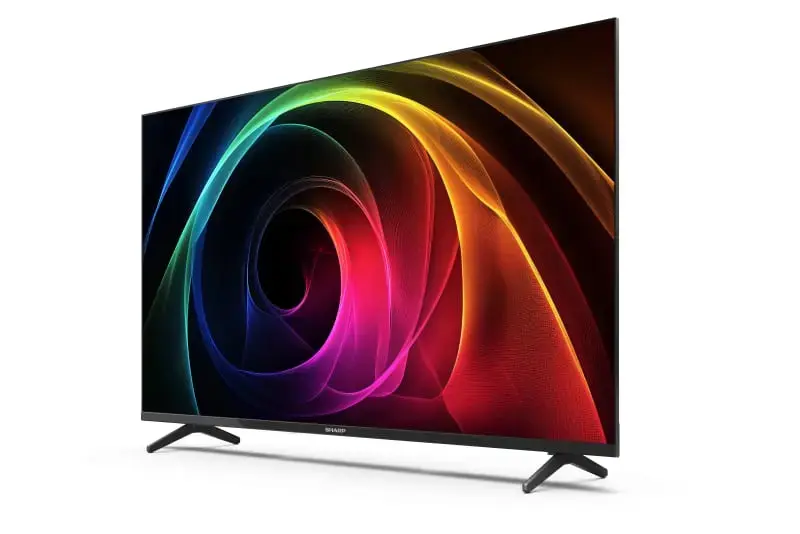
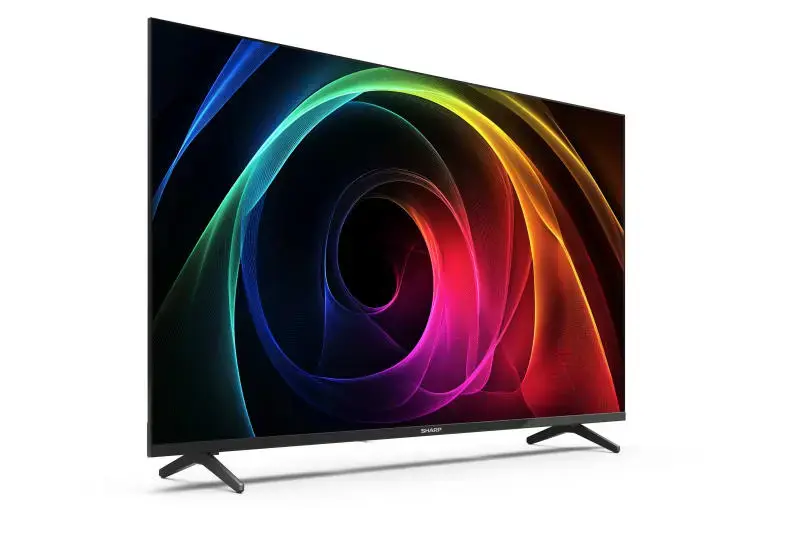
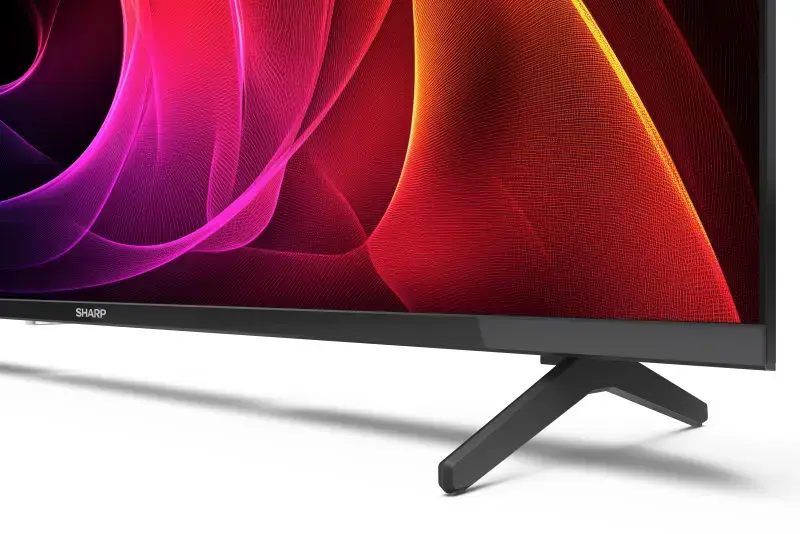
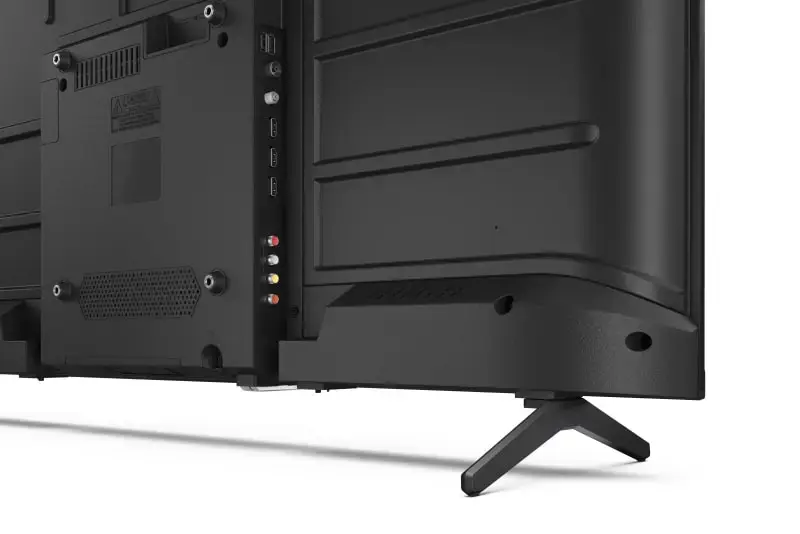
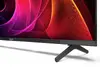
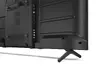
Sharp 40HA1205E LED TV 40 Inch Full HD 1920 x 1080 Pixels DVB-T2 C2 S2 Black
The Sharp 40HA1205E LED TV 40 Inch Full HD 1920 x 1080 Pixels DVB-T2 C2 S2 Black is a reliable flat screen television designed for standard home entertainment and everyday viewing. Featuring a 40-inch LED display with Full HD resolution and Active Motion 100 technology, this television delivers clear images and smooth motion handling. It is equipped with comprehensive analog and digital tuners to support multiple broadcast standards, making it a functional addition to any living room, bedroom, or guest room setup.
This Sharp Full HD television offers several practical benefits for daily media consumption. The integration of Active Motion 100 technology helps reduce motion blur during fast-moving scenes, ensuring a more stable viewing experience. The inclusion of multiple signal format supports allows users to receive terrestrial, cable, and satellite broadcasts without requiring external set-top boxes for basic signal decoding. Additionally, the flat screen design and standard black finish allow the television to blend easily into various interior styles, while the built-in CI+ slot enables conditional access for Pay-TV services.
This television is not designed for users seeking 4K Ultra HD resolution, advanced smart TV functionalities, or built-in internet applications. Because it lacks Ethernet LAN connectivity and internet TV capabilities, it cannot be used for direct streaming from online platforms without connecting an external streaming device or media player.
To begin using the Sharp 40HA1205E, place the television on a stable flat surface or mount it securely on a wall using compatible VESA hardware. Connect the appropriate antenna, cable, or satellite feed to the corresponding tuner input on the back of the device. Plug the power cord into a standard electrical outlet and turn on the television using the remote control. Follow the on-screen setup menu to scan for available channels. External devices such as Blu-ray players or game consoles can be attached using HDMI cables, while USB memory devices can be plugged into the designated USB port for multimedia playback.
For optimal performance and safety, position the television in a well-ventilated area away from direct sunlight and moisture sources. Clean the screen gently with a soft, dry microfibre cloth while the device is powered off and unplugged. Ensure that all external cables are routed securely to prevent tripping hazards or strain on the connection ports.
{{highlightedFeature.featureTitle}}:
{{getProductFeatureValueById(product, highlightedFeature.featureId)}}
{{ productComparisonGenerationError }}
Device manufacturer code
Device manufacturer
Amount of power consumed by this model, often expressed in watts (W). Typical values that manufacturers give are power consumption when off, standby/suspended mode, typical use, maximum usage.
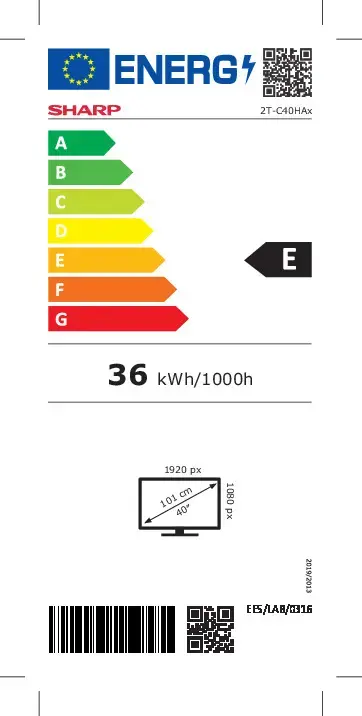
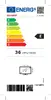
Energy efficiency class is a standard classification that is used all over Europe and which is understandable at first sight. Products can be efficiently compared according to classes, starting from A (the most energy efficient class), and ending with G (the most energy-intensive class). The classification of energy efficiency is based on annual energy consumption which is being calculated on the basis of several different parameters.
In Digital Video Broadcasting, the Common Interface (CI) is a technology which allows separation of conditional access functionality from a digital TV receiver-decoder (Host) into a removable conditional access module (CAM). CI+ or Common Interface Plus implements a form of copy protection between a Conditional Access Module (CAM) and the television receiver (Host). CI+ is backward compatible with CIv1. Old television receivers, which have CIv1 CI-slot, can be used with CI+ CAM and vice versa, but for viewing only those of TV programs which are not marked as CI+ protected.
The socket (port) to receive input from a PC via a D-sub, which is a connector with a characteristic D-shaped metal shield.
An Ethernet LAN (Local Area Network) interface is present, for a wired conection via a cable.
Digital distribution of television content via the Internet. Internet television is a general term that covers the delivery of television shows and other video content over the Internet by video streaming technology, typically by major traditional television broadcasters.
Describes which motion interpolation technology device uses e.g. BLS (Back Light Scanning), PPR (Picture Perfection Rate), PMR (Perfect Motion Rate), TruMotion.
The technology used in the display e.g. plasma, LED.
The number of distinct pixels in each dimension that can be displayed. It is usually quoted as width × height, with the units in pixels: for example, "1024 × 768" means the width is 1024 pixels and the height is 768 pixels. The higher the number of pixels, the sharper the image.
Size of the display for this product, measured diagonally, usually in inches.
The type of radio tuner e.g. analog, digital.
The colour e.g. red, blue, green, black, white.
