

Dreame vacuums for fast and efficient cleaning!
In cart {{totalProductsCount}} item(s)
Your cart is empty
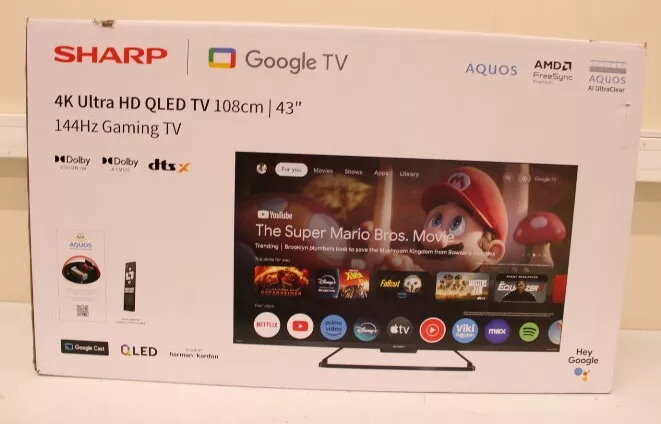
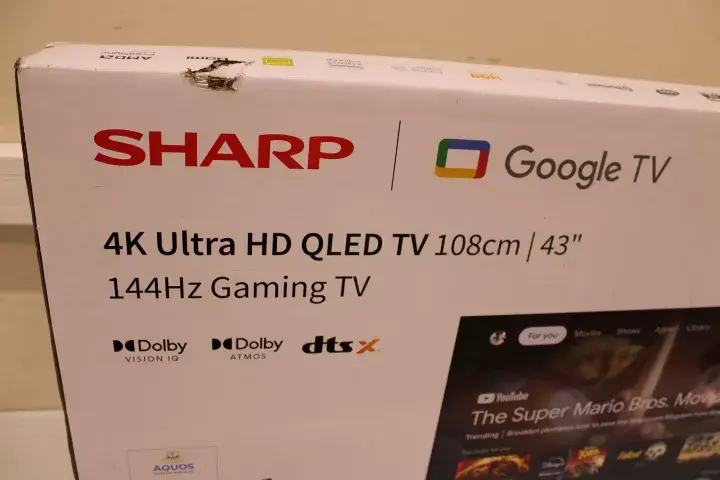
Television Sharp 43GR8265E 43" Smart TV Google TV 4K Ultra HD
The Sharp 43GR8265E 43" Smart TV with Google TV delivers 4K Ultra HD resolution on a 43-inch LED panel designed for clear, detailed images and a wide color gamut. It integrates Google TV to provide app-driven access to streaming services and content recommendations, while built-in Wi‑Fi and Bluetooth enable wireless connections to home networks and compatible devices. Multiple HDMI and USB ports offer straightforward wired connectivity for external players, game consoles and storage devices.
The unit combines a 4K Ultra HD panel with LED backlighting to produce sharp detail and vibrant color performance suitable for everyday viewing. Google TV simplifies content discovery across apps and services and supports account integration for personalized suggestions. Integrated wireless features reduce the need for additional adapters, and multiple physical ports increase compatibility with a variety of accessories and media sources.
This 43-inch Smart TV is not intended for large auditoriums or very bright commercial spaces where a larger screen or higher brightness is required. It may not meet the needs of users who require advanced professional calibration or cinema-grade color accuracy for post-production work.
Place the TV on a stable surface or mount it to a compatible wall bracket following the manufacturer’s mounting guidelines. Connect the power cable, then use the initial on-screen setup to connect to a Wi‑Fi network and sign in to your Google account to enable Google TV features. Attach external devices such as game consoles or media players via HDMI, and plug in USB storage to access local media. Use the remote control or mobile casting from compatible devices to navigate apps and settings.
For optimal picture, position the TV at eye level when seated and avoid direct sunlight on the screen. Use the TV’s picture presets as a starting point and adjust brightness and color settings to suit your room’s lighting. Keep firmware up to date via network settings to ensure the best performance and app compatibility.
{{highlightedFeature.featureTitle}}:
{{getProductFeatureValueById(product, highlightedFeature.featureId)}}
