
Powerful EcoFlow stations for energy anywhere!
In cart {{totalProductsCount}} item(s)
Your cart is empty
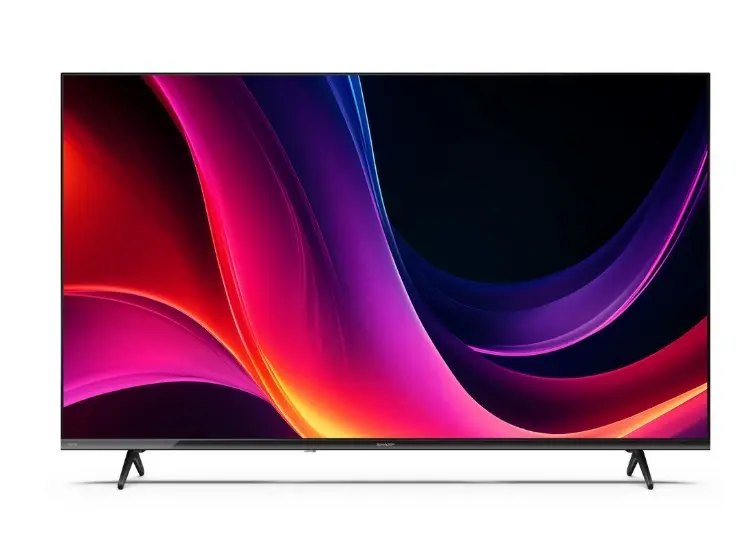
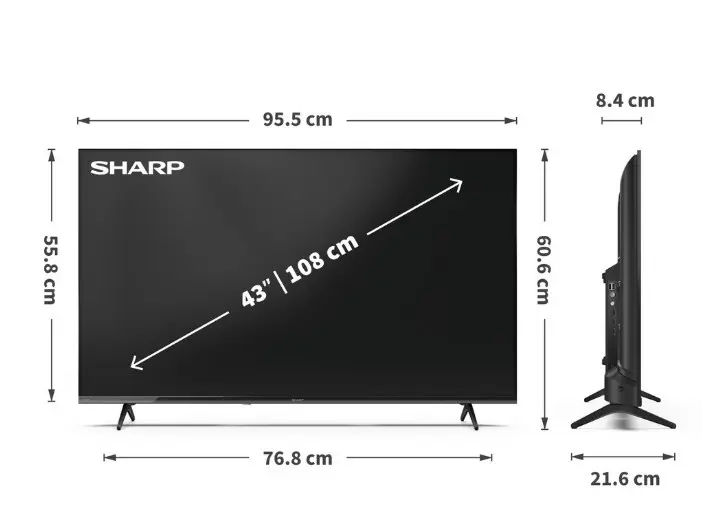
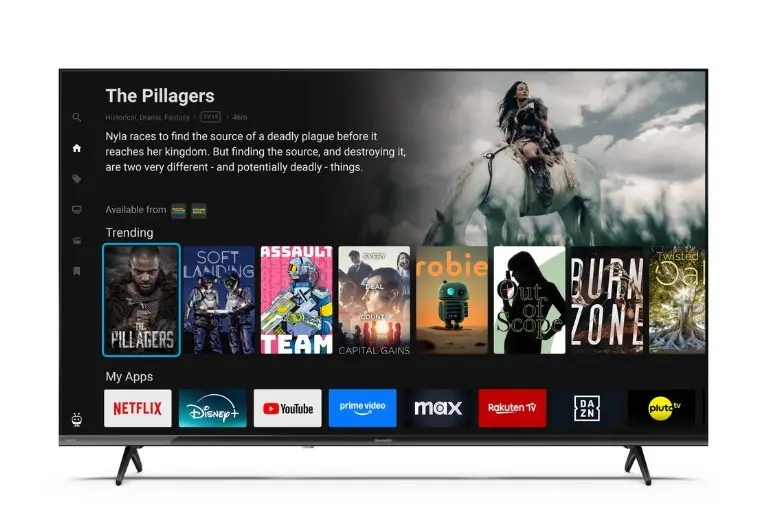
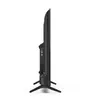
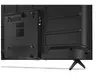
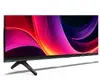
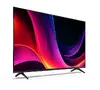
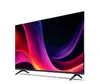
Television Sharp 43HE2445E 43" LED display Full HD resolution
Product description is under construction. Specify the parameters, price and delivery options before buying!
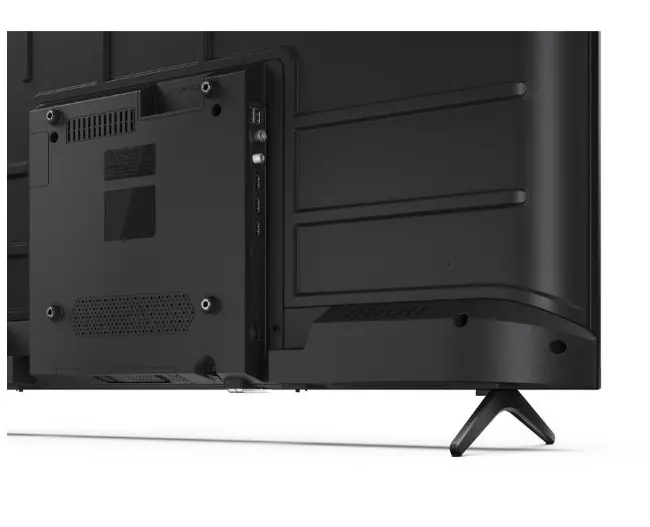
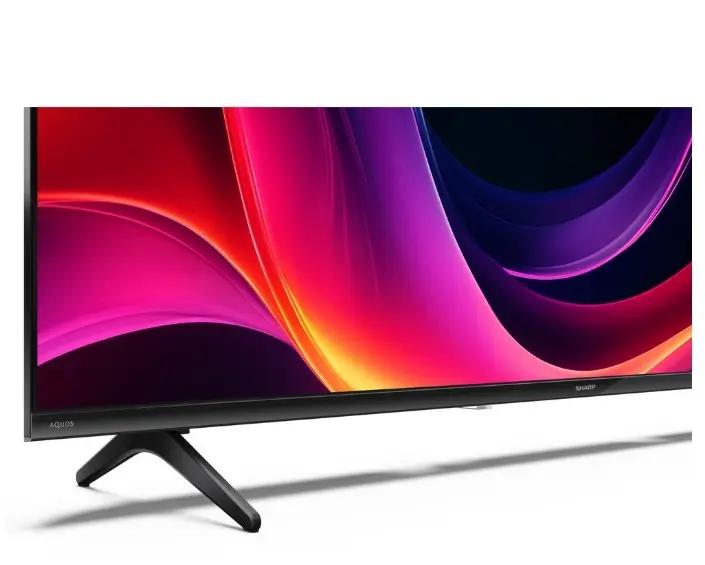
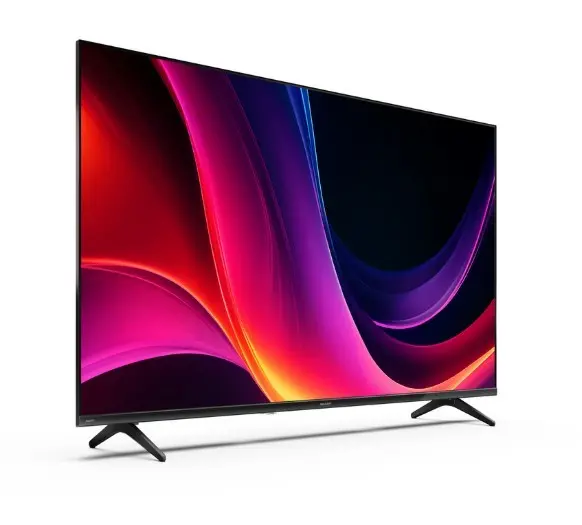
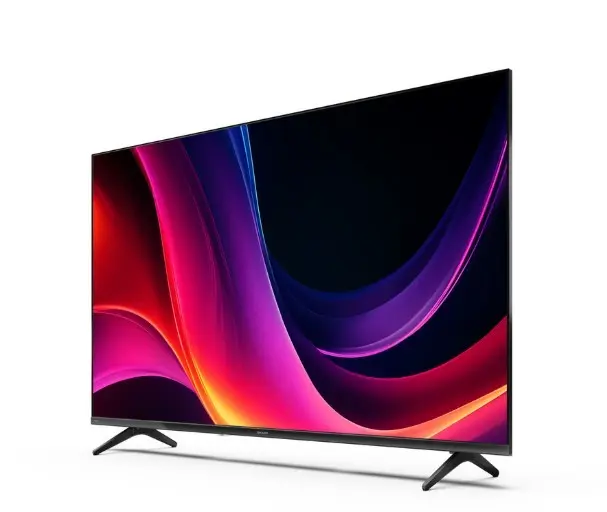
The Sharp 43HE2445E is a 43-inch LED television with Full HD resolution designed for clear, natural-looking images and reliable everyday performance. Its LED panel provides vivid color reproduction and defined contrast suitable for movies, sports broadcasts and gaming. The set integrates common connectivity options, allowing easy connection of external players, streaming devices and USB storage for multimedia playback. The housing features a slim bezel and simple stand that blend into typical home entertainment setups.
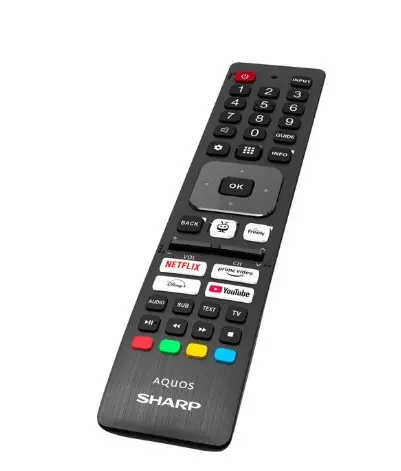
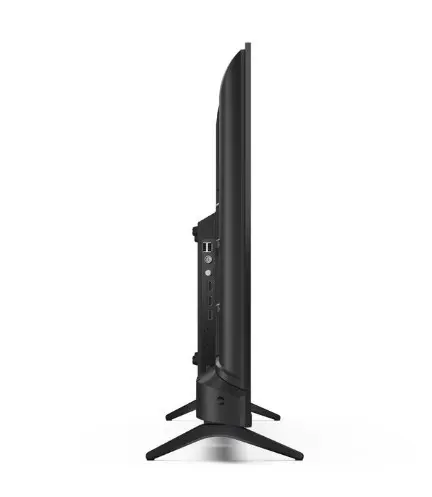
The Full HD (1920 x 1080) resolution ensures crisp detail and legible on-screen text while the LED backlight delivers consistent brightness across the screen. Multiple HDMI inputs allow simultaneous connection of a set-top box, media player and game console, and a USB port enables playback of photos, video clips and audio files. The straightforward menu system and remote control provide intuitive operation without complex setup.
Place the TV on a stable surface or mount it on a compatible wall bracket using the VESA pattern. Connect an antenna or cable source to the antenna input, and attach HDMI devices such as a Blu-ray player, set-top box or game console to the HDMI inputs. Insert a USB memory stick into the USB port to access photos, videos and music through the media browser. Use the remote control or on-screen menu to tune channels, select input sources and adjust picture and sound settings to suit your viewing environment.
For best picture performance, position the screen at eye level and avoid direct sunlight on the panel. Select the appropriate picture mode for the content type (e.g., Cinema for movies, Sports for live events) and adjust backlight and contrast to match room lighting. When connecting external audio equipment, use the TV’s audio output to preserve sound quality. Keep firmware updated if updates are available to ensure compatibility and stability.
{{highlightedFeature.featureTitle}}:
{{getProductFeatureValueById(product, highlightedFeature.featureId)}}
{{ productComparisonGenerationError }}
