{{ totalProductsCount }}

In cart {{totalProductsCount}} item(s)

Total:
{{sum | formatAmount}}

Your cart is empty

header-product Sharp MultiSync EA272Q 27-inch LCD Computer Monitor 2560 x 1440 Pixels 16:9 Aspect Ratio USB-C LAN White
517.99 €

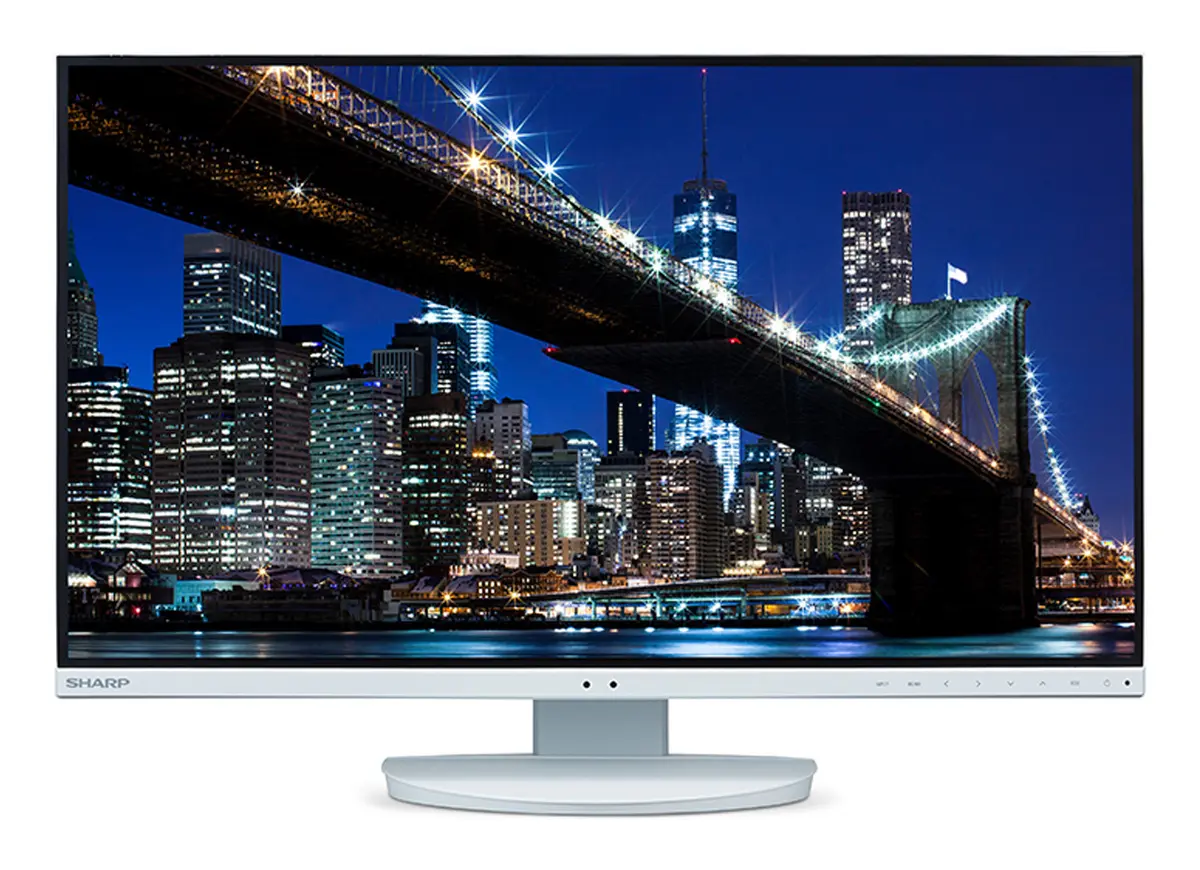
Sharp MultiSync EA272Q 27-inch LCD Computer Monitor 2560 x 1440 Pixels 16:9 Aspect Ratio USB-C LAN White

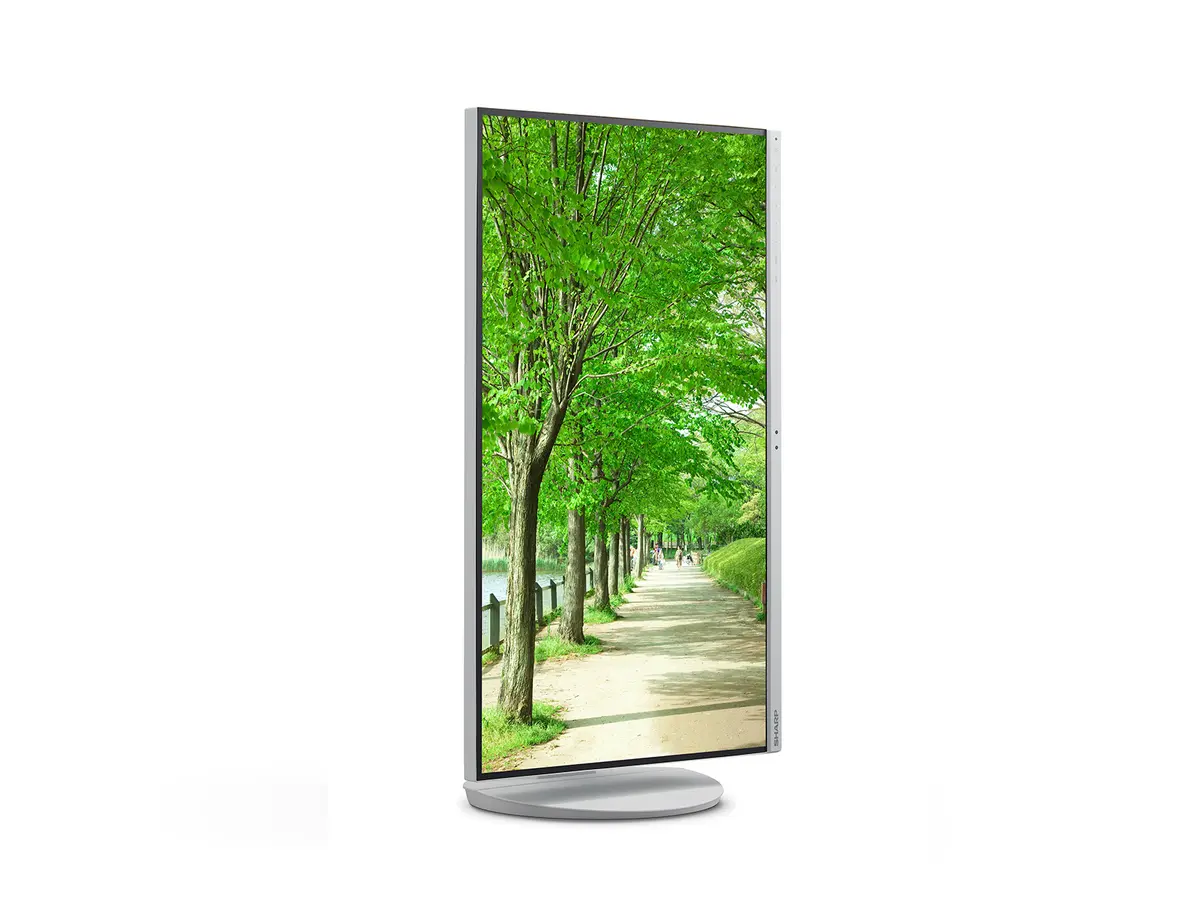
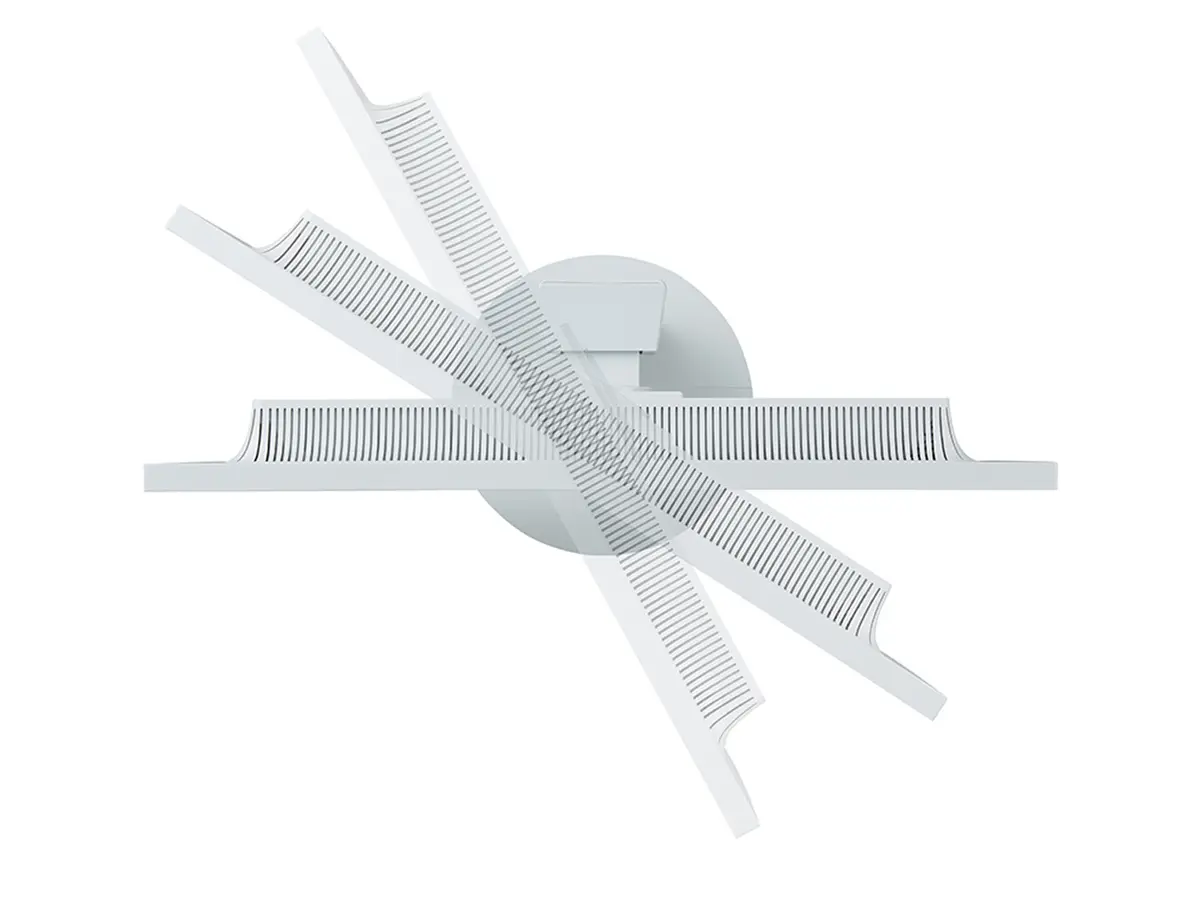
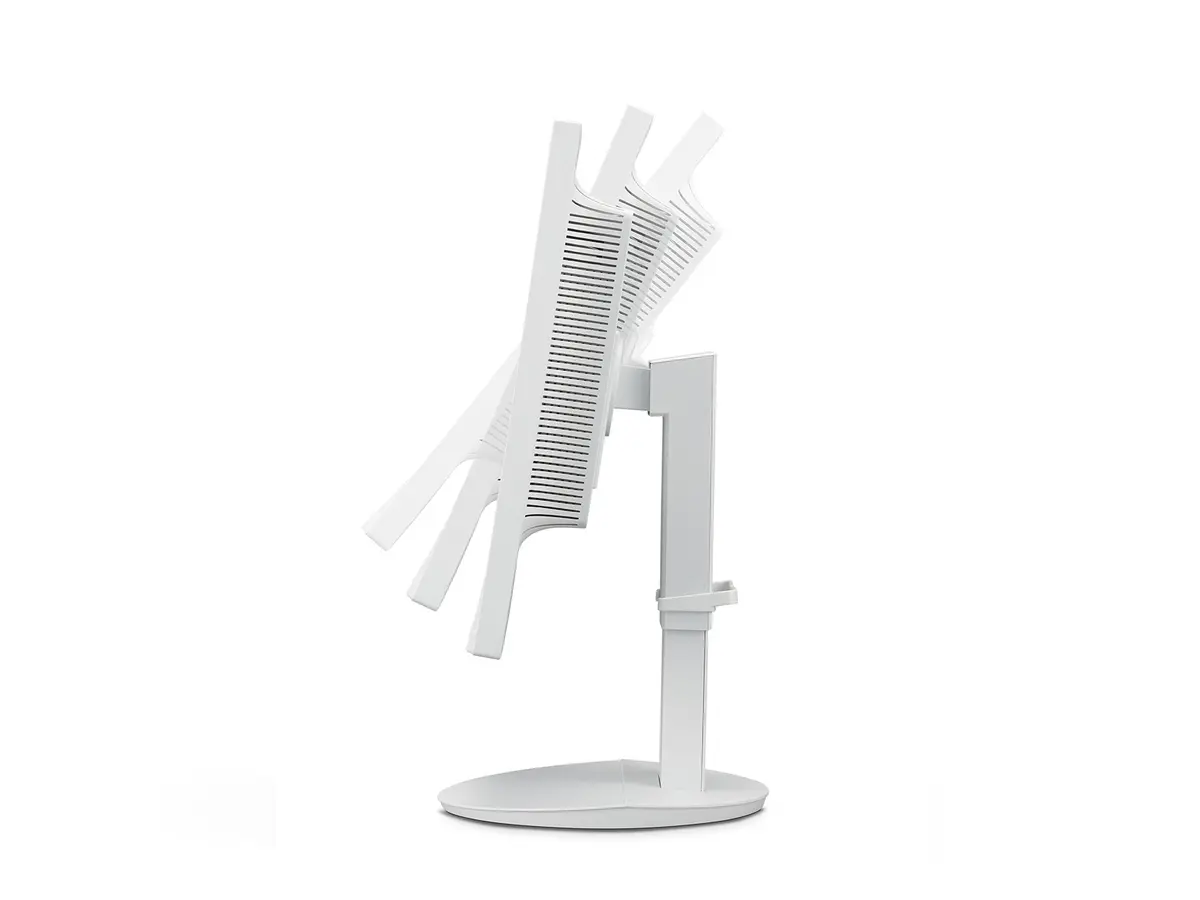
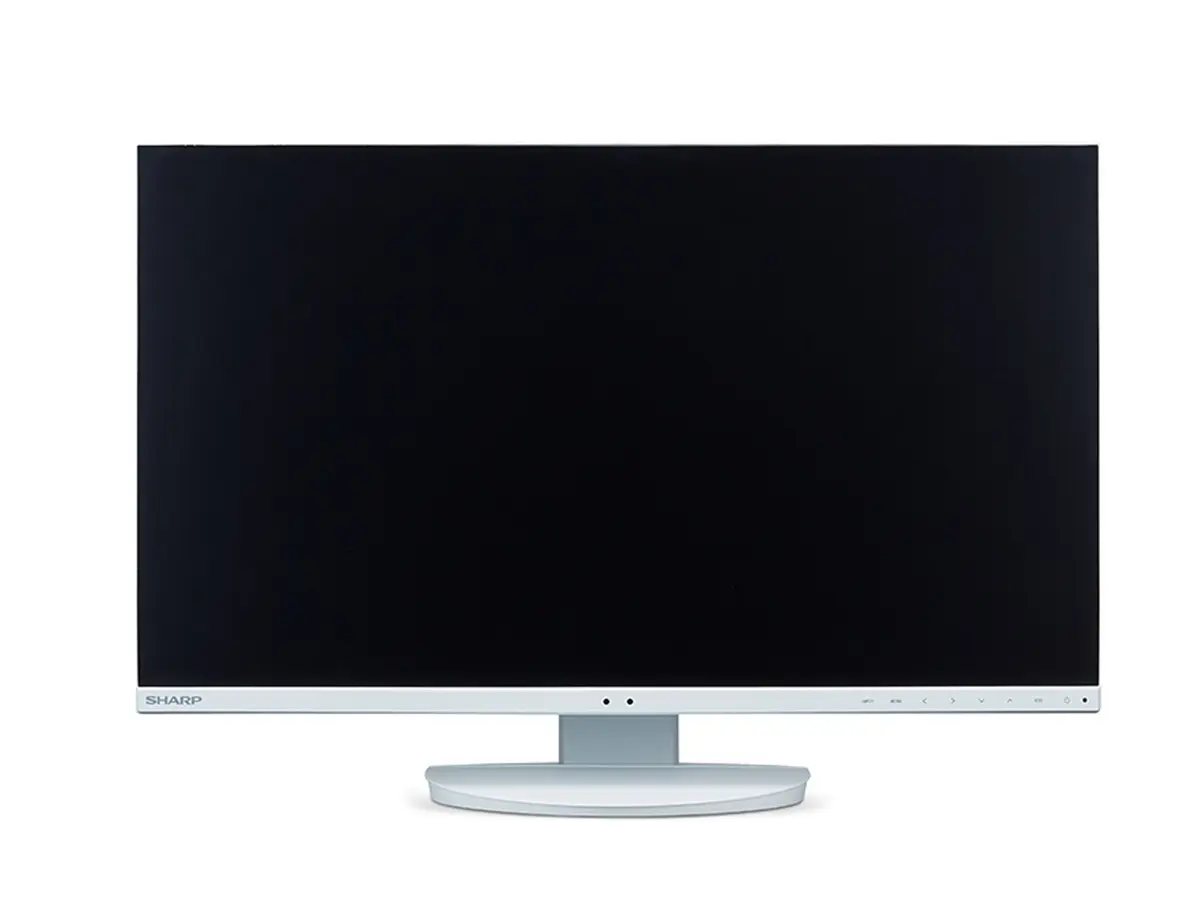
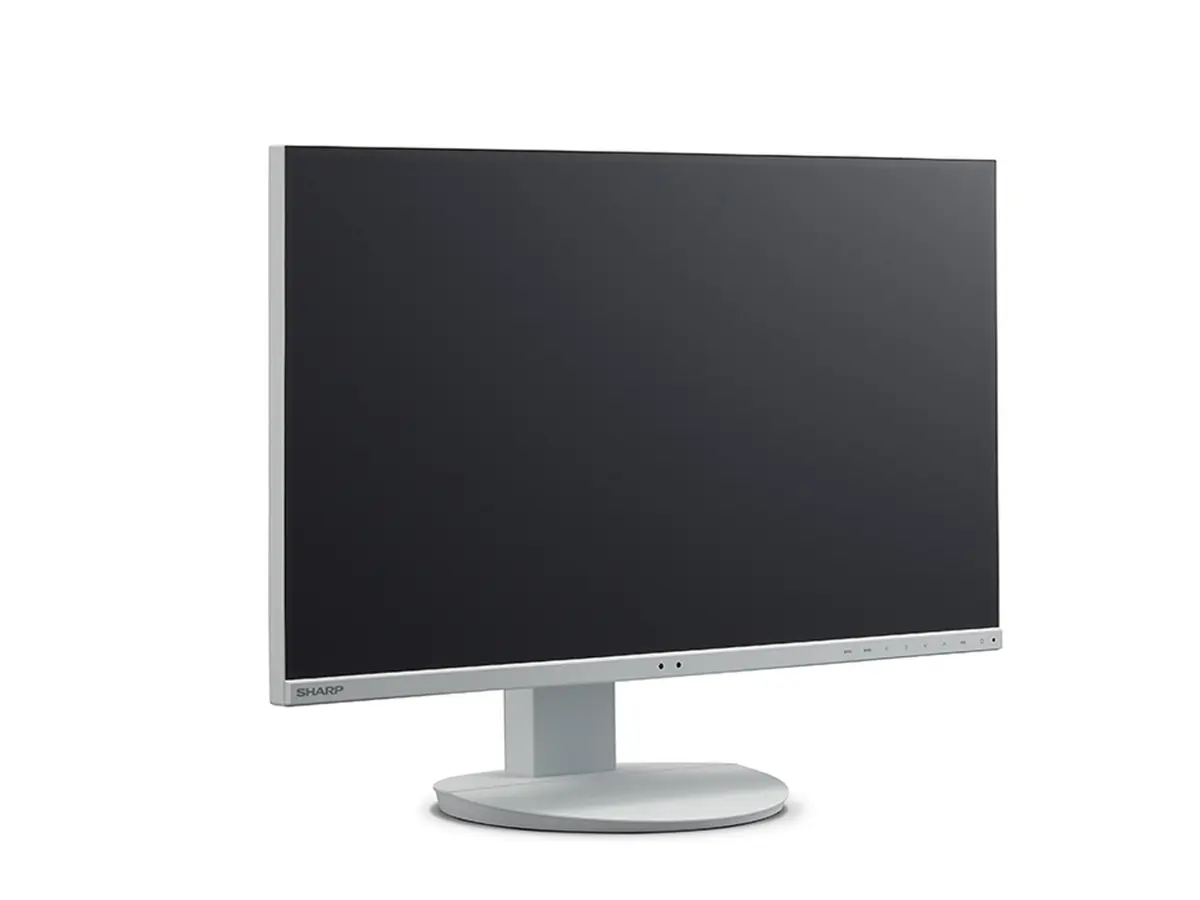
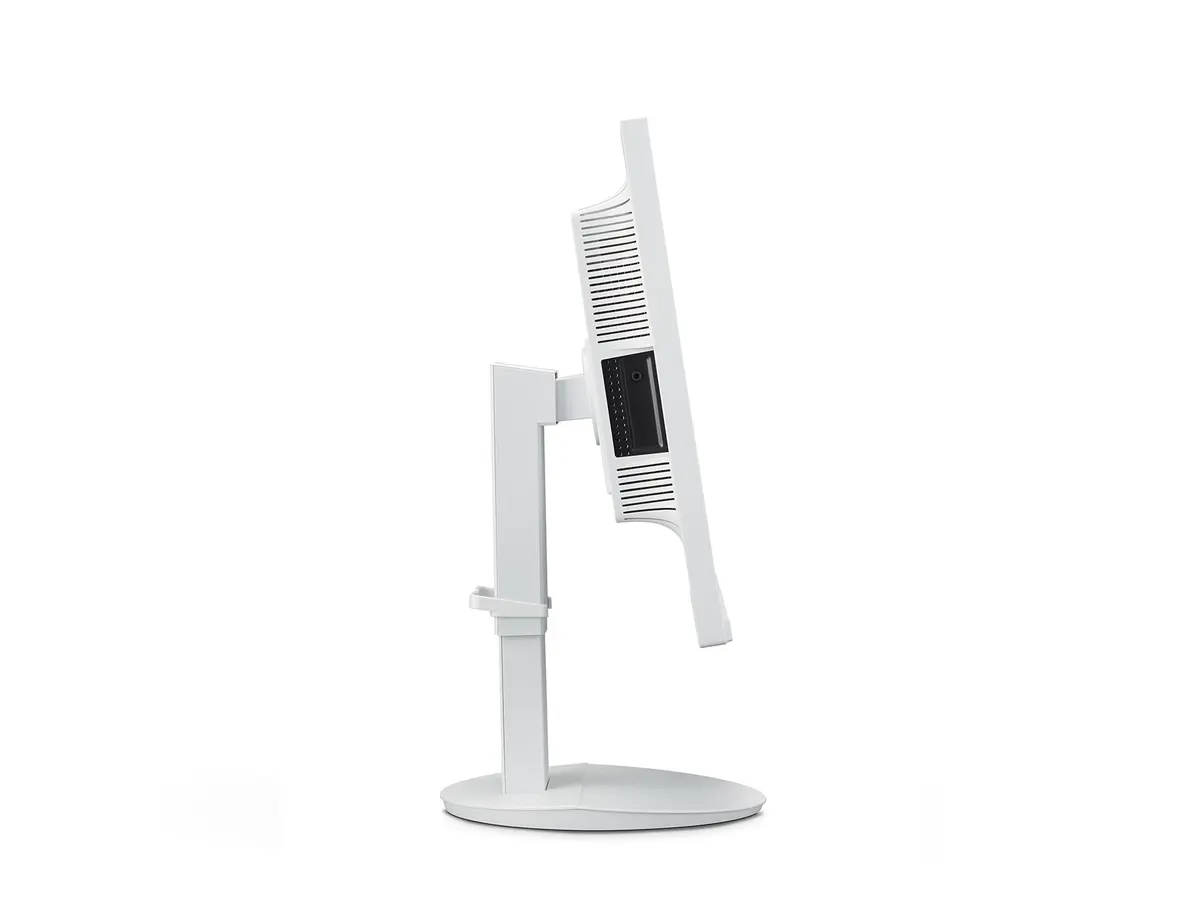
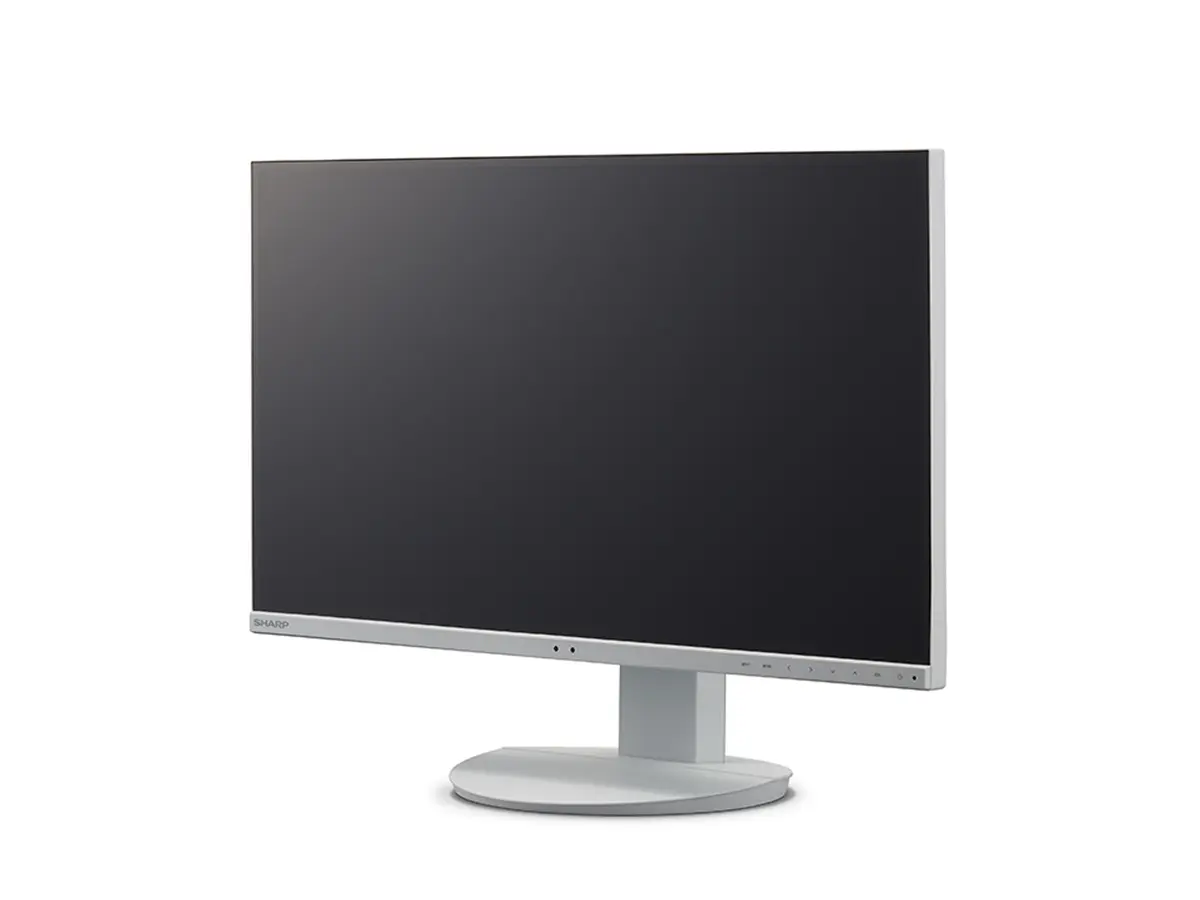
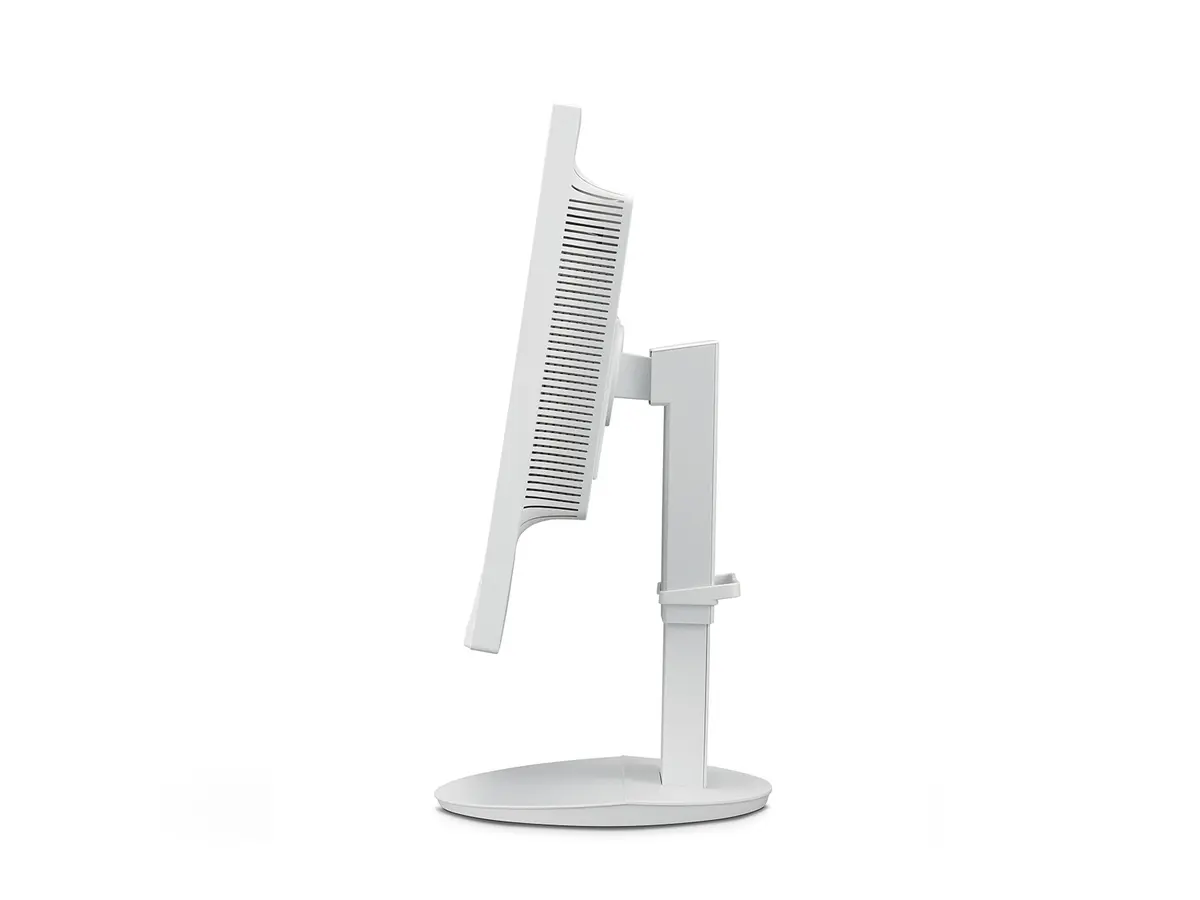
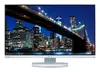
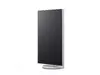
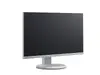
Sharp MultiSync EA272Q Computer Monitor Photo 1
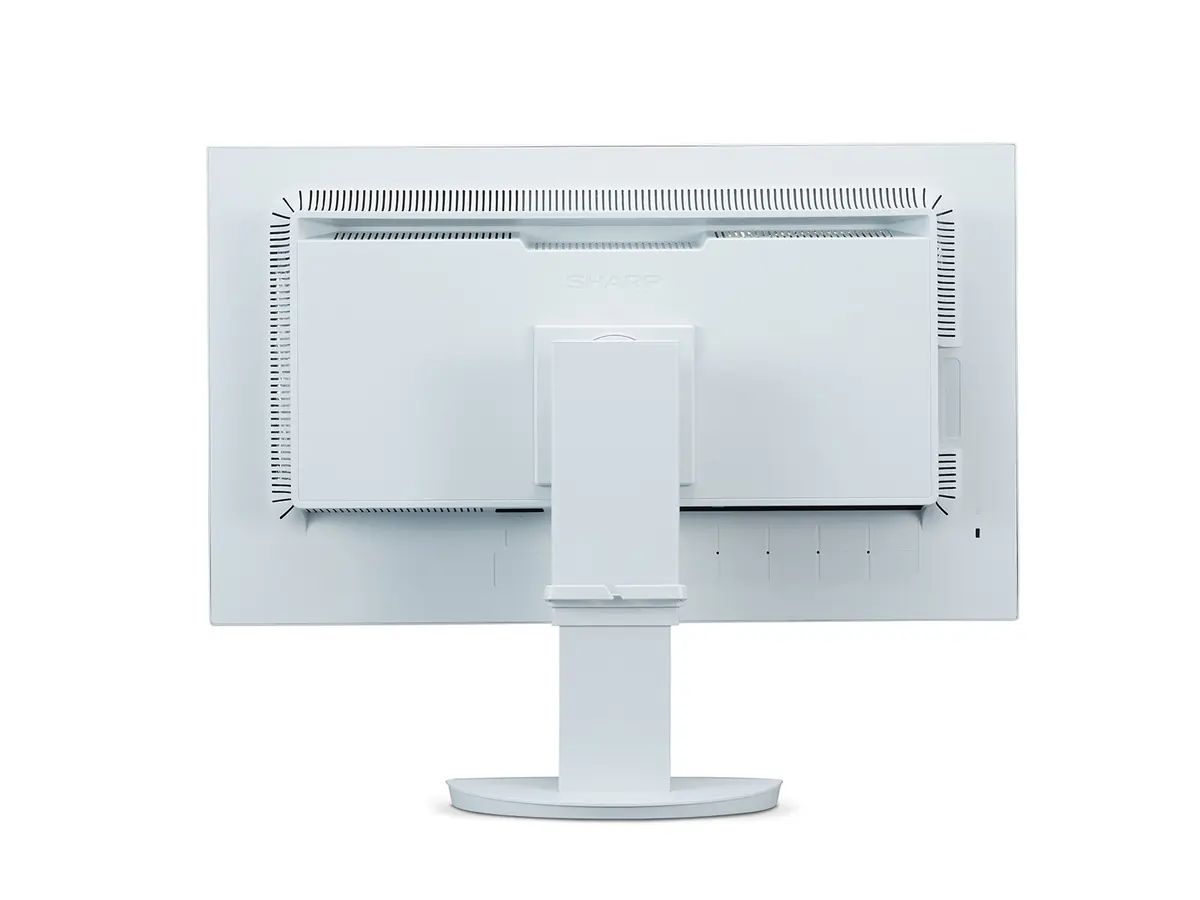
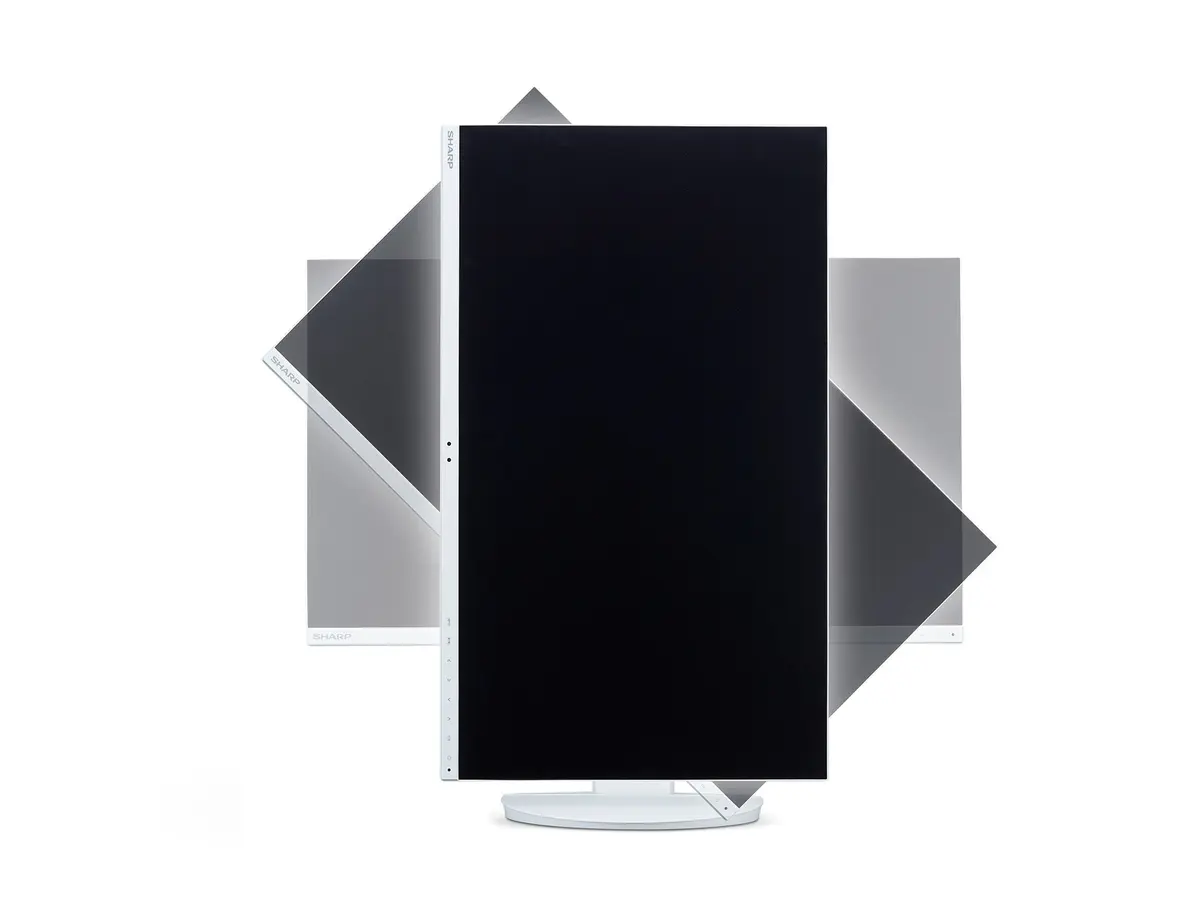
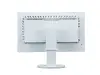
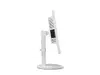
Sharp MultiSync EA272Q Computer Monitor Photo 2
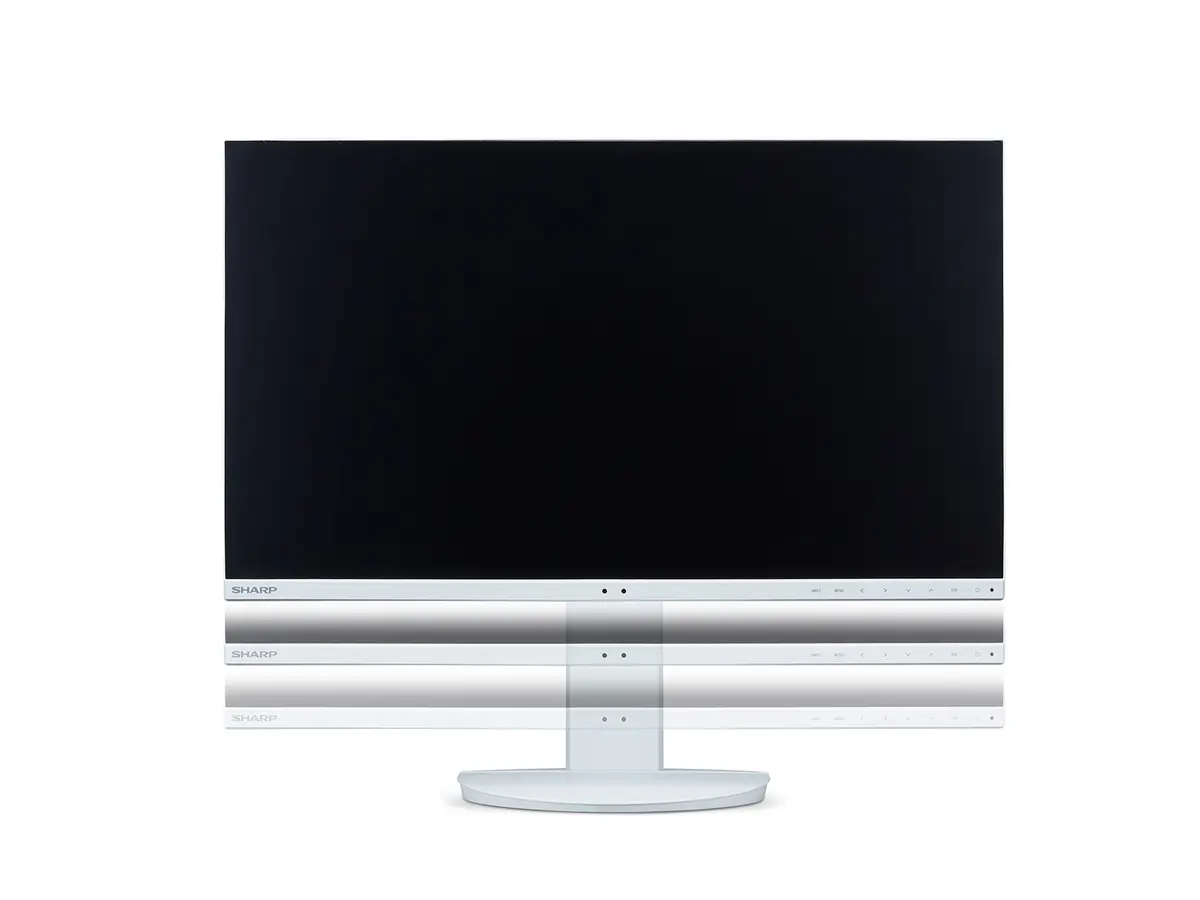
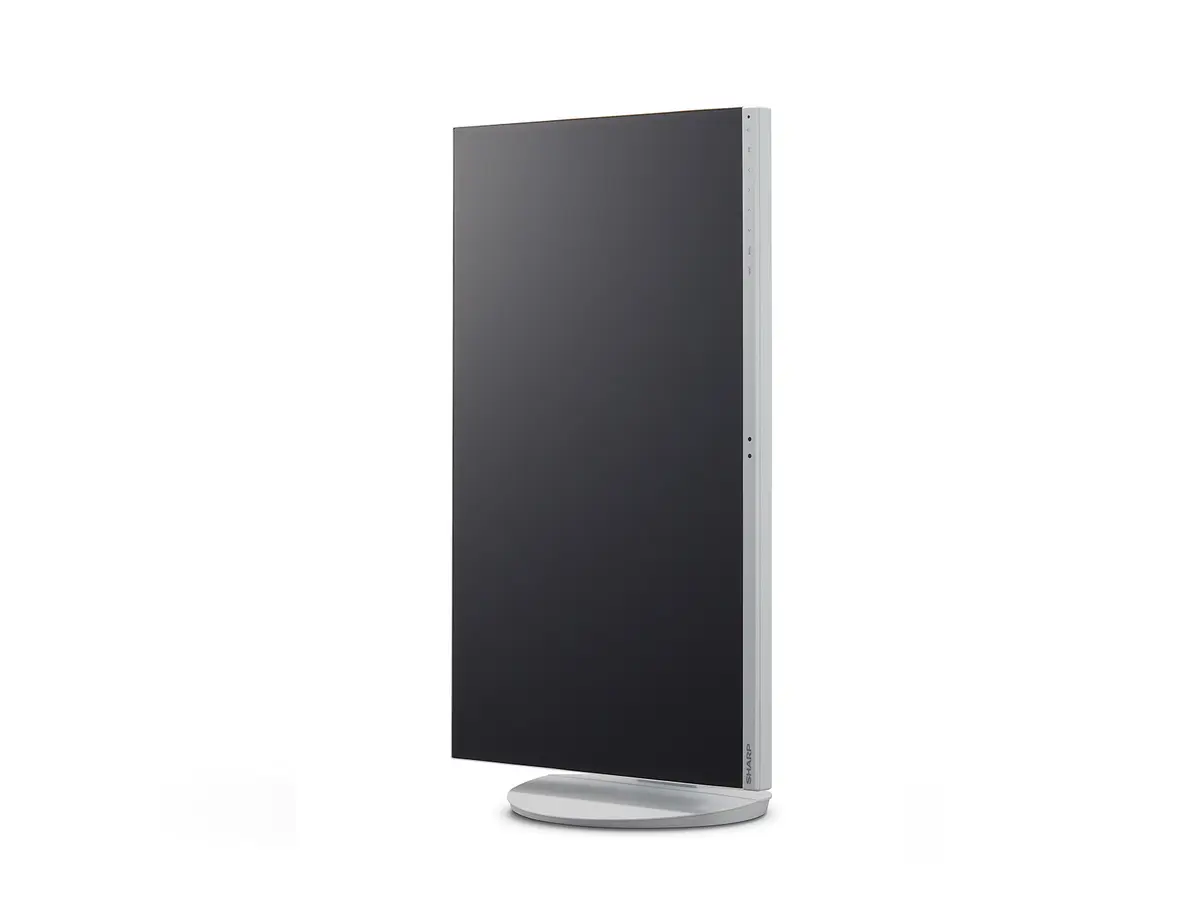
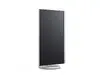
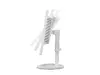
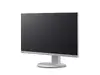
Sharp MultiSync EA272Q Computer Monitor Photo 3
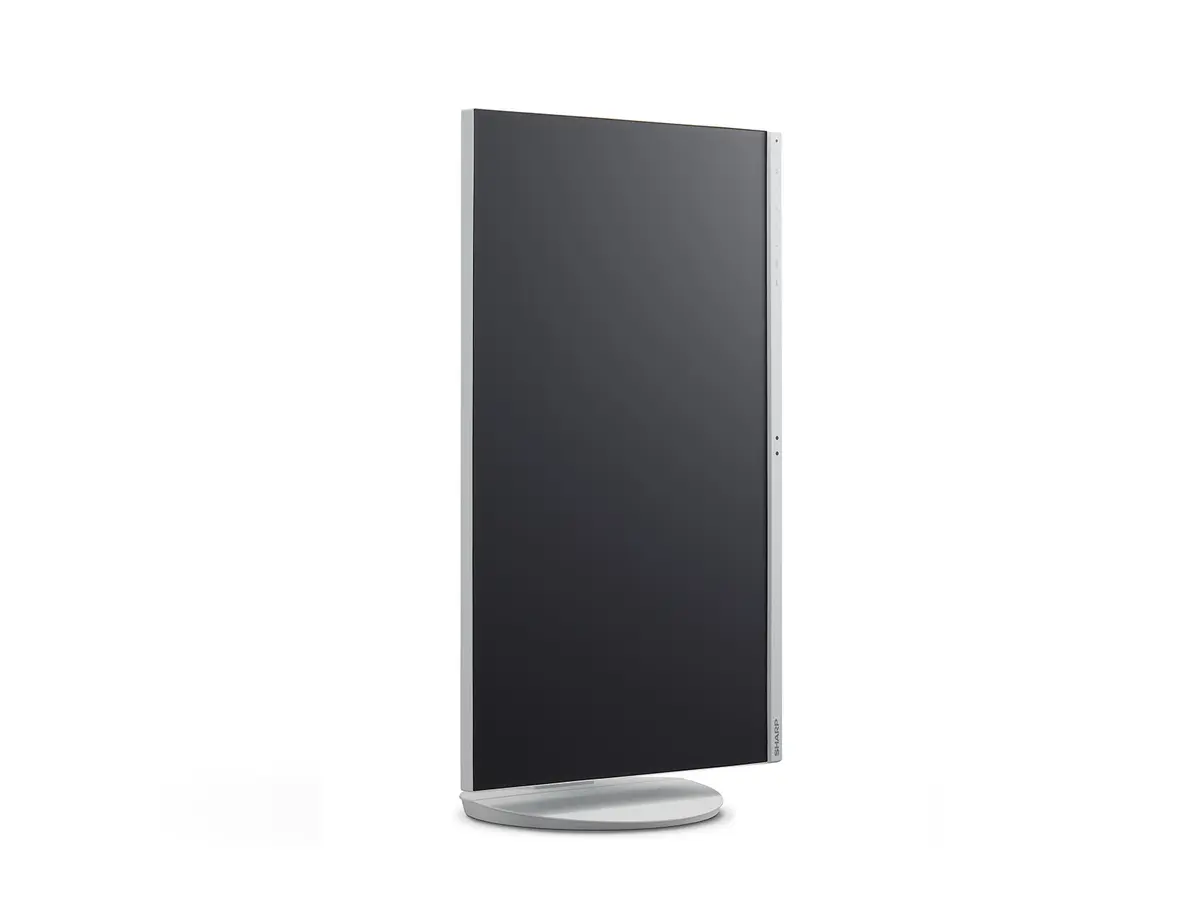
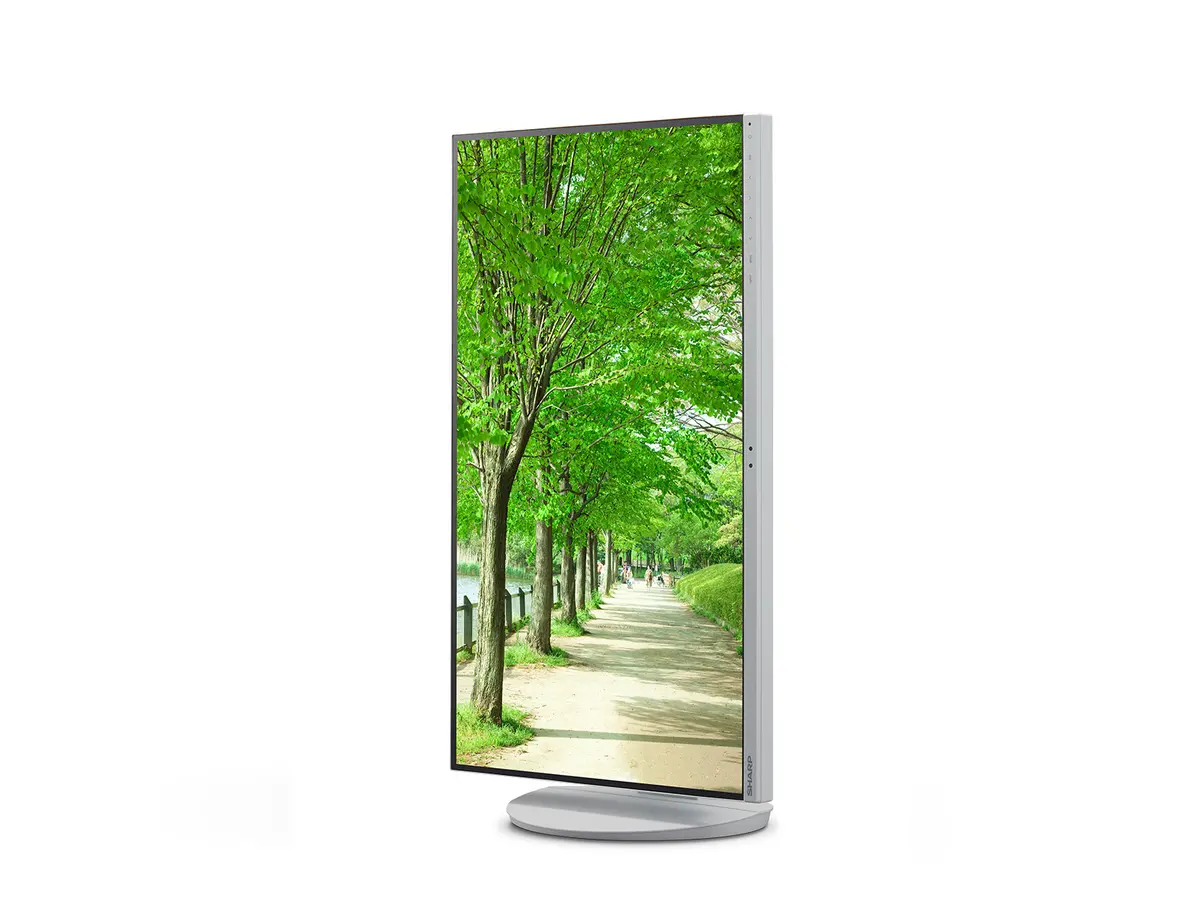
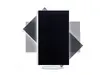
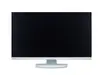
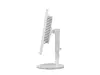
Sharp MultiSync EA272Q Computer Monitor Photo 4
Sharp MultiSync EA272Q Computer Monitor Photo 5
Sharp MultiSync EA272Q Computer Monitor Photo 6
Sharp MultiSync EA272Q Computer Monitor Photo 7
Sharp MultiSync EA272Q Computer Monitor Photo 8
Sharp MultiSync EA272Q Computer Monitor Photo 9
Sharp MultiSync EA272Q Computer Monitor Photo 10
Sharp MultiSync EA272Q Computer Monitor Photo 11
Sharp MultiSync EA272Q Computer Monitor Photo 12
Sharp MultiSync EA272Q Computer Monitor Photo 13
Sharp MultiSync EA272Q Computer Monitor Photo 14
Sharp MultiSync EA272Q Computer Monitor Photo 15
Sharp MultiSync EA272Q Computer Monitor Photo 16
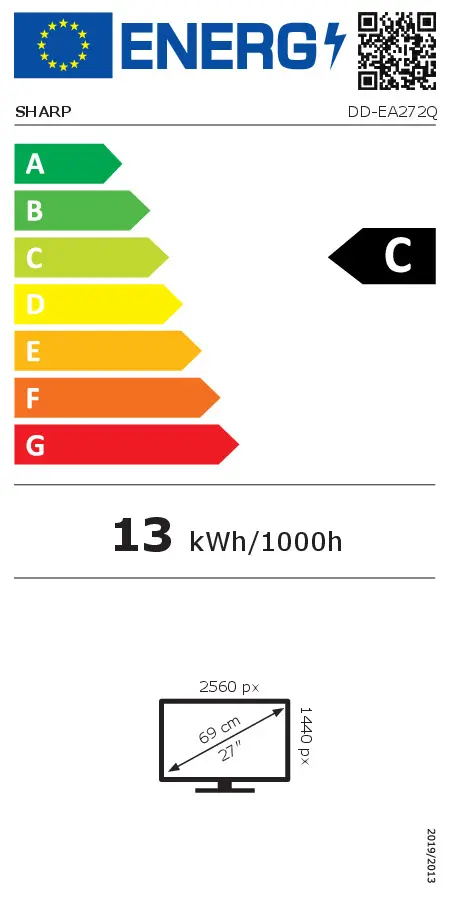
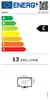
Energy label
Sharp MultiSync EA272Q Computer Monitor Photo 1
Sharp MultiSync EA272Q Computer Monitor Photo 2
Sharp MultiSync EA272Q Computer Monitor Photo 3
Sharp MultiSync EA272Q Computer Monitor Photo 4
Sharp MultiSync EA272Q Computer Monitor Photo 5
Sharp MultiSync EA272Q Computer Monitor Photo 6
Sharp MultiSync EA272Q Computer Monitor Photo 7
Sharp MultiSync EA272Q Computer Monitor Photo 8
Sharp MultiSync EA272Q Computer Monitor Photo 9
Sharp MultiSync EA272Q Computer Monitor Photo 10
Sharp MultiSync EA272Q Computer Monitor Photo 11
Sharp MultiSync EA272Q Computer Monitor Photo 12
Sharp MultiSync EA272Q Computer Monitor Photo 13
Sharp MultiSync EA272Q Computer Monitor Photo 14
Sharp MultiSync EA272Q Computer Monitor Photo 15
Sharp MultiSync EA272Q Computer Monitor Photo 16
Energy label
Keep track of price changes You keep track of price changes
Watch the price drop

Leave your address - as soon as the price of the product goes down, you'll know about it right away

You keep track of price changes

Sharp MultiSync EA272Q 27-inch LCD Computer Monitor 2560 x 1440 Pixels 16:9 Aspect Ratio USB-C LAN White

{{email}}
You keep track of price changes

Sharp MultiSync EA272Q 27-inch LCD Computer Monitor 2560 x 1440 Pixels 16:9 Aspect Ratio USB-C LAN White

{{email}}
{{selectedOffer && selectedOffer.price | formatAmount}}

Short description

Sharp MultiSync EA272Q 27-inch business computer monitor featuring LCD technology, 2560 x 1440 resolution, and a 16:9 aspect ratio. Designed for professional use, it includes integrated Ethernet LAN, USB-C connectivity, HDMI, DisplayPorts, and VESA mounting support with height adjustment capabilities in a clean white finish.
Available for order: 5 pcs.
Warranty: 2 Years
SKU: 12752276
free shipment

Cheapest delivery:

Unisend LV

Pick-up points

Unisend LV

Cost

1.99 €

Deliver

{{selectedOffer.parcelStationDeliveryString}}

Customer service center
2b. Kengaraga str., Riga, Latvia, LV-1063
26.11.2026 {{selectedOffer.officeDeliveryString}}
free
Courier Delivery Please note that in case of a large parcel additional delivery costs may apply!
01.12.2026 {{selectedOffer.courierDeliveryString}}
From 10.42 € (Weight: 12.76 kg)
Parcel couriers
Unisend LV / Latvijas Pasts nodaļa
01.12.2026 {{selectedOffer.parcelStationDeliveryString}}
From 1.99 €
payment
Payment Methods:
Bank transfer
Together cheaper
{{product.price | formatAmount}}
{{product.title}}
{{productBundle.reference.specialPrice | formatAmount}}
{{productBundle.title}}
{{productBundlePreviousPrice | formatAmount}}
{{productBundleSpecialPrice | formatAmount}}

You saving {{productBundleYouSave | formatAmount}}

Product information

Description

The Sharp MultiSync EA272Q 27-inch LCD Computer Monitor is designed to deliver reliable performance for professional office environments and intensive daily tasks. Featuring a 2560 x 1440 resolution and a 16:9 aspect ratio, this display provides clear and detailed visuals across its flat panel surface. Built with practical connectivity options including USB-C and an integrated Ethernet LAN port, it functions effectively as a central workspace hub while maintaining a clean white finish.

Advantages

The Sharp MultiSync EA272Q incorporates advanced connectivity through a single USB-C cable solution that enables data transfer, video output, and device charging simultaneously. The built-in Ethernet LAN port simplifies network integration and reduces reliance on external docking adapters. Ergonomic comfort is supported by a flexible stand featuring height adjustment capabilities to help maintain a comfortable viewing angle throughout the workday. Additionally, the integrated LCD technology with a wide viewing angle ensures consistent image quality from various positions.

Suitable for

  • Professional office work and business administration
  • Multitasking with spreadsheets, documents, and data analysis
  • Hot-desking and modern BYOD office environments
  • Streamlining workstation connections with integrated USB-C and LAN docking

This monitor may not be suitable for high-end competitive gaming that requires extremely high refresh rates, nor is it optimized for professional color-critical photo editing or graphic design workflows that demand wide color gamuts beyond standard business office requirements.

Key specifications

  • 27-inch display diagonal
  • 2560 x 1440 display resolution
  • TFT/IPS panel type with LCD display technology
  • 16:9 native aspect ratio
  • USB-C connectivity with power delivery
  • Integrated Ethernet LAN port
  • HDMI and DisplayPorts
  • VESA mounting support
  • Height adjustment capability
  • Business market positioning
  • White product color
  • Standby power consumption 0.5 W
  • Typical power consumption 27 W

How to use

Set up the monitor on a stable desk surface or attach it to a compatible VESA mounting arm using the integrated mounting points. Connect the monitor to your computer using the provided HDMI, DisplayPort, or a compatible USB-C cable for simultaneous video transmission and power delivery. Plug your network cable directly into the monitor's Ethernet port to access the local network through the display. Adjust the screen height to match your eye level and use the on-screen display controls to configure brightness and contrast according to your lighting conditions.

What to consider before purchase

  • Ensure your computer supports video output and power delivery over USB-C if you intend to use single-cable connectivity
  • Check desk space requirements for the 27-inch screen size and sturdy stand base
  • Verify that the available HDMI, DisplayPort, and USB-C ports match your existing hardware setup

For optimal daily operation, position the monitor to avoid direct glare from windows, and utilize the height adjustment feature to align the top of the screen with your eye level to reduce neck and eye strain during extended use.

Specifications

Display diagonal: Size of the display for this product, measured diagonally, usually in inches.
27 "
Display resolution: The number of distinct pixels in each dimension that can be displayed. It is usually quoted as width × height, with the units in pixels: for example, "1024 × 768" means the width is 1024 pixels and the height is 768 pixels. The higher the number of pixels, the sharper the image.
2560 x 1440
HD type: Type of supported High Definition (e.g. Full HD, 4K Ultra HD).
4K Ultra HD
Panel type:
TFT/IPS
Display technology: The technology used in the display e.g. plasma, LED.
LCD
Power consumption (standby): The amount of electricity that is consumed when the product is on standby.
0.5 W
Power consumption (typical): Amount of power consumed by this model, often expressed in watts (W). Typical values that manufacturers give are power consumption when off, standby/suspended mode, typical use, maximum usage.
27 W
Energy efficiency class (HDR): Energy efficiency class is a standard classification that is used all over Europe and which is understandable at first sight. Products can be efficiently compared according to classes, starting from A (the most energy efficient class), and ending with G (the most energy-intensive class). The classification of energy efficiency is based on annual energy consumption which is being calculated on the basis of several different parameters.
Not available
Energy efficiency class (SDR): Energy efficiency class is a standard classification that is used all over Europe and which is understandable at first sight. Products can be efficiently compared according to classes, starting from A (the most energy efficient class), and ending with G (the most energy-intensive class). The classification of energy efficiency is based on annual energy consumption which is being calculated on the basis of several different parameters.
C
VESA mounting:
Yes
Ethernet LAN: An Ethernet LAN (Local Area Network) interface is present, for a wired conection via a cable.
Yes
DisplayPorts quantity: Number of DisplayPorts. A DisplayPort is a digital display interface developed by the Video Electronics Standards Association (VESA). The interface is primarily used to connect a video source to a display device such as a computer monitor, though it can also be used to carry audio, USB, and other forms of data.
2
Headphone out: The socket for connecting headphones to the device.
Yes
HDMI: HDMI (High-Definition Multimedia Interface) is a compact audio/video interface for transferring uncompressed video data and compressed/uncompressed digital audio data from a HDMI-compliant device ("the source device") to a compatible computer monitor, video projector, digital television, or digital audio device. HDMI is a digital replacement for existing analog video standards.
Yes
HDMI ports quantity: The number of sockets (ports) for HDMI connections. HDMI (High-Definition Multimedia Interface) is a compact audio/video interface for transferring uncompressed video data and compressed/uncompressed digital audio data from a HDMI-compliant device ("the source device") to a compatible computer monitor, video projector, digital television, or digital audio device. HDMI is a digital replacement for existing analog video standards.
1
Market positioning: Under which category can the device be positioned in the market, e.g. camera phone.
Business
Touchscreen: A screen of a laptop, smartphone, etc., that responds to touch so you can control the interface using your fingers.
No
Native aspect ratio: The aspect ratio is the ratio of the width of an image to its height. The native aspect ratio is the one which the projector/display is particularly designed for. Images shown in native aspect ratio will utilize the entire resolution of the display and achieve maximum brightness. Images shown in other than native aspect ratio will always have less resolution and less brightness than images shown in native aspect ratio.
16:9
Product colour: The colour e.g. red, blue, green, black, white.
White
All features

Other features

Power supply type: The type of power supply which this product uses.
Internal
Cable lock slot: Holes on the edge of devices through which a cable lock can be passed, so the device can be locked to a desk etc.
Yes
Height adjustment: The part of the device that can be adjusted to change the height.
Yes
Tilt angle range:
-5 - 35
Pivot:
Yes
Swivelling:
Yes
Backlight type:
W-LED
Pivot angle:
-90 - 90
Weight (without stand):
5800 g
Maximum refresh rate:
60 Hz

Operational conditions

Storage relative humidity (H-H):
10 - 85
Storage temperature (T-T): The minimum and maximum temperatures at which the product can be safely stored.
20 - 80
Operating relative humidity (H-H):
-10 - 60
Operating temperature (T-T): The minimum and maximum temperatures at which the product can be safely operated.
5 - 35

Packaging content

Tilt adjustment: The tilt, which means the angle at which the device is pointing (up or down), can be changed.
Yes

Weight & dimensions

Weight (with stand):
9200 g
Height (with stand):
378 mm
Depth (with stand):
250 mm
Width (with stand):
611.8 mm

Power

Energy efficiency scale: Range of energy efficiency levels classifying devices from most to least energy-efficient.
A to G
AC input voltage: The voltage of the AC electricity that is inputted into the product.
100 - 240
Energy consumption (SDR) per 1000 hours: Power consumption in switched-on state expressed in W.
13 kWh
Power consumption (standby): The amount of electricity that is consumed when the product is on standby.
0.5 W
Power consumption (typical): Amount of power consumed by this model, often expressed in watts (W). Typical values that manufacturers give are power consumption when off, standby/suspended mode, typical use, maximum usage.
27 W
Energy efficiency class (HDR): Energy efficiency class is a standard classification that is used all over Europe and which is understandable at first sight. Products can be efficiently compared according to classes, starting from A (the most energy efficient class), and ending with G (the most energy-intensive class). The classification of energy efficiency is based on annual energy consumption which is being calculated on the basis of several different parameters.
Not available
Energy efficiency class (SDR): Energy efficiency class is a standard classification that is used all over Europe and which is understandable at first sight. Products can be efficiently compared according to classes, starting from A (the most energy efficient class), and ending with G (the most energy-intensive class). The classification of energy efficiency is based on annual energy consumption which is being calculated on the basis of several different parameters.
C

Ergonomics

Swivel angle range:
-170 - 170
Adjustable height (max):
150 mm
Cable lock slot type:
Kensington
Cable management: Description of improved cable management
Yes
VESA mounting:
Yes

Network

Ethernet LAN: An Ethernet LAN (Local Area Network) interface is present, for a wired conection via a cable.
Yes

Ports & interfaces

USB Power Delivery up to:
90 W
USB Power Delivery (USB PD):
Yes
DisplayPorts quantity: Number of DisplayPorts. A DisplayPort is a digital display interface developed by the Video Electronics Standards Association (VESA). The interface is primarily used to connect a video source to a display device such as a computer monitor, though it can also be used to carry audio, USB, and other forms of data.
2
Headphone out: The socket for connecting headphones to the device.
Yes
DisplayPort out quantity:
1
HDMI: HDMI (High-Definition Multimedia Interface) is a compact audio/video interface for transferring uncompressed video data and compressed/uncompressed digital audio data from a HDMI-compliant device ("the source device") to a compatible computer monitor, video projector, digital television, or digital audio device. HDMI is a digital replacement for existing analog video standards.
Yes
HDMI ports quantity: The number of sockets (ports) for HDMI connections. HDMI (High-Definition Multimedia Interface) is a compact audio/video interface for transferring uncompressed video data and compressed/uncompressed digital audio data from a HDMI-compliant device ("the source device") to a compatible computer monitor, video projector, digital television, or digital audio device. HDMI is a digital replacement for existing analog video standards.
1

Design

Bezel width (top):
1 mm
Bezel width (side):
1 mm
Panel mounting interface: The product can be used wih VESA mounting interfaces.
100 x 100
Screen shape:
Flat
Product colour: The colour e.g. red, blue, green, black, white.
White
Market positioning: Under which category can the device be positioned in the market, e.g. camera phone.
Business

Display

Horizontal scan range:
31.5 - 94
Vertical scan range:
56 - 75
Display diagonal (metric): This is the size of the display screen, measured diagonally.
68 cm
Pixel pitch: This is the parameter of a picture tube, which specifies the shortest distance between two dots of the same colour. The principle is: the smaller the dot pitch, the better sharpness of image.
0.233 x 0.233
Display number of colours:
16.78 million colours
Viewing angle, vertical: Maximum vertical angle at which a display can be viewed with acceptable visual performance.
178 °
Viewing angle, horizontal: Maximum horizontal angle at which a display can be viewed with acceptable visual performance.
178 °
Contrast ratio (dynamic): A property of a display system, defined as the ratio of the luminance of the brightest color (white) to that of the darkest color (black) that the system is capable of producing.
7000:1
Contrast ratio (typical): The difference in light intensity between the brightest white and the darkest black.
1000:1
Response time: The response time is the time difference between the moment that a source (for example a video card) sends a signal and that equipment (for example a monitor) receives or display the signal. (Used abbreviations: R/F = Rise and Fall.)
6 ms
Touchscreen: A screen of a laptop, smartphone, etc., that responds to touch so you can control the interface using your fingers.
No
NTSC coverage (typical):
77 %
sRGB coverage (typical):
100 %
Colour gamut standard:
sRGB, NTSC
Display brightness (typical): Display brightness, measured by its Luminance, presented as a figure in nits. Typical brightness ratings for monitors range from 250 to 350 nits with a target value of between 80 to 120 nits being suitable for most displays in a normal viewing environment.
350 cd/m²
Panel type:
TFT/IPS
HD type: Type of supported High Definition (e.g. Full HD, 4K Ultra HD).
4K Ultra HD
LED backlight: A backlight is a form of illumination used in liquid crystal displays (LCDs). One type of backlight is made by LEDs, which can be either white or RGB (red green blue). White LEDs are used most often in notebooks and desktop screens, and in virtually all mobile LCD screens. RGB LEDs for backlighting are found in high-end color proofing displays such as HP DreamColor LP2480zx monitor or selected HP EliteBook notebooks, as well as newer consumer grade displays such as Dell's Studio series laptops which have an optional RGB LED display.
Yes
Display technology: The technology used in the display e.g. plasma, LED.
LCD
Display diagonal: Size of the display for this product, measured diagonally, usually in inches.
27 "
Native aspect ratio: The aspect ratio is the ratio of the width of an image to its height. The native aspect ratio is the one which the projector/display is particularly designed for. Images shown in native aspect ratio will utilize the entire resolution of the display and achieve maximum brightness. Images shown in other than native aspect ratio will always have less resolution and less brightness than images shown in native aspect ratio.
16:9
Display resolution: The number of distinct pixels in each dimension that can be displayed. It is usually quoted as width × height, with the units in pixels: for example, "1024 × 768" means the width is 1024 pixels and the height is 768 pixels. The higher the number of pixels, the sharper the image.
2560 x 1440

Similar products

{{product.title}}
Show details Hide details

{{highlightedFeature.featureTitle}}:

{{getProductFeatureValueById(product, highlightedFeature.featureId)}}

{{product.price | formatAmount}}
Might be useful
{{product.manufacturerName}}
{{product.categoryName}}
{{product.title}}
{{product.specialPrice}}
{{product.price}}

Customer reviews

Customer questions

FAQ

How much does the Sharp MultiSync EA272Q Computer Monitor cost, and is it available for purchase?

The price is 517.99 € (valid at the time of publication and already includes all taxes). The item is available for order — 5 pcs. are in stock, and you can place your purchase right now with delivery across Latvia and Europe or choose pickup at the Riga collection point. We offer favorable purchase terms, including the option to split the payment into convenient monthly installments. Availability and price are updated in real time, so we recommend placing your order in advance.

If I order this product today, when will I receive my order?

If you place your order today, delivery will be as fast and convenient as possible. You will be able to pick up your order on 26.11.2026 at the Riga pickup point or choose delivery across Latvia and Europe. We carefully inspect every purchase and pack it securely for safe transportation.

What payment options are available?

AiO.lv offers several payment methods: Bank transfer. All transactions are 100% secure and encrypted.

Can this product be purchased for a company (with VAT)?

Yes. AiO.lv works with legal entities in Latvia and across Europe. The product price already includes VAT. For certain product categories, as well as for companies from other EU countries with a valid VAT number, a 0% VAT rate may apply. We issue the invoice immediately after the order is placed, support electronic BIS invoices, and automatically generate all necessary accounting documents. You can complete the purchase for a company online — simply select the company profile and choose bank transfer as the payment method during checkout.

What is the warranty period?

All Sharp products come with an official 2 Years warranty. It covers all manufacturing defects and malfunctions that may occur during use. The warranty is valid at all authorized Sharp service centers and through AiO.lv

Can the product be returned after purchase?

Yes, you can return the product within 14 days of purchase if you bought it as a consumer (not a legal entity). Returns are possible without giving any reason — the main condition is that the product retains its original appearance and full set of accessories. We will make the process as simple and convenient as possible: just contact our customer support team, and we will help you arrange the return.

Where should I contact for warranty service?

For warranty-related questions you can contact the AiO.lv (SIA VSPRO) customer support team. We will assist with consultation, warranty claim processing, and coordination with certified service centers.

How can I tell if this product suits my needs?

When making a choice, we recommend paying attention to the key features: display diagonal, display resolution, hd type, panel type, display technology, power consumption (standby), power consumption (typical), energy efficiency class (hdr), energy efficiency class (sdr), vesa mounting, ethernet lan, displayports quantity, headphone out, hdmi, hdmi ports quantity, market positioning, touchscreen, native aspect ratio, product colour, compatibility with your devices or usage conditions, material quality, functionality, and warranty terms. These characteristics will help you determine how well the model meets your needs.

Where can I download the instructions for Sharp MultiSync EA272Q Computer Monitor?

You can download the instructions in PDF format from the “Instructions” section on the product description page. The file contains complete information about installation, setup, and usage.
warranty
14-Day Return Policy
We are confident in our quality, but if the purchase doesn’t fit — you have 14 days to return the product with peace of mind.
shipping
Fast Delivery
Get your orders as quickly as possible — right to your door, parcel lockers, or pickup points across Latvia and the EU.
payment
Secure Payment
Pay the way you prefer: cash, VISA, MasterCard, Apple Pay, Google Pay, bank transfer, or 0% installment plan.
warranty
Quality Since 2008
AiO.lv has been on the market for over 18 years and has earned trust — with more than 6000 genuine positive reviews on Google.