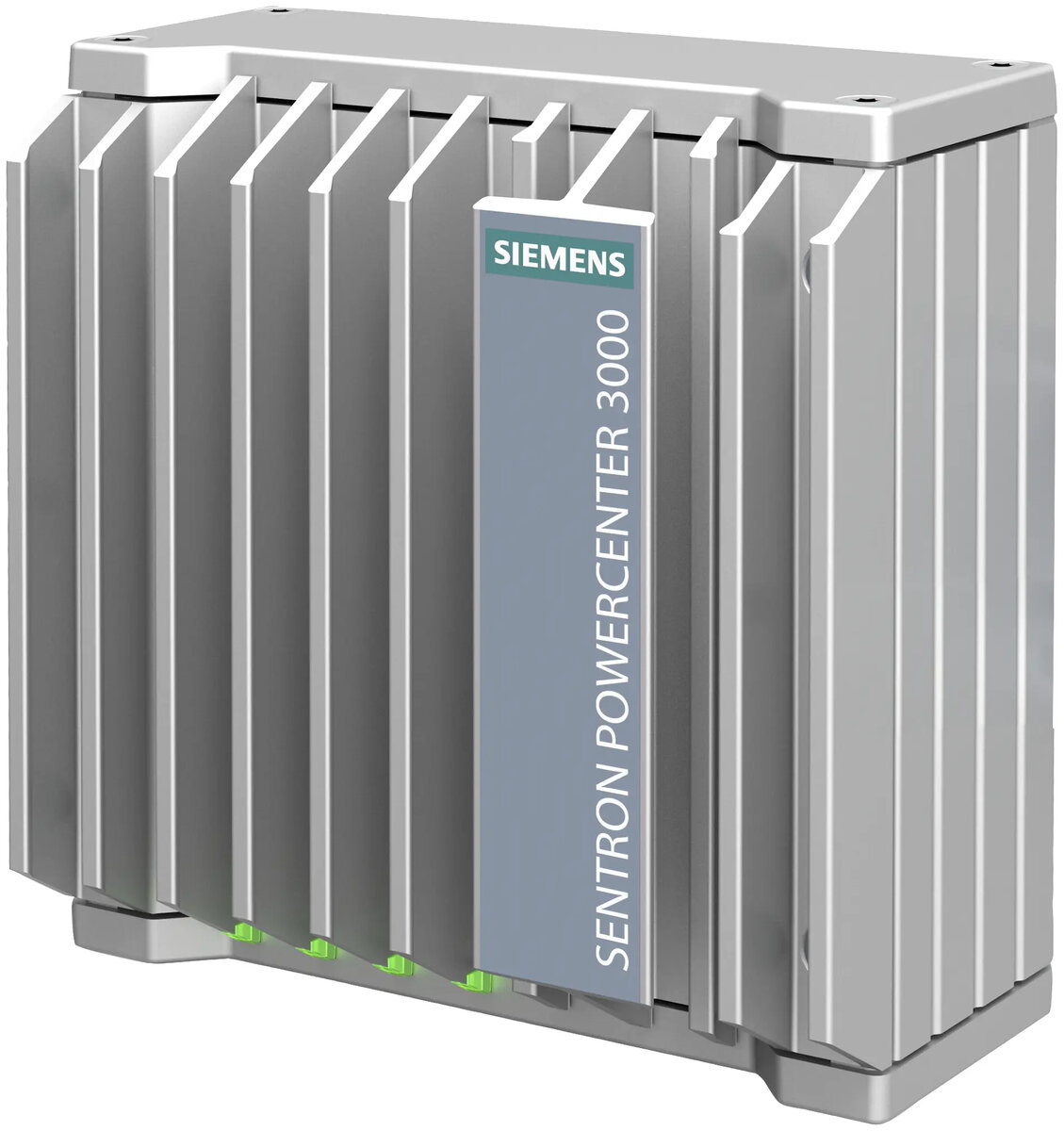
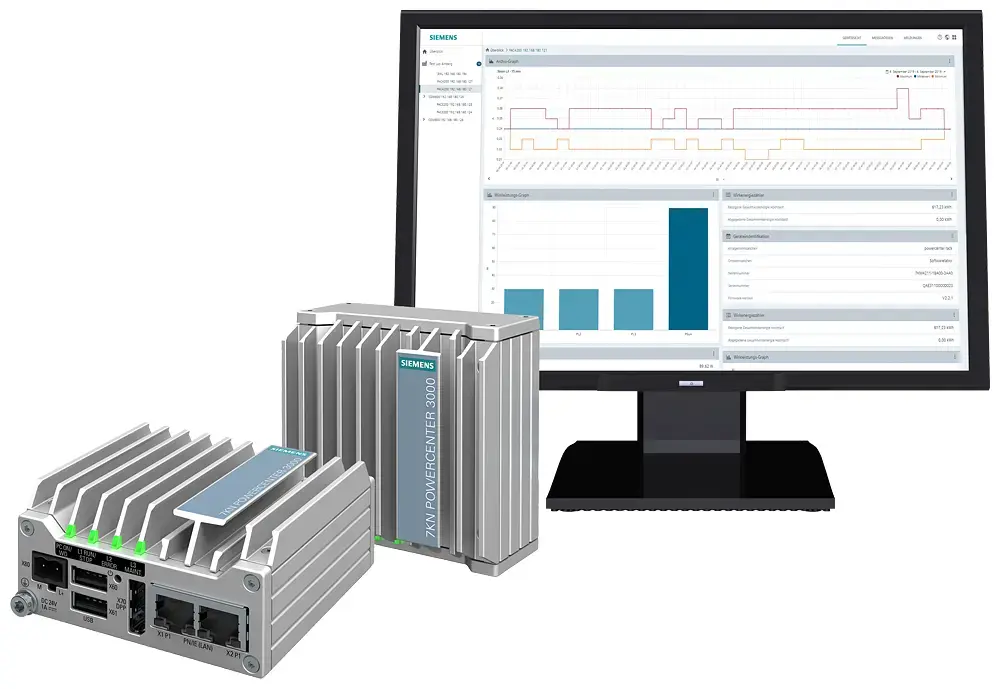
The Siemens SENTRON POWERCENTER 3000 is a high-performance data interface designed for comprehensive energy monitoring and management within low-voltage power distribution systems. This web-based solution acts as a central hub for the acquisition, archiving, and visualization of measured values, status information, and system messages from connected SENTRON and SIRIUS devices. By providing a clear overview of energy consumption and operational conditions, it supports businesses in achieving energy efficiency goals and maintaining compliance with international standards such as ISO 50001.
Advantages
The device offers a seamless plug-and-play experience, allowing for rapid commissioning and integration into existing power distribution infrastructures. Its integrated web server provides accessibility across various platforms, including PCs, smartphones, tablets, and HMIs, ensuring that critical data is available whenever and wherever it is needed. Furthermore, the unit supports advanced data transmission to cloud platforms like AWS, Azure, and Insights Hub, facilitating scalable data analysis. With automatic email notifications for limit violations, users can proactively manage their energy usage, reduce operational costs, and lower CO2 emissions effectively.
Suitable for
- Energy management and monitoring in industrial and commercial facilities
- Compliance with ISO 50001, 50003, and 50006 standards
- Energy audits according to DIN 16247
- Condition monitoring of low-voltage power distribution components
- Centralized data collection for cloud-based analytics
The SENTRON POWERCENTER 3000 may not be suitable for applications requiring the management of more than 32 connected devices, as this is the maximum capacity for a single unit. Additionally, it is designed specifically for low-voltage power distribution environments and may not be compatible with high-voltage systems or non-supported communication protocols outside of its specified Modbus TCP/IP and Ethernet capabilities.
Key specifications
- Communication interface: Modbus TCP/IP via two RJ45 Ethernet ports
- Device capacity: Up to 32 connected devices
- Power supply: 24 V DC
- Web interface: Integrated server with support for 10 languages
- Cloud connectivity: Compatible with AWS, Azure, and Insights Hub
- Configuration: Via SENTRON Powerconfig or autonomous web UI
To use the device, connect it to your power distribution network and supply it with 24 V DC power. Once connected, you can perform the initial configuration using the SENTRON Powerconfig software or directly through the integrated web user interface. The system automatically detects connected devices, allowing you to set up data acquisition and visualization parameters. You can then access the dashboard from any web-enabled device to monitor real-time energy data, configure email alerts for specific thresholds, and manage your energy management documentation.
What to consider before purchase
- Ensure your network infrastructure supports Modbus TCP/IP communication
- Verify that the number of devices to be monitored does not exceed 32 units
- Confirm the availability of a 24 V DC power source in your control cabinet
- Check if your existing SENTRON or SIRIUS hardware is compatible with the interface
Usage recommendations: Regularly review the data collected by the system to identify potential energy savings and ensure that firmware is kept up to date to maintain optimal performance and security. Configure automated email notifications to stay informed about system status and limit breaches in real-time.