
Save time and money with our discounts!
In cart {{totalProductsCount}} item(s)
Your cart is empty
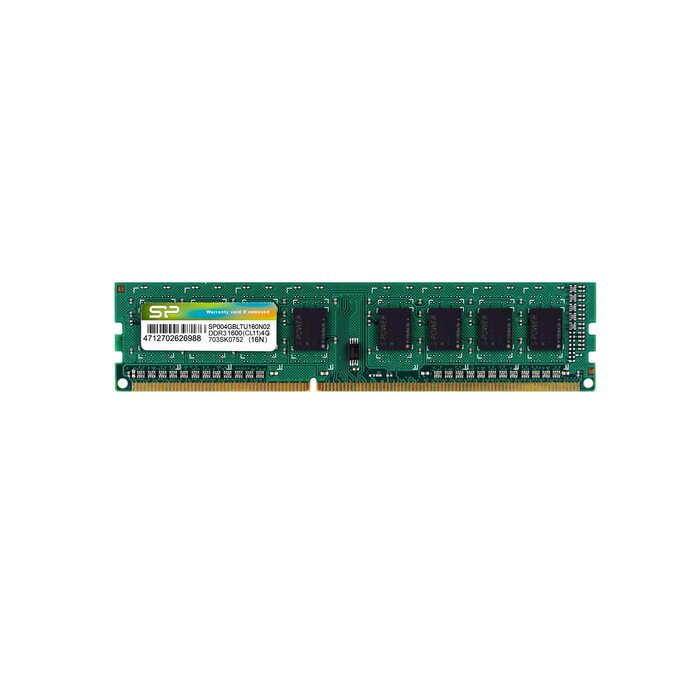
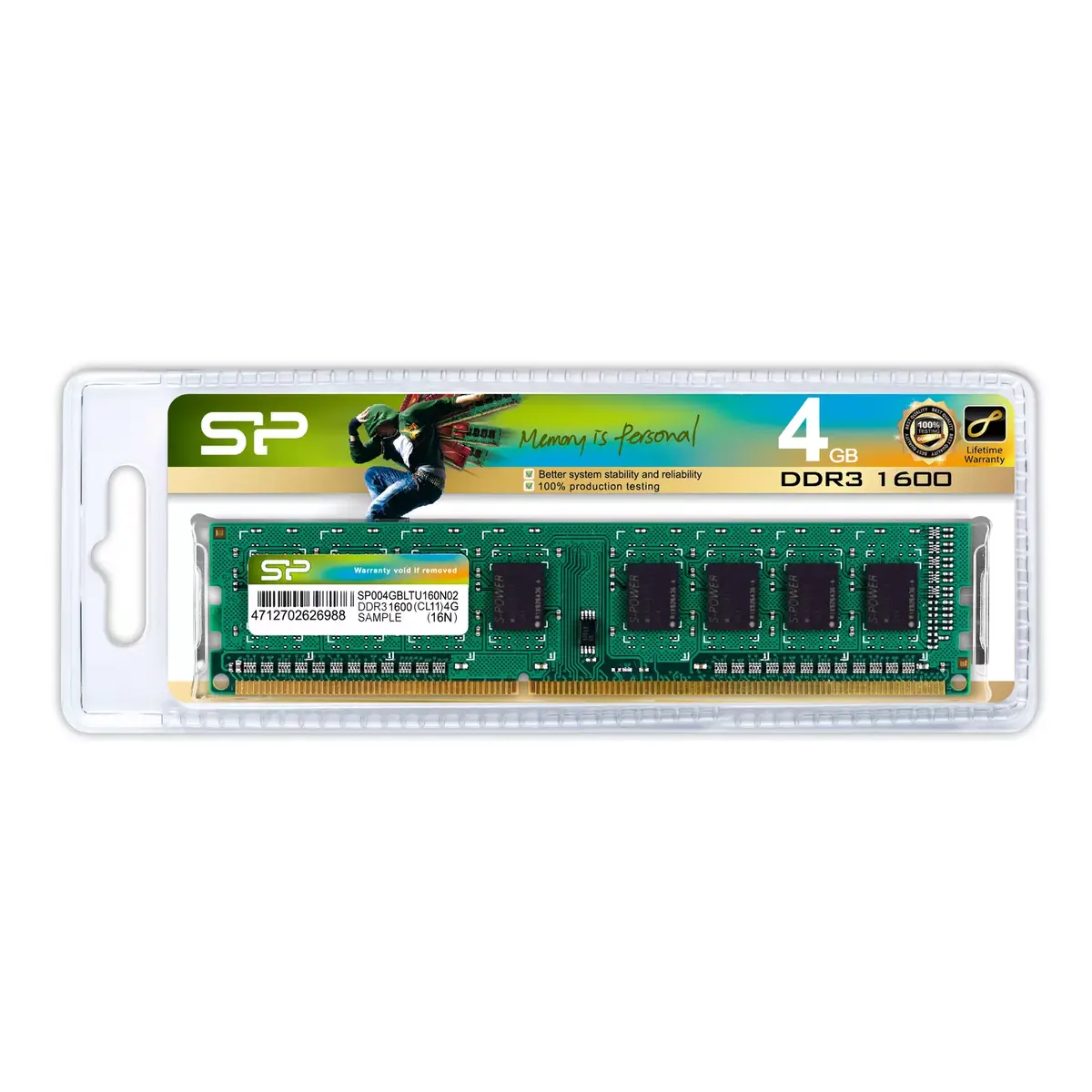
DDR3 4GB 1600MHz RAM module Silicon Power SP004GBLTU160N02 1.5V CL11 for PC/Server
The Silicon Power SP004GBLTU160N02 DDR3 4GB 1600MHz memory module is a single 4 GB DIMM designed to expand system memory in desktops and compatible devices that accept DDR3 upgrades. Operating at 1600 MHz with standard 1.5 V power, this module provides additional working memory to improve application responsiveness and enable smoother multitasking. The module’s compact JEDEC-compatible form factor and green PCB color make it a straightforward, compatible choice for common motherboards that support DDR3 DIMMs.
This memory module increases available RAM capacity without requiring system configuration changes, improving overall performance for everyday applications and light gaming. Running at 1600 MHz and 1.5 V, it balances performance and power consumption for stable operation. The straightforward single-module design allows quick installation and immediate recognition by most systems, and the industry-standard DDR3 interface ensures broad compatibility across many motherboard models.
Power down the computer and disconnect it from the mains before installation. Open the system case to access the memory slots, consult the motherboard manual for the correct DIMM slot arrangement, and align the module’s notch with the slot key. Insert the module firmly until the retention clips engage. Reassemble the case, reconnect power, and boot the system; the operating system or BIOS/UEFI should detect the added memory automatically. If necessary, check BIOS/UEFI settings to verify the module is recognized and running at the expected frequency.
For optimal results, match the new module with existing memory modules of the same type, speed, and voltage when populating multiple slots. Verify motherboard compatibility with DDR3 1600 MHz modules and consult the system manual for supported memory configurations. Avoid touching the gold contacts and handle the module by the edges to prevent electrostatic damage; consider using an anti-static wrist strap during installation.
{{highlightedFeature.featureTitle}}:
{{getProductFeatureValueById(product, highlightedFeature.featureId)}}
{{ productComparisonGenerationError }}
