
JBL speakers and headphones for pure and deep sound!
In cart {{totalProductsCount}} item(s)
Your cart is empty
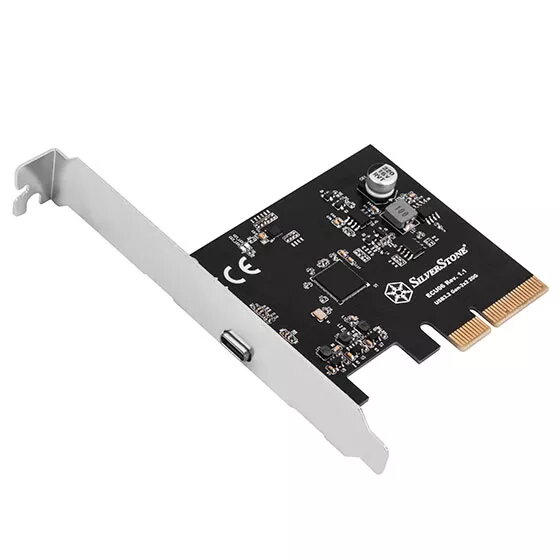
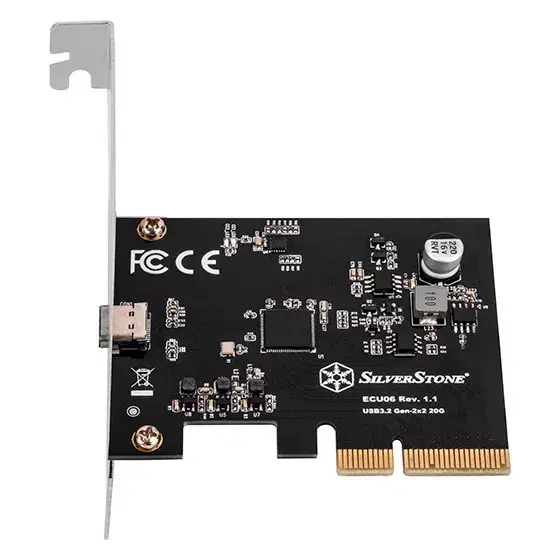
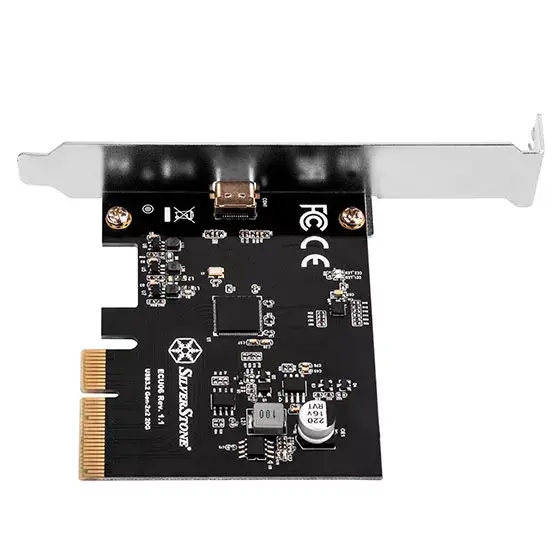
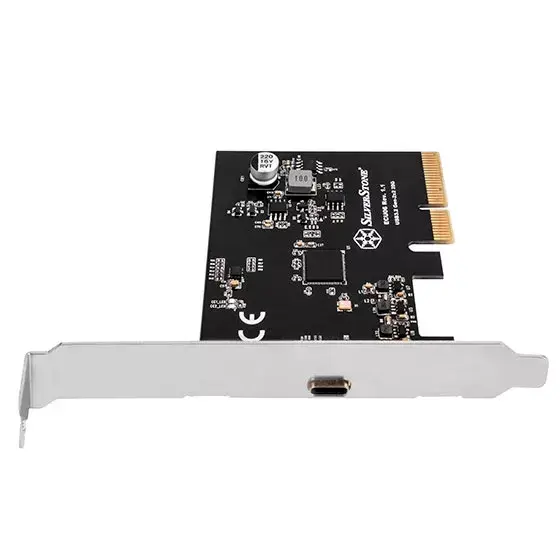
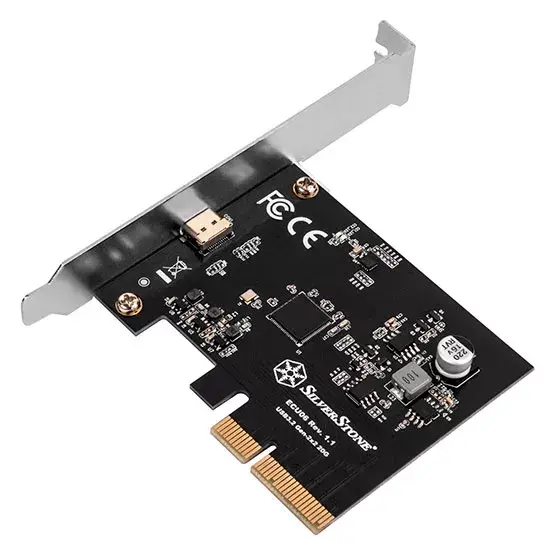
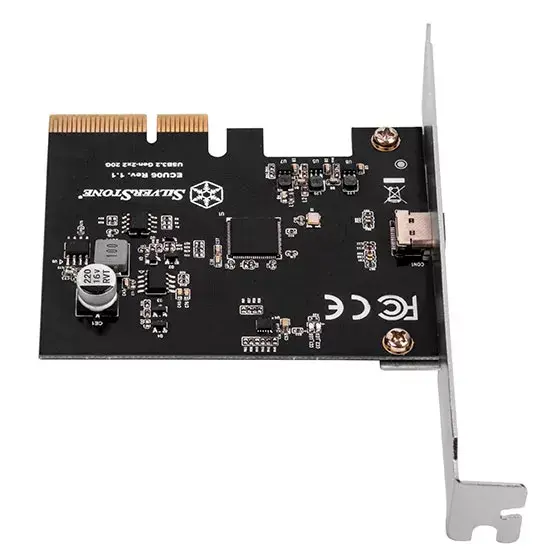
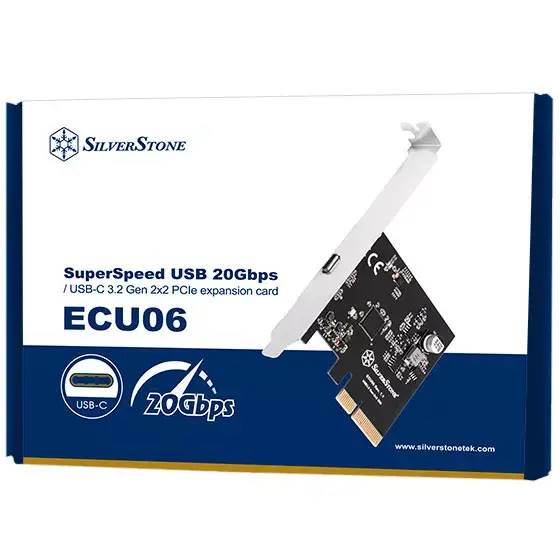
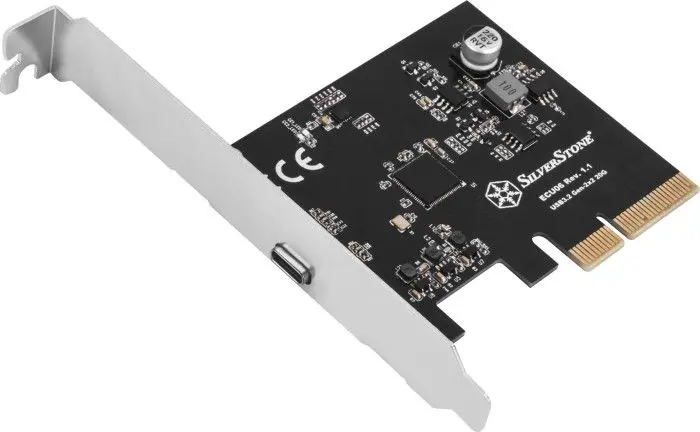
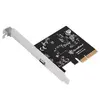
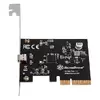
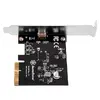
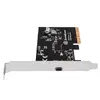
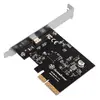
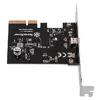
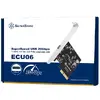
Silverstone ECU06 Internal USB 3.2 Gen 2 Adapter PCIe Low-profile
The Silverstone ECU06 Internal USB 3.2 Gen 2 Adapter PCIe Low-profile provides an internal connection that brings USB 3.2 Gen 2 performance to compatible systems via a PCIe slot. Designed for compact builds, the card uses a low-profile bracket and offers transfer speeds up to 20 Gbit/s for attached devices. Compatibility includes common desktop operating systems, enabling faster file transfers and improved throughput for external storage and peripherals that support USB 3.2 Gen 2.
The adapter delivers USB 3.2 Gen 2 bandwidth through a standard PCIe interface while maintaining a space-saving low-profile form factor suitable for small chassis. It supports high-speed data transfer up to 20 Gbit/s and integrates with mainstream operating systems, allowing simple installation and broad peripheral compatibility. The internal design avoids occupying external expansion bays and reduces cable clutter compared with some external converters.
Install the adapter into an available PCIe expansion slot on the motherboard, fitting the low-profile bracket to the case if required. Secure the card, connect any internal USB header or cable as needed for your front-panel or internal device configuration, and power on the system. Install or update device drivers according to the operating system prompts if necessary. Once recognized by the system, connect USB 3.2 Gen 2 compatible devices to benefit from higher transfer speeds.
For reliable high-speed transfers, use USB 3.2 Gen 2 certified cables and ensure connected devices also support USB 3.2 Gen 2. Verify that the chosen PCIe slot provides sufficient lanes for your system configuration and keep firmware/drivers current for best compatibility with Windows and macOS.
{{highlightedFeature.featureTitle}}:
{{getProductFeatureValueById(product, highlightedFeature.featureId)}}
{{ productComparisonGenerationError }}