
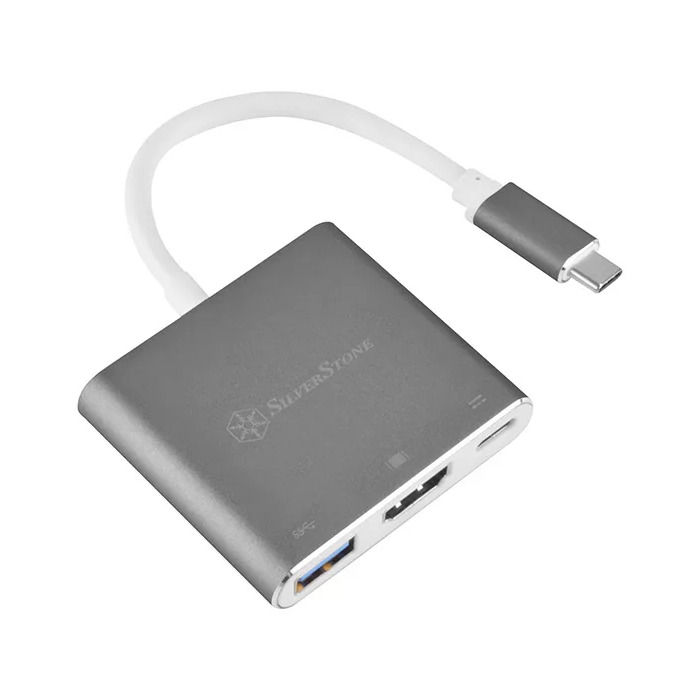
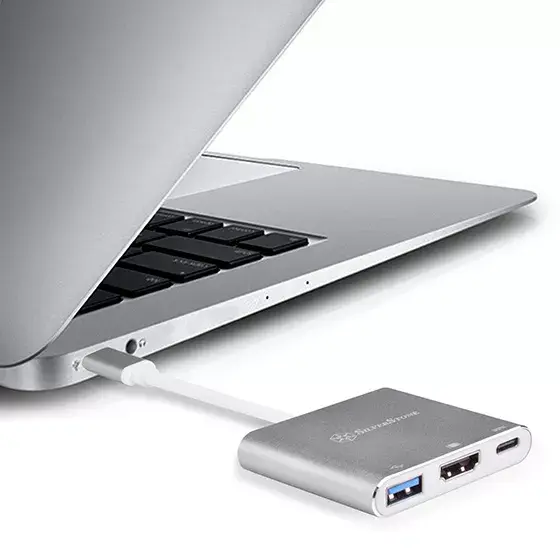
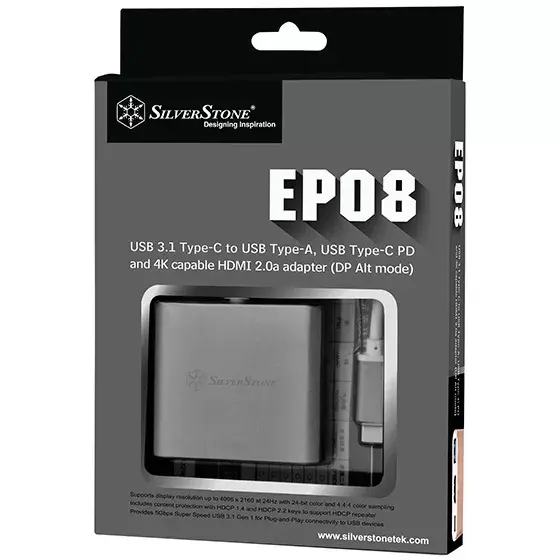
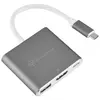

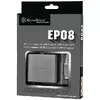
Docking Station Silverstone SST-EP08C
{{selectedOffer && selectedOffer.price | formatAmount}}
{{selectedOffer && selectedOffer.price | formatAmount}}
Short description
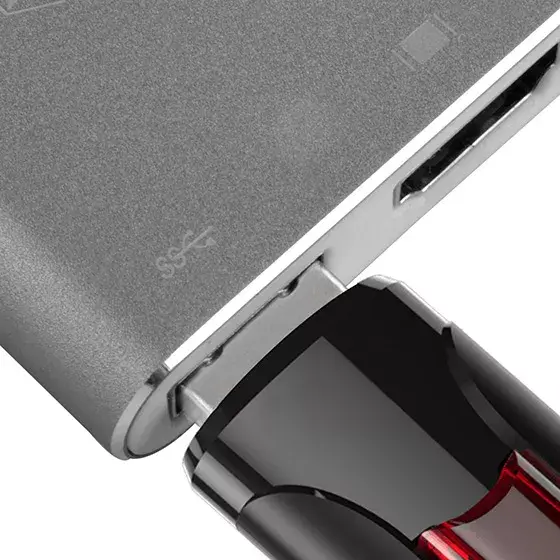
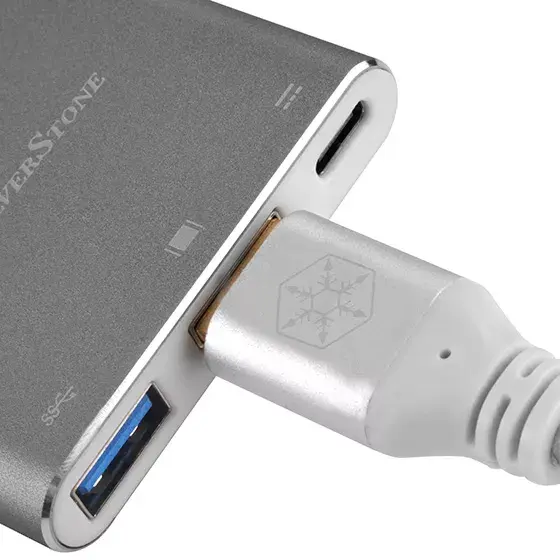
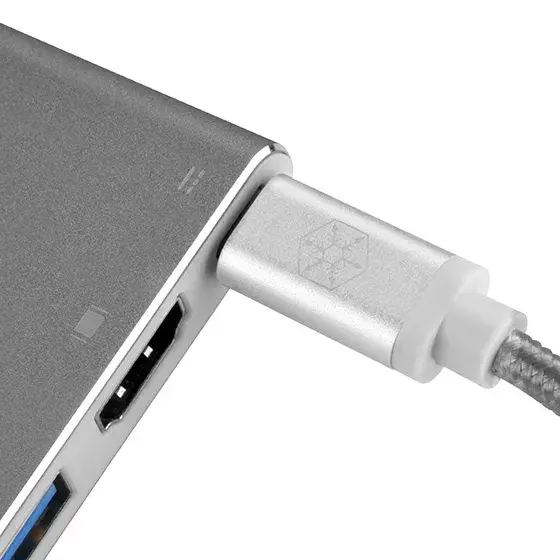
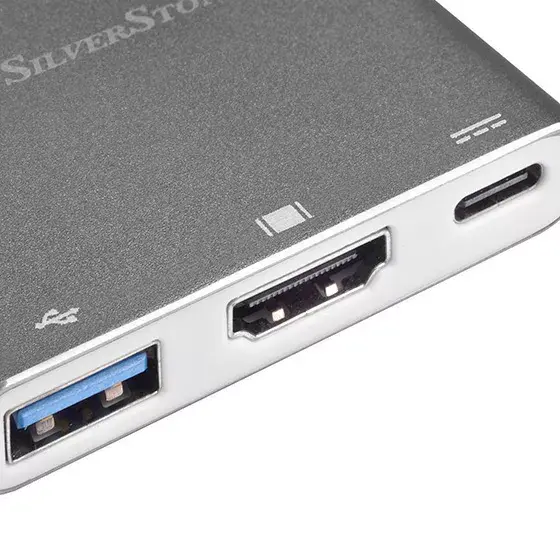
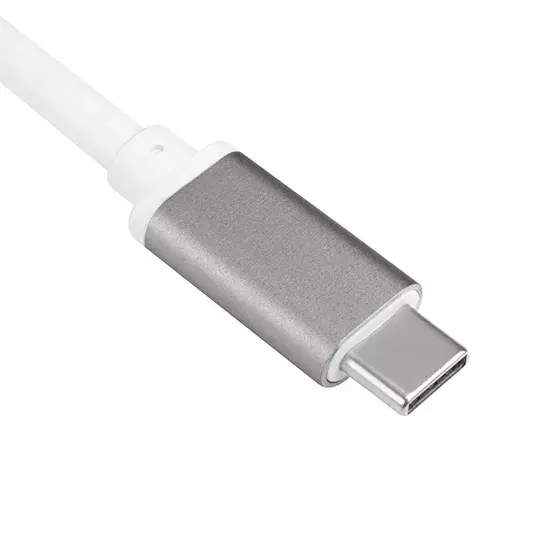
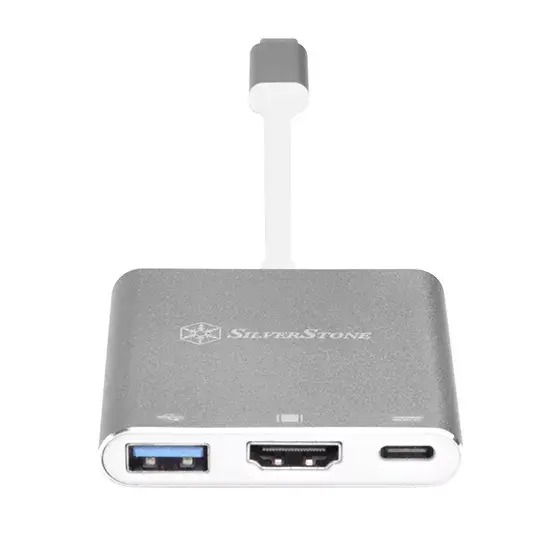
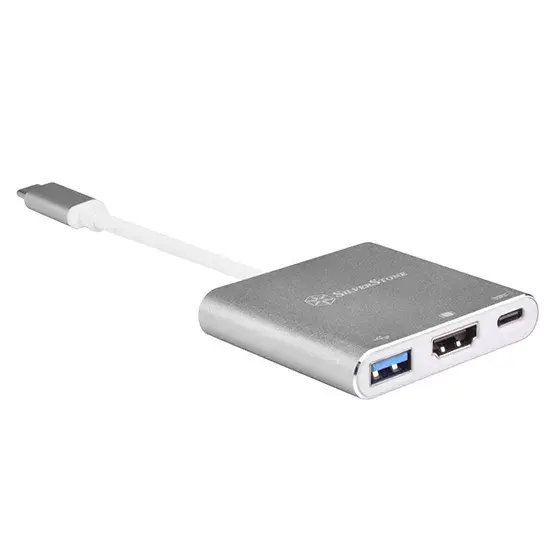
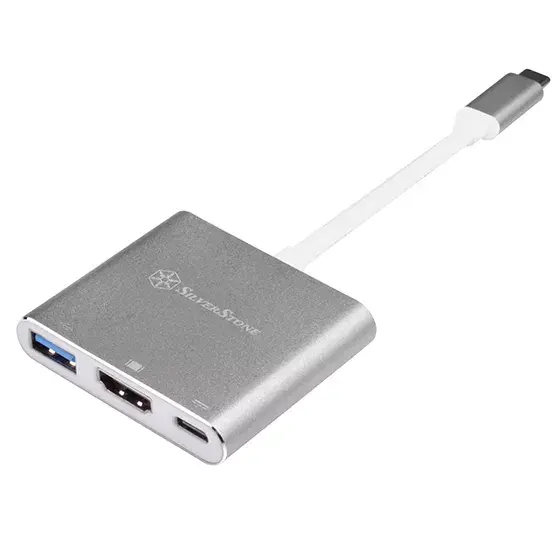
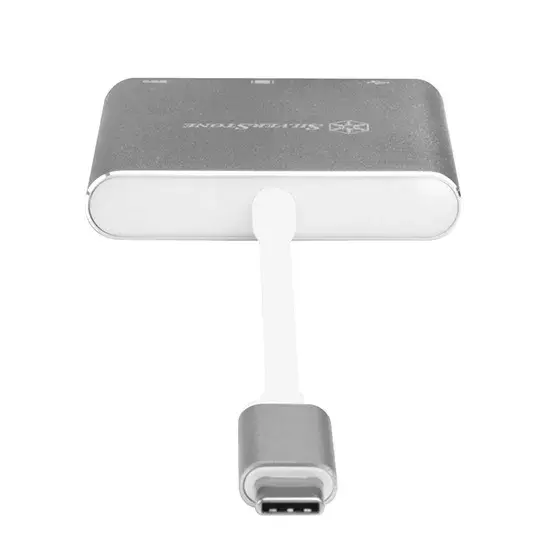
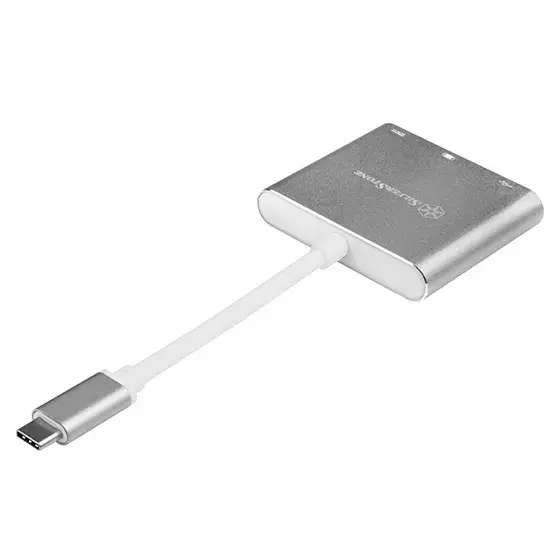
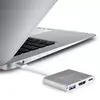
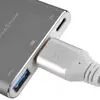
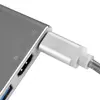
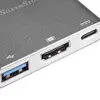
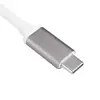
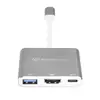
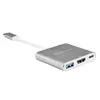
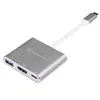
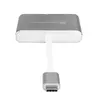
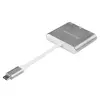
The Silverstone SST-EP08C is a compact laptop dock featuring USB 3.2 Gen 1 Type-C interface, supporting USB Power Delivery up to 100W. It includes HDMI 2.0a for video output with a maximum refresh rate of 24Hz, and additional USB 3.2 Gen 1 Type-A and Type-C ports for versatile connectivity. Its small dimensions (60mm x 53mm x 12mm) and 0.1m cable length make it an ideal portable solution for expanding your laptop's capabilities.
Cheapest delivery:
Unisend LV
Pick-up points
Unisend LV
Cost
1.99 €
Deliver
{{selectedOffer.parcelStationDeliveryString}}
Customer service center
2b. Kengaraga str., Riga, Latvia, LV-1063
09.10.2026
{{selectedOffer.officeDeliveryString}}
free
Courier Delivery
Please note that in case of a large parcel additional delivery costs may apply!
From 4.99 € (Weight: 0.08 kg)
Parcel couriers
Unisend LV / Venipak Pickup LV / Venipak Locker LV / DPD Paku skapis / Omniva LV / Latvijas Pasts pakomāts / Latvijas Pasts nodaļa
14.10.2026
{{selectedOffer.parcelStationDeliveryString}}
From 1.99 €

Payment Methods:
Bank transfer, Bank cards on-line, Apple Pay, Google Pay


