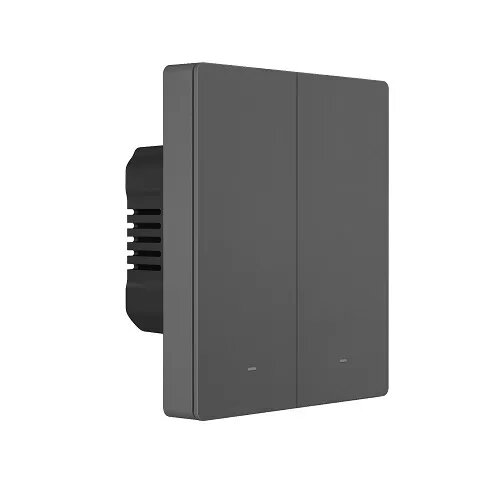
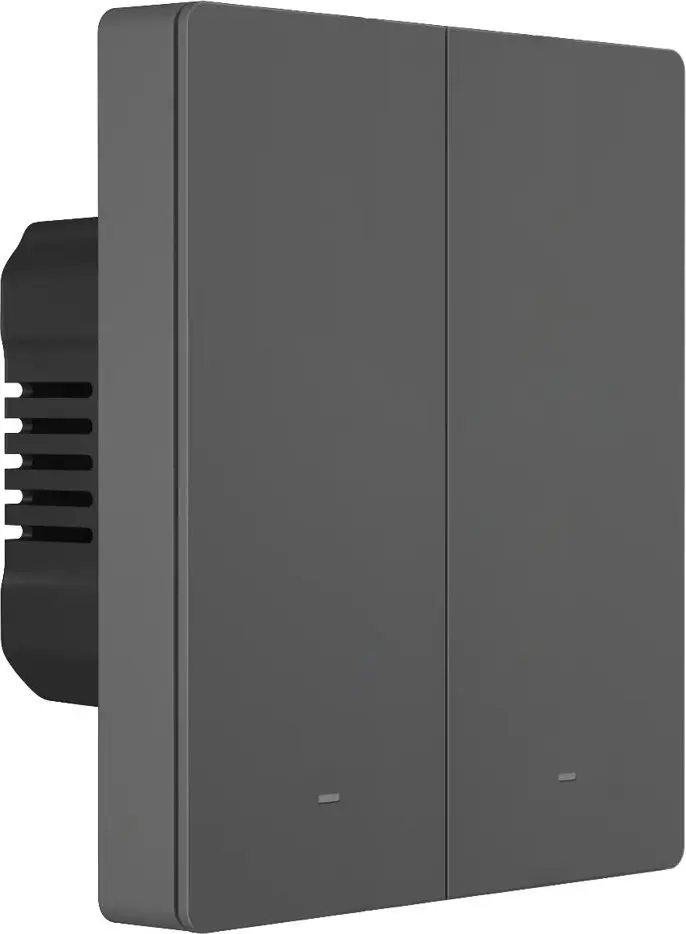
The Sonoff M5-2C-80 wall smart switch is compared with similar models from the same Sonoff brand series, including options with different numbers of independent channels (1, 2, and 3) and different mounting box standards (series 80 and 86). All these devices share Wi-Fi connectivity, remote control via mobile app, smart home integration, and scheduling capabilities. The main practical differences lie in the number of supported electrical circuits and compatibility with specific mounting box standards, which directly determine how many lighting lines can be controlled.
⚙️ The specifications comparison table below contrasts key device characteristics: connection type, number of independent switching channels, mounting features, and the practical significance of these differences for real-world use.
| Parameter | Sonoff M5-2C-80 | Sonoff M5-1C-80 | Sonoff M5-3C-80 | Sonoff M5-2C-86W | Sonoff M5-1C-80W | Sonoff M5-1C-86W | Practical significance |
|---|
| Device type | 2-channel smart switch | 1-channel smart switch | 3-channel smart switch | 2-channel smart switch | 1-channel smart switch (up to 80W) | 1-channel smart switch | Determines the number of independent lighting or appliance lines that can be controlled from a single device. |
| Wireless connection | Wi-Fi | Wi-Fi | Wi-Fi | Wi-Fi | Wi-Fi | Wi-Fi | All models provide remote access, scheduling, and integration with smart home automation routines over a unified network. |
| Mounting | Standard series 80 boxes | Standard series 80 boxes | Standard series 80 boxes | 86 mm flush mounting | Installation in compatible frame (80W) | 86 mm mounting (86W) | Mounting type and size are critical for compatibility with existing in-wall wiring and electrical boxes in the room. |
◎ The suitability table below evaluates each model against various use cases to help choose the most appropriate option for specific needs.
| Use case | Recommended product | Why |
|---|
| Controlling two lighting lines with standard wall boxes | Sonoff M5-2C-80 | Ideal for rooms with two independent light groups and standard series 80 mounting boxes. |
| Controlling a single light line | Sonoff M5-1C-80 or Sonoff M5-1C-86W | Sufficient for simple rooms or single fixtures that do not require multi-channel switching. |
| Controlling three light groups | Sonoff M5-3C-80 | Allows centralized control of complex lighting with multiple zones in one compact wall module. |
| Installation in systems with an 86 mm mounting footprint | Sonoff M5-2C-86W or Sonoff M5-1C-86W | Ensures correct installation in 86 mm standard housings and frames instead of series 80 boxes. |
The Sonoff M5-2C-80 switch is optimal for users who need independent control over two lighting circuits in rooms with standard series 80 wall boxes. Compared to single-channel versions, it offers greater flexibility for dual-gang scenarios, while unlike the three-channel model, it serves as a more targeted solution for a moderate load count. Choose this model if your wiring accommodates the series 80 standard and you need to manage exactly two lighting lines.