A curated selection of maximum value offers!
In cart {{totalProductsCount}} item(s)
Your cart is empty
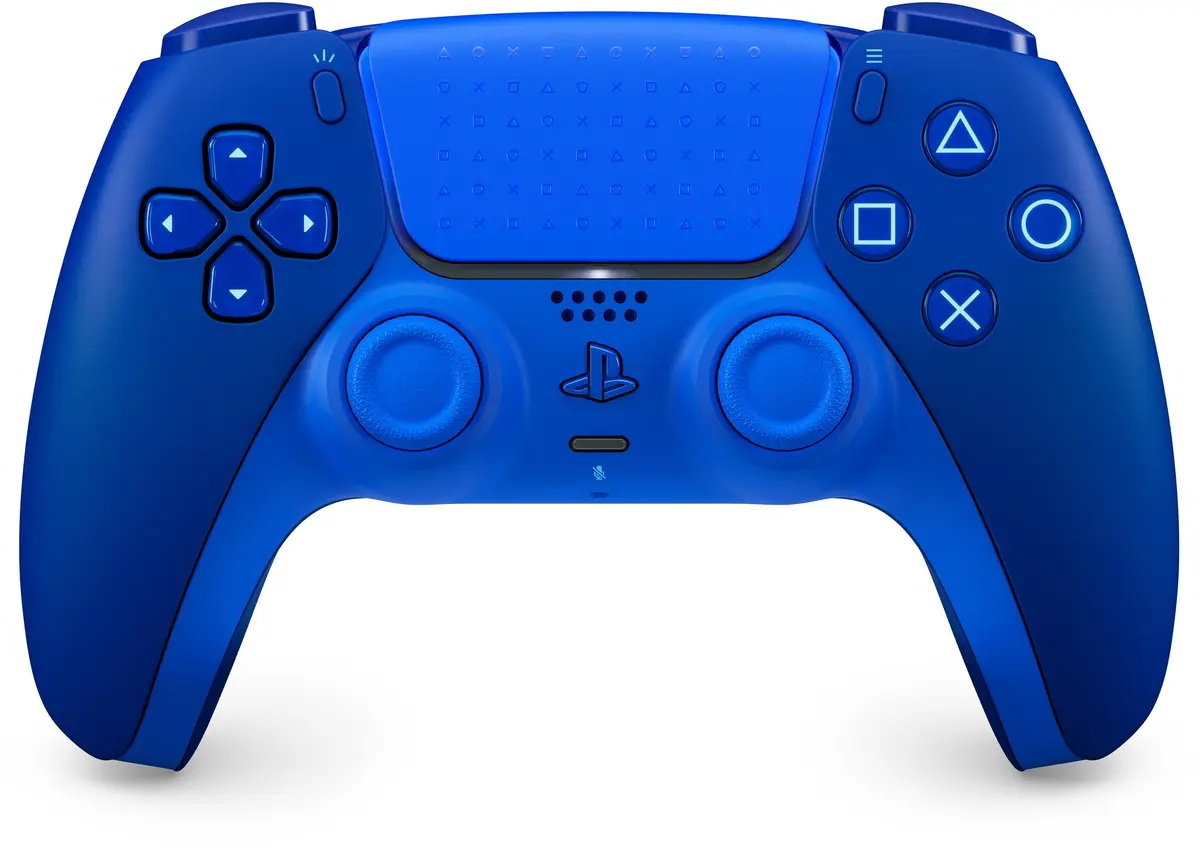
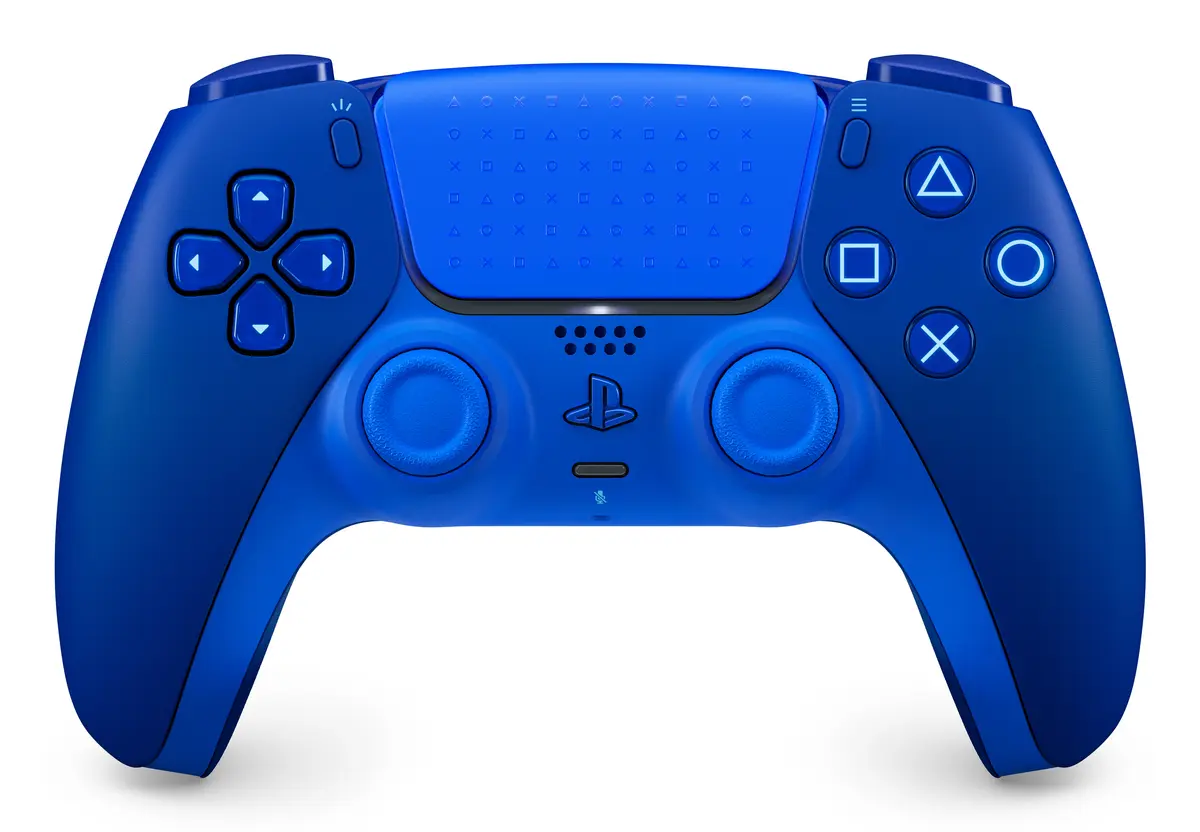
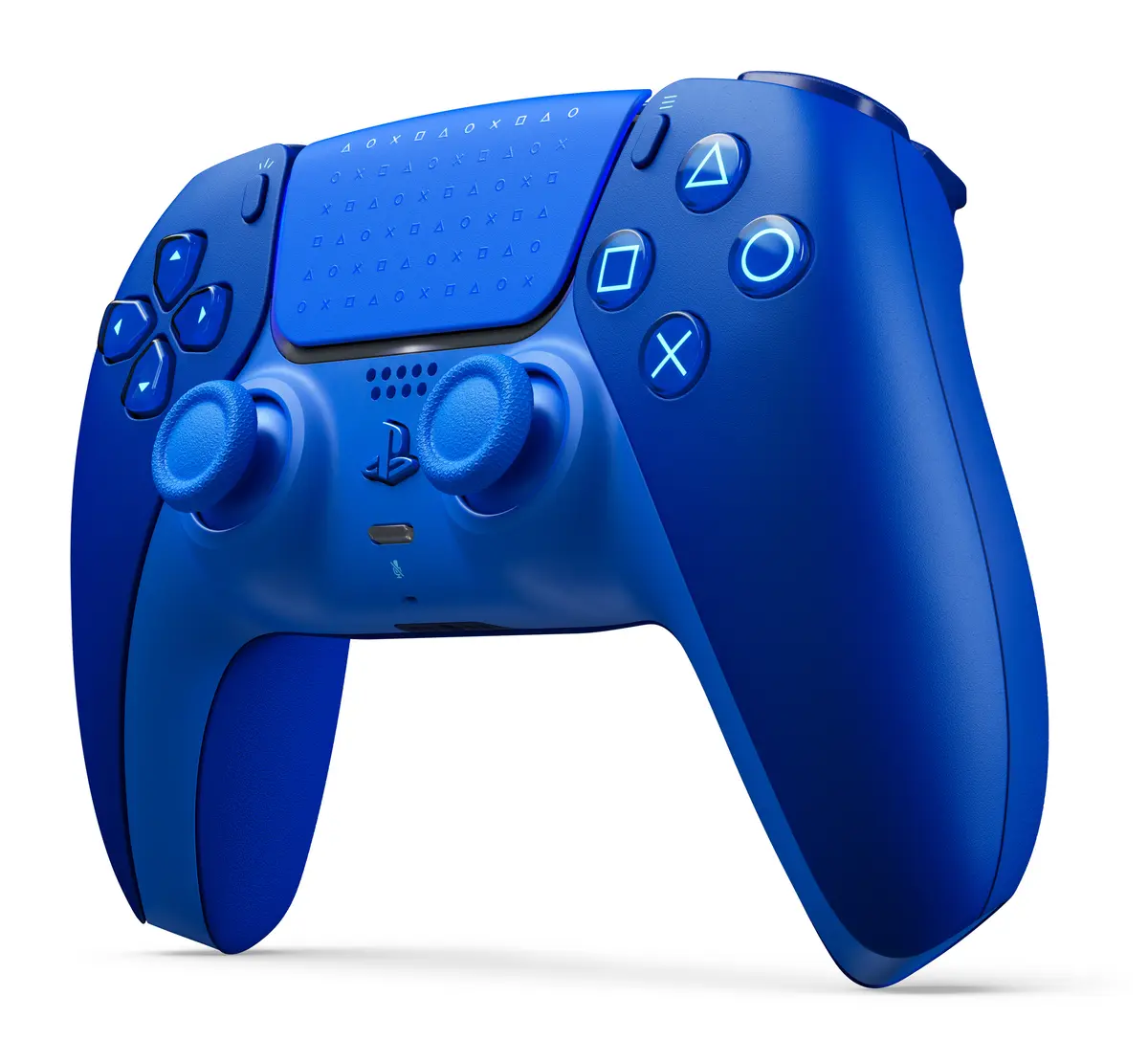
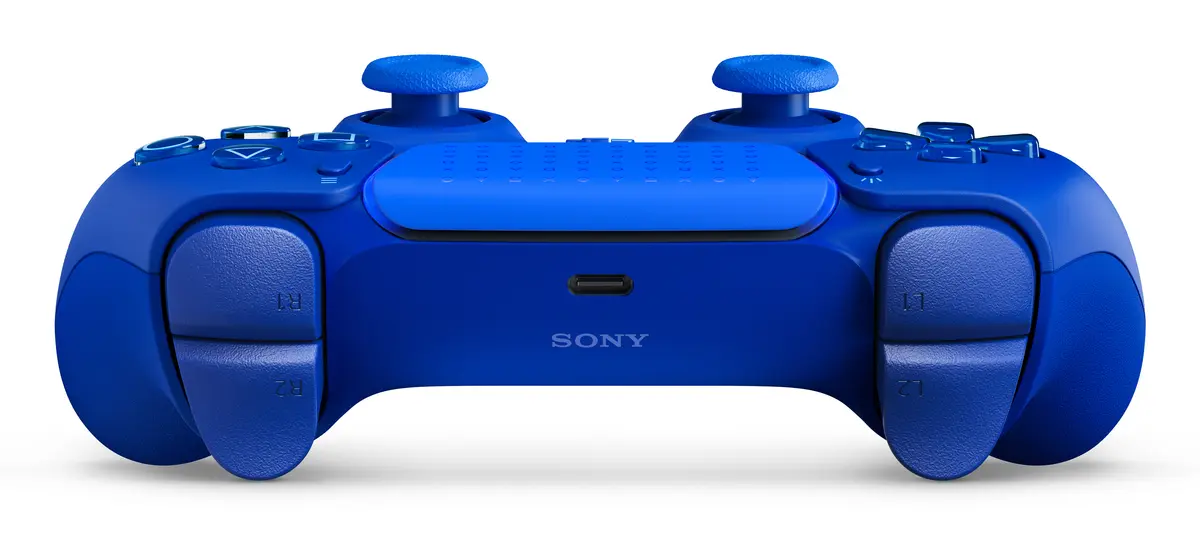
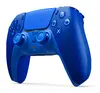
Sony DualSense Gamepad Icon Blue Wireless and Wired Bluetooth and USB for PlayStation 5 and PC
The Sony DualSense Gamepad Icon Blue Wireless and Wired Bluetooth and USB for PlayStation 5 and PC is an advanced controller designed to elevate your gaming experience. Featuring a striking blue color finish, this official Sony controller offers both wired and wireless connectivity options to suit your setup. It incorporates precise analogue and digital controls along with dedicated gaming control function buttons, ensuring seamless navigation and responsiveness across compatible platforms.
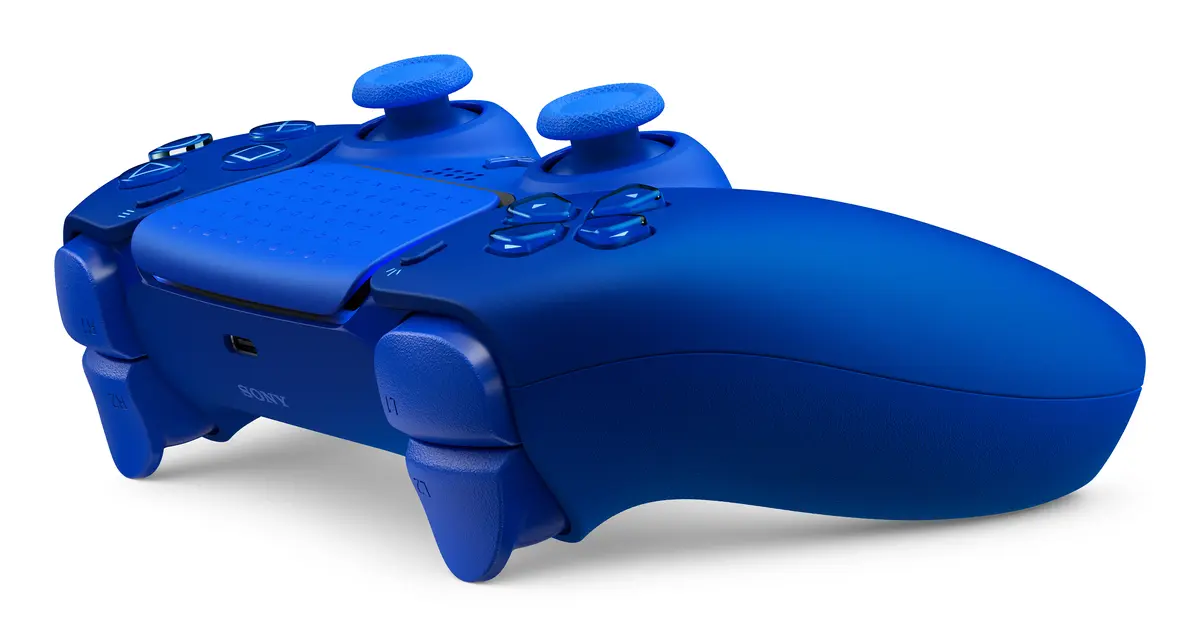
This controller provides versatile connectivity through Bluetooth and USB Type-C, allowing you to play wirelessly or plugged in depending on your preference. Equipped with a built-in 1560 mAh rechargeable lithium-ion battery, it supports extended gaming sessions between charges. The inclusion of dedicated function buttons, such as a microphone mute button, share button, and menu controls, enhances usability during intense gameplay. LED status indicators keep you informed about battery charging and connection status at all times.
This gamepad may not be suitable for users who require compatibility with older console generations such as the PlayStation 4, as it is primarily engineered for current-gen hardware and modern platforms. Additionally, users looking for traditional AA battery-powered controllers might find the built-in rechargeable battery less convenient if they prefer immediate battery swaps.
To use the controller wirelessly, turn on your compatible device, enable Bluetooth, and pair the gamepad using the pairing mode. For a wired connection, simply plug the included USB Type-C cable directly into the controller and your console or PC. Charge the internal lithium-ion battery by connecting the USB cable to a powered USB port when the LED status indicators show a low battery level. Use the built-in mute button and function controls to manage audio and system menus directly from your hands.
For optimal battery lifespan and performance, use standard certified USB cables for charging and store the controller in a dry environment away from extreme temperatures when not in use for extended periods.
{{highlightedFeature.featureTitle}}:
{{getProductFeatureValueById(product, highlightedFeature.featureId)}}
{{ productComparisonGenerationError }}