Powerful EcoFlow stations for energy anywhere!
In cart {{totalProductsCount}} item(s)
Your cart is empty
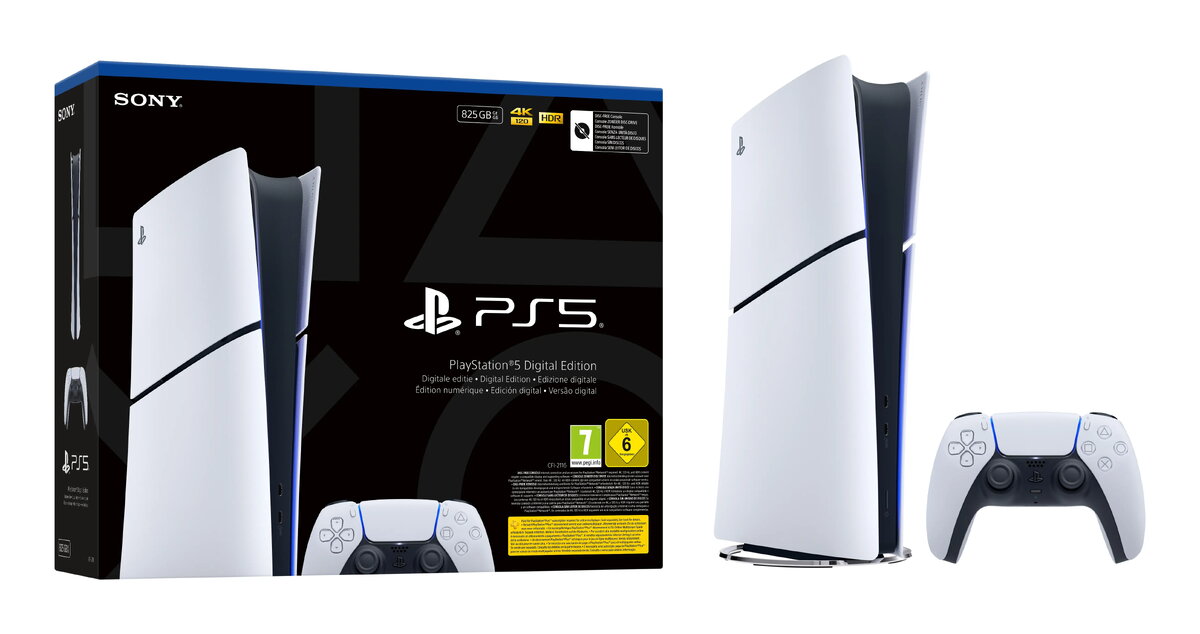
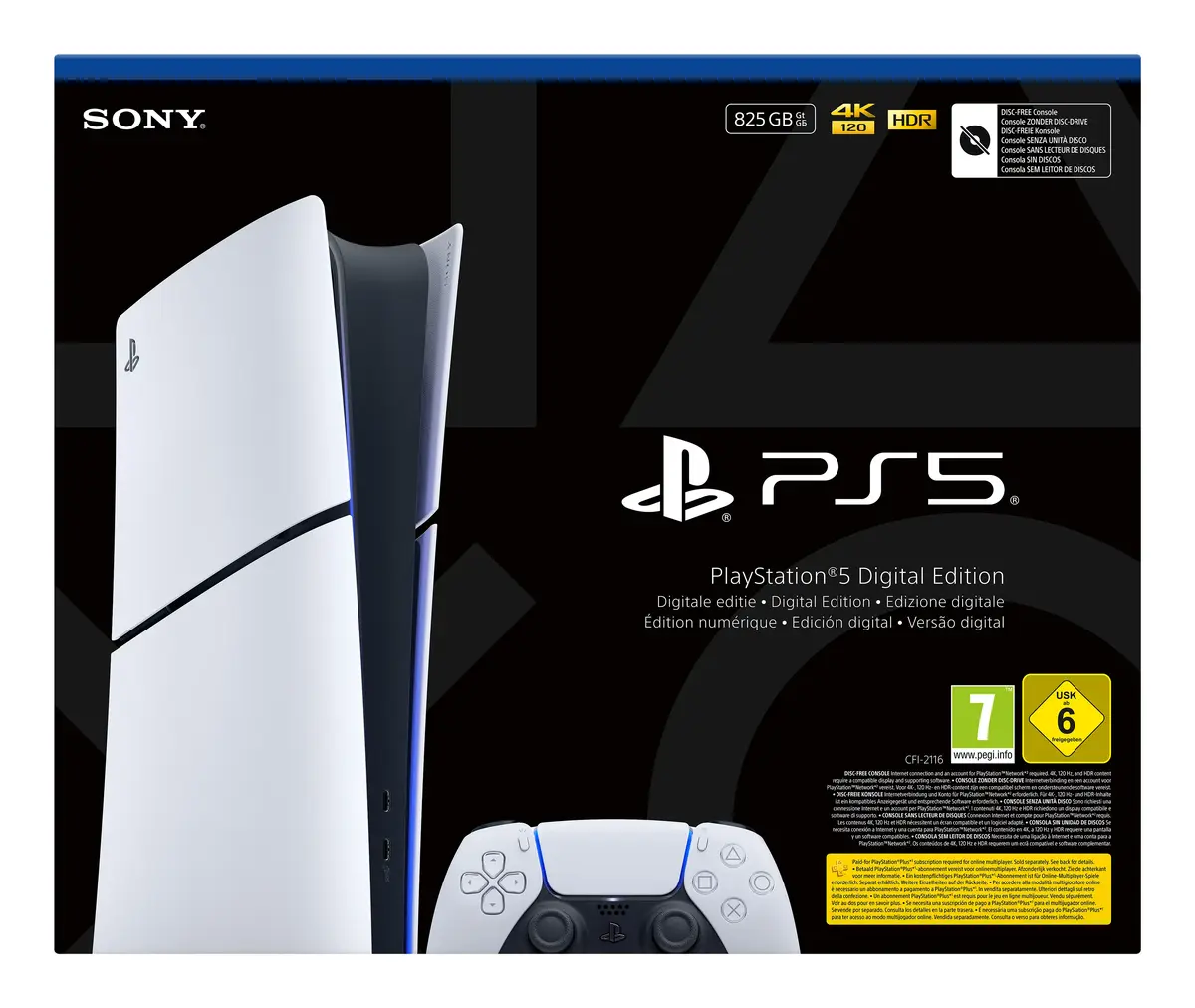
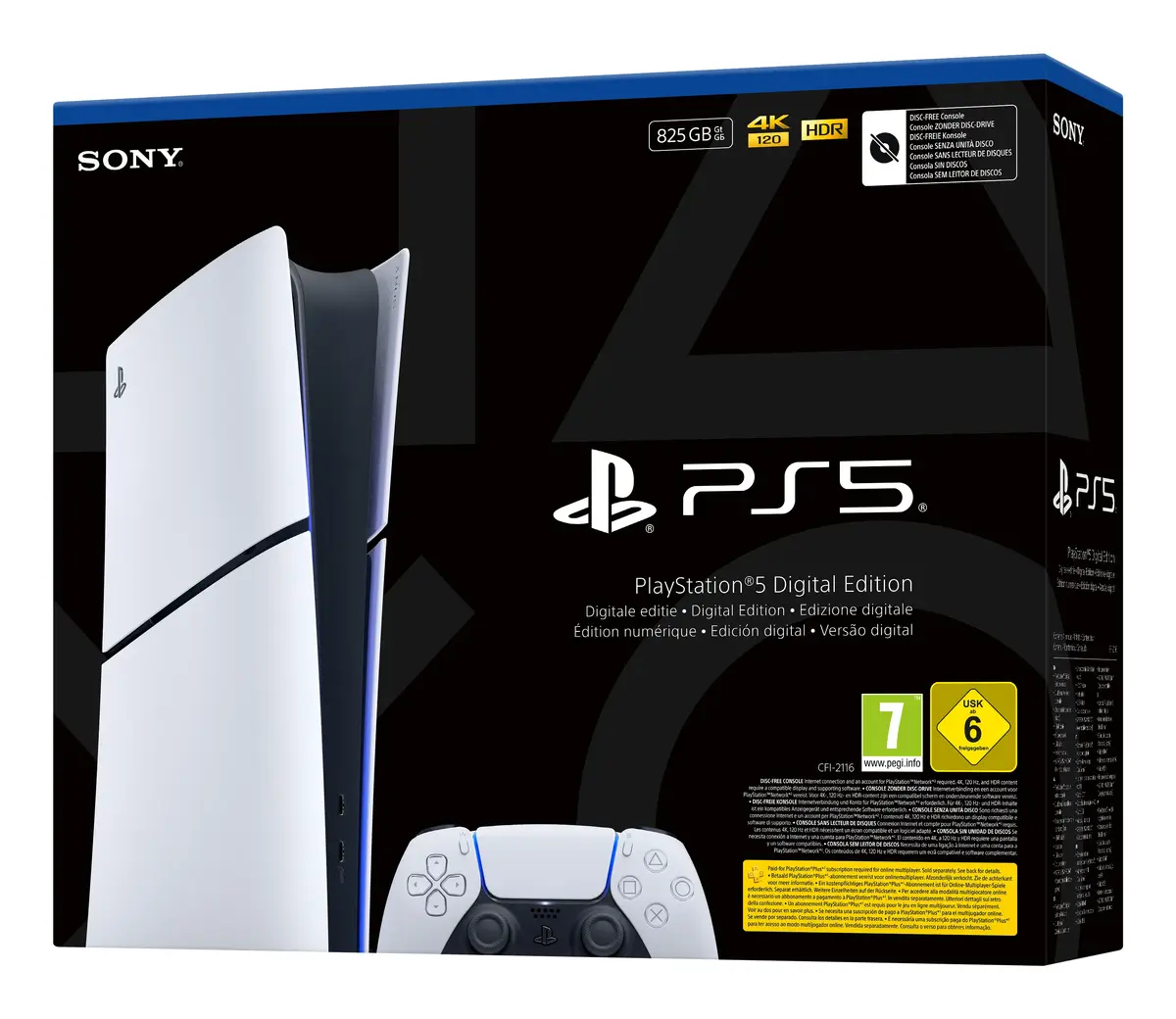
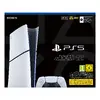
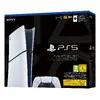
Gaming console Sony PlayStation 5 Digital E Chassis (Slim) — 825 GB SSD, Wi‑Fi, Bluetooth 5.1, HDMI 2.1
The Sony PlayStation 5 Digital E Chassis (Slim) is a disc‑less next‑generation gaming console with an integrated 825 GB SSD and high-performance system memory. Designed for digital game libraries, it delivers ultra-fast load times, ray tracing, 4K-compatible graphics, Tempest 3D AudioTech and support for DualSense features such as adaptive triggers and haptic feedback. The console includes a DualSense wireless controller, power and connection cables, and a stand, and supports Wi‑Fi and Gigabit Ethernet for online play.
The console offers near-instant load times thanks to its ultra-high-speed SSD and a custom CPU/GPU architecture that enables smoother gameplay and advanced in-game streaming of assets. Ray tracing and HDR produce realistic lighting and vibrant colours on compatible displays, while Tempest 3D AudioTech and DualSense tactile features increase situational awareness and controller responsiveness. Backwards compatibility with PS4 titles and Game Boost improve performance for many older games.
Place the console on a stable, ventilated surface and connect it to your TV or monitor with the supplied HDMI cable. Attach the stand if needed for vertical or horizontal placement, plug in the power cable and connect to your network via Wi‑Fi or Ethernet. Pair the included DualSense wireless controller via the USB cable for initial setup, create or sign in to your PlayStation Network account, and download or access digital games from your library or PlayStation Store. Install updates when prompted to ensure the latest system and game performance improvements.
Ensure adequate ventilation and avoid blocking air vents. Use a wired Ethernet connection for lower latency during online play when possible, and keep the system software up to date. For best visual results, use a 4K or compatible display with HDR support and enable Game Boost for select PS4 titles to benefit from improved frame rates.
{{highlightedFeature.featureTitle}}:
{{getProductFeatureValueById(product, highlightedFeature.featureId)}}
{{ productComparisonGenerationError }}