


Dreame vacuums for fast and efficient cleaning!
In cart {{totalProductsCount}} item(s)
Your cart is empty
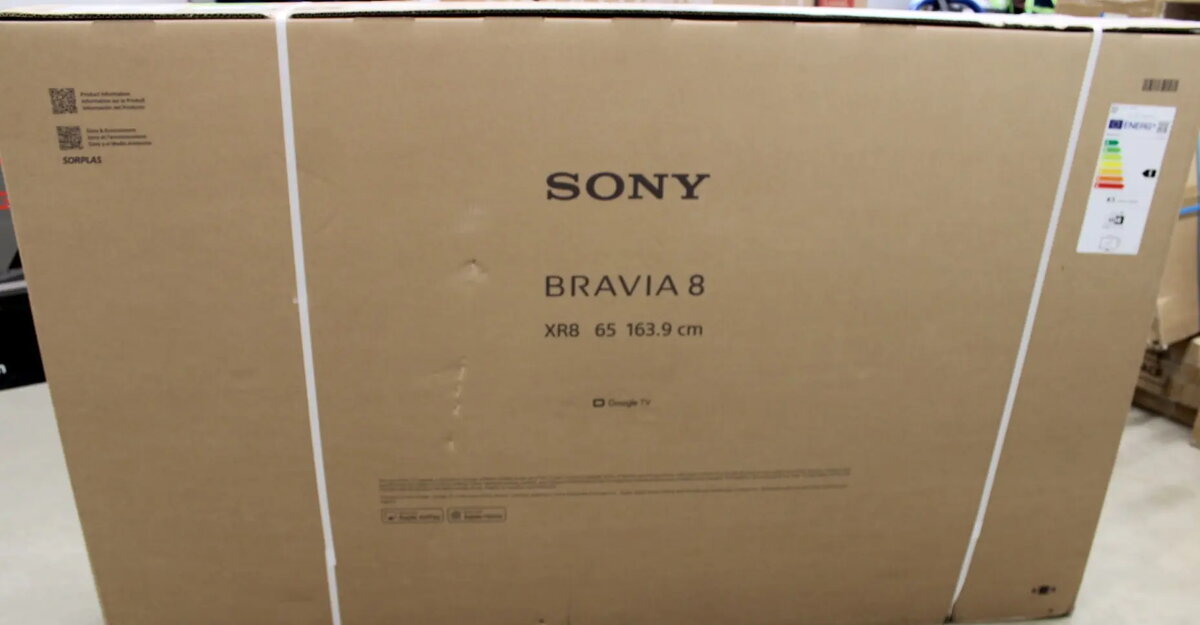
Sony Bravia 8 K65XR80P 65-inch 4K Ultra HD OLED Smart Google TV
The Sony Bravia 8 K65XR80P is a premium 65-inch 4K Ultra HD OLED Smart TV designed to bring a cinematic experience into your home. Featuring advanced OLED display technology, this television offers exceptional contrast, deep blacks, and vibrant colors that make every scene come to life. With the integrated Google TV operating system, users gain intuitive access to a vast library of streaming services, apps, and personalized content recommendations, all controlled through a seamless interface.
The primary strength of this Sony Bravia model lies in its OLED panel, which provides pixel-level light control for unparalleled image depth and clarity. The 4K Ultra HD resolution ensures that every detail is rendered with precision, making it an excellent choice for high-definition movies, sports, and gaming. Its smart functionality is powered by Google TV, which simplifies navigation and integrates well with various smart home ecosystems. The sleek black design complements modern interiors, while the robust connectivity options, including HDMI and Wi-Fi, ensure compatibility with a wide range of external devices and high-speed internet streaming.
This television may not be the ideal choice for users who require a display for outdoor environments or extremely bright rooms where direct sunlight might interfere with the OLED panel's performance. Additionally, those who prefer a non-smart interface or a simpler operating system may find the extensive features of Google TV more complex than necessary for their specific needs.
To use the Sony Bravia 8, place the television on a stable surface or mount it using a compatible wall bracket. Connect the power cable to a standard outlet and link your external devices via the HDMI ports. Upon powering on, follow the on-screen instructions to connect the TV to your Wi-Fi network and sign in to your Google account to activate the smart features and access your preferred streaming applications.
For the best viewing experience, position the television at eye level and ensure the room lighting is controlled to minimize reflections on the OLED screen. Regularly update the Google TV software to ensure access to the latest features and security improvements.
{{highlightedFeature.featureTitle}}:
{{getProductFeatureValueById(product, highlightedFeature.featureId)}}
{{ productComparisonGenerationError }}