Save time and money with our discounts!
In cart {{totalProductsCount}} item(s)
Your cart is empty
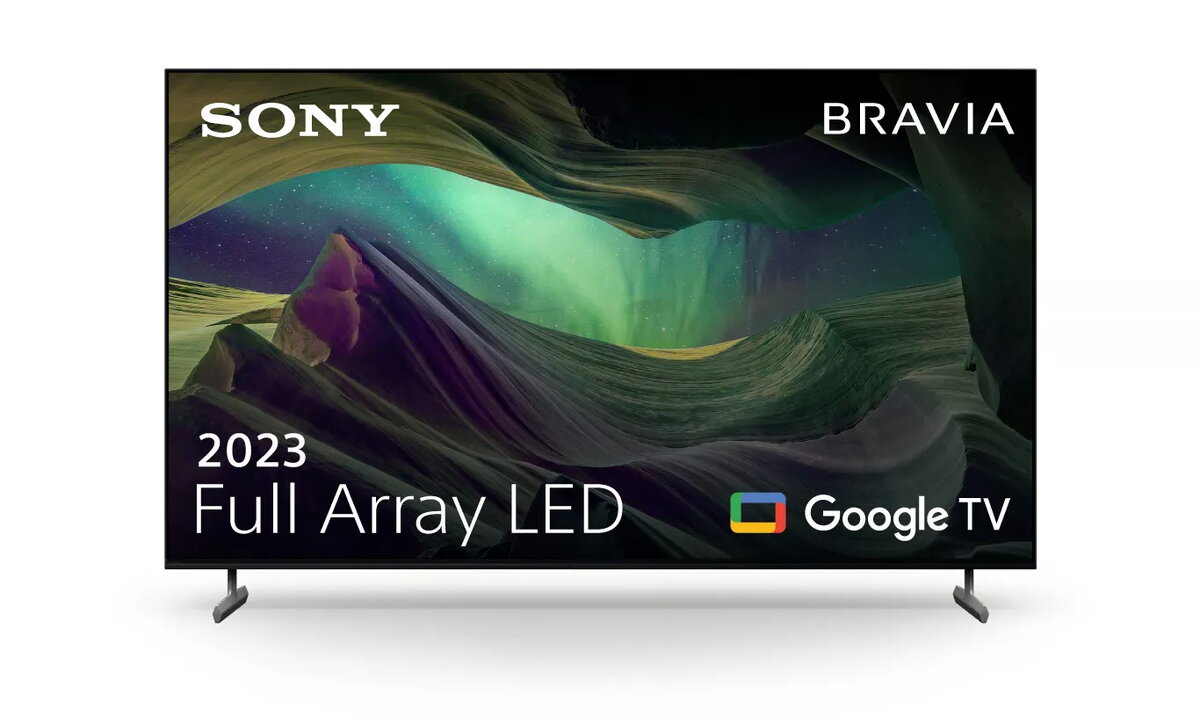
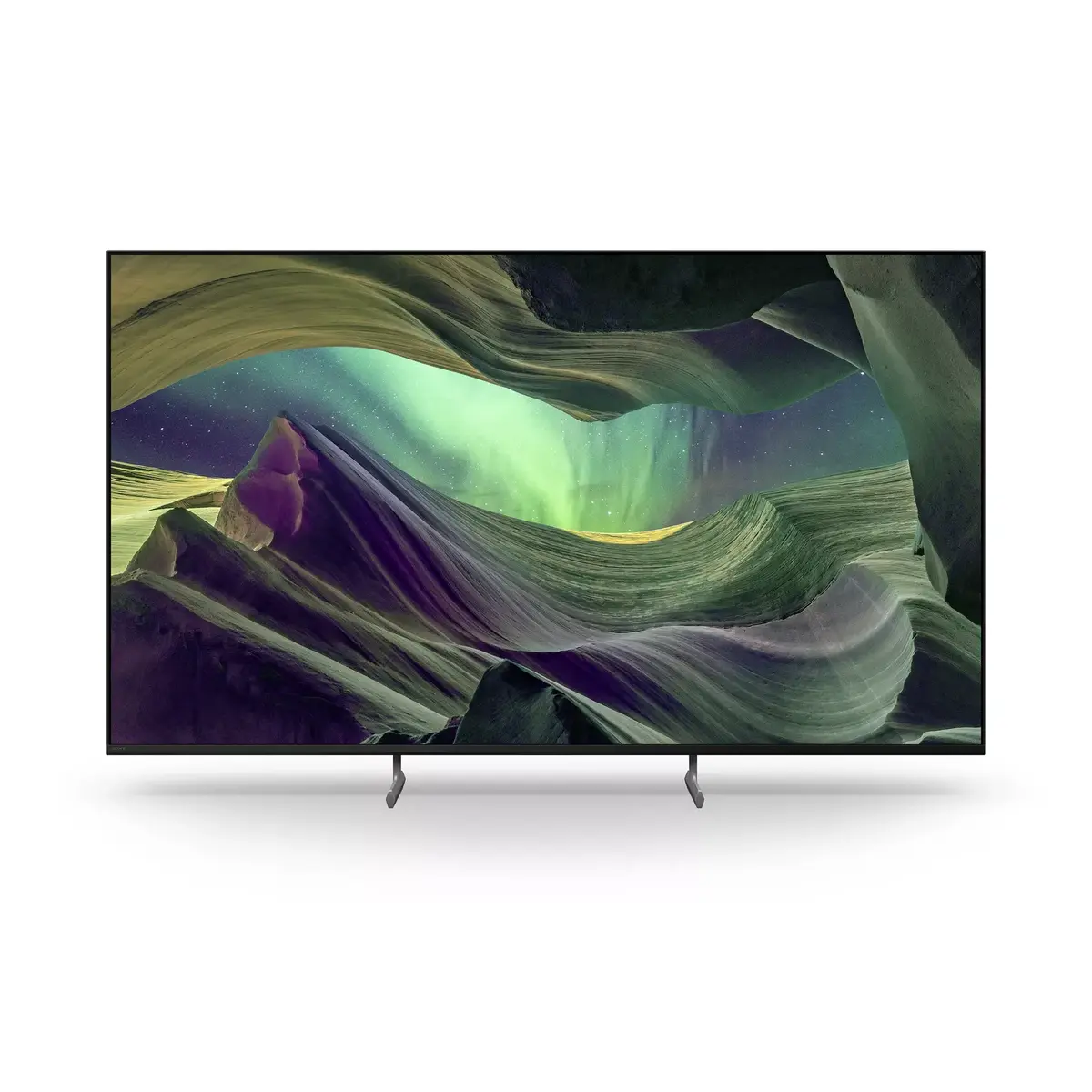
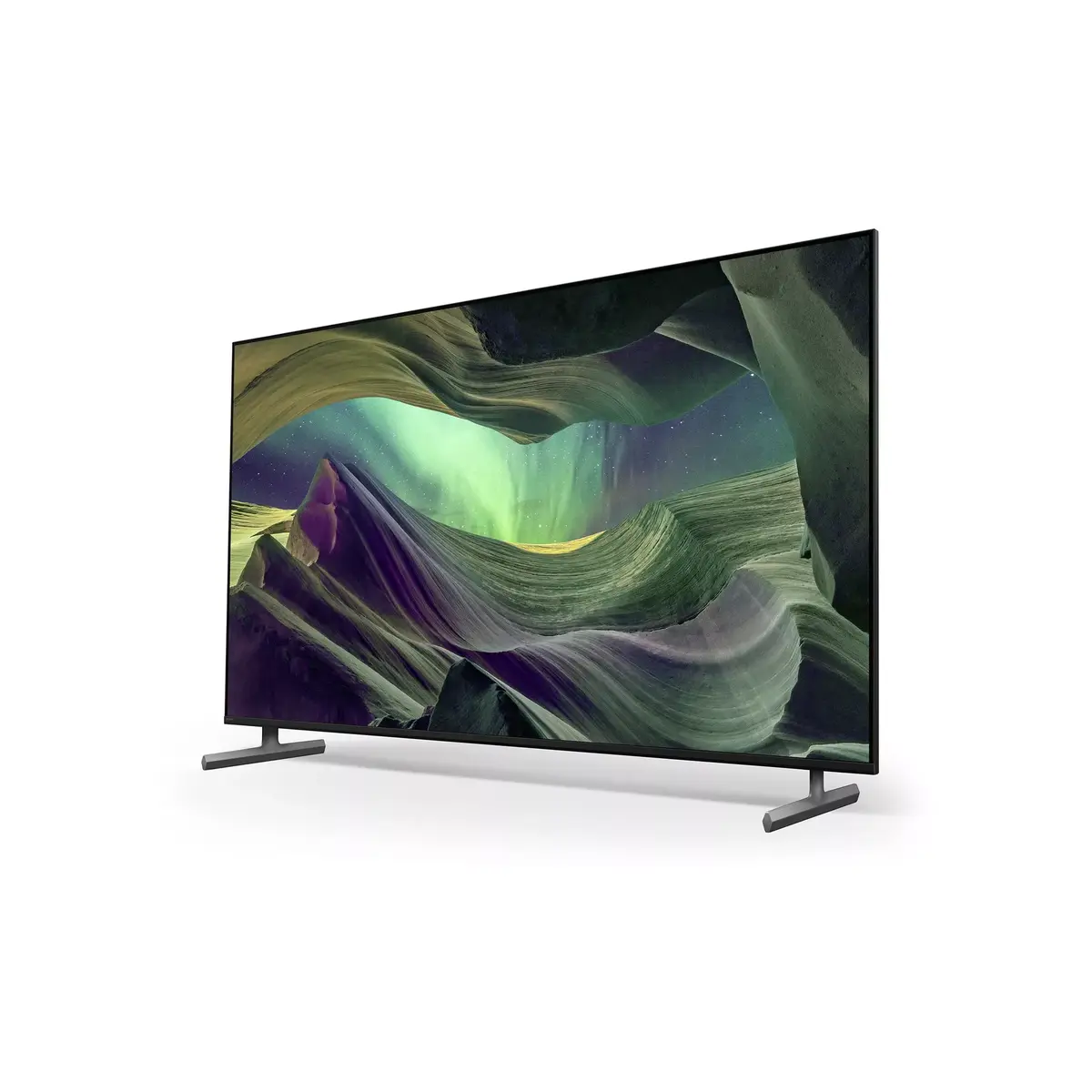
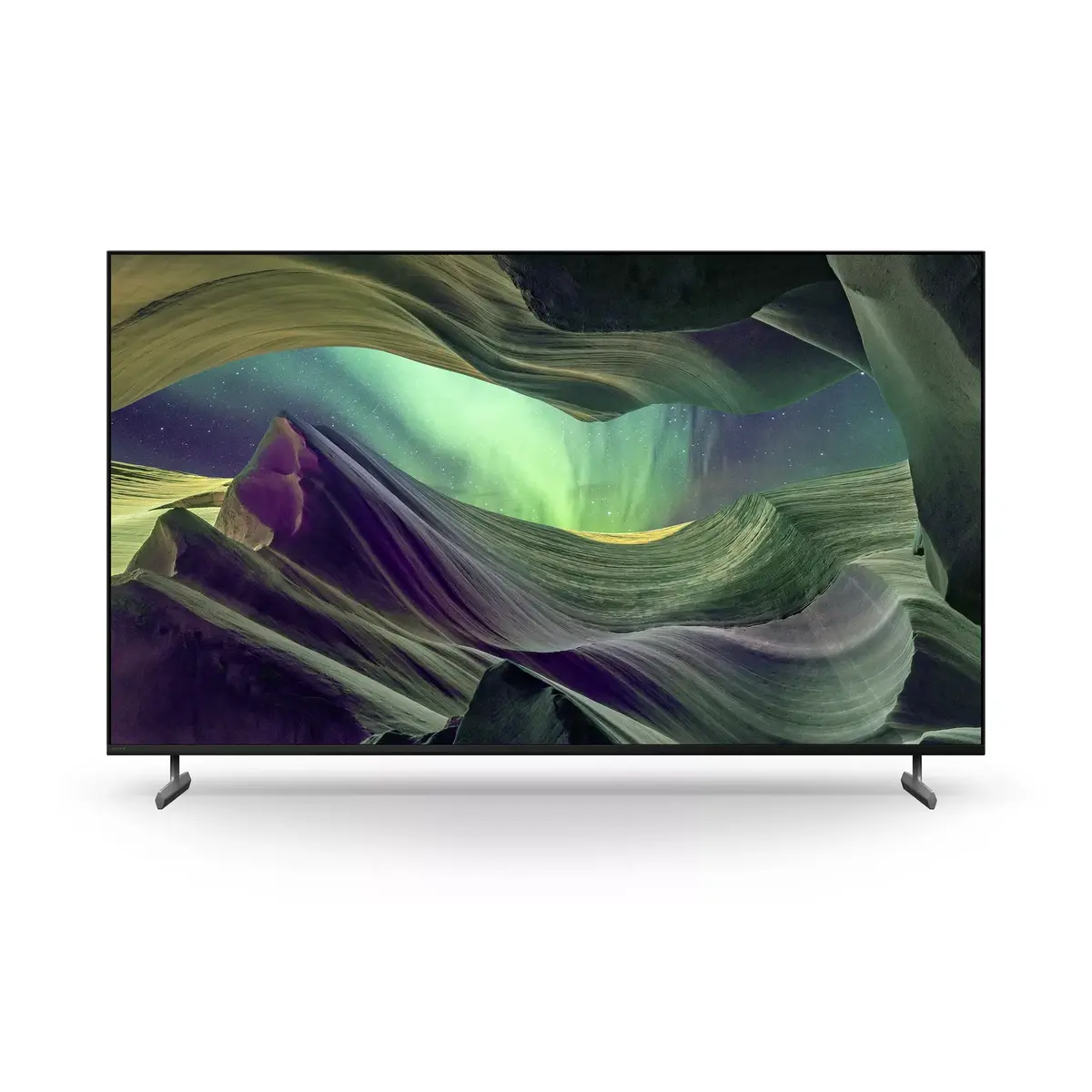
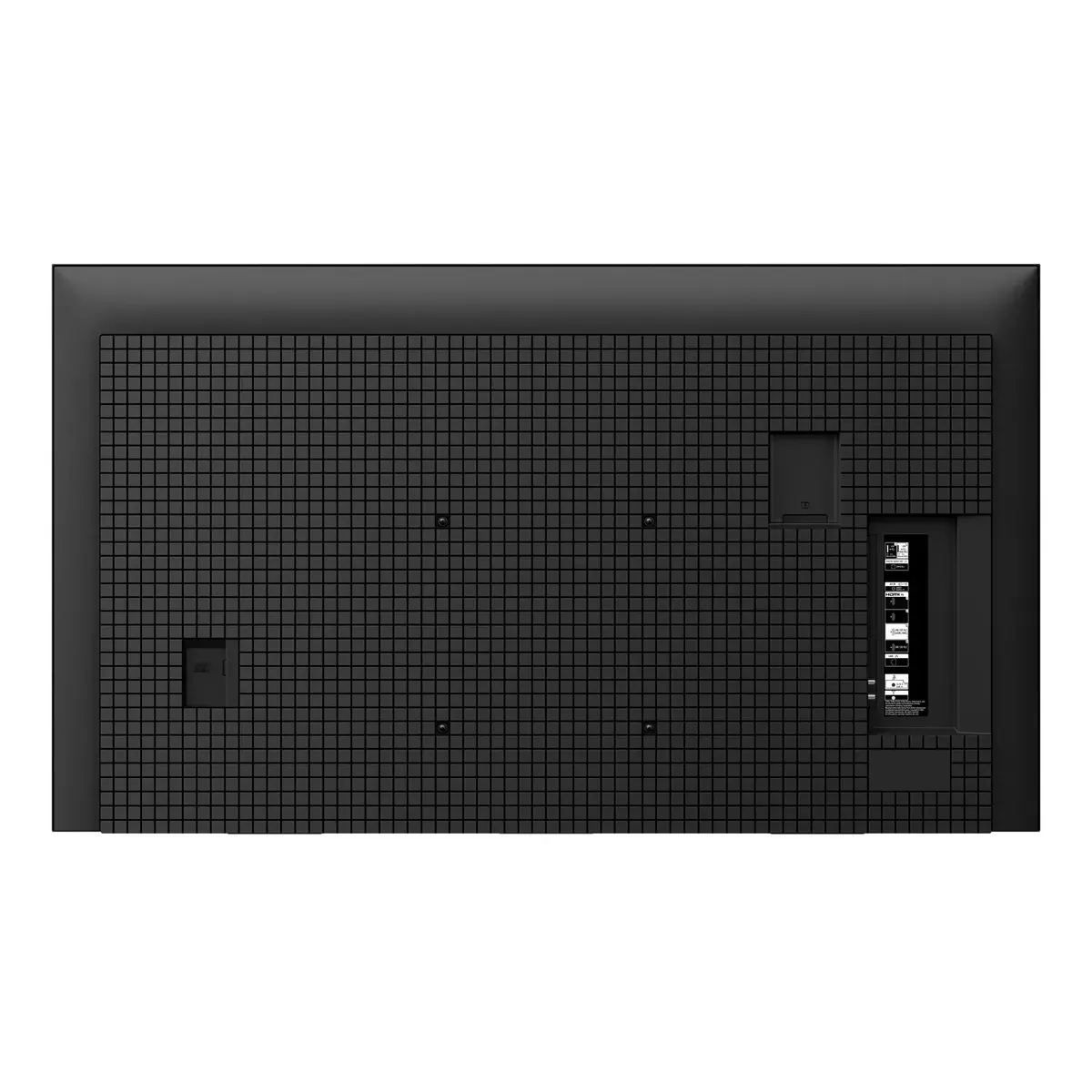
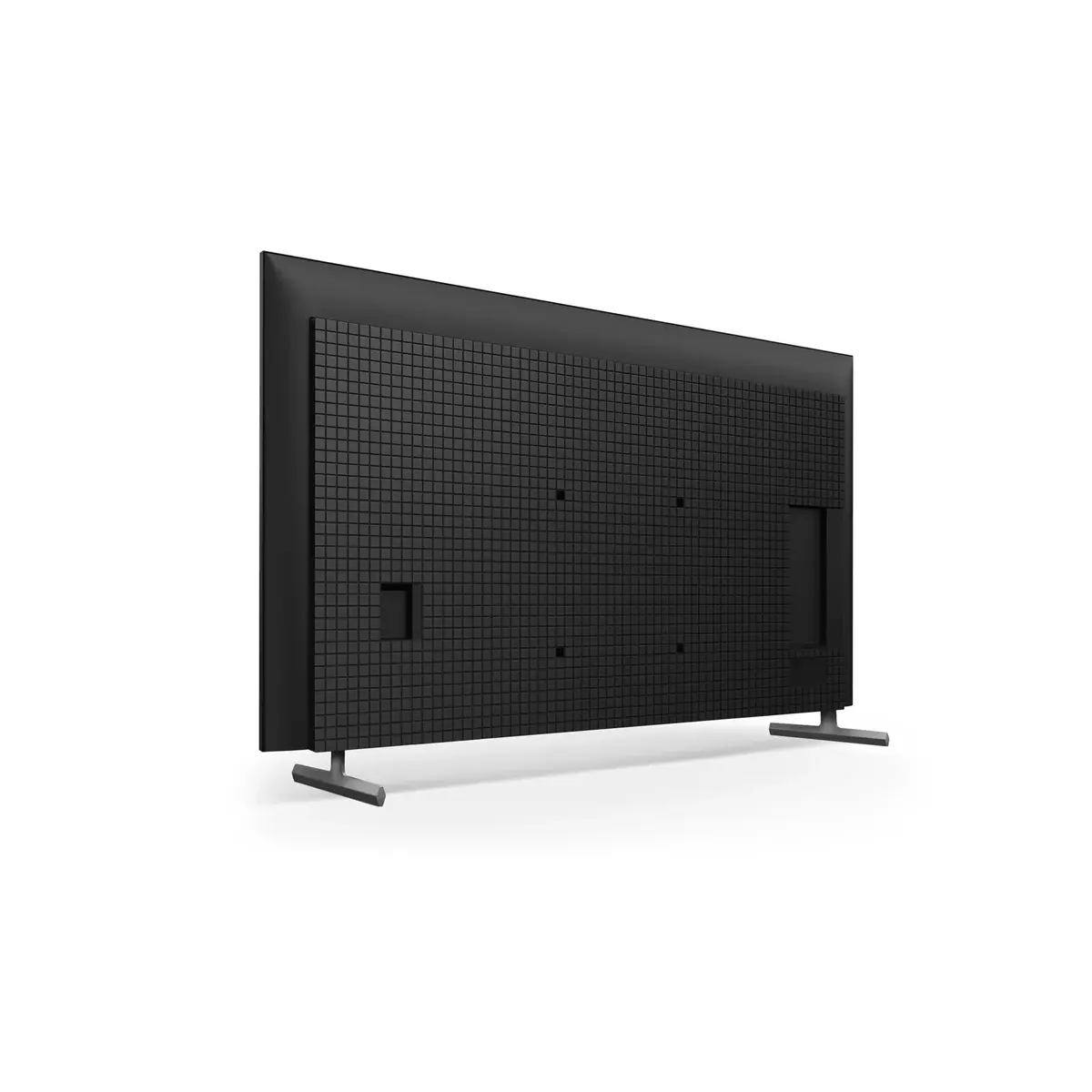
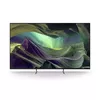
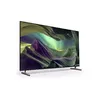
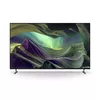
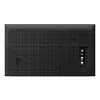
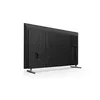
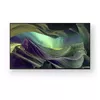
Sony TV KD75X85L 75" LED 4K UHD
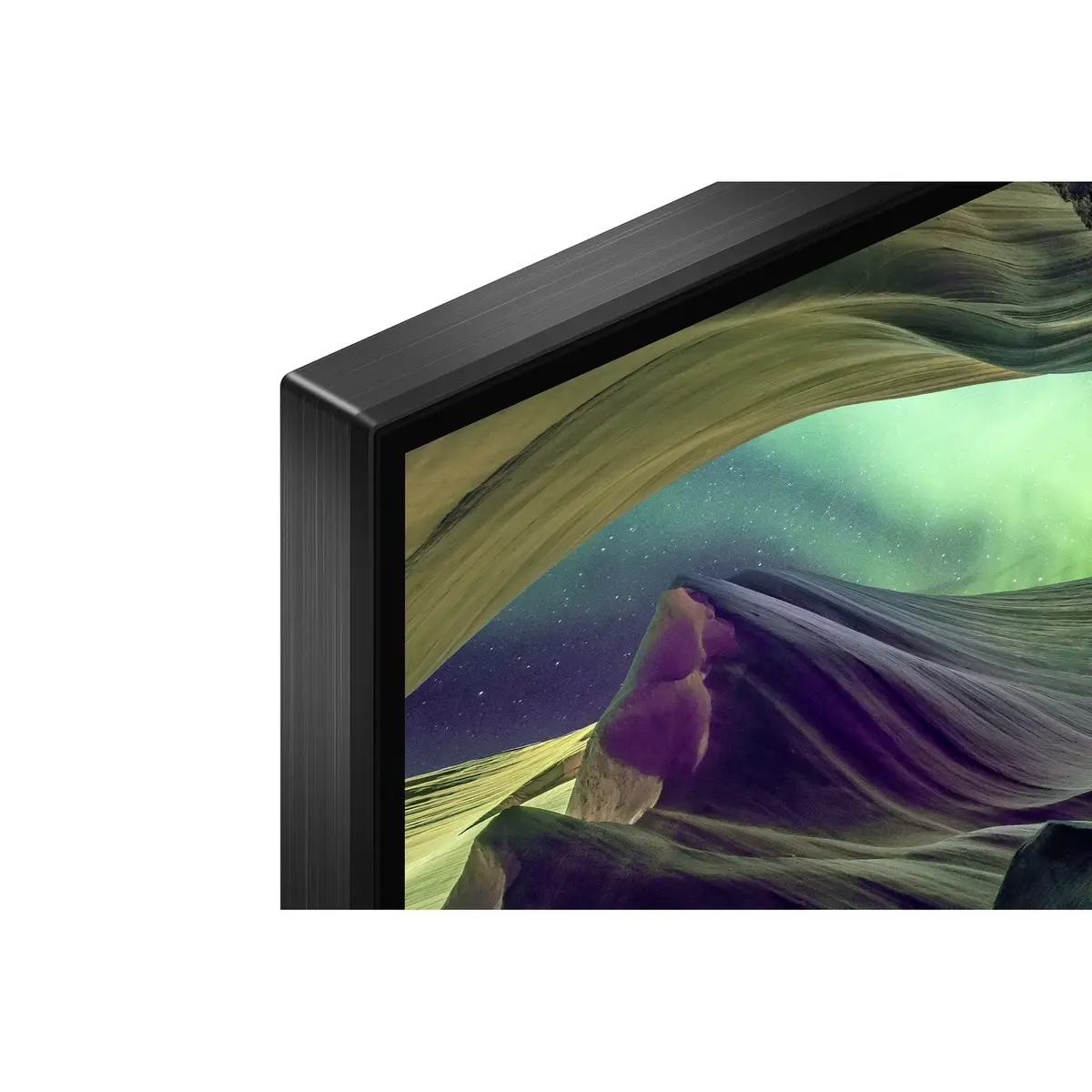
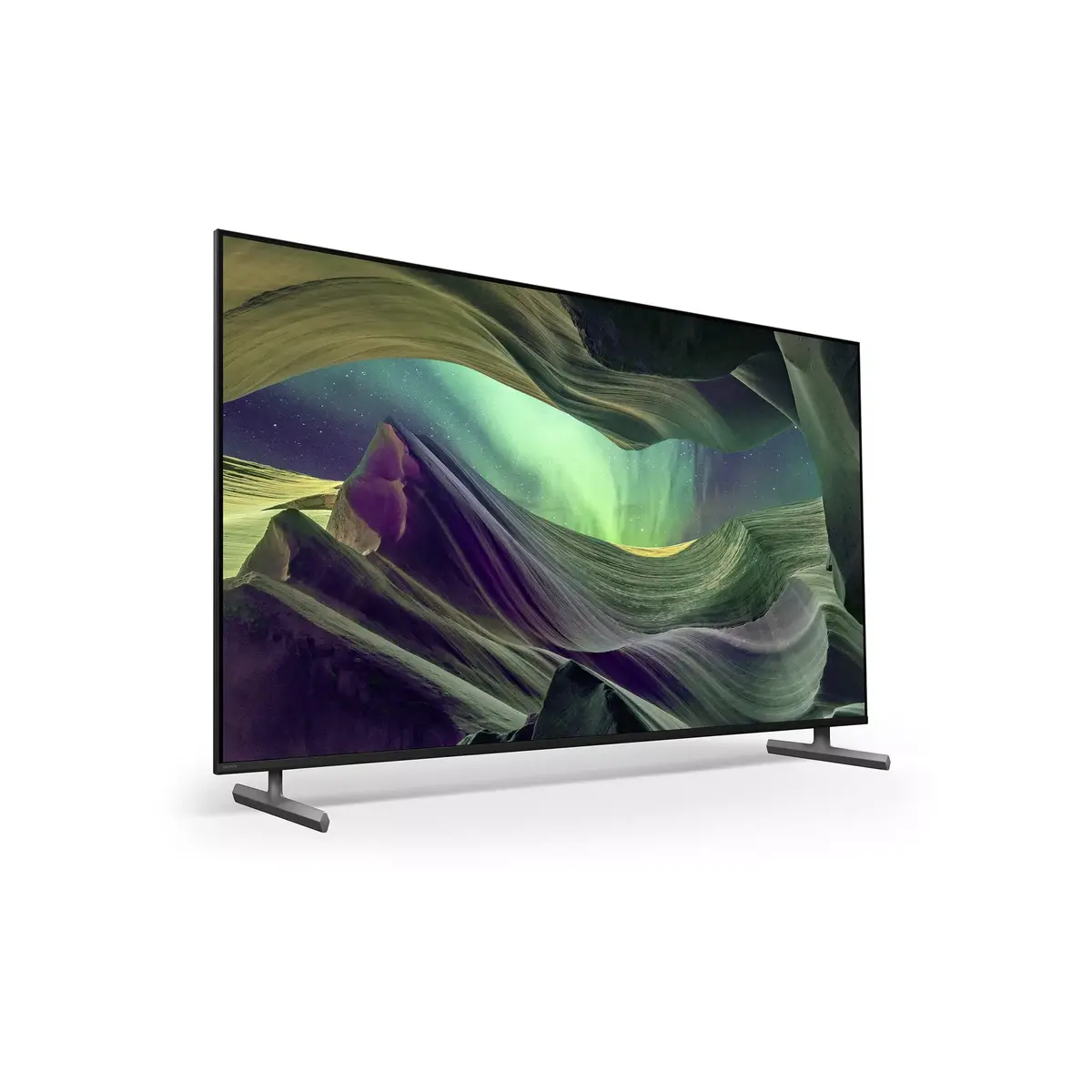
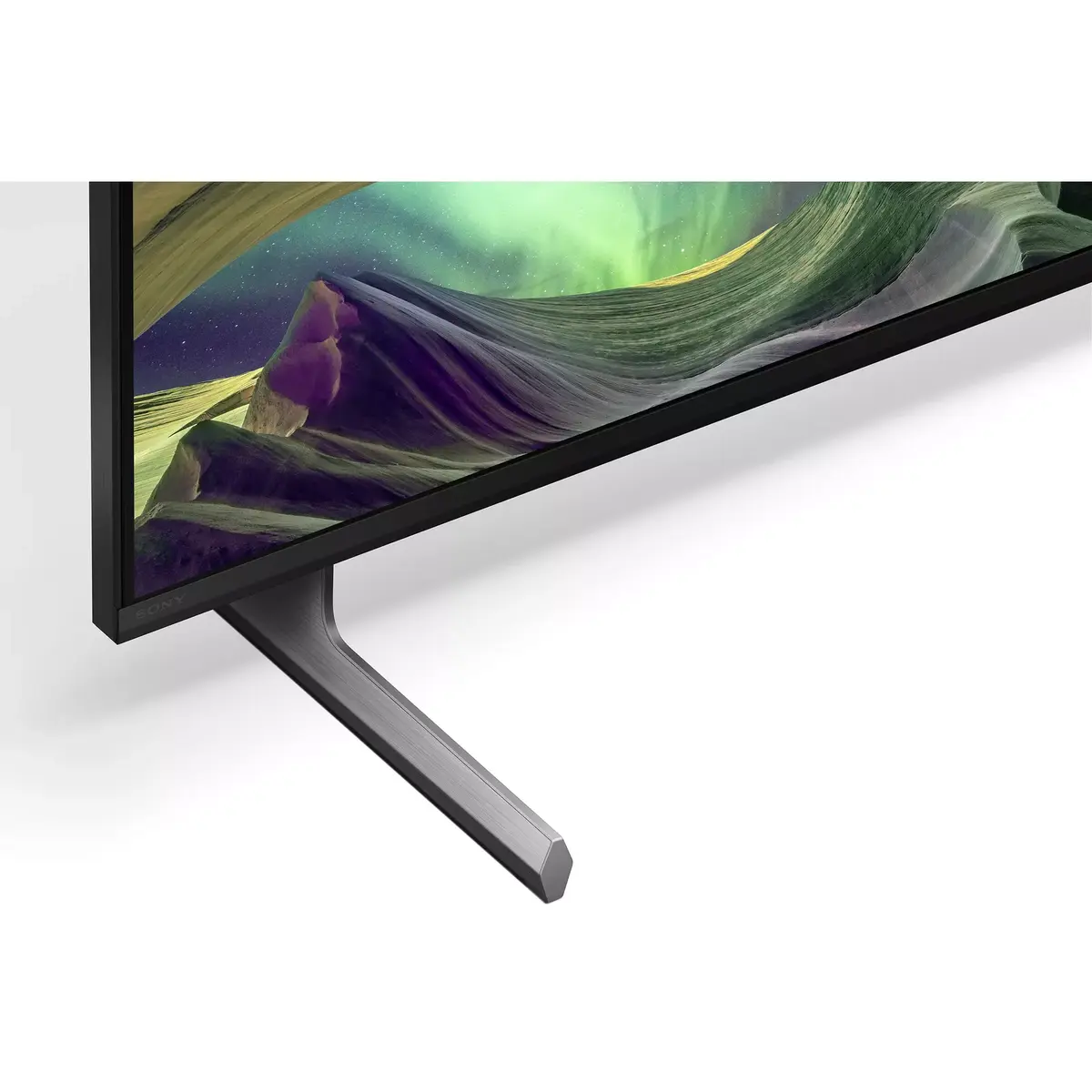
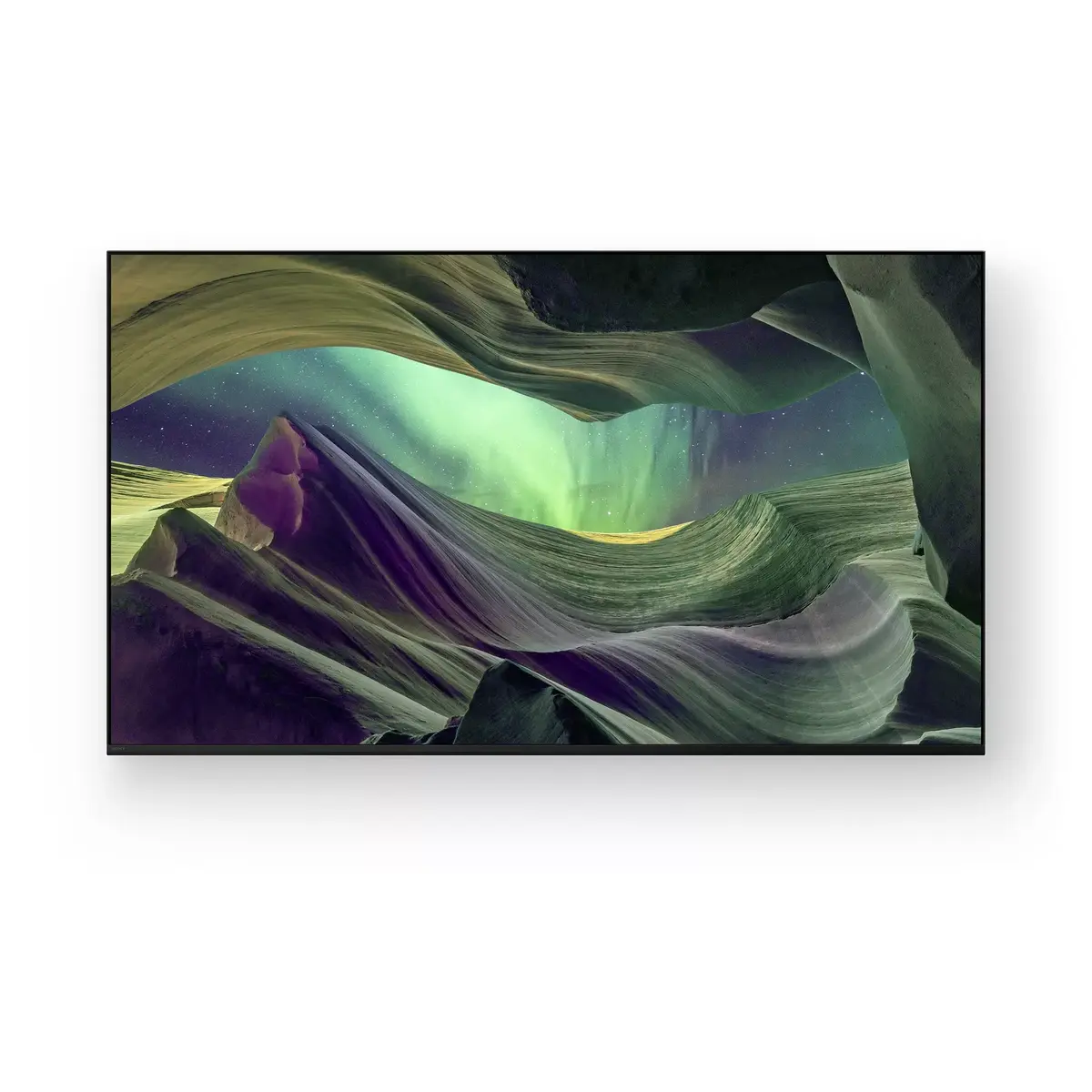
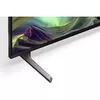
Sony BRAVIA KD-75X85L is a 4K HDR Full Array LED Google TV designed for sports, movies and gaming. The Full Array LED backlight and X1 Processor deliver bright, high-contrast images with rich texture and accurate colour. Dolby Vision and Dolby Atmos support enhances picture depth and immersive sound, while the X-Balanced Speaker units provide clear audio without compromising the slim design. The Seamless Edge Bezel and two-way slim wedge stand suit various interiors and furniture widths.
The Full Array LED display improves brightness and contrast across the screen, making fast sports scenes look smooth and realistic. The X1 Processor analyses content in real time to reveal more detail and texture. Dolby Vision expands colour and contrast while Dolby Atmos provides surround-like sound. X-Balanced Speaker units maintain clear audio in a slim TV form factor. Gaming-friendly features include 4K/120fps support, Auto Low Latency Mode (HDMI 2.1), Auto HDR Tone Mapping, VRR support and a dedicated Gaming Menu with Motion Blur Reduction, Black Equaliser, Crosshair and Custom Screen. Google TV gives access to 700,000+ movies and shows, and BRAVIA CORE offers hundreds of movies with up to five 4K HDR redemptions and 12 months of unlimited streaming for BRAVIA owners.
Place the TV on a stable surface or mount it following the manufacturer’s instructions. Connect sources such as set-top boxes, game consoles or media players to the HDMI ports; when a supported console is detected the TV will switch to Auto Low Latency Mode for responsive gameplay. Use Google TV to browse streaming apps and sign in to your services; launch the BRAVIA CORE app to redeem eligible movies and start streaming. For voice control, enable Voice Search and follow on-screen setup to link with your Google account and compatible smart home devices. Adjust picture and sound settings or use Auto Genre Picture Mode to let the TV optimise settings automatically for gaming, movies or sports.
For best results position the TV where ambient light does not create direct reflections, enable Auto HDR Tone Mapping for improved contrast in high-contrast scenes, and connect compatible HDMI 2.1 cables for 4K/120fps gaming. Use the Eco Dashboard to reduce power consumption when desired and consider BRAVIA CAM for video calls (sold separately).
{{highlightedFeature.featureTitle}}:
{{getProductFeatureValueById(product, highlightedFeature.featureId)}}
{{ productComparisonGenerationError }}
Device manufacturer code
Device manufacturer
iagonal of the visible part of the screen expressed in centimeters and inches.
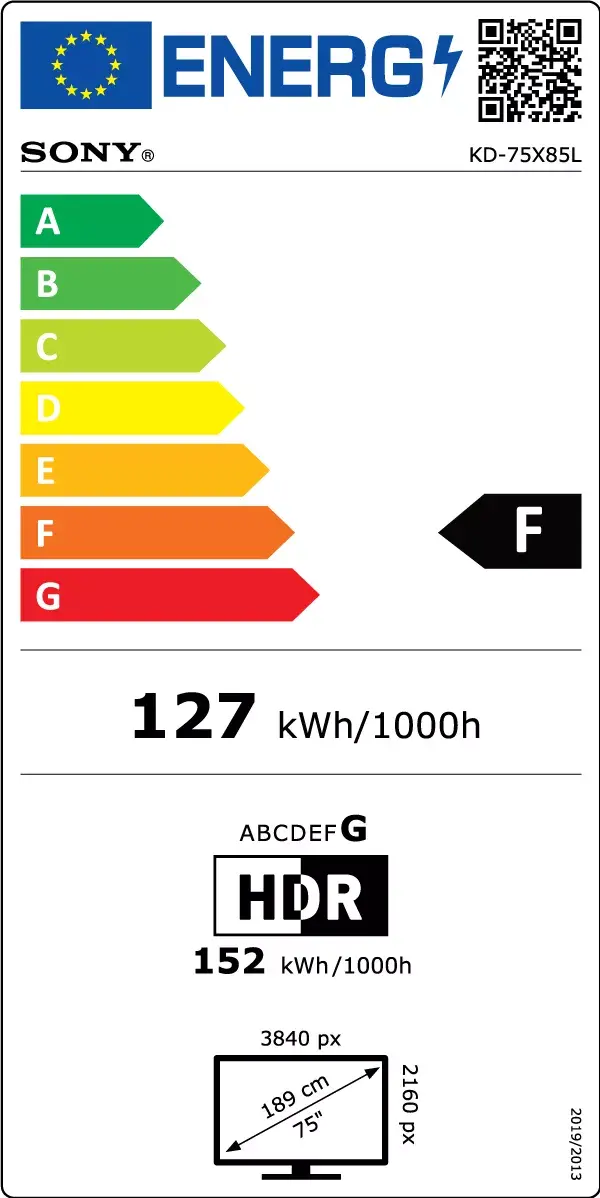
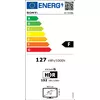
Energy efficiency class is a standard classification that is used all over Europe and which is understandable at first sight. Products can be efficiently compared according to classes, starting from A (the most energy efficient class), and ending with G (the most energy-intensive class). The classification of energy efficiency is based on annual energy consumption which is being calculated on the basis of several different parameters.
Power consumption in switched-on state expressed in W.