JBL speakers and headphones for pure and deep sound!
In cart {{totalProductsCount}} item(s)
Your cart is empty
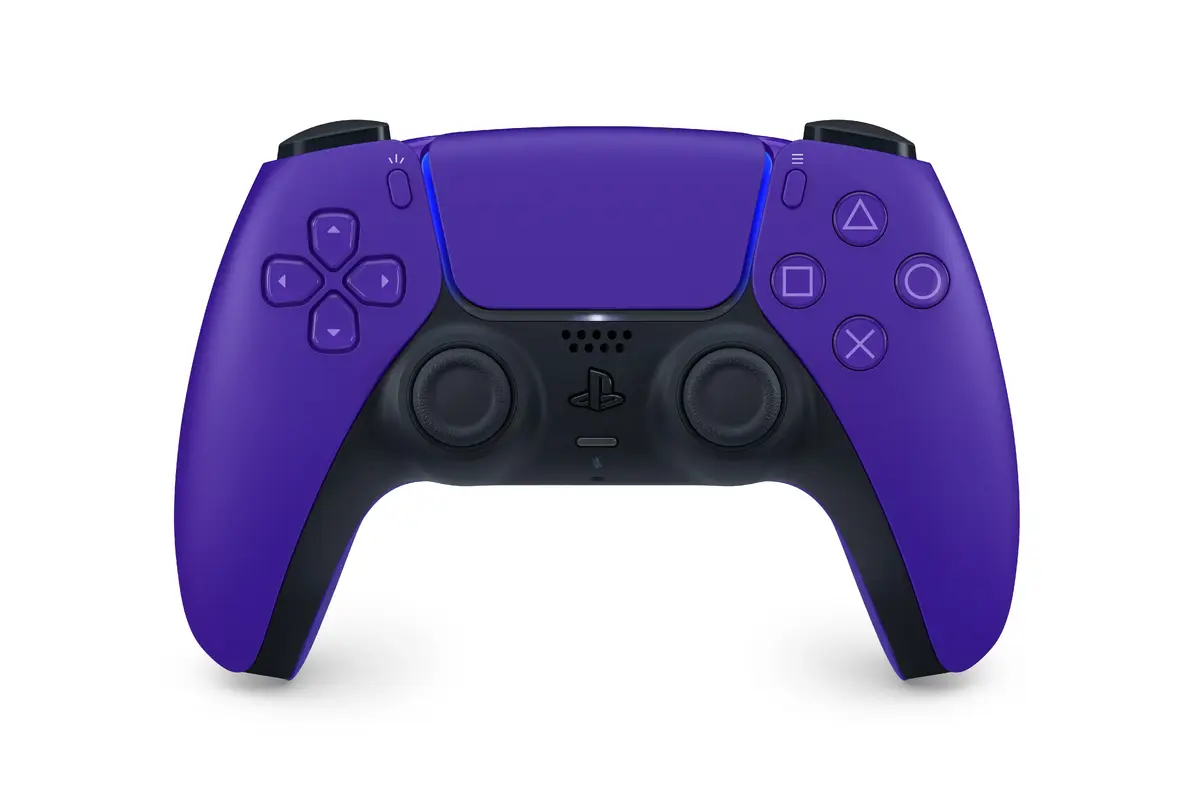
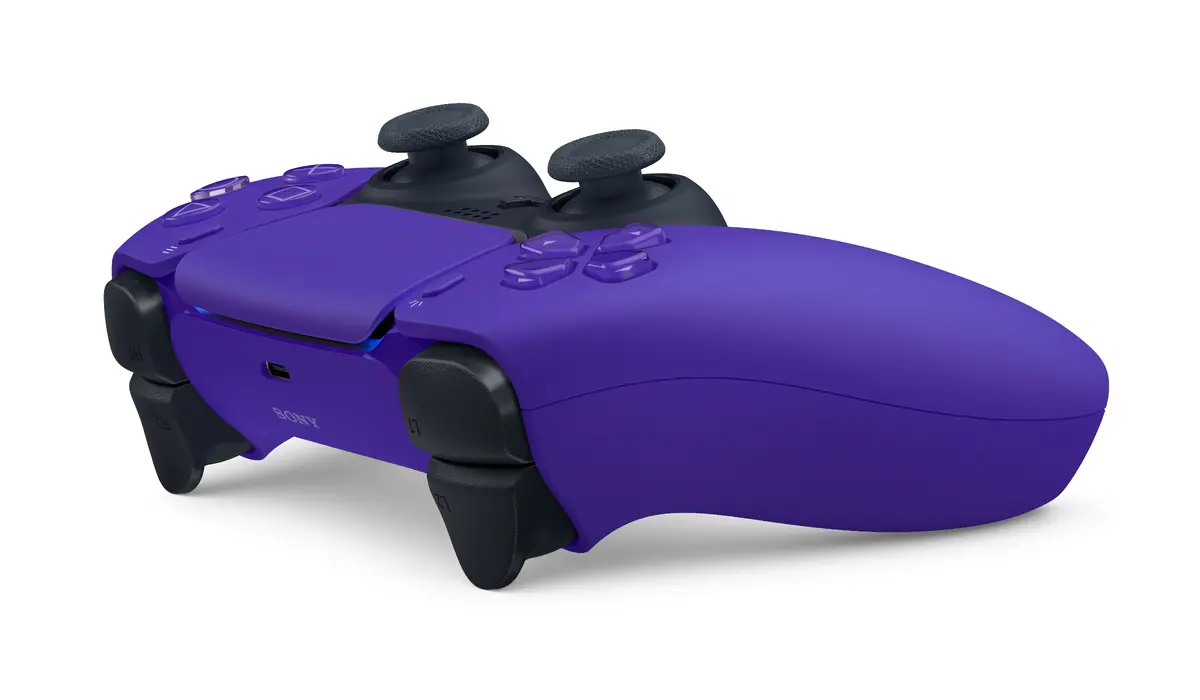
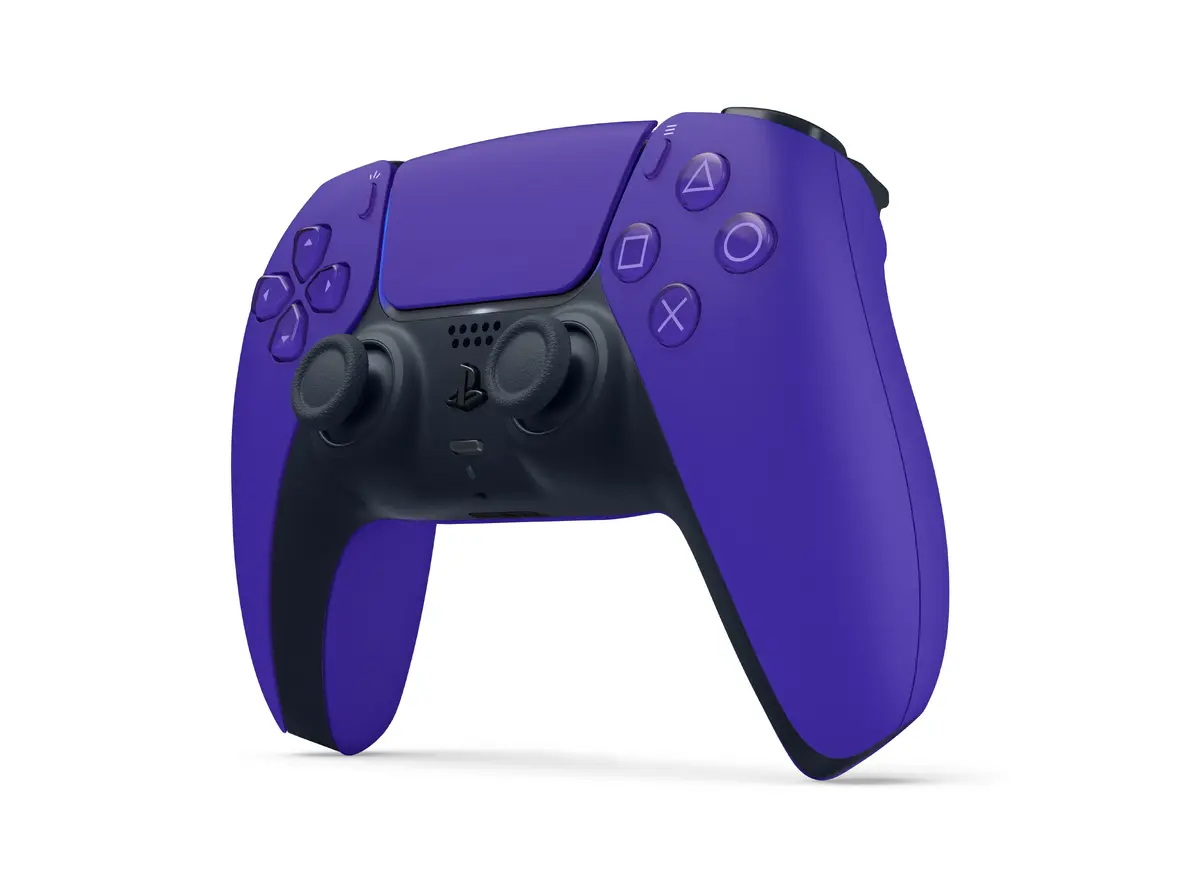
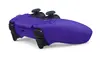
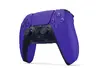
Sony DualSense Wireless Gamepad for PlayStation 5, Black and Purple
The Sony DualSense Wireless Gamepad for PlayStation 5 in black and purple is a high-performance controller engineered to provide a deeply immersive gaming experience. Designed specifically for the PlayStation 5 console, this gamepad combines ergonomic comfort with advanced control precision, allowing players to interact with their games in a more tactile and responsive way. Whether you are playing fast-paced action titles or expansive open-world adventures, this controller offers the reliability and performance required for modern gaming.
This controller stands out due to its versatile connectivity options, supporting both wireless Bluetooth and wired USB Type-C connections to suit your specific setup. The dual-tone black and purple aesthetic provides a distinct look that complements the modern design of the PlayStation 5. With its integrated battery, you can enjoy extended gaming sessions without the constant need for cables, while the precise analogue and digital controls ensure that every input is registered accurately. The inclusion of dedicated menu and microphone mute buttons adds convenience, allowing for quick adjustments during gameplay without interrupting your focus.
This controller is specifically optimized for the PlayStation 5 ecosystem. It may not be suitable for users looking for a primary controller for other gaming platforms or older console generations, as its advanced features are designed to integrate directly with the PlayStation 5 hardware.
To use the controller wirelessly, ensure it is charged via a USB Type-C cable connected to your console. Once charged, press the PlayStation button to pair it with your console via Bluetooth. For wired use, simply connect the controller directly to the console using a compatible USB cable. The controller will automatically be recognized by the system, allowing you to navigate menus and start your games immediately. Use the dedicated mute button to toggle your microphone status during online sessions.
For optimal battery longevity, it is recommended to charge the controller fully before its first use and to avoid leaving it in a completely discharged state for extended periods. Keep the controller in a cool, dry place when not in use to maintain the integrity of the analogue sticks and buttons.
{{highlightedFeature.featureTitle}}:
{{getProductFeatureValueById(product, highlightedFeature.featureId)}}
{{ productComparisonGenerationError }}