
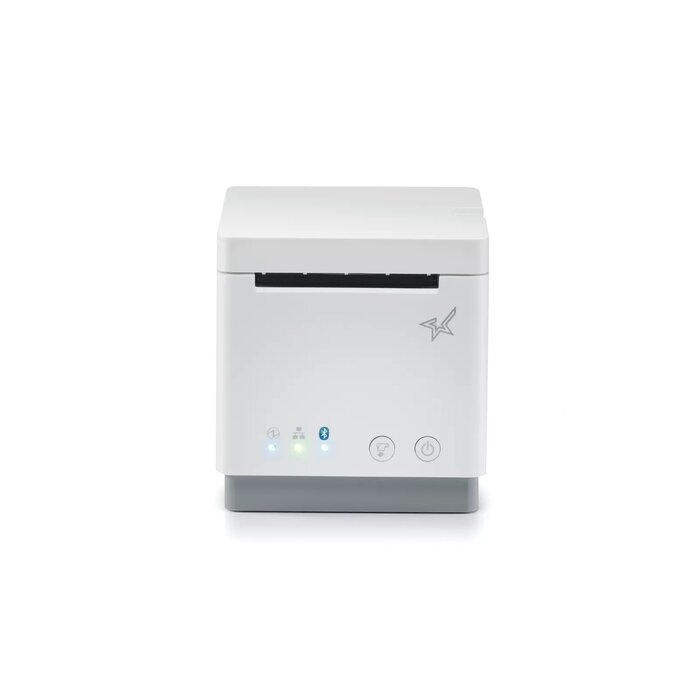
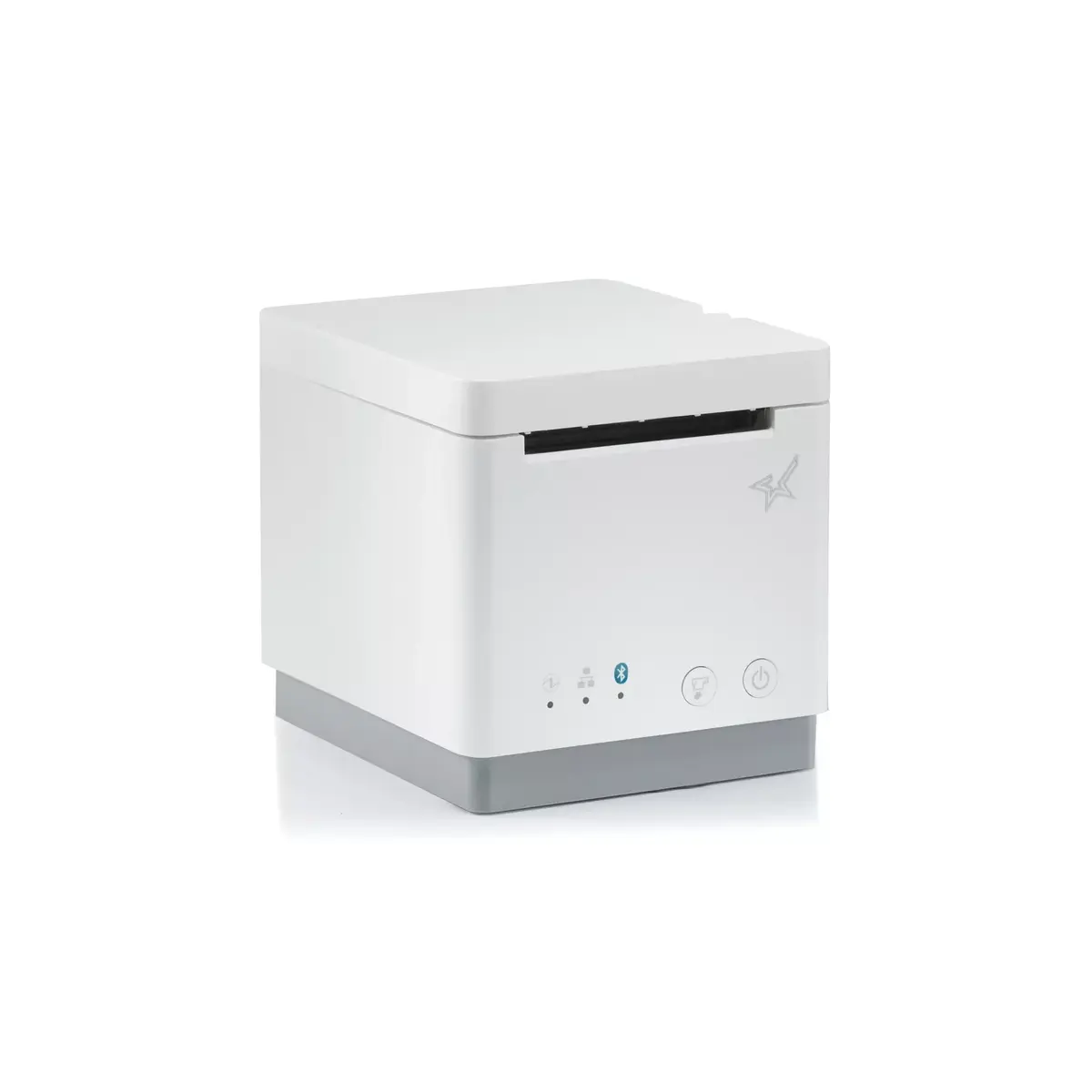
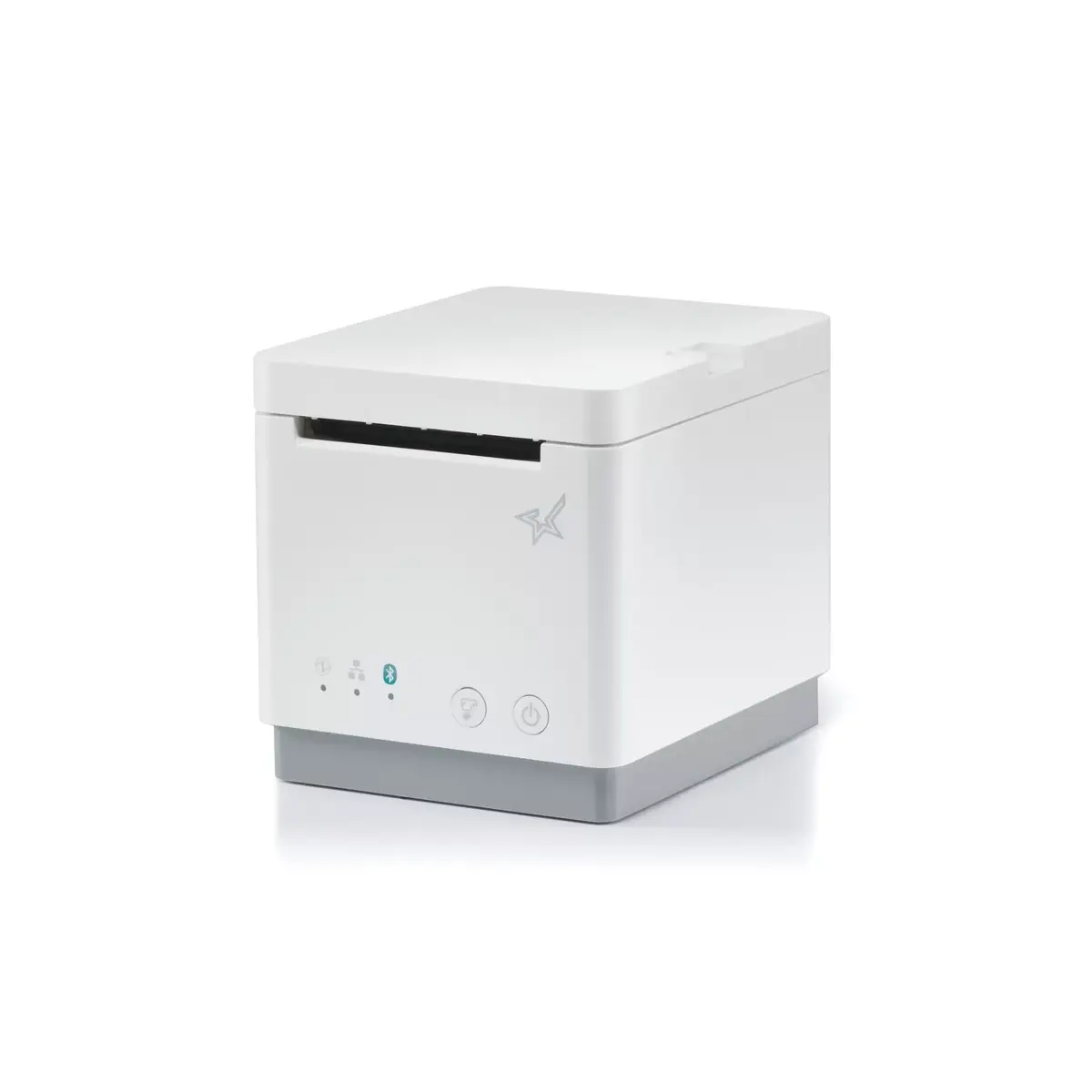
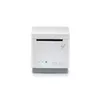
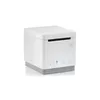
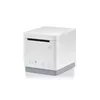
POS printer Star Micronics mC-Print2
{{selectedOffer && selectedOffer.price | formatAmount}}
{{selectedOffer && selectedOffer.price | formatAmount}}
Offer for legal entity, cashless payment.
Why is an item available only for a legal entity?
This is due to long delivery times and limited product warranties.
This is due to long delivery times and limited product warranties.
Short description
The Star Micronics mC-Print2 is a versatile thermal POS printer with a maximum resolution of 203 x 203 DPI. It supports both wired and wireless connectivity, featuring a USB Type-C connector. This printer accommodates media thickness from 0.053 to 0.075 µm and has a maximum roll diameter of 5 cm, with a supported paper width of 58 mm. Its autocutter durability is rated for 2 million cuts, making it a reliable choice for high-volume environments. Available in white, it combines functionality with a sleek design.


Cheapest delivery:
Unisend LV
Pick-up points
Unisend LV
Cost
1.99 €
Deliver
{{selectedOffer.parcelStationDeliveryString}}
- Delivery country: {{ userCountryName }}
Customer service center
2b. Kengaraga str., Riga, Latvia, LV-1063
29.10.2026
{{selectedOffer.officeDeliveryString}}
free
Courier Delivery
Please note that in case of a large parcel additional delivery costs may apply!
From 4.99 € (Weight: 0.80 kg)
Parcel couriers
Unisend LV / Venipak Pickup LV / Venipak Locker LV / DPD Paku skapis / Omniva LV / Latvijas Pasts pakomāts / Latvijas Pasts nodaļa
03.11.2026
{{selectedOffer.parcelStationDeliveryString}}
From 1.99 €

Payment Methods:
Cash payment, Bank transfer, Bank cards on-line, Apple Pay, Google Pay
Available for private customers at price 353.99 €:
2 pcs.


