


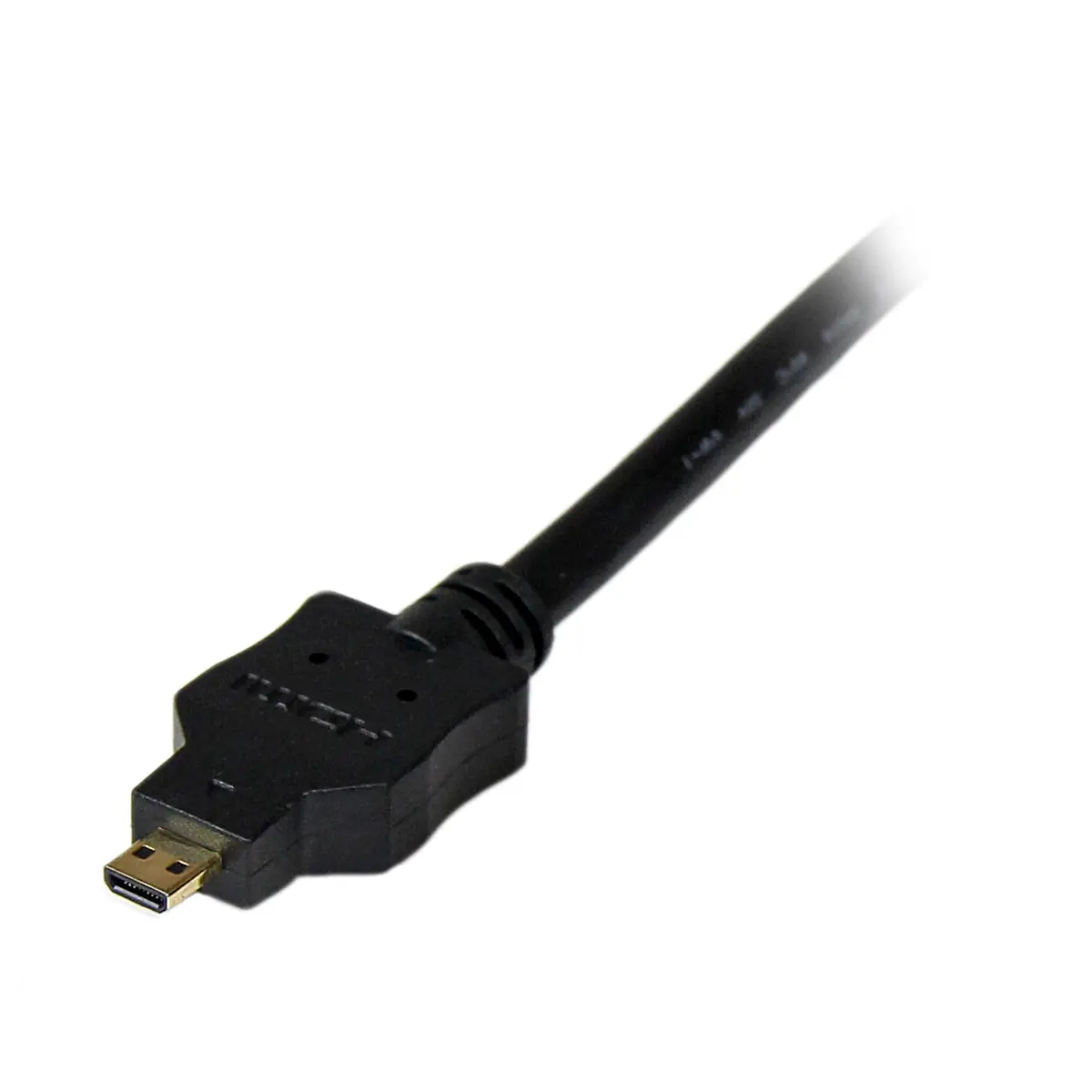
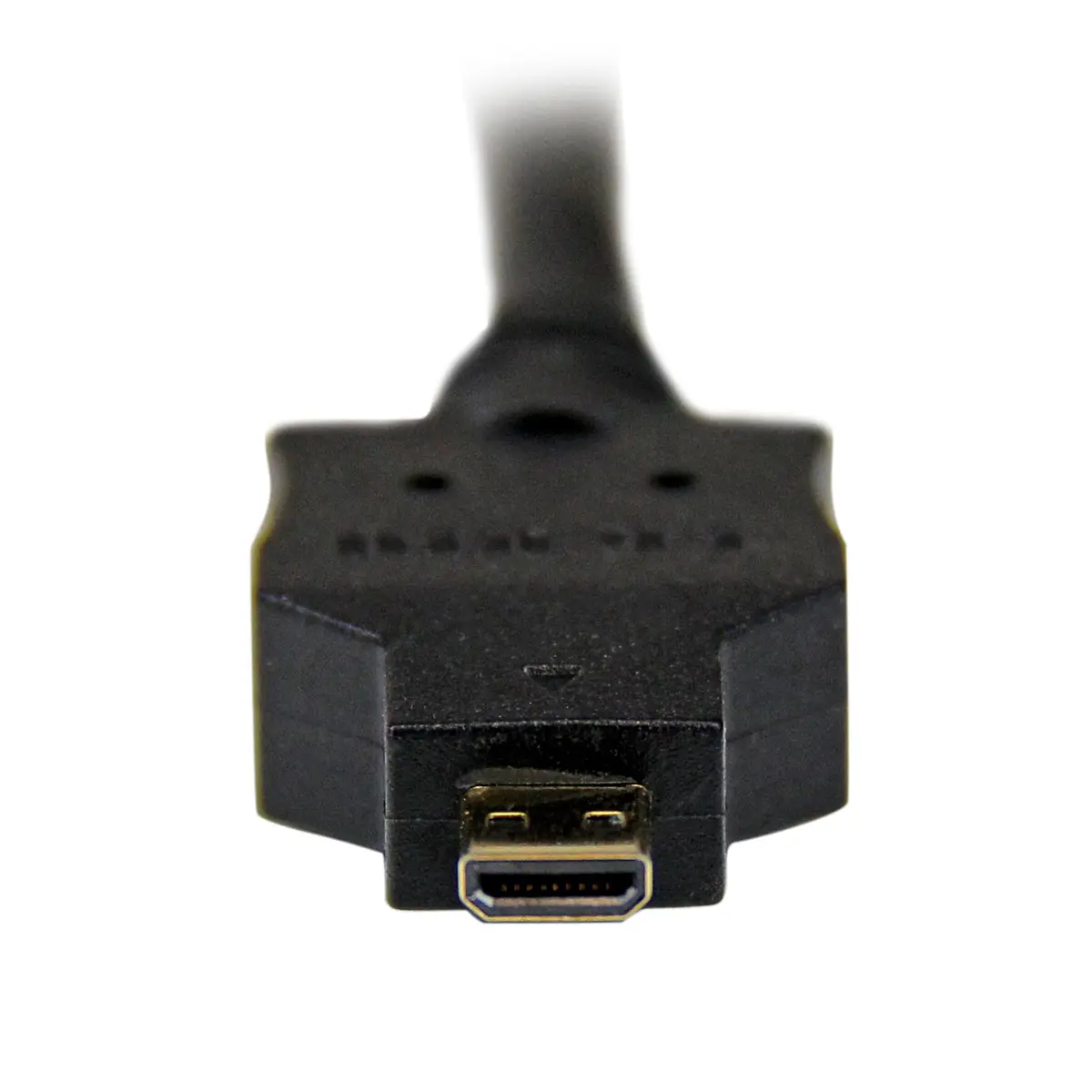
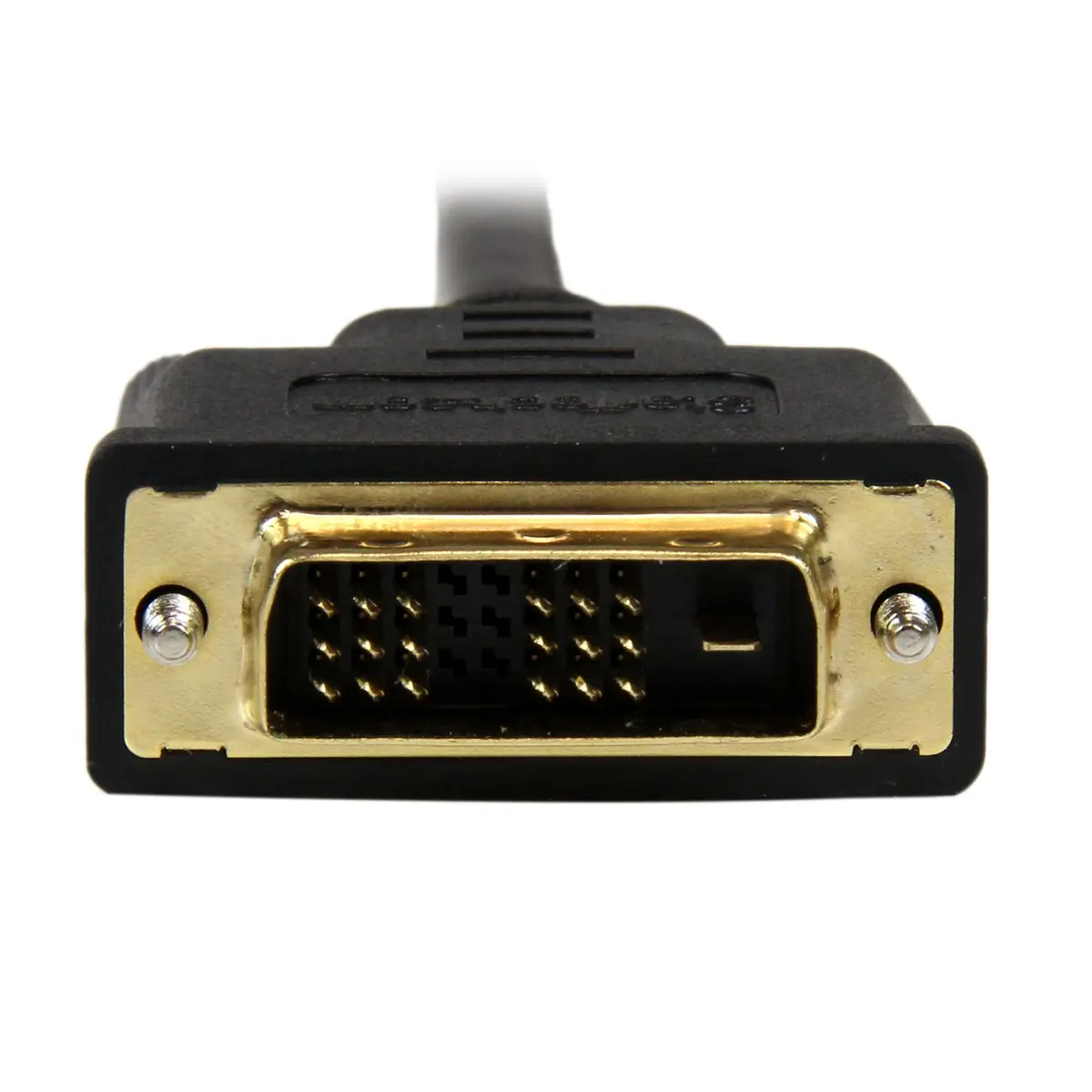
StarTech HDDDVIMM1M 1m Micro-HDMI to DVI-D Cable Male-to-Male Black 1920 x 1200 Resolution


Offer for a legal entity, non-cash payment.
Short description

Cheapest delivery:
Unisend LV
Product information
Description
The StarTech HDDDVIMM1M 1m Micro-HDMI to DVI-D cable is a reliable video connection solution designed to link modern mobile devices equipped with a Micro-HDMI output to displays, monitors, and projectors featuring a DVI-D single link interface. Measuring one meter in length, this male-to-male adapter cable facilitates seamless signal transmission from portable electronics to larger stationary screens, making it well-suited for office presentations, extended desktop workstations, and home viewing environments.
Advantages
This adapter cable is built with durable materials, featuring a resilient black PVC jacket that provides physical strength and protects internal wiring against regular wear. The integrated gold-plated contacts resist corrosion and help maintain stable signal transfer over time, ensuring clear visual output. Additionally, the cable supports high-definition video resolutions up to 1920 x 1200 pixels at 60 Hz, delivering sharp imagery for documents, photos, and video playback on compatible external displays.
Suitable for
- Connecting tablets with Micro-HDMI ports to external desktop monitors
- Displaying smartphone media on DVI-D projectors for meetings
- Setting up dual-monitor workstations using portable cameras or mini PCs
- Presenting video content from digital cameras on larger screens
When it may not be suitable
This cable is not suitable for setups that require audio transmission, as the DVI-D standard carries video signals exclusively and does not support sound. Furthermore, it will not function with HDMI standard or Mini-HDMI ports without separate adapters, as it is physically restricted to Micro-HDMI Type-D interfaces.
Key specifications
- Maximum resolution: 1920 x 1200
- Cable length: 1 m
- Connector 1: Micro-HDMI (Male)
- Connector 2: DVI-D (Male)
- Product colour: Black
How to use
Ensure that both your source device and the target display are powered off before making any physical connections. Plug the Micro-HDMI male connector into the corresponding Micro-HDMI port on your smartphone, tablet, or camera. Then, connect the DVI-D male connector to the DVI-D input port on your monitor, television, or projector, and secure the connection using the integrated screws if applicable. Power on your devices and configure the display settings on your source electronics to extend or duplicate your desktop screen.
What to consider before purchase
- Verify that your mobile device features a Micro-HDMI Type-D port rather than a standard HDMI or Mini-HDMI connector
- Check that your display or projector is equipped with a DVI-D single link input
- Keep in mind that DVI-D transmits video only, requiring a separate audio cable if sound output is needed
Usage recommendations: Avoid tightly coiling or sharply bending the cable near the connector ends to preserve internal wiring integrity. Route the cable away from heavy foot traffic areas to prevent accidental strain or tripping hazards during daily operation.
Features
- Maximum resolution:
- 1920 x 1200
- Connector 1 gender:
- Male
- Connector 1:
- Micro-HDMI
- Cable length:
- 1 m
- Connector 2 gender:
- Male
- Connector 2:
- DVI-D
- Product colour:
- Black

Stock data
| Warehouse | Stock | Delivery to the store | Store Price | |
| EU9 | 2 | 07.12.2026 | 7.49 € | Add to cart |
| WH109 | 2 | 21.12.2026 | 8.49 € | Add to cart |
- 7.49 €Stock: 2Delivery Date: 07.12.2026Warehouse: EU9Add to cart
- 8.49 €Stock: 2Delivery Date: 21.12.2026Warehouse: WH109Add to cart


