
Dreame vacuums for fast and efficient cleaning!
In cart {{totalProductsCount}} item(s)
Your cart is empty
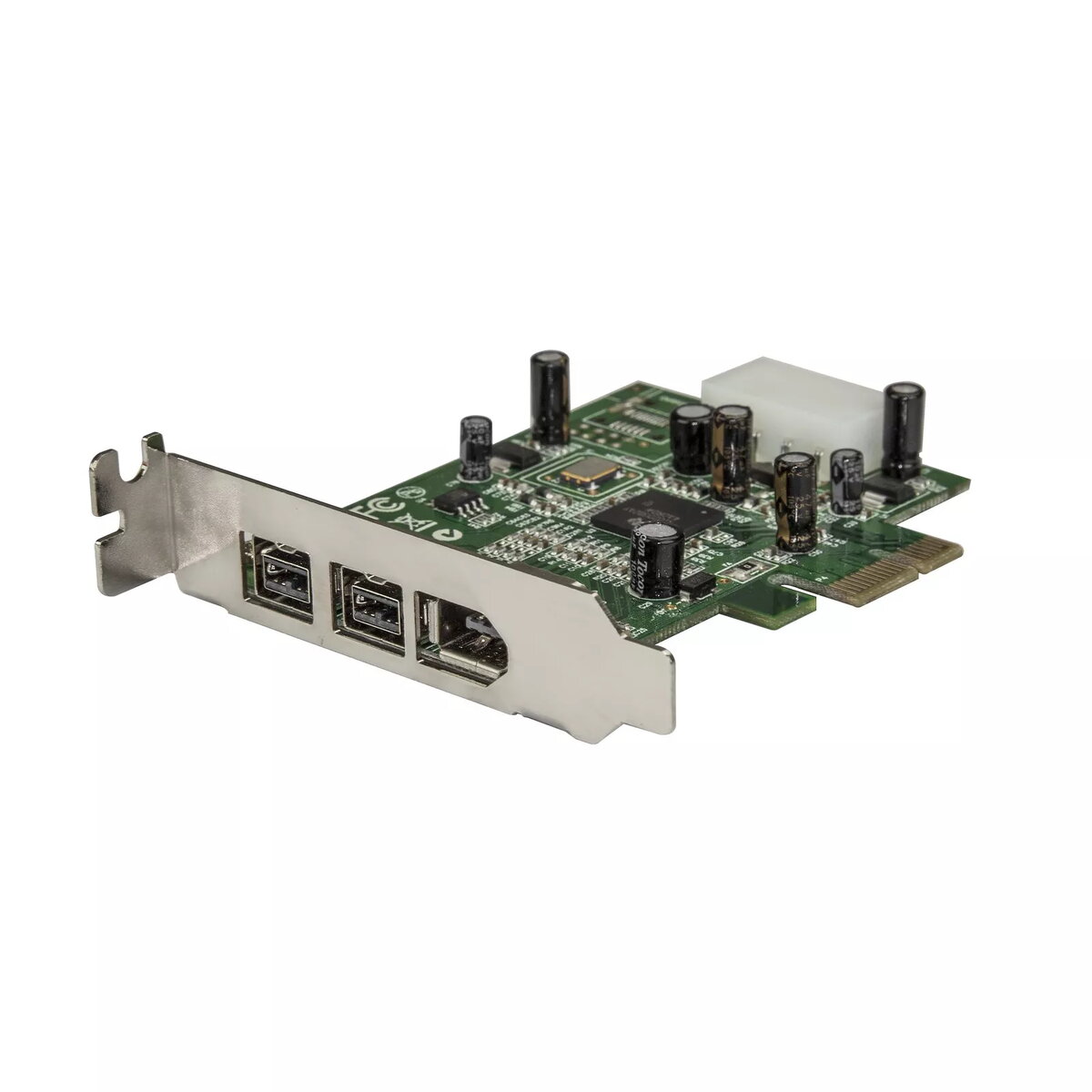
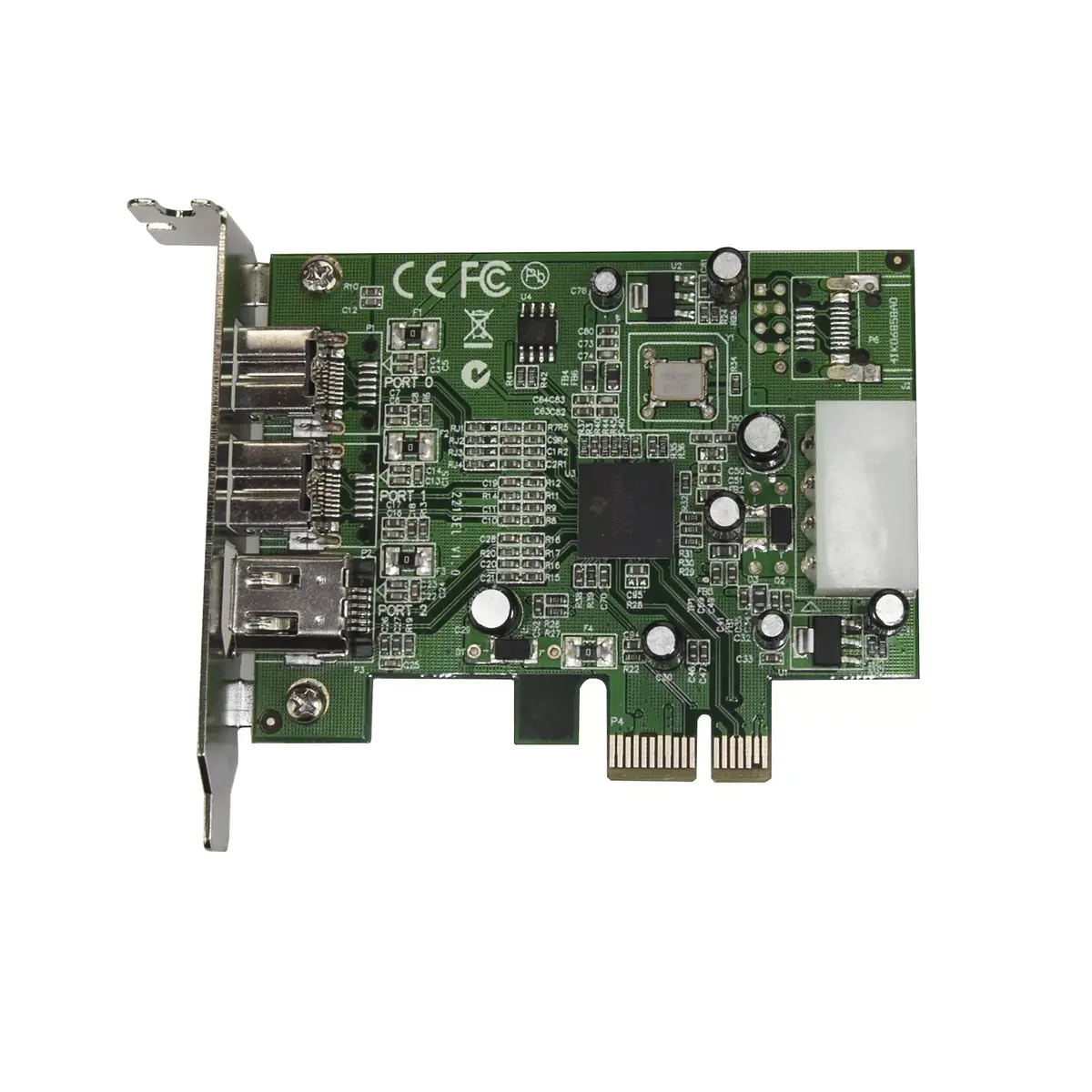
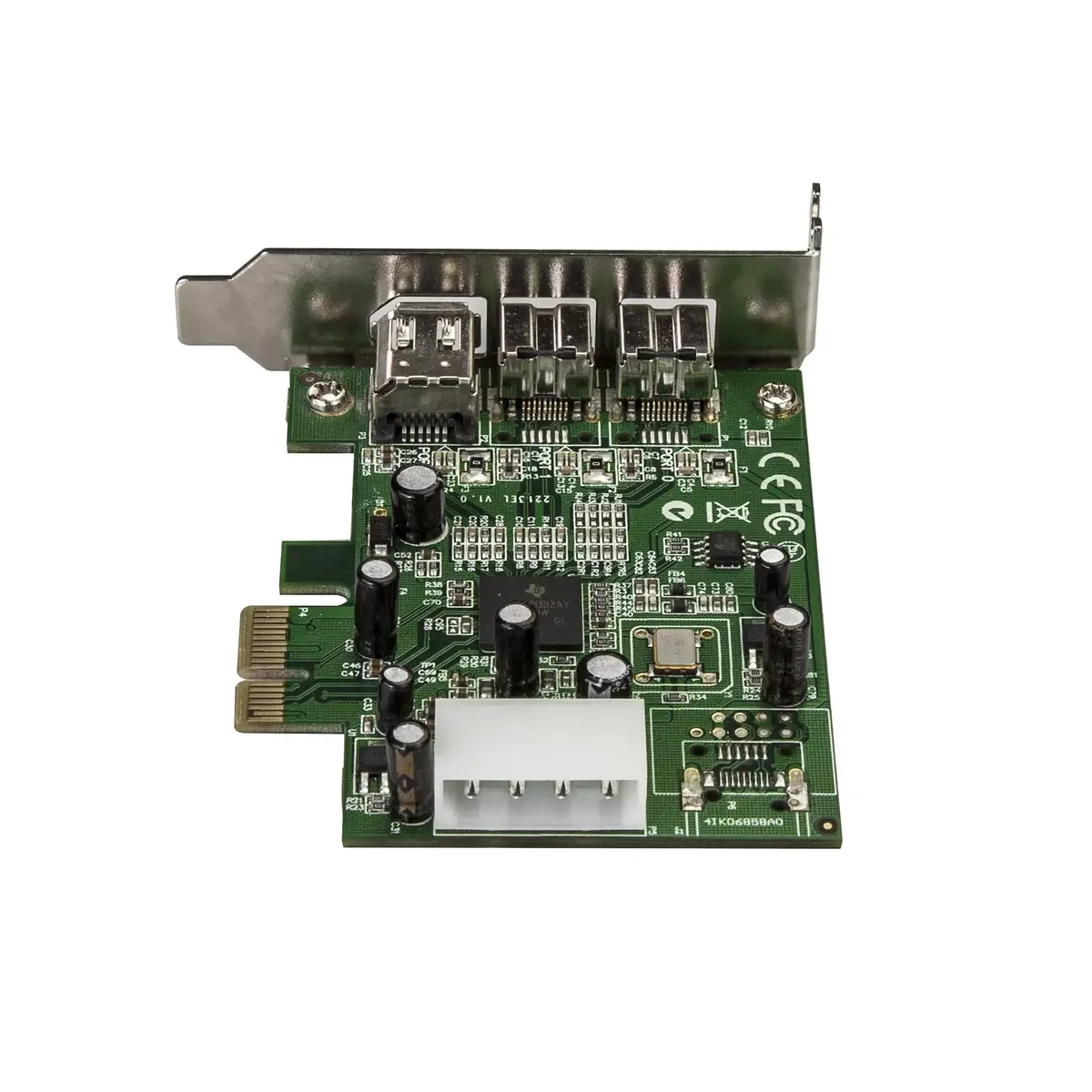
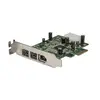
PCIe FireWire 3-Port (2b/1a) Low Profile Adapter by StarTech PEX1394B3LP, IEEE 1394, PCIe host
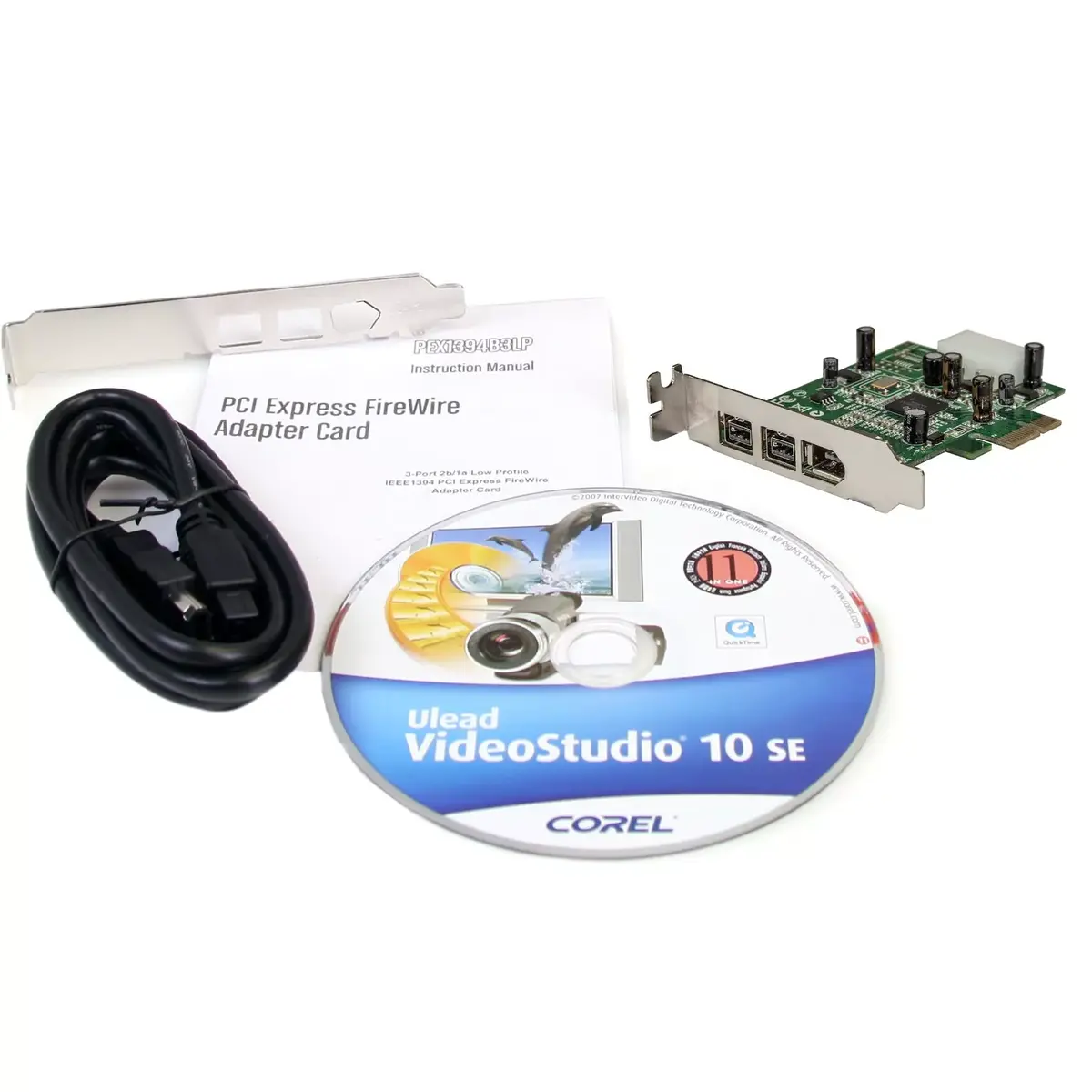
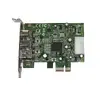
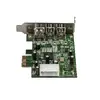
The StarTech PEX1394B3LP is a low-profile PCI Express FireWire expansion card that adds three IEEE 1394 ports to a desktop or small form-factor PC. Designed for internal installation, the card provides two IEEE 1394b (FireWire 800, 9-pin) ports and one IEEE 1394a (FireWire 400, 6-pin) port. It uses a native single-chip Texas Instruments XIO2213B chipset and connects to the system through a PCIe host interface, delivering transfer rates up to 0.8 Gbit/s. The adapter is compact (58 × 90 × 20 mm), finished in green, and includes a low-profile bracket with an optional full-height bracket for standard cases. This card is compatible with common desktop operating systems including Windows, Mac OS X and Windows Server editions.
The card provides native PCIe FireWire connectivity via a single-chip design, which offers dependable performance compared with bridge-based solutions. Its low-profile form factor and included full-height bracket make it suitable for both small form-factor systems and standard desktop cases. With two FireWire 800 ports and one FireWire 400 port, the adapter supports a wide range of legacy FireWire devices such as DV camcorders and external drives. The compact internal design and modest weight make it straightforward to install in constrained system interiors.
Power down the computer and disconnect it from the mains before installation. Remove the case cover and locate an available PCIe expansion slot. Fit the appropriate bracket (low-profile or full-height) and insert the card into the PCIe slot until it is seated firmly. Secure the card with the case screw, replace the cover, and reconnect power. Boot the system and install any required drivers for your operating system if not automatically recognized. After installation, connect FireWire devices to the 9-pin and 6-pin ports as needed and verify device functionality in the OS device manager or the relevant application.
Use shielded FireWire cables of appropriate length for reliable transfers and keep device firmware and OS drivers up to date. When capturing video from DV camcorders, ensure the host system has sufficient disk write performance and that the FireWire device is connected directly to the card to minimise dropouts.
{{highlightedFeature.featureTitle}}:
{{getProductFeatureValueById(product, highlightedFeature.featureId)}}
{{ productComparisonGenerationError }}